




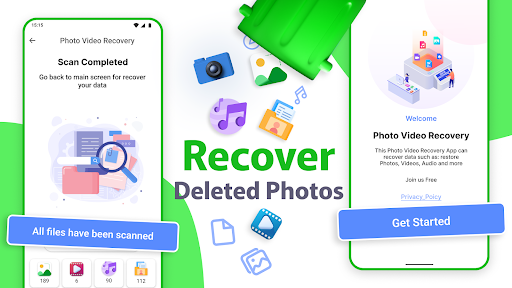
Introduction to Recover Deleted Photos App
The Recover Deleted Photos app offers users a reliable solution to safeguard their precious memories. Whether it’s photos, videos, or audio files, this app ensures that your data remains safe and recoverable. Known for its simplicity and efficiency, this data recovery tool is designed to help you restore recently deleted content with just a few taps. If you've ever accidentally deleted a cherished photo or video, this app provides peace of mind and a quick rescue option to retrieve lost files.
Key Features of the Recover Deleted Photos App
Easy and Fast Data Recovery
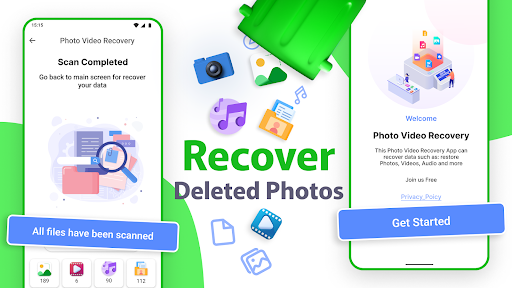
This photo and video recovery app allows you to recover recently deleted media in 2 simple steps. The process is streamlined so that even users with minimal technical knowledge can restore their files effortlessly. The app deeply scans both internal memory and external SD cards, ensuring no photo or video is beyond reach.
Support for Multiple Formats
The app supports a wide range of image, video, and audio formats, making it versatile for all types of media files. Whether you accidentally deleted a high-resolution image, a video clip from a special event, or an audio message, this tool can recover them all.
Recovery Without Root Access
One of its impressive features is that recovering deleted files does not require root, making the process safe and accessible for all users. This means you can restore your files quickly without complex device modifications.
Supports External and Internal Storage
In addition to internal storage, the app is capable of retrieving files from SD cards, providing comprehensive recovery options for devices supporting external storage.
Recycle Bin-Like Functionality
This app works as a virtual Recycle Bin, allowing you to view, manage, and restore deleted content easily. It acts as an effective safety net for accidental deletions, giving you a second chance to recover lost memories.
Why Use the Recover Deleted Photos App?
Imagine the disappointment of losing an irreplaceable wedding photo or a cute pet picture. The Recover Deleted Photos app is designed precisely for such moments, transforming digital disasters into recovery opportunities. Its powerful scanning algorithm ensures even those files that were recently deleted are recoverable, whether due to accidental deletion or device reset.
With this photo recovery tool, you can quickly retrieve photos and videos that might have seemed lost forever. The app's user-friendly interface makes the recovery process straightforward, guiding you through just a couple of taps to restore your treasured media files.
This app also safeguards your memories by supporting a multitude of file formats, thus ensuring broad compatibility for various media types. Its ability to recover from both internal and external storage devices makes it an essential tool for all smartphone users.
How Does the Recover Deleted Photos App Work?
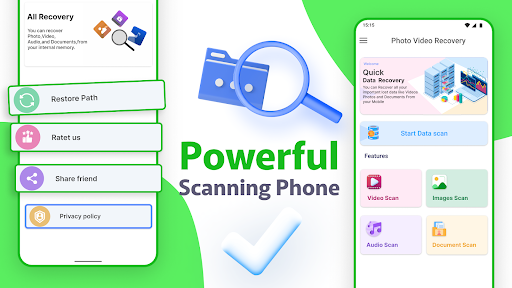
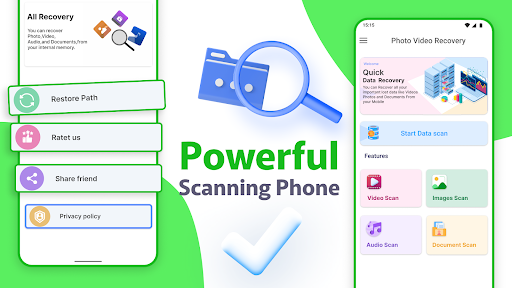
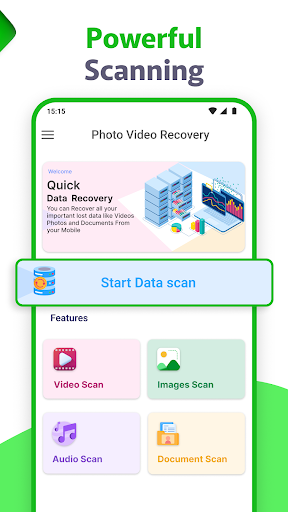
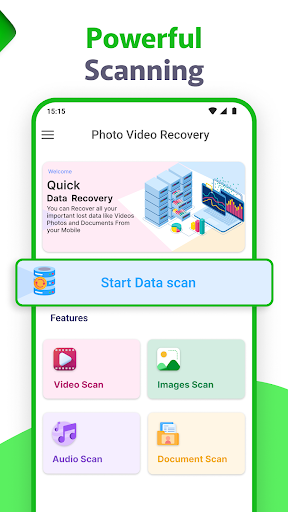
When you launch the Recover Deleted Photos app, you'll encounter a clean, intuitive interface that makes recovery easy for everyone. To begin, simply press the scan button, and the app meticulously searches your device’s storage to locate recoverable files.
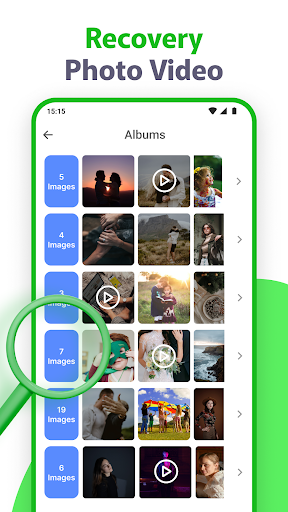
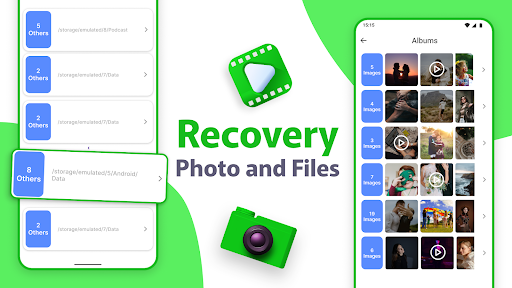
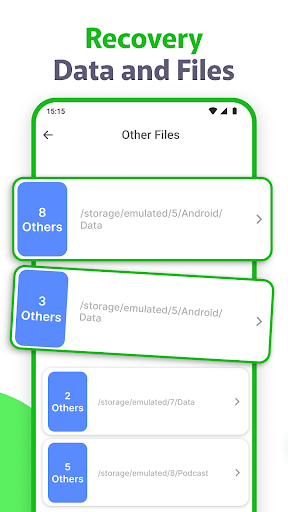
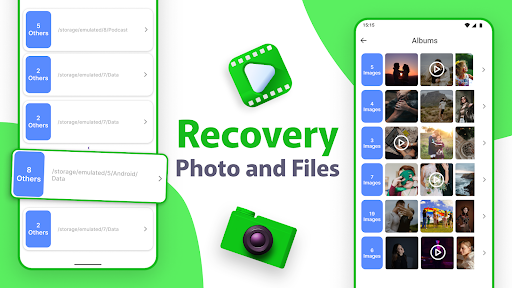
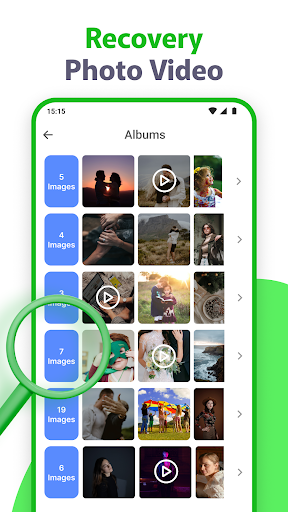
Once the scan completes, it categorizes the recovered items, allowing you to quickly browse through and select only the files you want to restore. Whether you deleted a photo yesterday or weeks ago, the app's efficient algorithms increase the chances of successful recovery.
Practical Benefits and Use Cases
This photo recovery app is especially valuable after accidental deletions, factory resets, or data corruption. Its ability to deep scan your device ensures maximum retrieval of lost files, making it suitable for various scenarios:
- Accidentally deleting important family photos or videos
- Retrieving images from internal memory or SD cards
- Recovering media after device formatting or system errors
- Restoring deleted files without needing technical expertise
By choosing this deleted photo recovery app, users gain a reliable safeguard protecting their digital memories. Its ongoing updates and support further enhance its effectiveness, making it a trusted choice for everyone looking to recover their lost media files efficiently.
Conclusion
If you're worried about losing your valuable photos and videos, the Recover Deleted Photos app is your ideal solution. It combines ease of use with powerful recovery capabilities, ensuring that your digital memories are always within reach. Don't let accidental deletions cause stress—install this photo recovery tool today and keep your cherished moments safe, secure, and recoverable whenever necessary.
Pros
- User-friendly interface for easy navigation
- Rapid recovery of deleted photos
- Supports multiple file formats
- No backup needed for recovery
- Capable of recovering photos from SD cards
Cons
- Advertisements may be intrusive
- Limited features available in free trial
- Requires internet connection for full features
- Some photos might not be recoverable
- May cause slow performance on older devices











