
Introducing ProShot: The Ultimate Photography and Film Making Tool for Android
Experience professional-grade photography with ProShot, a comprehensive camera application designed for Android devices. Whether you're an expert photographer or just beginning your journey, ProShot provides an expansive set of features and a user-friendly interface that unlocks endless creative possibilities. One of the latest updates encourages users to try ProShot Evaluator first, allowing you to see which advanced features your device supports, ensuring optimal performance tailored to your hardware.
Impressive User Interface and Design
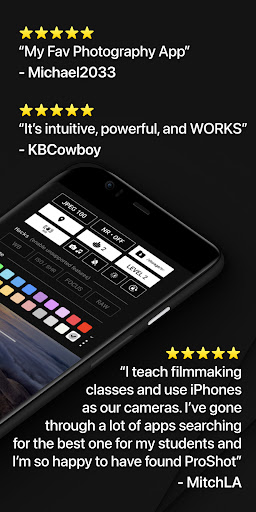
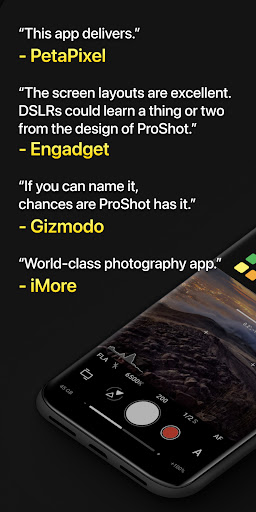
As Engadget notes, “The screen layouts are excellent. DSLRs could learn a thing or two from the design of ProShot.” Its intuitive layout makes complex manual controls accessible to photographers of all skill levels. Navigating through settings is seamless, with features like the unique Dual Dial system allowing quick adjustments of exposure, ISO, and shutter speed, catering to every shooting scenario from casual snapshots to professional-grade projects.
Advanced Manual Controls & Camera Settings
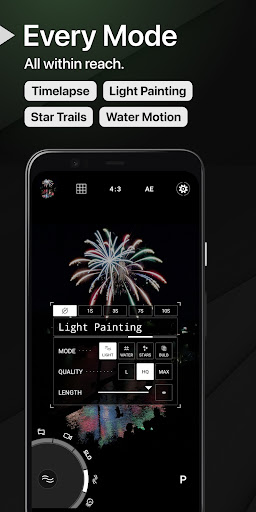
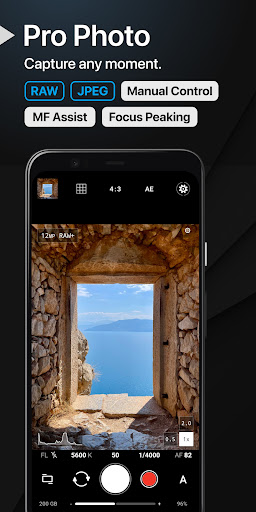
ProShot offers extensive control over your camera settings, essentially transforming your Android device into a mini DSLR. It supports modes such as Auto, Program, Manual, and two Custom modes, mirroring what you’d find on high-end cameras. You can manually adjust exposure, focus, ISO, white balance, and even flash settings. The app supports RAW (DNG) photo capture, ideal for editing and post-processing enthusiasts. For creative lighting effects, ProShot provides Light Painting modes, including options for capturing star trails and water movements, as well as Bulb mode functionality for long exposure photography.
Capture Beyond Still Photos
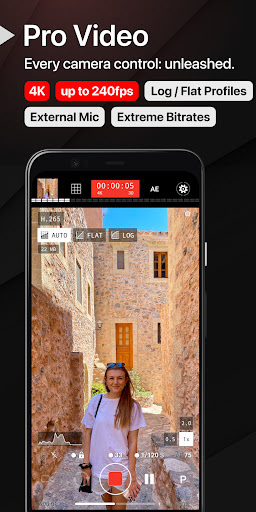
ProShot is also a powerhouse for video recording. It grants full control over video modes, supporting resolutions up to 8K with customizable bitrates, frame rates from 24 FPS to 240 FPS, and professional features like LOG and FLAT color profiles for increased dynamic range. The app supports external microphones, real-time audio level monitoring, and even features like pause/resume recording—making it suitable for everything from casual vlogging to serious filmmaking.
Versatile Features for Creative Expression
Beyond basic controls, ProShot offers a suite of tools for diverse photography needs. These include adjustable aspect ratios such as 16:9, 4:3, 1:1 and custom ratios like 21:9. Users can enable Zero-lag bracket exposure for perfect HDR shots, utilize Manual focus assist with focus peaking, and monitor histograms to optimize exposure. The app also integrates a fully customizable camera roll, allows for adjustment of JPEG and noise reduction quality, and supports shortcuts for functions like GPS, screen brightness, and more.
Seamless and Customizable Experience
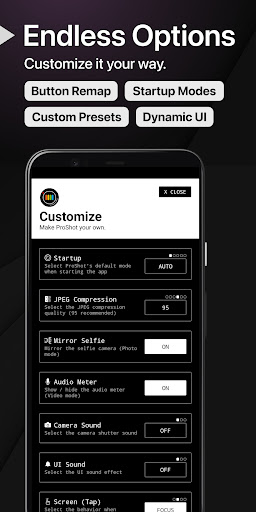
ProShot’s customization options extend to interface personalization. You can change accent colors to match your style, remap hardware buttons, and set specific filename formats. It is engineered to be lightweight, ensuring smooth operation across Android and iOS devices without draining your resources. Additionally, the app constantly receives updates, promising new features and improvements to stay ahead in mobile photography innovation.
Take Your Mobile Photography to the Next Level
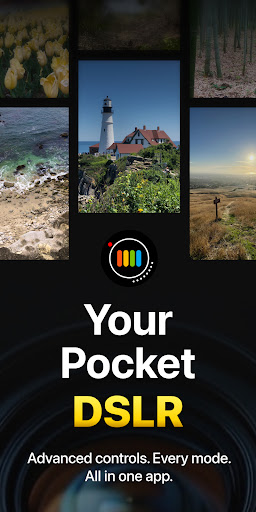
Are you tired of your default camera app limiting your creative potential? ProShot is designed to fill that gap, offering a professional-grade camera experience that fits right into your pocket. Its comprehensive set of manual controls, high-quality video capabilities, and innovative features like Light Painting and timelapse make it a must-have for any photography enthusiast. Whether capturing everyday moments or pursuing artistic projects, ProShot empowers you to take stunning images and videos that truly stand out. If you’re serious about elevating your smartphone photography, downloading ProShot is an investment that will pay off, helping you turn your creative vision into reality with ease.
Pros
- Intuitive user interface
- Extensive manual controls
- High-quality image output
- Supports RAW format
- Customizable presets
Cons
- Steep learning curve
- Limited free features
- Occasional app crashes
- Heavy on battery usage
- Lacks cloud sync











