

Overview of the Print Photo - Print to Size App
The Print Photo - Print to Size app is a versatile and user-friendly tool designed to make photo printing simple and accessible. Whether you're looking to print cherished memories, create passport photos, badges, labels, or customize prints for any occasion, this app provides a seamless experience. It supports a wide range of photo printers, including •HP smart:, Samsung print:, Pixma Canon:, Brother iPrint:, and Epson print:, allowing users to connect effortlessly from their devices. With its intuitive interface, you can add multiple photos, adjust resolution settings, crop images, and send your creations directly to your preferred printer—making photo printing faster and easier than ever before.
Key Features of Print Photo - Print to Size
Print in Various Sizes
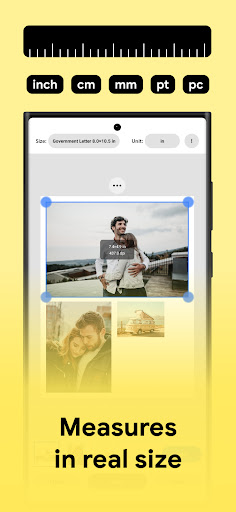
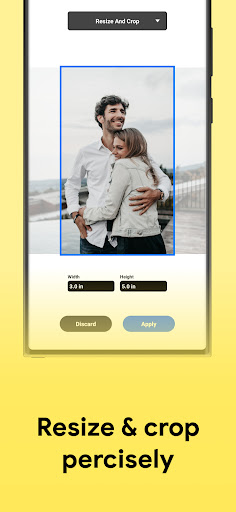
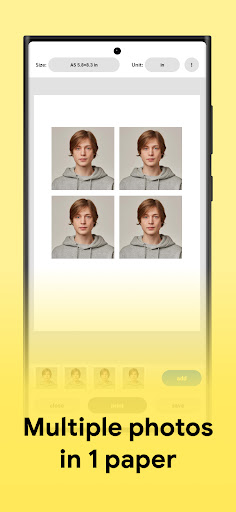
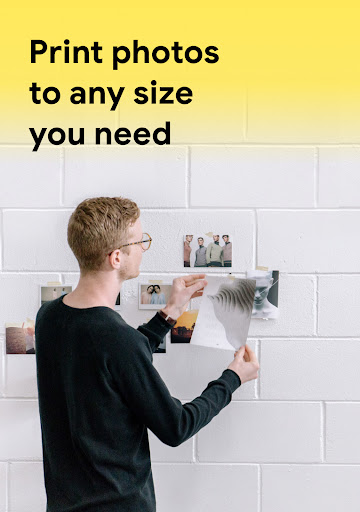
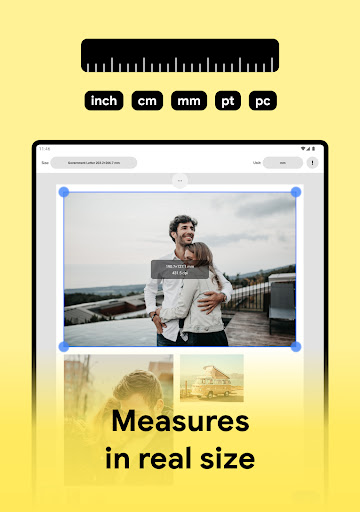
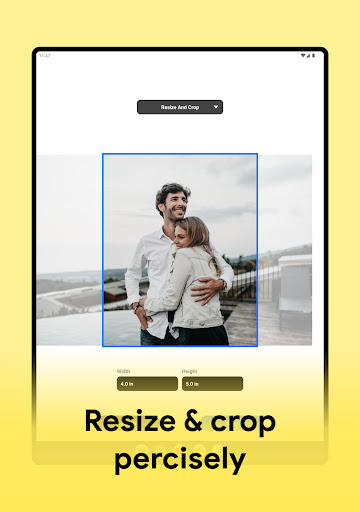
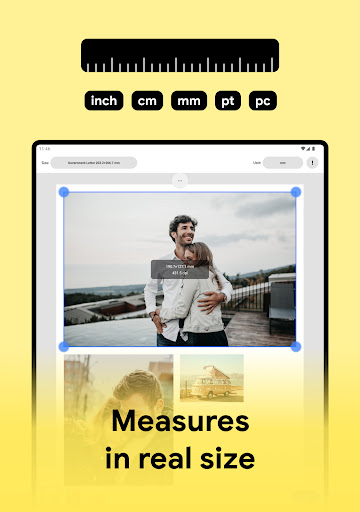
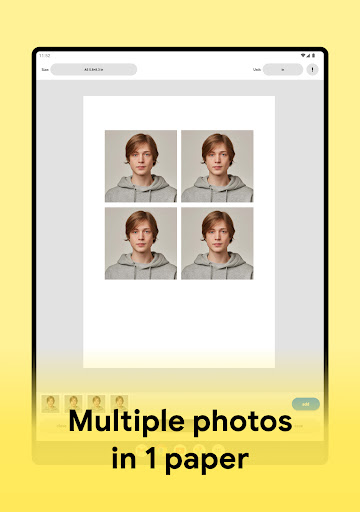
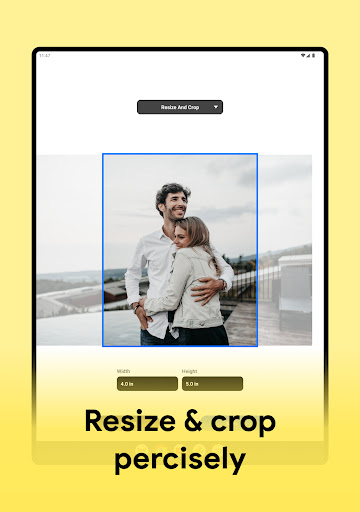
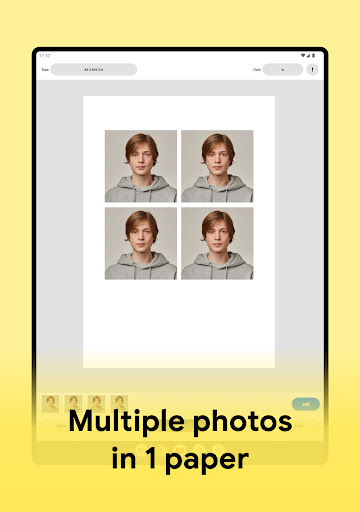
One of the standout features is the ability to •print: photos in •any: size you desire. Whether you need small wallet-sized pictures or large printouts for framing, this app supports flexible cropping and sizing options. The •Create: passport photos with multiple images per page easily, streamlining your photo projects.
High-Quality Prints
Ensure your photos look their best with •maximum: print resolution settings. You can adjust DPI and resolution to achieve crisp, high-quality results, suitable for professional presentations or keepsake prints. The app supports storing your images in various formats like PDF, PNG, JPG, or directly uploading to your cloud storage services for easy access later.
Customizable Layouts and Support for Different Papers
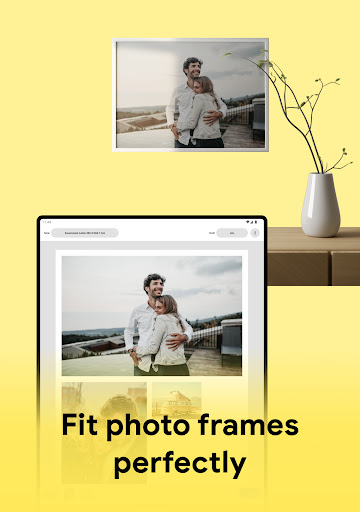
Express your creativity by choosing from •templates: or creating your own layouts. Add borders, tweak color settings, and arrange multiple photos on a single sheet for personalized collages. The app supports printing on •any: paper size, making it suitable for various printing needs, from small stickers to large posters.
How the App Works
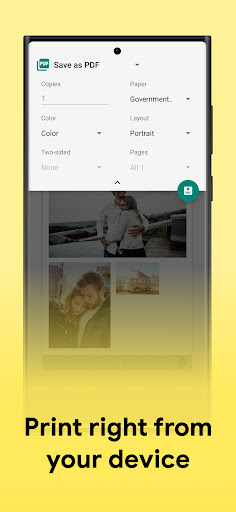
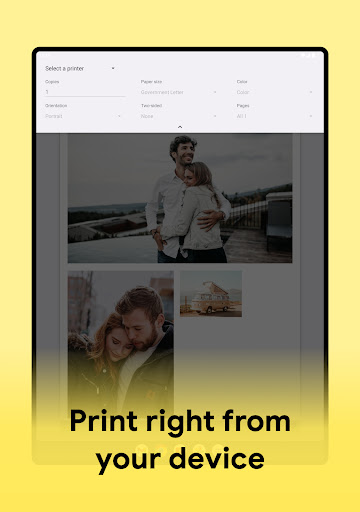
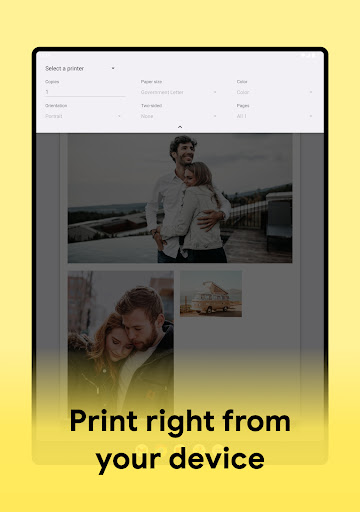
The process is straightforward: first, select your preferred •paper: size or customize your format, then upload your photos. Adjust and crop images as needed, save your layout, and connect to a compatible photo printer such as Pixma Canon, Samsung print, HP smart, Epson print, or Brother iPrint. With a few taps, your •photos: will be printed in high quality, ready to display or share. The app's seamless connectivity ensures quick and efficient printing, making it ideal for both casual users and professional photographers.
Supported Photo Printers
The app offers broad compatibility, supporting almost all •photo: printing models. From popular brands to professional printers, you can connect effortlessly and enjoy reliable printing experiences. Whether you have a Canon Pixma, HP Smart, Samsung Printer, Epson, or Brother device, Print Photo - Print to Size is designed to work smoothly across various hardware options.
Experience and Usage
Many users praise the app for its •user-friendly: interface that makes navigation simple, even if you're not tech-savvy. Its drag-and-drop functionality allows easy rearrangement and resizing of photos, fostering creativity without a steep learning curve. Whether you're customizing layouts, adding borders, or adjusting color tones, the app makes the entire printing process enjoyable and efficient.
If you’re someone who loves capturing moments and wants to bring them to life in physical form, Print Photo - Print to Size offers an excellent solution. Its combination of customization options, high-quality output, and broad printer support makes it a go-to app for photo enthusiasts, parents, photographers, and hobbyists alike. Next time you want to turn your digital images into tangible memories, give this app a try—you'll find that printing your favorite photos is now easier than ever.
Pros
- User-friendly interface facilitating easy navigation
- Supports a variety of photo formats
- Produces high-quality print outputs
- Allows customization of print sizes
- Ensures quick processing and printing times
Cons
- Limited editing capabilities
- Requires an internet connection to function
- Some features require a subscription
- Occasional crashes of the application
- Limited support for older device models











