
Presets for Lightroom & FLTR: The Ultimate Mobile Photo Editing Toolkit
If you're passionate about photography and looking for a seamless way to enhance your images directly on your mobile device, Presets for Lightroom — FLTR is your perfect companion. This innovative app offers an extensive collection of free and premium preset filters designed to simplify photo editing in Lightroom CC, making it accessible for both amateurs and professional photographers. In collaboration with top photographers, designers, and bloggers, FLTR curates a versatile preset library that elevates your photos with minimal effort and maximum style.
Comprehensive Preset Collection for Effortless Editing
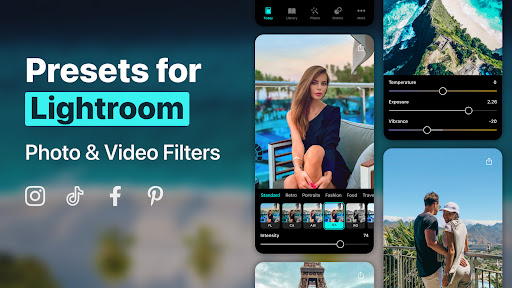
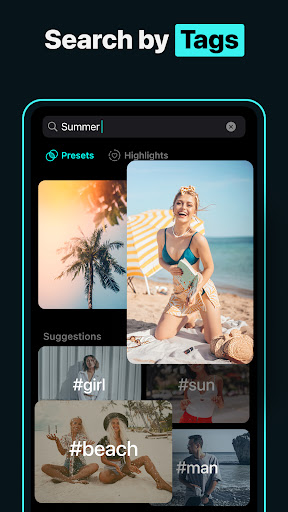
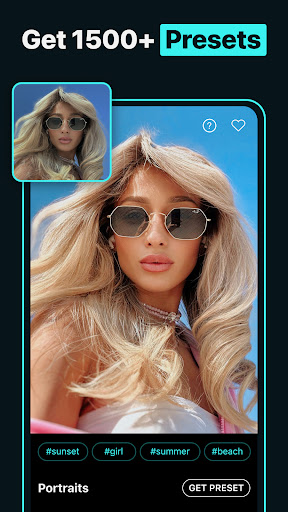
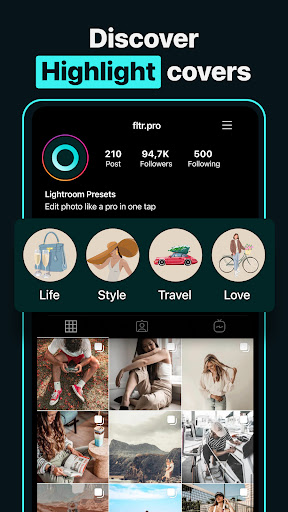
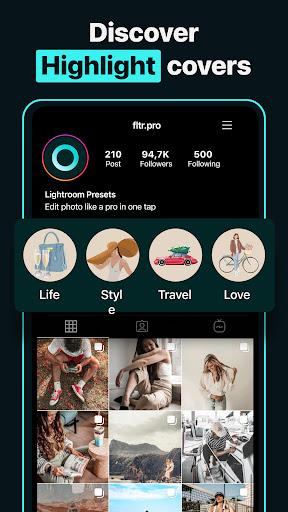
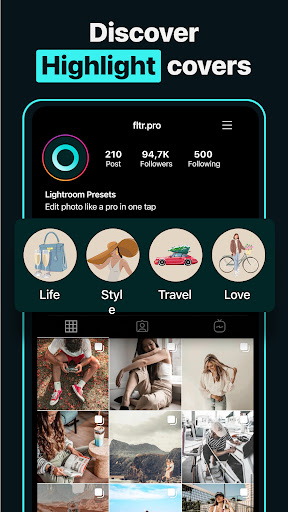
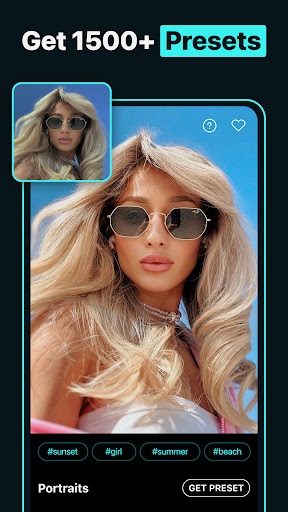
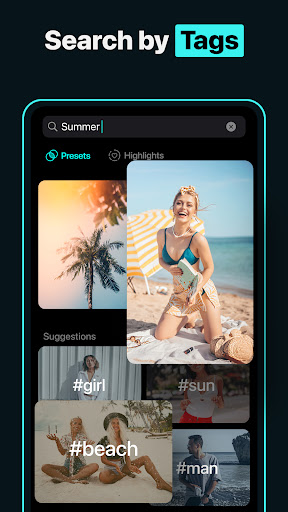
FLTR boasts a vast library of over 1000+ Lightroom presets and 74 DNG packs, providing endless options to suit any aesthetic. Whether you prefer city style, fashion, nature, or food themes, FLTR has the right filters to transform your images instantly. The app also includes highlight and cover templates optimized for Instagram, allowing you to craft a cohesive and eye-catching profile.
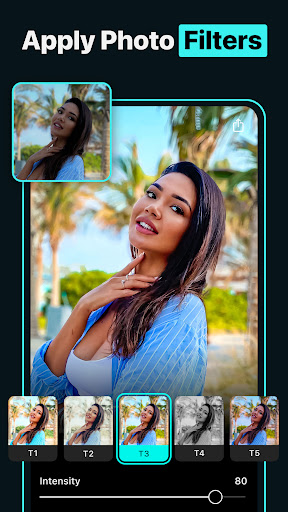
Explore stunning Lightroom mobile presets 2024-2025 and explore filters that add a cool or moody vibe, distinguished by trendy effects like teal and orange, vintage glamour, aesthetic vibes, or black-and-white themes. With FLTR, creating unique and compelling social media content becomes effortless, whether you're an influencer, blogger, or casual user seeking to impress followers.
Enhance Your Instagram Presence with Creative Filters
If you aim to stand out on social platforms like Instagram, FLTR is an invaluable tool. The app enables the creation of distinctive profiles that attract followers through expertly crafted photo filters and presets. Dreaming of a cohesive aesthetic or a professional look? Whether you desire a light and airy style, a moody tone, or artistic effects like afterglow, vogue, or vintage filters, FLTR makes it easy to customize your images to fit your personal brand.
Further, the app allows mixing different photo filters to achieve bespoke looks, from vibrant and lively to dark and minimalist. This flexibility helps photographers and content creators develop their unique editing style and generate visual content that truly resonates with their audience.
Easy and On-the-Go Photo Editing Experience
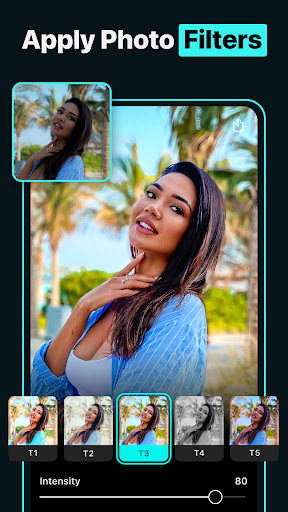
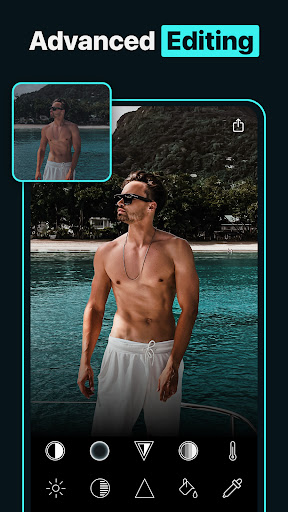
Designed with simplicity in mind, FLTR offers an intuitive user interface, making advanced photo editing accessible to everyone. You can select a photo, browse through the extensive preset collection, and apply effects with just one tap—perfect for editing on the go, whether you're in Paris, New York, or sunny Malibu.
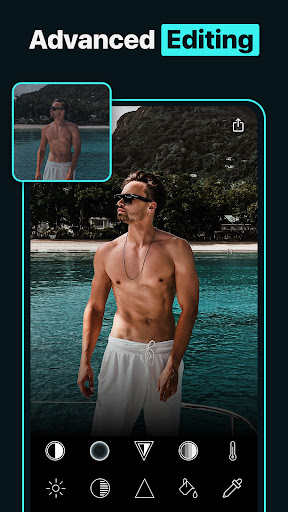
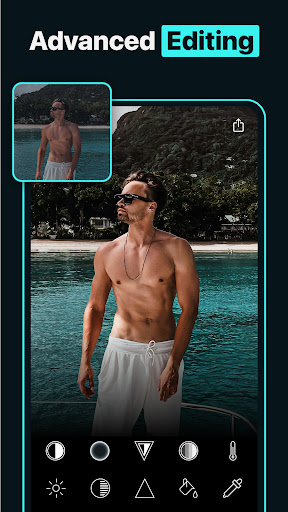
The ability to tweak presets further gives you control over exposure, contrast, saturation, and other settings, allowing personalized adjustments that ensure each photo looks just right. Whether you're a professional photographer sharing work on platforms like 500px or a casual user looking to enhance vacation photos, FLTR adapts to your editing style.
Community Features and Creative Inspiration
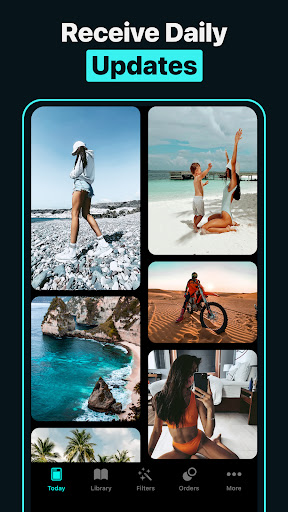
FLTR fosters a vibrant community where users can share their edited photos and custom presets. Browsing through user creations sparks inspiration and helps you stay abreast of trending visual styles. You can even download presets shared by others, expanding your collection and creative possibilities without extra cost.
This collaborative environment turns FLTR into more than just an editing app—it's a platform for learning, sharing, and growing as a content creator. Elevate your social media game with IG highlights, effects, and professional-looking filters that make your profile stand out and attract more followers.
Final Thoughts: Upgrade Your Photography with FLTR
Presets for Lightroom — FLTR is like having a magic wand for mobile photo editing, capable of transforming ordinary shots into stunning visuals instantly. Its extensive preset library, user-friendly interface, and vibrant community make it an indispensable tool for anyone eager to enhance their photographic storytelling. Whether you're aiming for a consistent aesthetic, seeking quick edits on the go, or trying to impress your social media followers, FLTR offers the features and creativity needed to make your images pop.
Embrace the power of advanced photo filters and discover endless editing options. Download FLTR today and start creating eye-catching photos that leave lasting impressions—because every picture deserves a professional touch.
Pros
- User-friendly for beginners.
- Offers a wide range of presets.
- Instantly improves photo quality.
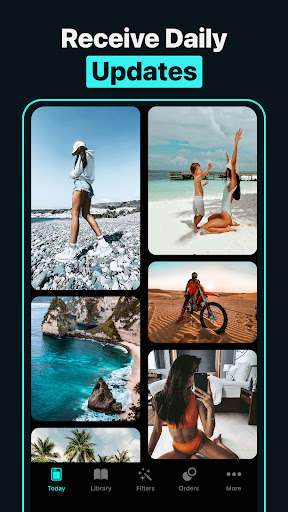
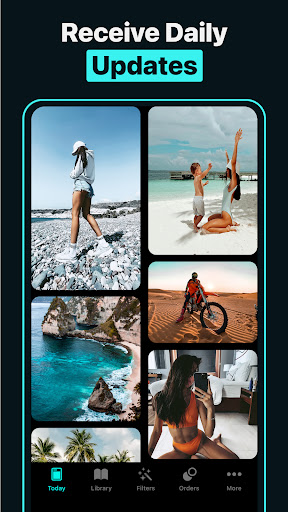
- Frequently updated with new presets.
- Works across multiple devices.
Cons
- Free version has limited features.
- Requires additional in-app purchases.
- Can cause slowdowns on older devices.
- Occasional app crashes occur.
- Presets often require customization.











