




Discover the Power of Power Apps: Your Ultimate App Creation Tool
Power Apps is a versatile platform designed to make app development accessible to everyone, regardless of coding experience. Whether you're a student, educator, business professional, or someone in the field, Power Apps enables you to create, customize, and share apps effortlessly, helping streamline workflows and enhance productivity from virtually anywhere — at home, on the go, or in remote locations.
What Can You Do with Power Apps?
Imagine having a digital front door to your work or school apps, giving you quick access to important tools and data. Power Apps offers a wide range of pre-built app templates and uses a simple, drag-and-drop interface that allows you to personalize your experience. Examples of popular apps you might find or create include:
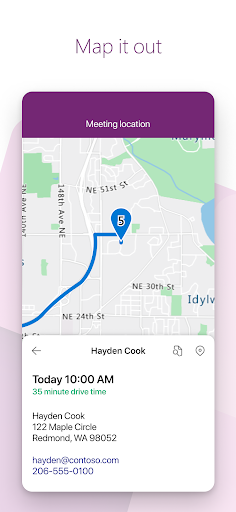
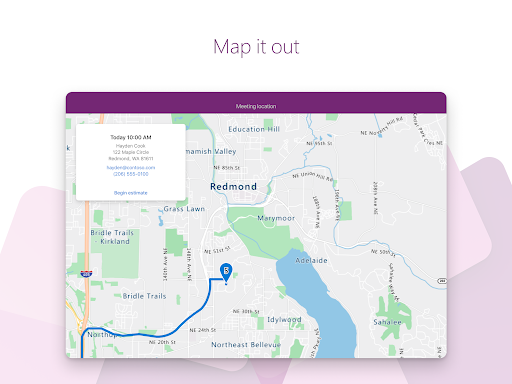
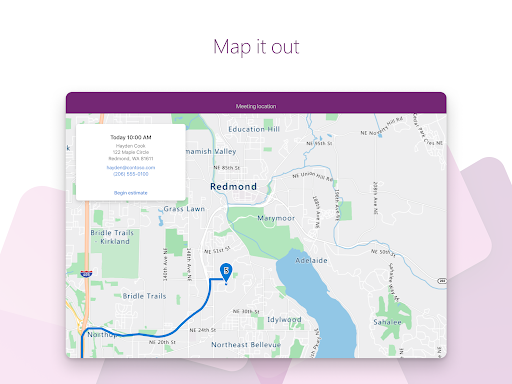
- Campus app: Map your campus with icons for landmarks and detailed facility information.
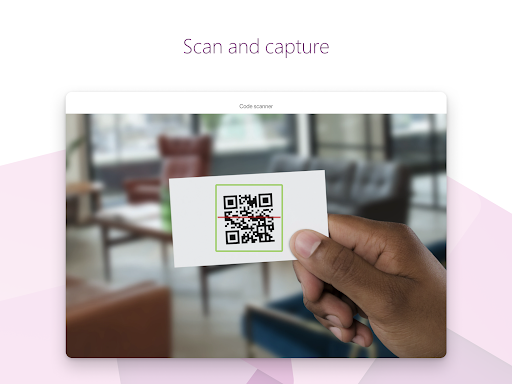
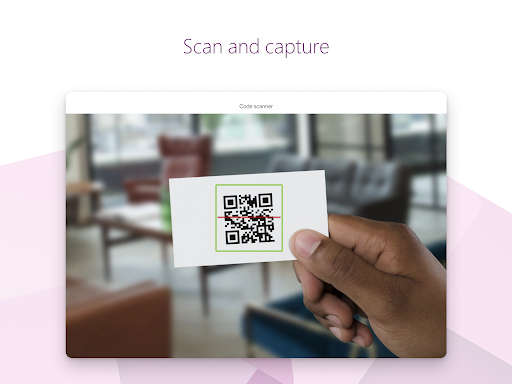
- Event registration app: Easily record attendees as they arrive using barcodes or QR codes.
- Expenses app: Submit expense reports and upload photos of receipts seamlessly.
- Health clinic app: Let patients check in for appointments with a few taps.
- NFC reader app: Scan NFC tags on IDs, equipment, or packages.
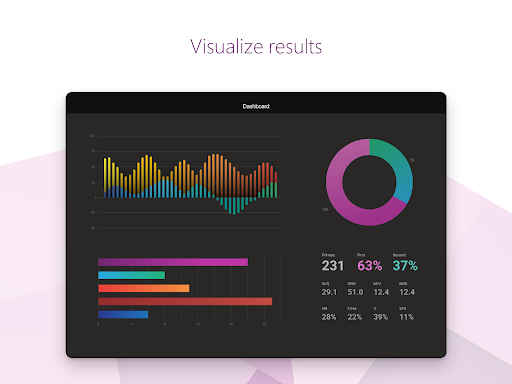
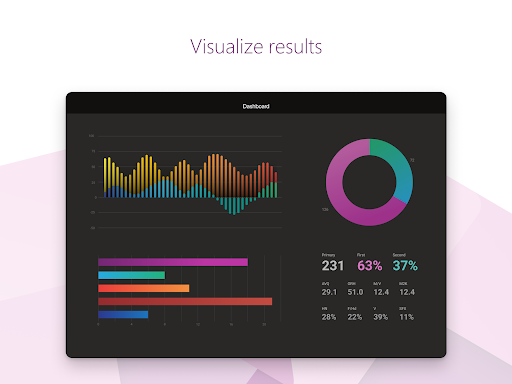
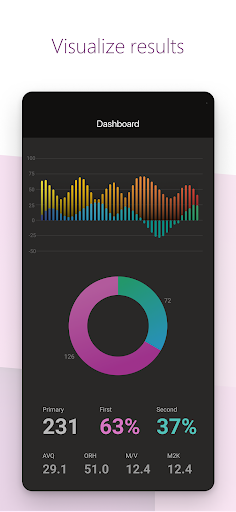
- Performance app: Visualize vital data and insights through interactive dashboards.
- Sales app: Track opportunities and leads, review comments, and approve for your profit & loss (P&L).
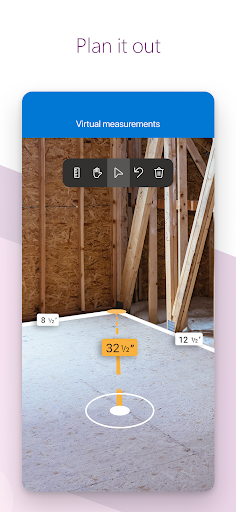
- Space planning app: Take 3D measurements and manipulate objects in mixed reality environments.
- Timesheet app: Collect and consolidate employee shift data for analysis.
These examples showcase just a fraction of what is possible with Power Apps. The platform's flexibility allows you to build custom solutions tailored specifically to your needs, all with minimal coding required.
Power Apps: Key Tips & Features
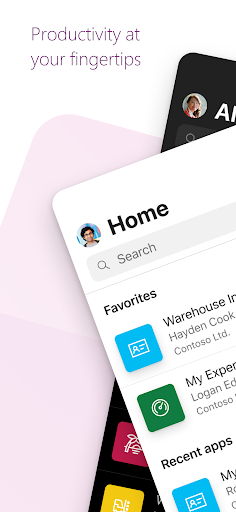
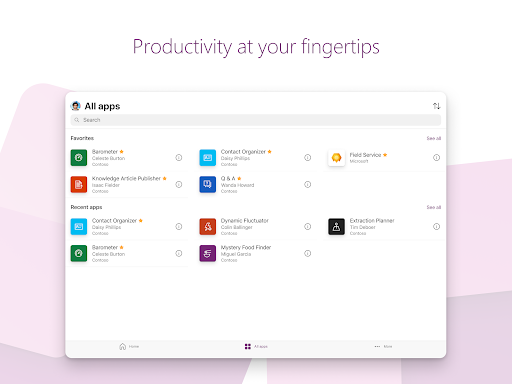
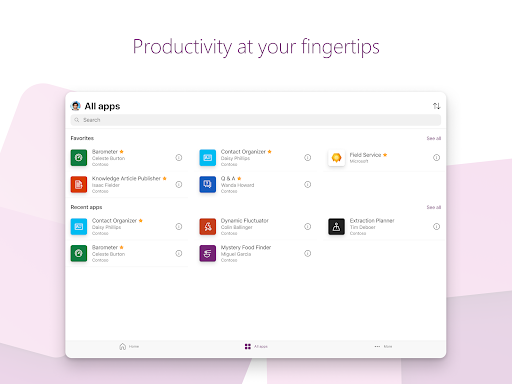
- Favorites & Shortcuts: Swipe right to mark an app as a favorite or swipe left to add a shortcut to your home screen for quick access.
- Admin Controls: Admins can choose to feature certain apps, pinning them at the top of the list for easy discovery.
- Offline Capabilities: Some apps support offline use, automatically syncing your data once you're back online.
Want to learn more about app accessibility? Visit this resource for detailed information.
Why Choose Power Apps: An Easy and Powerful App Builder
Power Apps is the answer for those who wish to develop apps quickly without extensive coding knowledge. As part of the comprehensive Microsoft Power Platform, it seamlessly integrates with other Microsoft tools like Excel, SharePoint, and Teams, providing a cohesive environment for data management and app deployment.
Getting Started: Smooth and Intuitive
Setup is straightforward, especially if you're already familiar with the Microsoft ecosystem. Once you sign up, you'll be greeted with a clean, intuitive dashboard that guides you through the process. The user interface emphasizes simplicity, enabling you to create functional apps with just a few clicks and basic customizations—many similar to building a website with drag-and-drop components.
Features & Flexibility
One of Power Apps' standout features is its ability to connect effortlessly with diverse data sources, including Excel, SharePoint, or third-party services. This connectivity means you can centralize data from various platforms without the hassle of manual integrations.
Additionally, Power Apps offers a wide array of templates, making it easier to kickstart your project whether you're managing customer data, automating workflows, or creating a completely custom app. Think of these templates as a robust toolbox containing the gadgets you need to build efficient, user-friendly apps.
Performance & Reliability
During my experience with Power Apps, I found the applications generally ran smoothly, though there can be occasional slowdowns when handling extensive datasets. While not a deal-breaker, it's worth noting if your app requires heavy data processing.
Backed by Microsoft, Power Apps benefits from regular updates, strong support, and a vibrant community willing to help troubleshoot or share best practices.
Final Thoughts: Is Power Apps Worth It?
Ultimately, Power Apps is a powerful, user-friendly platform ideal for individuals or organizations seeking to create apps with minimal fuss and technical expertise. It excels in enabling rapid development and smooth integration within the Microsoft environment. However, if your project demands highly complex or data-intensive applications, you might encounter some limitations.
If you're passionate about streamlining your workflows and harnessing the power of custom apps without diving deep into coding, Power Apps is definitely worth exploring. It could be the game-changer you need to elevate your productivity and digital transformation journey.
Pros
- User-friendly interface for easy app creation
- Seamless integration with Microsoft services
- Supports a variety of data sources
- Available customizable templates
- Active community support for troubleshooting
Cons
- Limited functionality when offline
- Requires a Microsoft 365 or Dynamics 365 license
- Complex and variable pricing structure
- Steep learning curve for advanced features
- Performance challenges with large datasets











