
Portable WiFi - Mobile Hotspot: The Ultimate Solution for On-the-Go Internet Sharing
In today’s connected world, having a reliable internet connection wherever you go is essential. Whether you're traveling, working remotely, or simply in a location without WiFi, the Portable WiFi - Mobile Hotspot app emerges as a powerful and user-friendly tool that transforms your smartphone into a personal portable hotspot. Designed for both Android and iOS devices, this free hotspot app allows you to instantly share your mobile data with other devices, ensuring seamless internet access anytime, anywhere.
Easy Setup and User-Friendly Interface
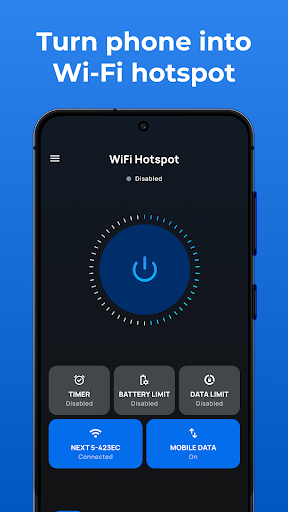
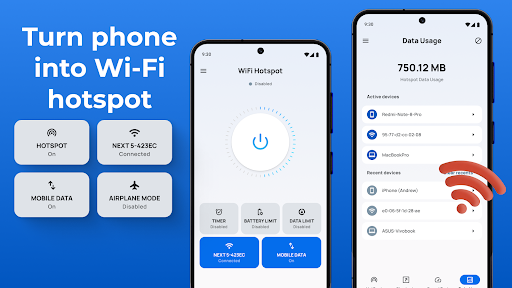
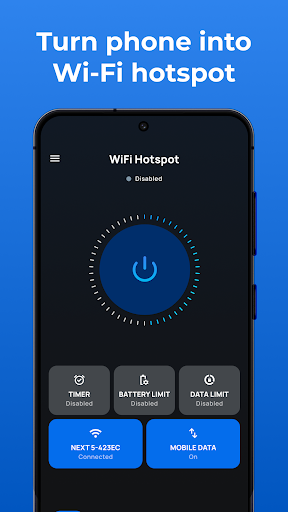
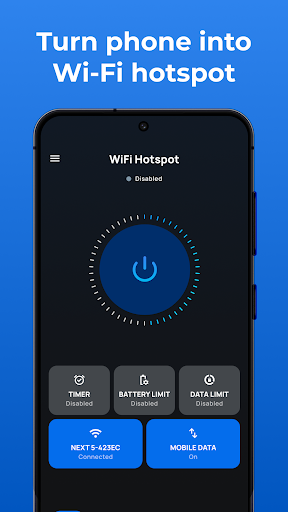
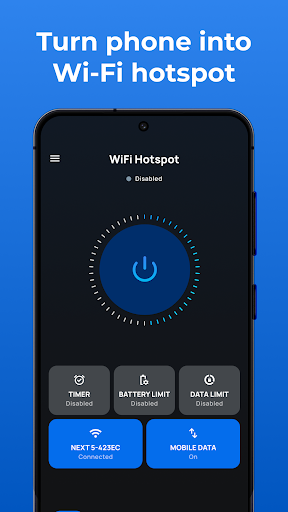
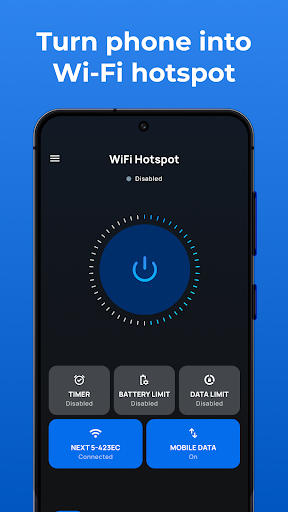
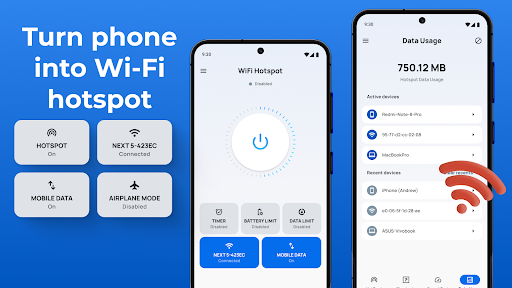
Getting started with Portable WiFi - Mobile Hotspot is straightforward. Upon installing the app from the Play Store or App Store, users are greeted with a clean and intuitive interface. No complicated configurations or technical jargon are needed—simply tap the Create Hotspot button, set your network’s name (SSID), secure it with a password if desired, and activate your hotspot. The app's streamlined design makes setting up a portable WiFi hotspot quick and hassle-free, giving you instant internet sharing capabilities without any technical barriers.
Feature-Rich and Highly Functional
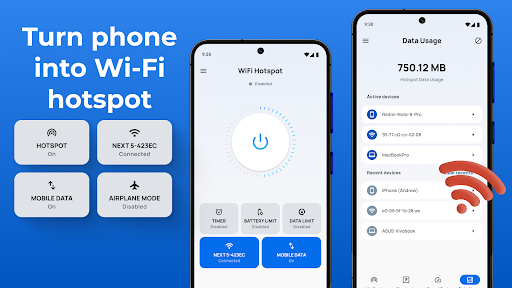
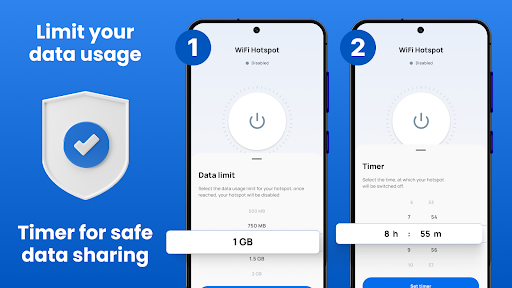
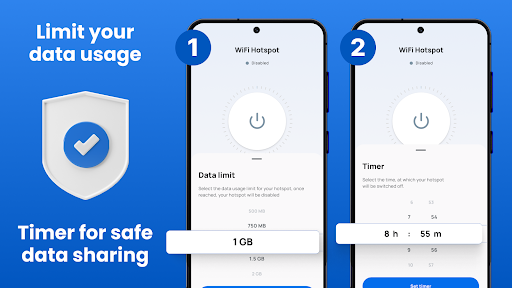
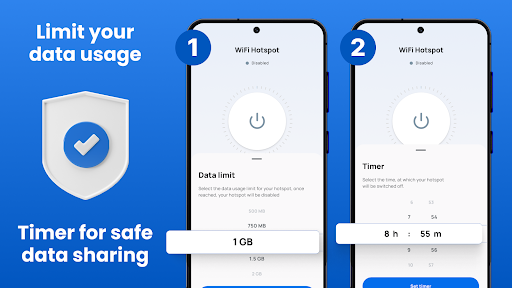
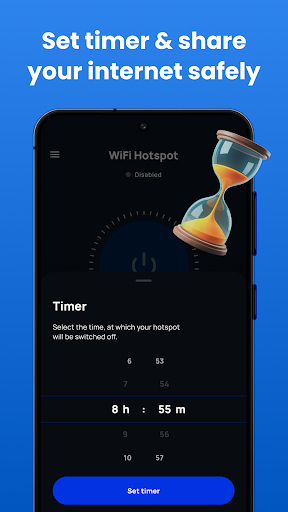
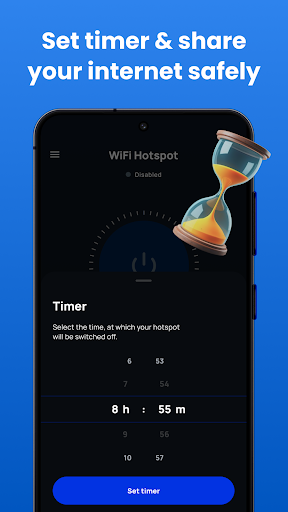
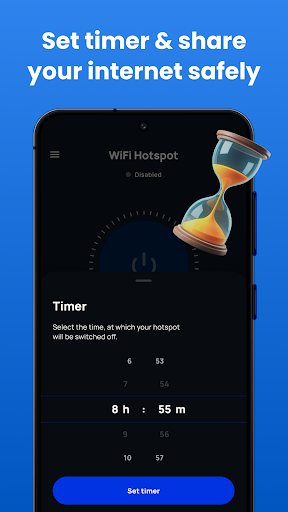
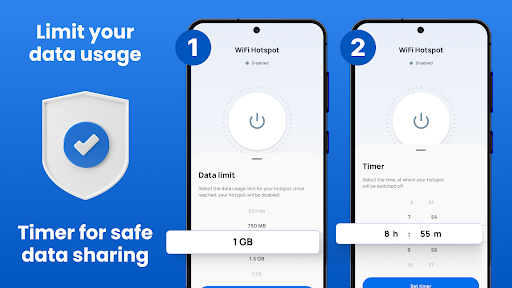
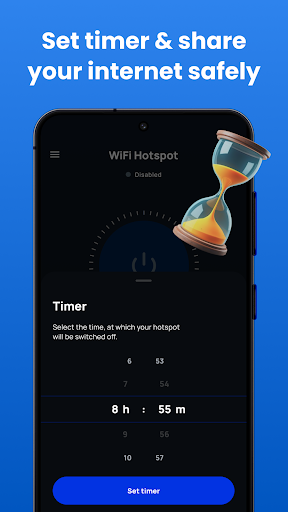
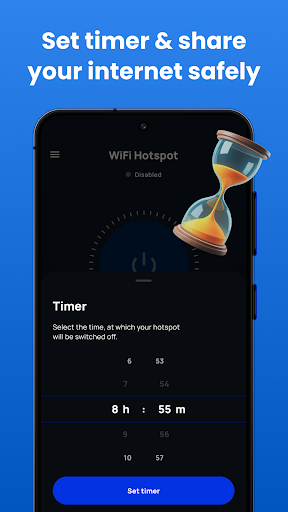
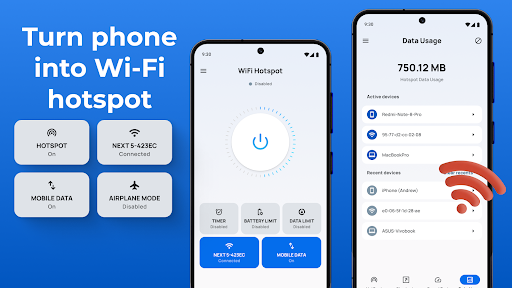
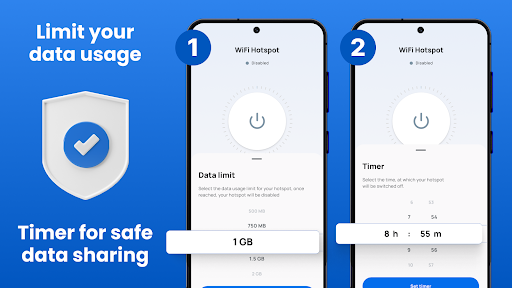
This mobile hotspot app packs a suite of features to enhance your internet sharing experience. You can effortlessly toggle your hotspot on or off using the hotspot widget, which provides quick access to the network. The app supports WiFi tethering, Bluetooth sharing, and USB tethering, providing flexible options for sharing your data with various devices. You can also set time limits and data usage restrictions per session, daily, or monthly, giving you control over your mobile hotspot's activity.
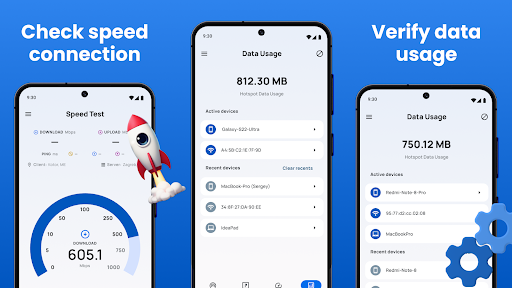
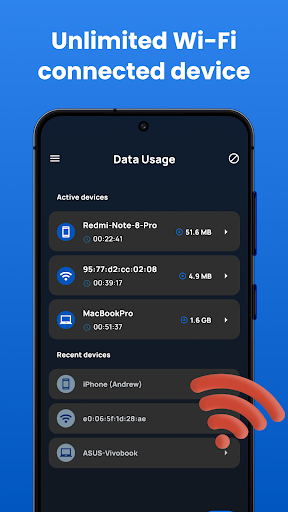
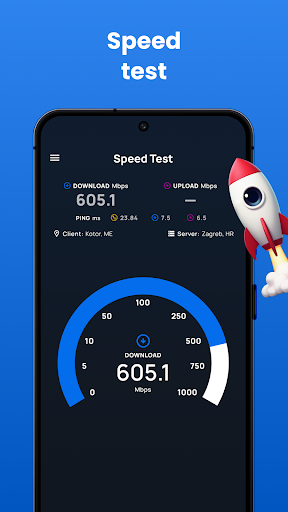
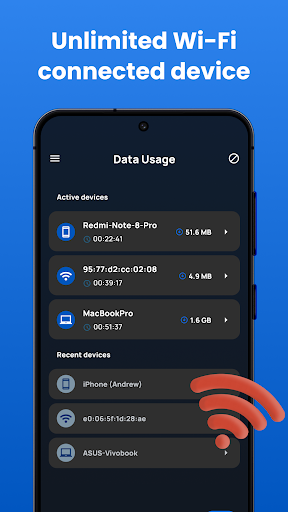
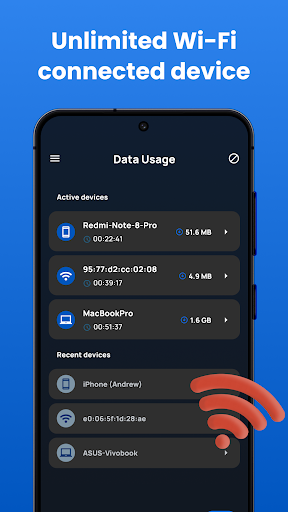
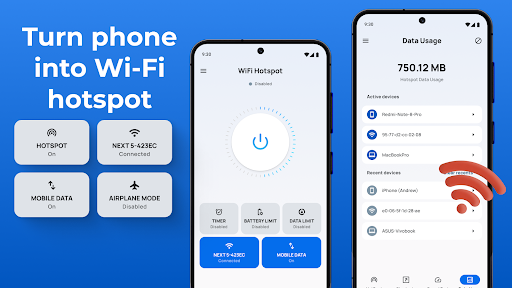
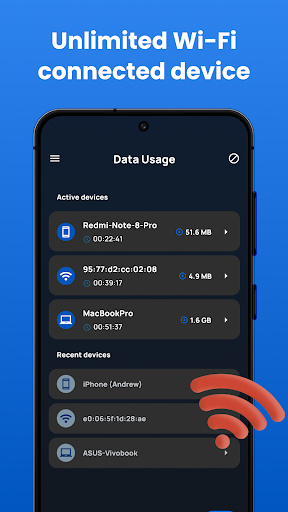
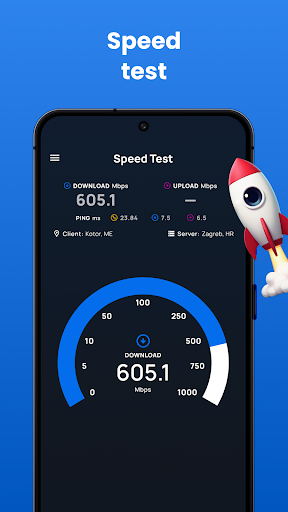
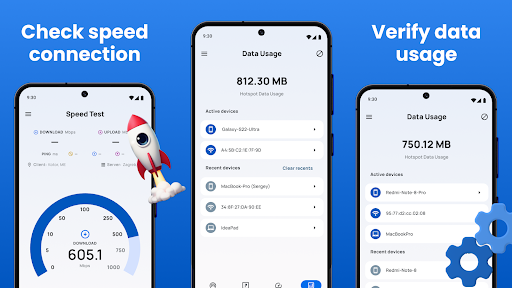
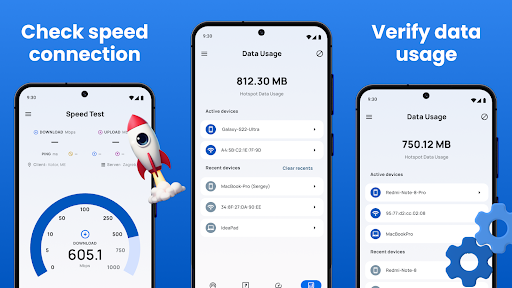
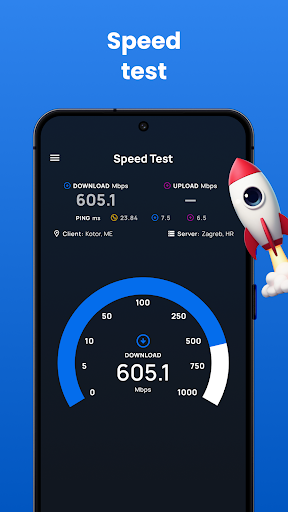
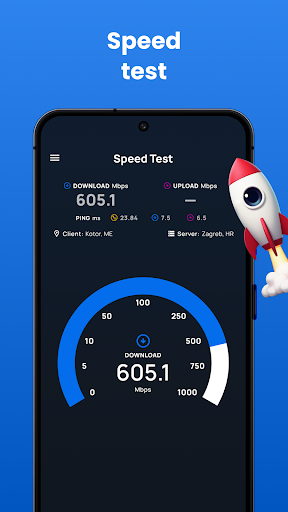
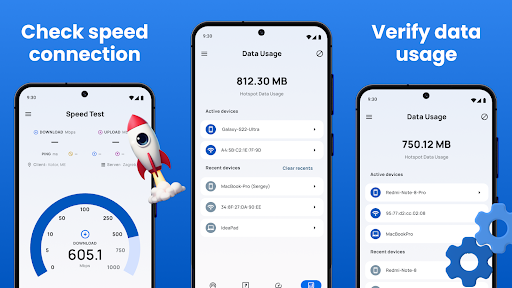
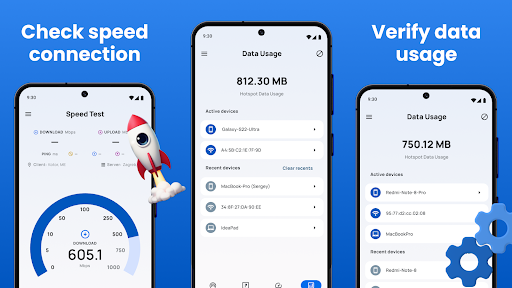
Monitoring your connection is simple: the app offers a built-in speed test feature to check the WiFi hotspot’s performance, along with detailed data usage statistics across all networks. Its sleek, responsive interface ensures compatibility across smartphones and tablets, making it easy to customize your hotspot’s settings on any device.
Security and Privacy
Security is a top priority when sharing internet connections, and Portable WiFi - Mobile Hotspot addresses this seamlessly. You can set a secure password and choose to encrypt your network using WPA2 encryption, safeguarding your connection from unauthorized access. Whether you decide to keep your hotspot open or secure it with a password, the app makes it simple to manage your security preferences, providing peace of mind as you share your mobile data.
How to Use the Portable WiFi Hotspot App
Using this app is straightforward:
- Download and install the Portable WiFi - Mobile Hotspot app from the app store.
- Open the app to access the main dashboard, which features options for WiFi, hotspot, data limits, and timeout settings.
- Tap the Create Hotspot button, customize your network name (SSID), set a password if desired, and define the session time limit.
- Activate your hotspot — the app automatically manages the background processes to keep the connection stable.
- Share your internet over WiFi, Bluetooth, or a USB connection, depending on your needs.
Performance and Reliability
Many users find that Portable WiFi - Mobile Hotspot delivers impressive stability for a free hotspot app. It maintains a reliable connection whether you're tethering to a laptop, tablet, or other smartphones. The connection quality supports streaming videos, browsing, and even running work applications smoothly, with minimal buffering. While performance can vary based on carrier and location, the app consistently aims to provide a dependable internet-sharing experience.
Ideal Uses and Benefits
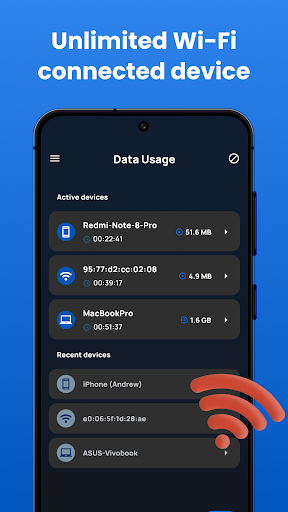
This mobile hotspot app is perfect for various scenarios—be it during travel to access the internet without relying on public WiFi, at a coffee shop with limited network options, or in remote areas lacking stable WiFi infrastructure. Its primary advantages include quick setup, flexible sharing options, robust security, and real-time network monitoring. With this app, you turn your device into a personal hotspot with just a few taps, offering an unlimited data-sharing experience that keeps you connected effortlessly.
Conclusion
Portable WiFi - Mobile Hotspot is a must-have app for anyone needing reliable, secure, and easy internet sharing on the move. Its simple setup process, comprehensive features, and stable performance make it an excellent choice for users who want to maximize their mobile data experience. By transforming your smartphone into a powerful portable hotspot, it ensures you stay connected—be it for work, entertainment, or staying in touch with loved ones—regardless of your location. Download this versatile app today and enjoy the freedom of unlimited internet sharing wherever life takes you!
Pros
- Easy to set up and operate.
- Supports multiple devices simultaneously.
- Provides a strong and stable connection.
- Compatible with most smartphones.
- Energy-efficient and conserves battery life.
Cons
- May not function properly in all regions.
- Requires a data plan for internet access.
- Limited coverage area for the hotspot.
- Potential security vulnerabilities.
- User interface design could be enhanced.











