

Discover the Power of Polycam: 3D Scanner & Editor for Android
Imagine transforming your smartphone into a professional-grade 3D scanner with just a few taps. Polycam: 3D Scanner & Editor is a cutting-edge application designed to revolutionize the way you capture and edit three-dimensional objects and scenes. This highly rated app caters to a wide range of users—artists, designers, architects, contractors, photographers, and enthusiasts—who want to explore the exciting realm of 3D content creation. With its innovative photogrammetry technology and intuitive user interface, Polycam empowers you to bring your creative ideas to life in astonishing detail and clarity.
Main Features of Polycam: 3D Scanner & Editor
Revolutionary 3D Capture Technology
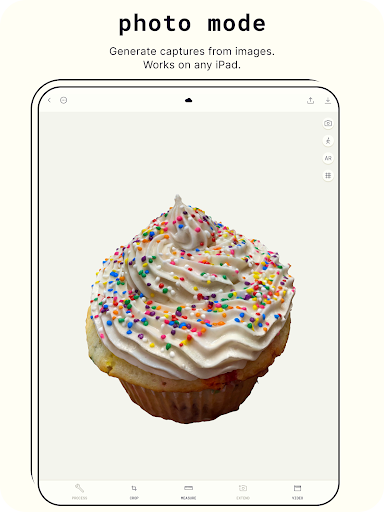
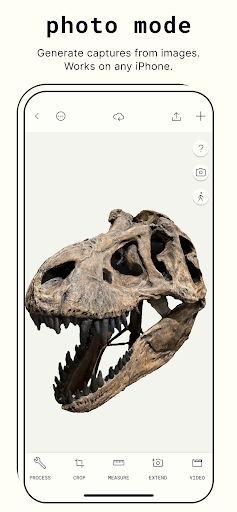
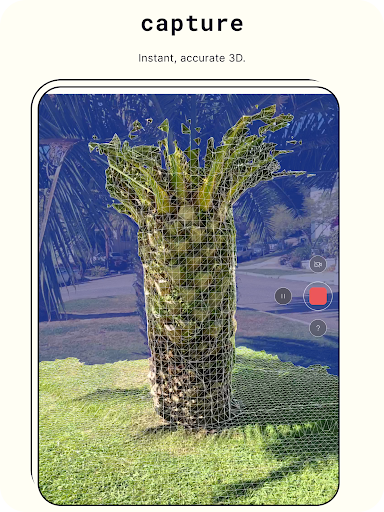
At the heart of Polycam lies the ability to convert your photos into 3D models using advanced photogrammetry. The app is capable of scanning complex objects and environments with intricate details, allowing users to generate ready-to-use 3D assets suitable for various computer graphics applications. Whether you’re capturing detailed architecture, unique artifacts, or everyday objects, Polycam provides a smooth experience on any Android device with at least 2GB of RAM, ensuring high performance and reliability.
Powerful Editing Tools
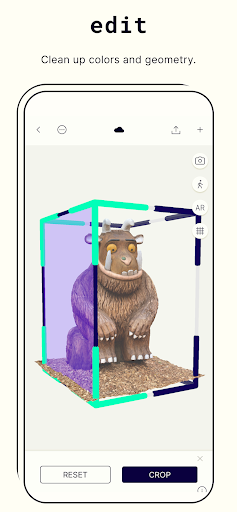
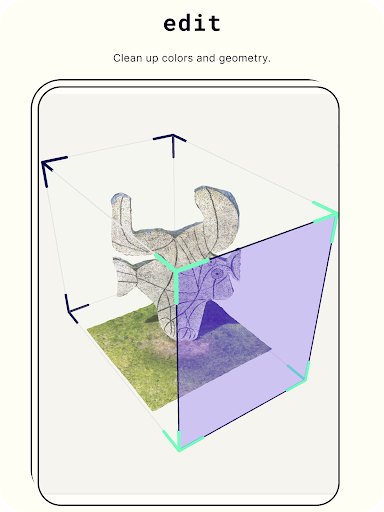
Once you’ve captured your 3D models, Polycam offers a suite of advanced editing features. Users can crop scans for perfect composition, rotate models to view from all angles, and rescale to adjust the size of their creations. These tools help refine your models before sharing or exporting, ensuring professional-quality results. The seamless editing process makes it easy to perfect your 3D artwork without needing external software.
Export and Share in Multiple Formats
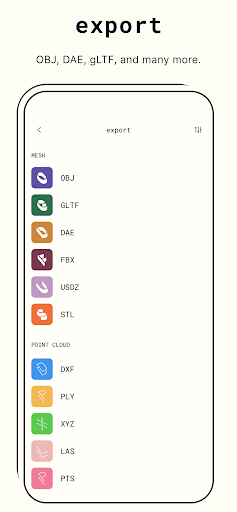
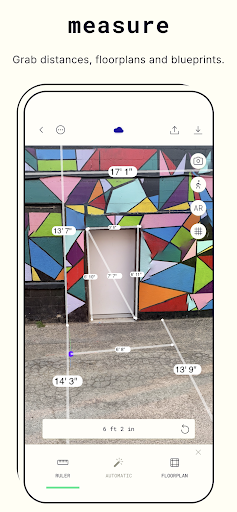
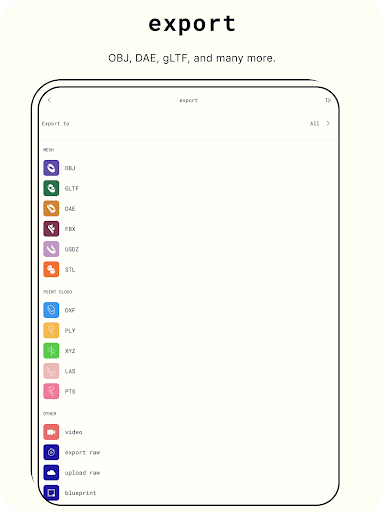
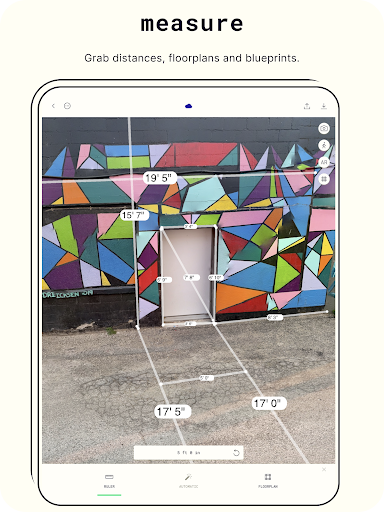
If you’re looking to incorporate your 3D models into other projects, Polycam Pro provides extensive export options. You can export mesh data in formats like .obj, .dae, .fbx, .stl and .gltf. Point cloud data can be exported in formats such as .dxf, .ply, .las, .xyz and .pts. Additionally, blueprints are available as .png images or .dae files. Sharing your models with friends or colleagues is effortless—simply upload, share links, or join the Polycam community to showcase your 3D scanning skills and see how others are pushing the limits of digital creation.
Community and Connectivity
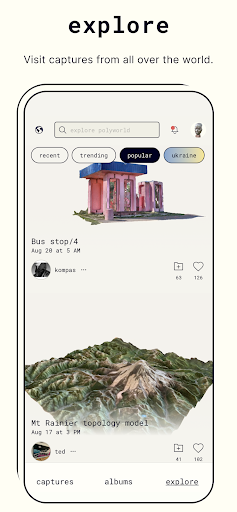
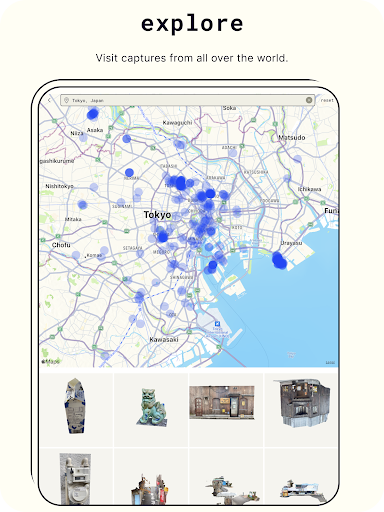
Polycam fosters a vibrant community of 3D enthusiasts. You can explore visual captures from around the world, exchange feedback, and showcase your own work. The app also supports augmented reality (AR) viewing, letting you virtually place your scanned objects or environments in real-world settings—perfect for visualization, presentations, and immersive displays.
Getting Started with Polycam: 3D Scanner & Editor
Getting started with Polycam is straightforward. Available on both Android and iOS, installation involves a simple download from the app store. The user interface is designed to be clean and intuitive, making it accessible even for those new to 3D scanning. Upon opening the app, a helpful tutorial guides you through the basics of capturing your first model, encouraging exploration and creativity from the very first use.
The Scanning Experience
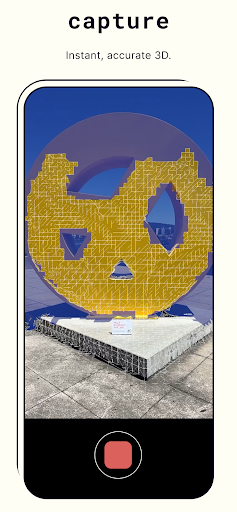
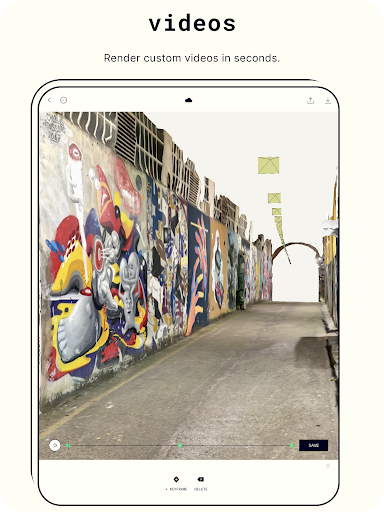
Using your device’s LiDAR sensor or camera, Polycam quickly and accurately gathers depth data to construct a digital replica of your chosen object or scene. Whether scanning a household item, a person, or an outdoor landscape, the app adjusts for lighting and shadows effectively, delivering detailed models even in less-than-ideal conditions. The resulting 3D models are highly detailed, rotatable, zoomable, and ready for editing or sharing. This process turns your smartphone into a portable, high-quality 3D studio—a perfect tool for professionals and hobbyists alike.
Refinement and Virtual Presentation
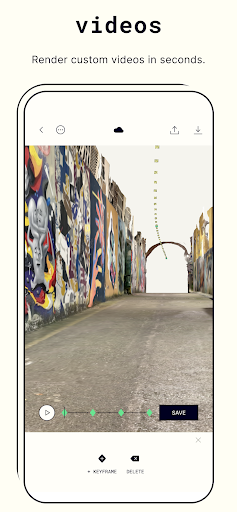
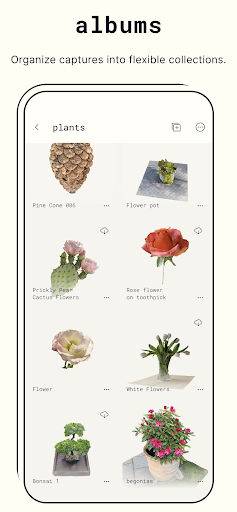
After capturing your models, you can fine-tune them using Polycam’s editing features—cropping, rescaling, and adjusting textures as needed. The app’s ability to generate a virtual gallery allows you to keep track of all your scans, revisit and modify them, or showcase your portfolio. The AR feature offers an eye-opening experience of viewing your 3D scans superimposed into real-world settings, adding a new dimension to your creative and professional projects.
Conclusion: Elevate Your Creativity with Polycam
Whether used for professional projects or personal exploration, Polycam: 3D Scanner & Editor is a versatile, user-friendly app that combines powerful technology with elegant design. It’s an ideal tool for 3D modeling, digital artifact creation, and immersive visualization. Download Polycam today and step into a new dimension of photography and digital content creation, unlocking endless possibilities for artistic expression and professional design.
Pros
- High-quality 3D scanning capabilities.
- User-friendly interface for easy navigation.
- Supports exporting to multiple formats.
- Quick processing and rendering times.
- Integrates well with other design software.
Cons
- Requires a device with LIDAR for full functionality.
- Large file sizes can be storage-intensive.
- Subscription needed for advanced features.
- Limited editing tools compared to competitors.
- Occasional glitches in the app.











