

Planning Center: Your Comprehensive Ministry Management App
Planning Center is an all-in-one mobile and web application designed to streamline and enhance the coordination of your ministry activities. Whether it’s your morning check-in or afternoon follow-ups, this app serves as your central hub to manage schedules, tasks, groups, and more, ensuring your ministry runs smoothly and efficiently. With its intuitive interface and powerful features, Planning Center helps ministry teams stay organized, communicate effectively, and collaborate seamlessly from anywhere.
Key Features of Planning Center
• Notifications from Every Product
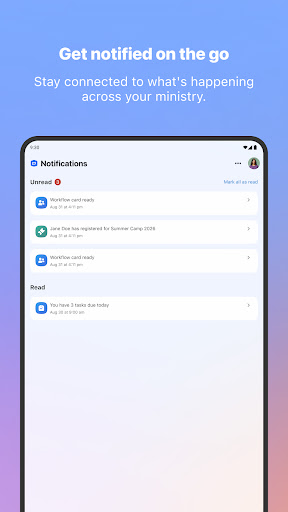
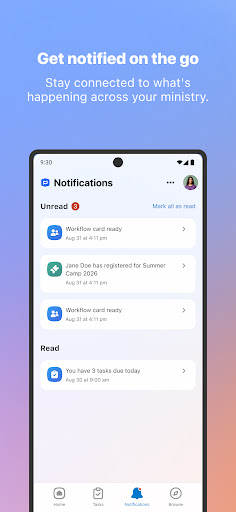
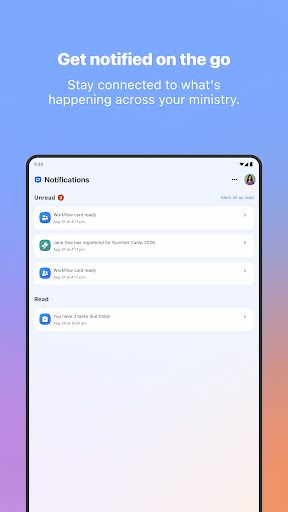
Stay informed with real-time push notifications for schedule requests, workflow updates, calendar approvals, and other important alerts. This integrated notification system eliminates the need to switch between multiple apps or browser tabs, ensuring that you never miss a critical update related to your ministry activities.
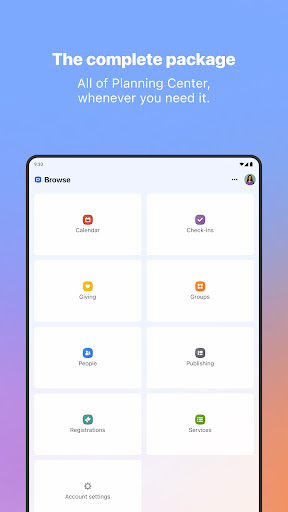
• Browse All of Planning Center
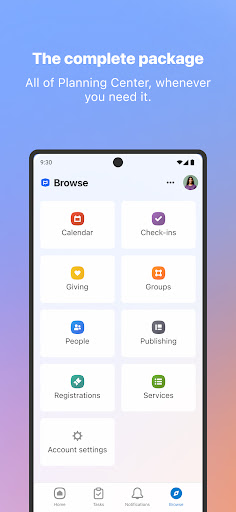
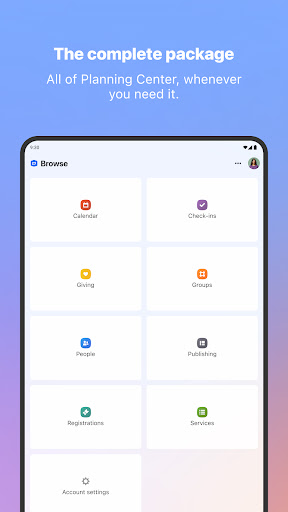
Easily access all the core products such as Services, Groups, Giving, People, Check-Ins, and more—all within the same app. No more cumbersome tab switching; manage everything on-the-go with just a few taps.
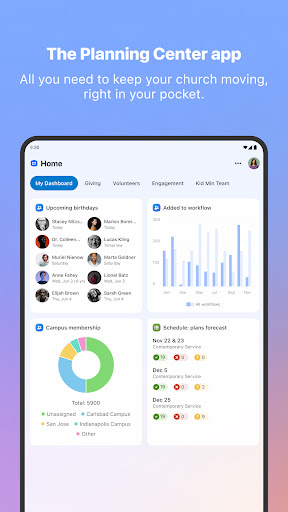
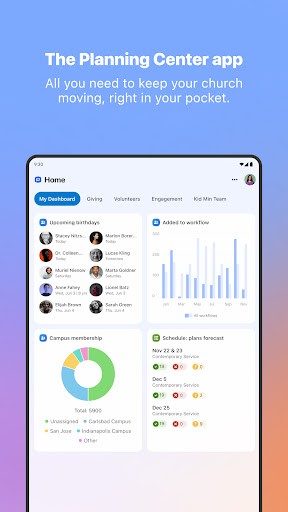
• Your Home Dashboard
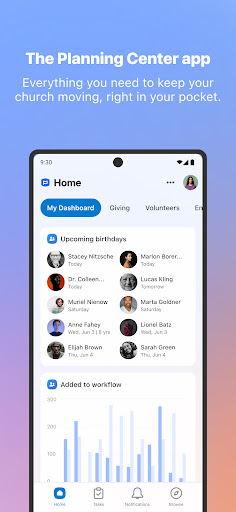
The Planning Center Home dashboard serves as your personalized landing page. It features action-oriented widgets that highlight pending tasks, upcoming events, and important notifications, allowing you to focus your attention where it’s needed most and get things done quickly.
• Efficient Task Management
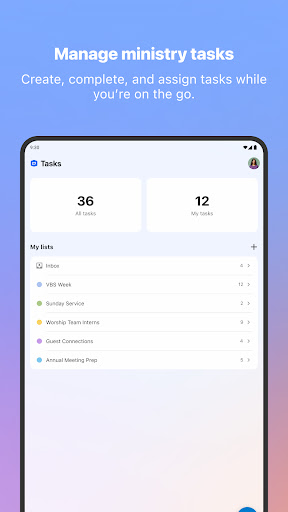
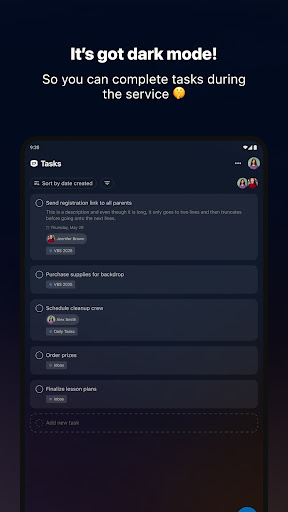
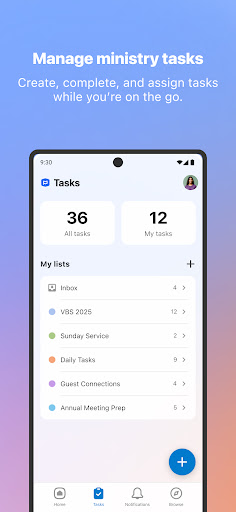
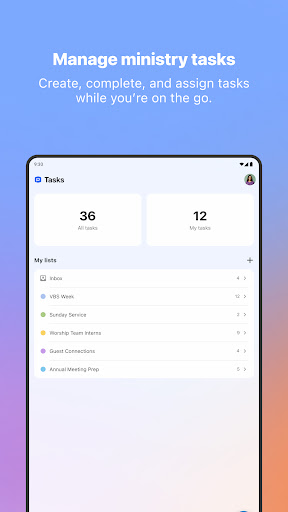
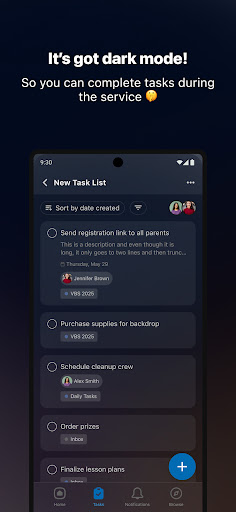
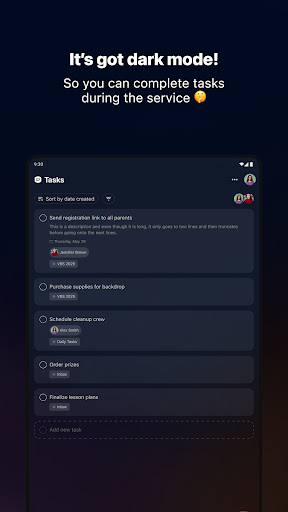
Plan, assign, and track tasks effortlessly with the app’s robust task features. Assign due dates, include detailed descriptions, and collaborate with your team to ensure all responsibilities are handled in a timely manner, helping keep your ministry activities on schedule between Sundays.
• Task List Templates
Create reusable templates for recurring or similar projects, saving you time when setting up new task lists. This feature is especially useful for organizing ongoing initiatives or regular events within your ministry.
• Mobile Gestures for Ease of Use
Navigate the app with intuitive mobile gestures such as swipe-to-reveal quick actions or press-and-hold to reorder tasks. These gestures enhance usability, making task management quicker and more efficient during busy ministry days.
Getting Started and Support
To access the Planning Center app, users need an existing account. All actions performed on the web or mobile app are seamlessly synchronized, ensuring your data is always up-to-date across devices.
Need help or want to suggest new features? Simply visit your profile page by tapping your avatar and select the "Contact Support" link. Response times are usually around one business hour, providing prompt assistance to keep your ministry activities moving forward.
Pros
- User-friendly interface that makes navigation straightforward
- Offers a wide range of features suited to various needs
- Regular updates ensure consistent improvements and new functionalities
- Excellent customer support that assists users effectively
Cons
- Occasional bugs that may disrupt user experience
- Premium features require additional purchase or subscription
- Large app size may affect device storage and performance
- Some features could benefit from more customization options











