

Introduction to PixShift: BackGround Changer
PixShift: BackGround Changer is a cutting-edge photo editing application designed to elevate your images from ordinary to extraordinary. Whether you're a professional photographer, a social media enthusiast, or someone who loves capturing life's precious moments, this app offers a comprehensive suite of features that allow for seamless enhancement and personalization of your photos.
Key Features of PixShift: BackGround Changer
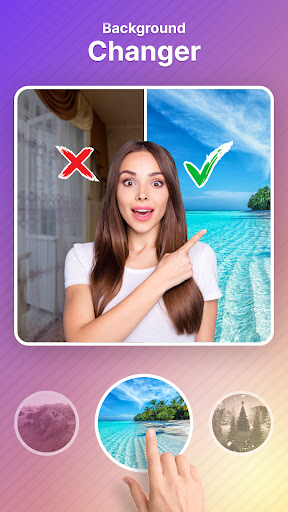
BackGround Changer
Experience limitless creative possibilities with the BackGround Changer tool. This feature enables you to effortlessly swap backgrounds, transforming a simple photo into a captivating scene. Have you ever taken a picture that you'd like to see set in a different environment? With PixShift, you can transport your subjects to any setting—be it serene beaches or vibrant cityscapes—with ease. The app's intuitive interface includes an automatic background changer that detects and separates your subject from the background, ensuring natural and seamless results every time.
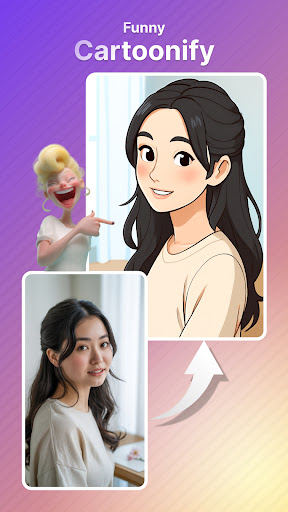
Cartoonify
Turn your photos into fun, artistic cartoons with just one tap! Whether you want a playful social media profile picture or a creative piece, the Cartoonify feature makes it simple—no drawing skills required. This feature adds a charming cartoonish effect, helping your images stand out in the digital space.
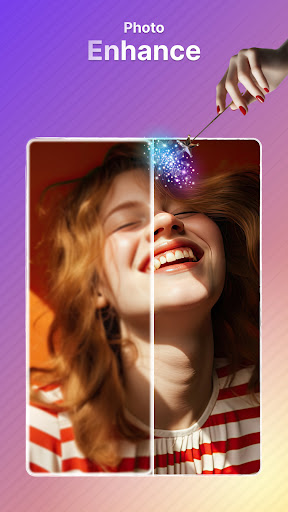
Photo Enhancer
Is your photo dull or blurry? The Photo Enhancer improves image quality instantly. It sharpens details, boosts colors, and enhances overall clarity, making every photo crisp, vibrant, and ready to share in seconds. This is perfect for transforming low-quality shots into visually appealing images.
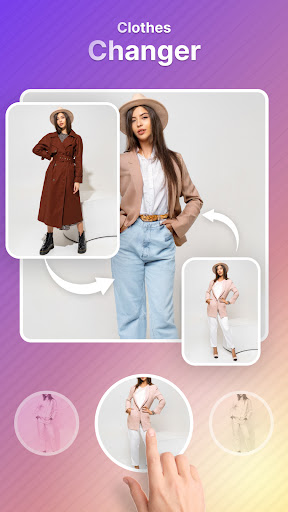
Clothes Changer
Experiment with fashion using the Clothes Changer. Instantly try on different outfits, swap colors, and explore new styles effortlessly. This AI-powered feature allows you to visualize your perfect look without actually changing your wardrobe, making it ideal for fashion enthusiasts or just having fun with your images.
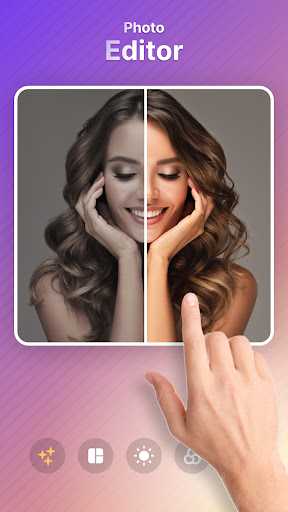
Photo Editor
Elevate your editing game with the comprehensive Photo Editor. It offers a wide array of filters, effects, and contrast adjustments. Whether you want to add a vintage flair or a dramatic touch, this versatile tool enables you to create stunning images. The background remover/eraser feature provides even more control for precise edits and background changes.
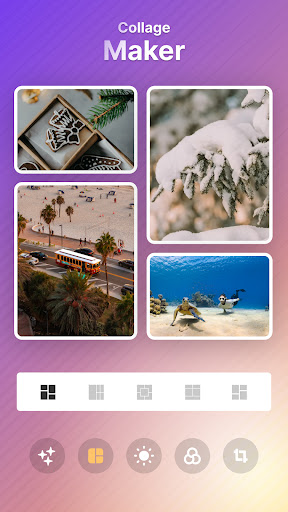
Collage Maker
Capture multiple memories by creating beautiful collages with the Collage Maker. Combine your favorite photos into a cohesive visual story, perfect for sharing on social platforms. The app’s background remover/eraser ensures each image fits perfectly within your collage, giving you a polished final product.
Wallpaper Collection
Explore a vast library of breathtaking wallpapers with the app’s Wallpaper feature. Whether you prefer minimalist designs, nature scenes, or custom backgrounds, the automatic background changer helps you personalize your device effortlessly by selecting the perfect backdrop.
Emoji Maker
Add a dash of personality to your messages with custom emojis through the Emoji Maker. Use the photo expander/scissors tool to adjust your creations perfectly. This feature allows you to design emojis that truly reflect your style, making every chat more engaging and fun.
Why Choose PixShift: BackGround Changer?
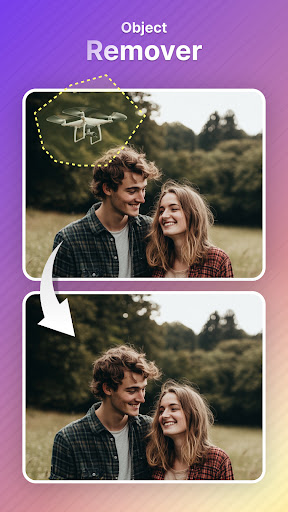
PixShift isn’t just about basic photo editing; it’s a gateway to unleashing your creative potential. The app’s robust tools, such as automatic background changer, background remover/eraser, and the photo expander/scissors, provide an all-in-one platform for image enhancement, artistic transformation, and personalized art creation. Whether you're transforming a dull photo into a vibrant masterpiece or experimenting with different styles, PixShift makes it easy, fun, and accessible.
Its user-friendly interface ensures that both beginners and experienced editors can navigate effortlessly, making complex edits simple and enjoyable. Plus, the ability to share your edited photos directly to social media means you can showcase your creativity instantly.
Final Thoughts
If you've ever wished to replace backgrounds in your photos effortlessly or create unique digital art, PixShift: BackGround Changer is the perfect app for you. Its diverse features and intuitive design make it a versatile tool for enhancing images, designing collages, creating custom emojis, and more. Despite minor quirks like occasional lag with high-resolution images, the benefits far outweigh the drawbacks, offering a delightful editing experience.
Transform your photos into captivating works of art today—download PixShift and start exploring all the creative possibilities!
Pros
- Easy background removal.
- User-friendly interface.
- Wide selection of backgrounds.
- Fast processing speed.
- High-quality output.
Cons
- Limited features in the free version.
- Occasional crashes of the app.
- Advertisements present in the free version.
- Some backgrounds are paid options.
- Limited editing tools available.











