
Pixlr AI Photo Editor: Enhance and Transform Your Photos with AI Technology
Unleash your creativity with Pixlr AI Art Photo Editor (formerly Pixlr Express), a versatile free photo editing application powered by advanced AI technology. Join over 18 million creators worldwide who trust Pixlr to effortlessly transform their images into stunning visuals. Whether you're a beginner or a seasoned photographer, Pixlr provides an intuitive and user-friendly platform that makes editing accessible and fun. With a vast library of over 2 million combinations of effects, overlays, and filters, users can customize and enhance their photos with ease. Seamlessly share your masterpieces on social networks like Instagram, Facebook, TikTok, or via email and messaging apps, making it perfect for social media enthusiasts and content creators alike.
Cutting-Edge AI-Powered Features for Advanced Editing
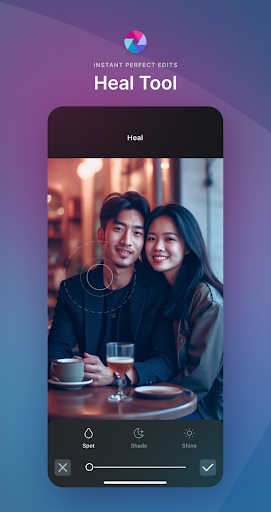
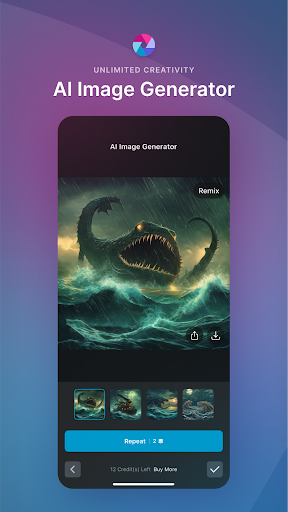
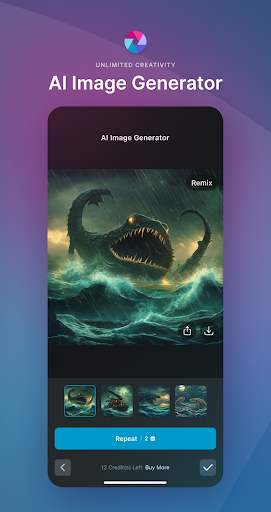
Pixlr stands out with its innovative AI-driven tools designed to simplify complex editing tasks. The AI Generative Fill allows you to highlight any part of your photo and see it effortlessly filled with realistic objects, perfect for removing unwanted elements or adding creative touches. The AI Remove Object feature intelligently deletes objects, filling in the background seamlessly, saving time and effort. Additionally, the AI Remove Background enables pixel-perfect background removal, which is essential for creating professional-looking images or preparing visuals for marketing and branding purposes. These features make advanced photo editing accessible even to beginners, eliminating the need for professional software expertise.
Comprehensive Photo Editing Capabilities
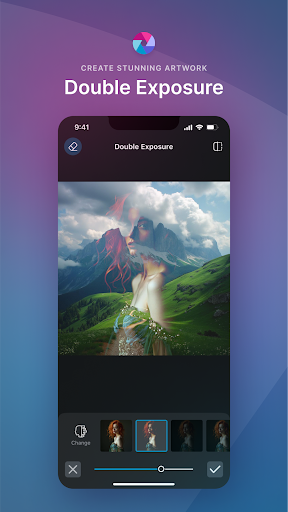
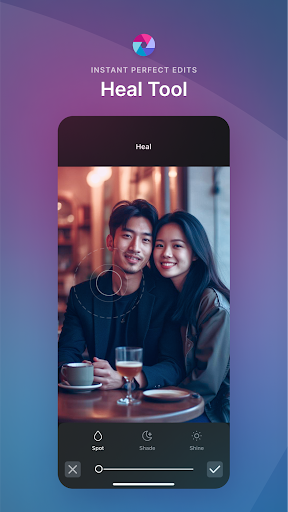
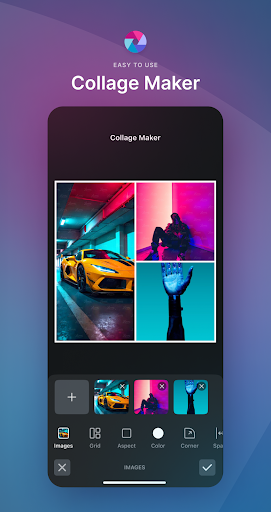
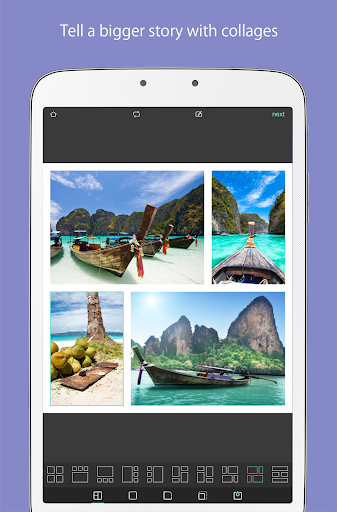
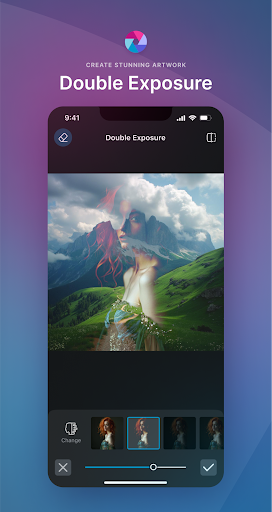
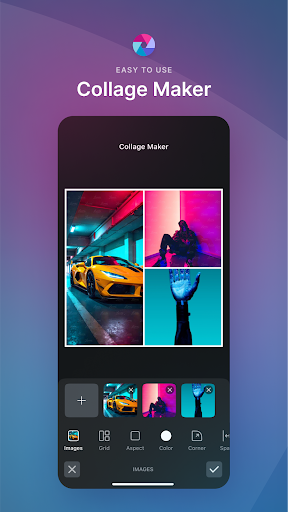
Beyond AI enhancements, Pixlr offers an extensive range of editing tools to fine-tune your images. Explore seasonally updated multi-layered social media templates designed to elevate your digital content effortlessly. Create beautiful photo collages using a variety of preset designs, grid styles, custom ratios, and backgrounds—ideal for showcasing multiple images in one frame. With a single click, you can improve your photos instantly using the Auto Fix feature, which boosts color vibrancy and exposure. Art effects such as Double Exposure and Stylize effects like pencil sketch, watercolor, and posterize allow you to add artistic flair. Tools for blemish removal, red-eye correction, skin smoothing, and teeth whitening help you perfect portrait photos with precision. Use the Color Splash effect to highlight specific colors or apply Focal Blur to create depth of field effects. Choose from a wide selection of effect packs, overlays, and borders to give your photos a distinctive look, and keep your creative options fresh with a growing library of effects and design elements.
User-Friendly Interface and Easy Sharing
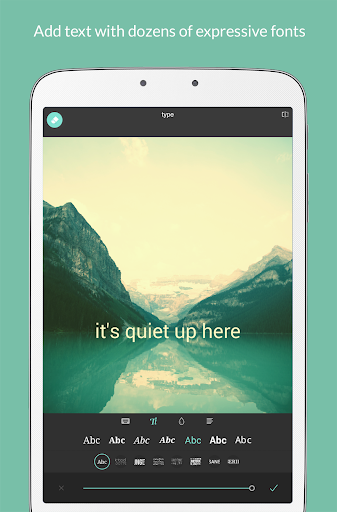
From the moment you open Pixlr AI Photo Editor, you'll notice its clean, intuitive layout designed for effortless navigation, even for beginners. The well-organized icons and categorized tools make editing smooth and straightforward. Adding text is simple, with various fonts, sizes, and colors available to personalize your images. Incorporate stickers and creative overlays to add fun touches or convey messages. For collage enthusiasts, making themed collections or memorable moments is quick and easy with numerous templates. Once your masterpiece is complete, sharing is seamless—upload your edited photos directly to social media platforms like Instagram, Facebook, and Twitter without hassle. This integration streamlines your creative process from editing to sharing, making Pixlr an indispensable tool for digital content creators.
Why Choose Pixlr AI Photo Editor?
Compared to other photo editing apps on the market, Pixlr distinguishes itself with a powerful suite of features combined with a user-friendly interface. Its AI-powered tools enable quick and professional edits that save time while delivering high-quality results. Whether you want to give a vintage vibe, enhance portraits, or create compelling social media posts, Pixlr provides all the necessary tools at your fingertips. Its versatility makes it suitable for both casual users and professional photographers, ensuring everyone can produce impressive visuals with minimal effort. Additionally, with continual updates and an expanding library of effects, overlays, and design elements, Pixlr maintains its position as a top choice for digital photo editing.
Pros
- Intuitive interface for straightforward navigation.
- Extensive set of AI-driven editing features.
- Compatibility with multiple image formats.
- Integration with cloud storage for convenient access.
- Frequent updates introducing new functionalities.
Cons
- Includes in-app purchases for premium options.
- Some features require internet connectivity.
- Presence of occasional intrusive advertisements.
- Limited features available in the free version.
- Consumes significant battery power during use.











