

PixelLab - Text on pictures
Have you ever wanted to add a little flair to your photos? PixelLab - Text on pictures is the ultimate app designed to unleash your creativity and personalize your images with ease. Whether you're an avid social media user, a budding graphic designer, or simply someone who loves to make their photos stand out, this app might just become your go-to tool for photo editing and graphic creation.
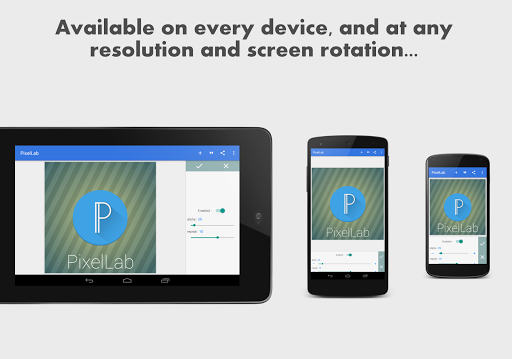
Explore the creative possibilities with PixelLab, which goes beyond basic editing. It offers a comprehensive suite of features that enable you to add and customize text, stickers, shapes, and drawings directly on your pictures. The app's intuitive, clean interface ensures that even beginners can navigate effortlessly while providing advanced tools for seasoned designers to craft stunning visuals.
Key Features of PixelLab - Text on pictures
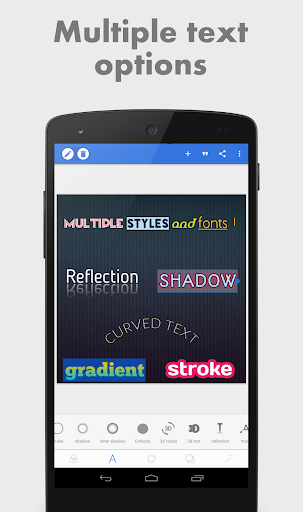
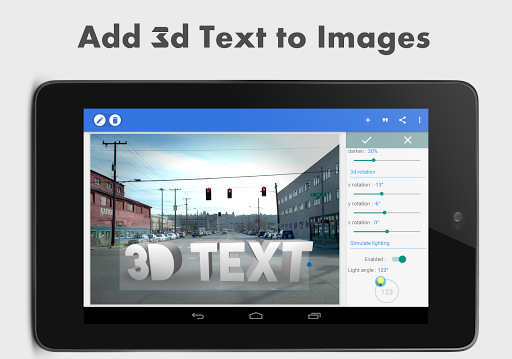
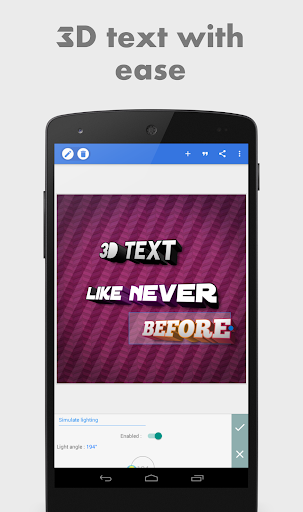
Stylish Text and 3D Text
Adding stylish text to your images is seamless, with options to create 3d text that can be overlaid onto your photos or used independently for posters and banners. You can customize the size, font, color, and effects to match your vision.
Extensive Text Effects and Customization
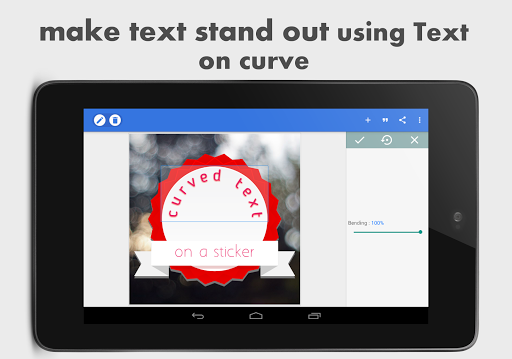
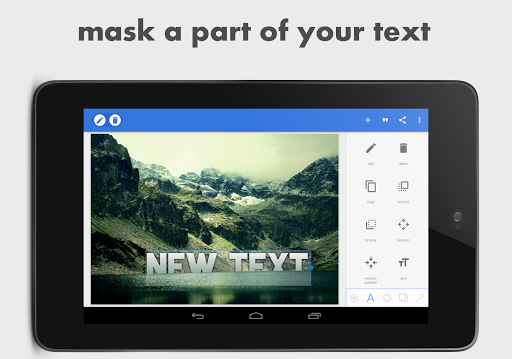
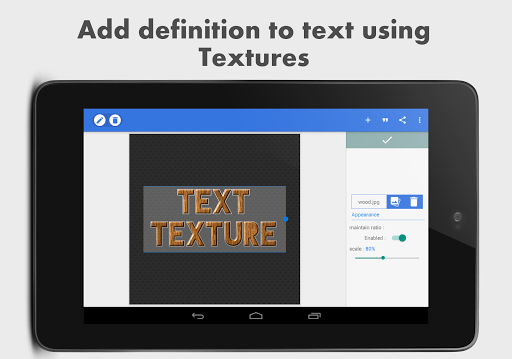
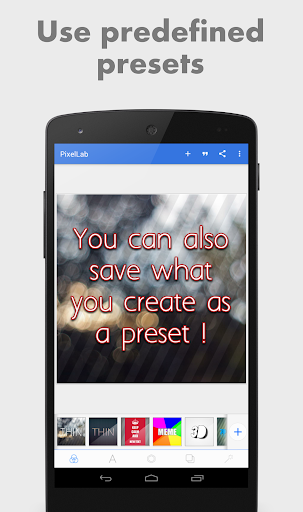
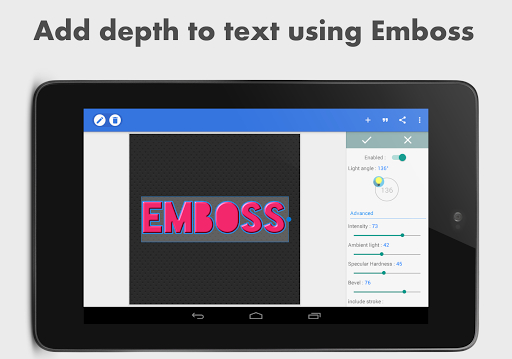
The app includes numerous text effects such as Shadow, Inner Shadow, Stroke, Reflection, Emboss, Mask, and 3d text. These effects help your text stand out and add depth to your designs. Text colors can be set to solid colors, linear gradients, radial gradients, or even image textures.
Fonts and Import Options
Choose from a collection of over 100+ fonts, all carefully curated to suit different styles. Moreover, you can import your own fonts, allowing for further personalization and unique branding in your projects.
Stickers, Shapes, and Image Import
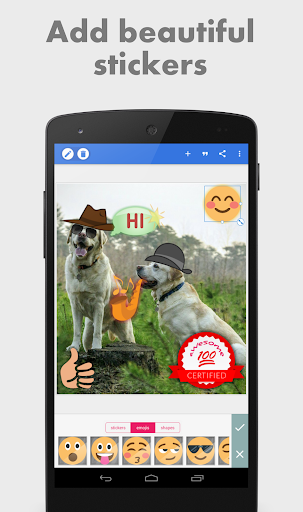
Enhance your images with a variety of stickers, emojis, and shapes. You can also import your own images from the gallery, making it easy to create layered compositions or add custom stickers for a personalized touch.
Drawing and Background Customization
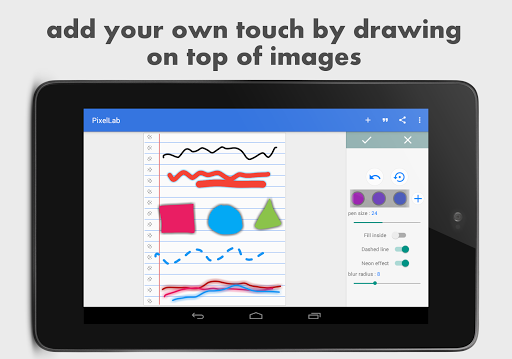
The app allows you to draw freely with adjustable pen size and color, with drawings that can be resized, rotated, and given shadows. Additionally, you can modify the background using solid colors, gradients, or images to perfectly complement your textual overlays.
Advanced Editing Tools
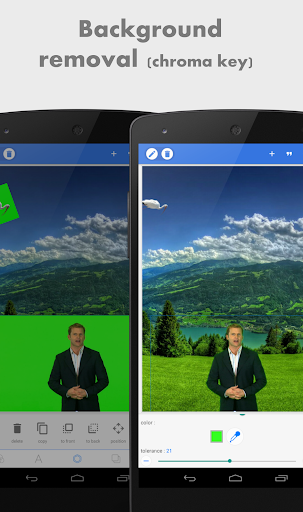
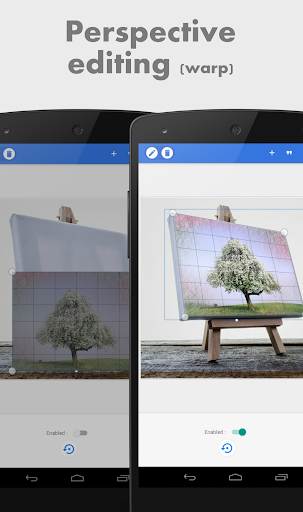
PixelLab offers powerful editing capabilities like background removal for green or blue screens, perspective editing (warp), and various image effects such as vignette, hue, and saturation adjustments. These tools enable you to create professional-quality graphics effortlessly.
Export, Share, and Create Memes
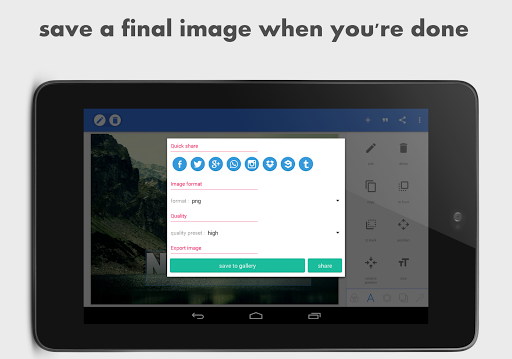
When your design is complete, you can export your image in any format or resolution, ready for sharing. The app also provides Quick Share buttons for instant sharing on social media platforms like Facebook, Twitter, and Instagram. For fun and quick content, you can even create memes using preset templates and browse quotes to insert into your images.
User Experience and Final Thoughts
One of the standout qualities of PixelLab - Text on pictures is its user-friendly interface, which makes photo editing accessible for users of all skill levels. The app runs smoothly without lag or crashes, ensuring that your creative flow is uninterrupted—perfect for capturing inspiration whenever it strikes.
Whether you're enhancing social media posts, designing marketing graphics, or just having fun personalizing your photos, this app provides the versatility needed to bring your ideas to life. Its robust set of features, combined with ease of use, makes PixelLab a top choice among photo editing applications.
In a world where visual content plays a crucial role in communication, PixelLab stands out as a powerful tool that helps you transform ordinary photos into eye-catching artwork. Download it today and let your imagination run wild with endless design possibilities.
Pros
- User-friendly interface suitable for beginners
- Variety of font styles available
- Advanced customization options for text
- Supports the creation of 3D text
- Regular updates introducing new features
Cons
- Limited options for exporting creations
- Ads can be disruptive
- Some features require in-app purchases
- Performance may occasionally lag
- Lacks direct sharing to social media platforms











