

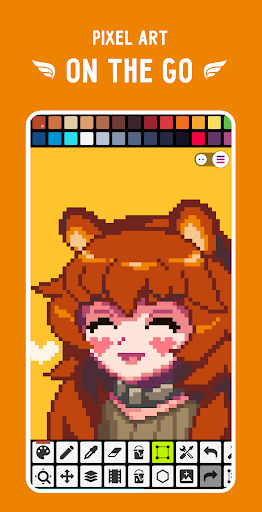
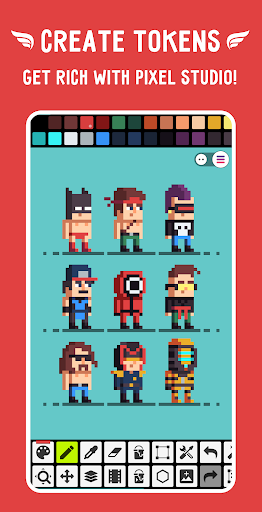
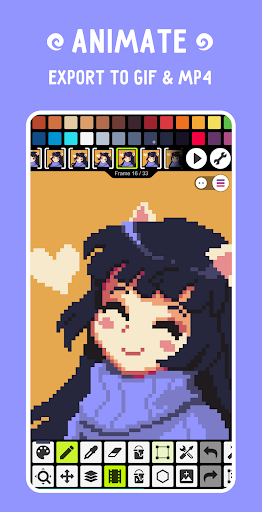
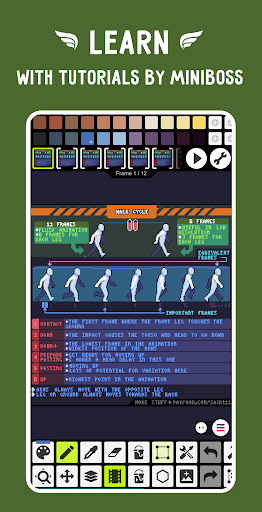
Explore the Magic of Pixel Studio: The Ultimate Pixel Art Editor
Getting Started with Pixel Studio
Powerful Features to Spark Your Creativity
Pixel Studio is packed with features tailored to enhance every aspect of pixel art creation. Its cross-platform compatibility allows artists to work effortlessly across mobile devices and desktops, thanks to seamless Google Drive synchronization. This means you can start a project on your smartphone during your commute and continue editing on your tablet or PC without fuss.
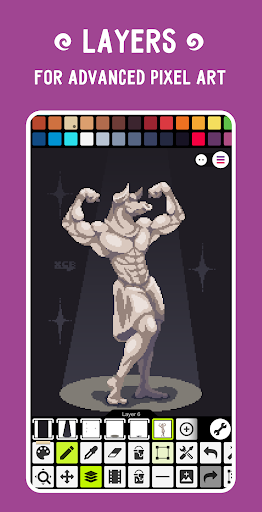
One of the standout features is the support for layers, enabling advanced pixel art composition. You can easily create and manage multiple layers for complex designs, making editing more flexible and non-destructive. The app also supports frame-by-frame animations, allowing you to craft lively, animated sprites that can be exported as GIFs or sprite sheets. Moreover, you can extend animations by adding music and exporting videos in MP4 format, perfect for sharing your creations or including in game projects.
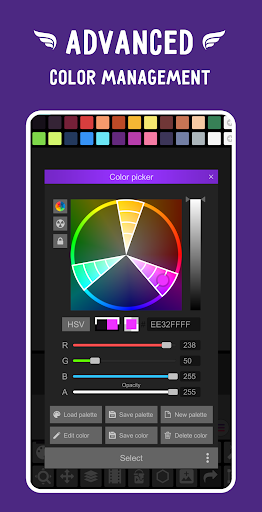
Color management is another strength, featuring a color picker with RGBA and HSV modes, along with customizable palettes. You can choose from built-in palettes or download additional ones from platforms like Lospec. Plus, tools such as gradient and brushes (including custom brushes) give you the creative freedom to craft detailed and vibrant artwork.
For precise control, Pixel Studio offers tools like onion skin for animation, a Dot Pen for detailed drawing, and a symmetry mode to ensure perfect reflections. The rotation and scaling features use an advanced Fast RotSprite algorithm to optimize your transformations, while the mini-map and pixel perfect preview assist in fine-tuning your art.
Editing and Customization Tools
Beyond basic drawing, Pixel Studio provides a suite of powerful editing tools. Use the Shape Tool to create primitives, apply gradients, and utilize a variety of built-in or custom brushes. The Tile Mode allows for seamless textures, which is ideal for game backgrounds or tile-based levels.
Advanced features like palette swapping, image grabbing, and automatic backups ensure your work is both creative and secure. Customizable options—such as background color, grid overlay, and toolbar layout—allow you to tailor the workspace to your preferences. Support for popular formats, including PNG, JPG, GIF, PSD, and more, makes importing and exporting straightforward and compatible with other tools.
Collaborate, Share, and Build a Community
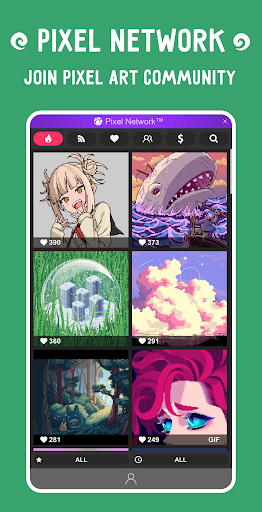
Pixel Studio encourages social sharing and community interaction through integration with Pixel Network™, a vibrant platform for artists to showcase their creations, exchange feedback, and draw inspiration. Export your artwork easily to social media, or create NFTs to monetize your pixel art projects.
The app's support for popular styluses like Samsung S-Pen, HUAWEI M-pencil, and Xiaomi Smart Pen enhances drawing precision, making it suitable for detailed illustrations and animations. Whether you're working solo or collaborating with others, Pixel Studio’s sharing capabilities and community features foster creativity and connection among pixel art enthusiasts worldwide.
Extended Capabilities and Support
For advanced users, Pixel Studio offers PRO features via a one-time purchase, including ad-free experience, unlimited project size, extended formats such as AI, EPS, SVG, and PDF, and higher customization levels. The app supports high-resolution projects, multithreaded processing for speed, and extensive color adjustments to perfect your art.
System requirements recommend at least 2GB of RAM and a powerful CPU to handle large projects smoothly. The app’s compatibility across devices ensures that regardless of your platform—mobile or desktop—you can produce high-quality pixel art efficiently.
Why Pixel Studio Is the Best Pixel Art Tool for You
In conclusion, Pixel Studio is more than just a pixel art editor; it’s a comprehensive creative environment that adapts to your skill level and project needs. Its extensive feature set, cross-platform support, community integration, and user-friendly interface make it the go-to tool for pixel artists and game creators alike. Whether you're crafting simple sprites or complex animations, Pixel Studio empowers you to express your imagination with precision and ease. Give it a try and discover why over 5 million users worldwide have made Pixel Studio their favorite pixel art companion!
Pros
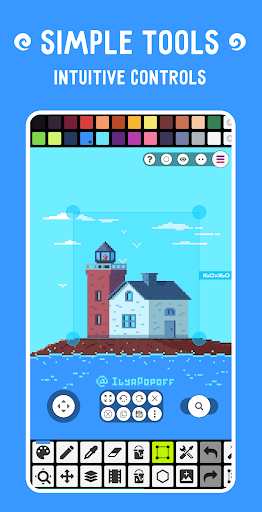
- User-friendly interface with intuitive tools
- Supports layers for creating complex artwork
- Cross-platform support improves accessibility
- Provides a wide range of color palettes
- Regular updates introducing new features
Cons
- Limited features in the free version
- Some advanced tools require in-app purchases
- Occasional bugs occur during export
- Interface may become cluttered on smaller screens
- Steep learning curve for new users











