




Picify: AI Art Editor — Unlock Your Creative Potential
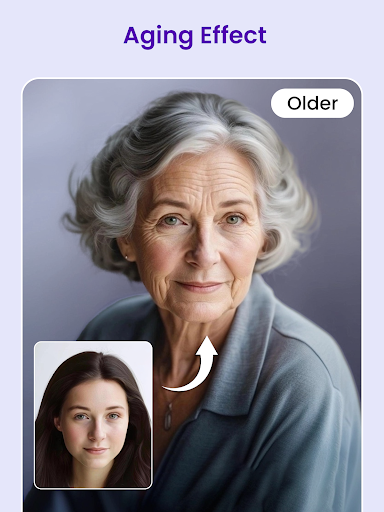
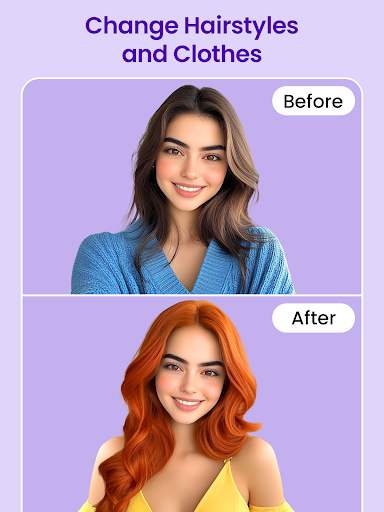
Powered by advanced AI technology, Picify helps you unlock your creativity, generating stunning images in seconds with simple operations. Transform your photos with unique artistic styles, expand backgrounds, enhance image quality, remove unwanted objects, and create impressive AI-generated artwork—without a steep learning curve.
AI-Powered Art Transformations
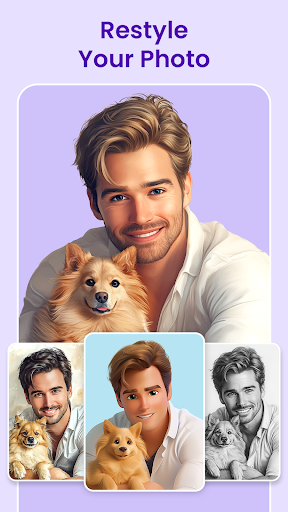
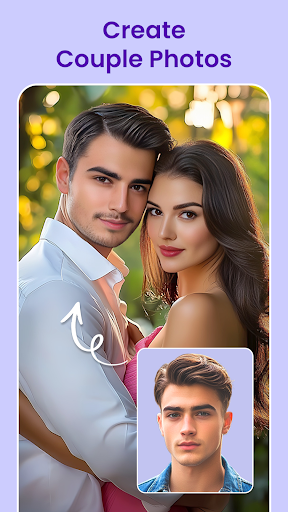
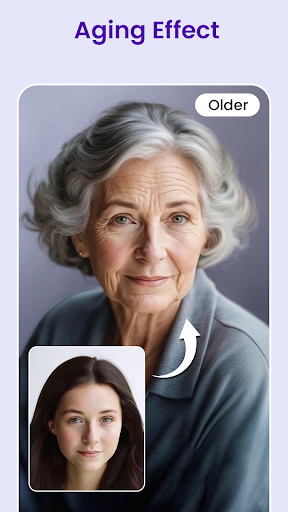
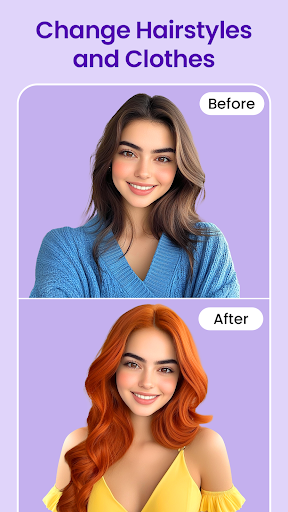
Our AI photo generator is your creative companion. Simply upload your photo, choose a style or concept, and watch vibrant artwork come to life. With Picify, you can explore mesmerizing looks—from fairytale prince to anime character, stylish biker to neon city warrior—and more, turning ordinary snapshots into extraordinary art.
It’s a breeze to experiment with different visual languages. The AI algorithms analyze your image and apply artistic techniques with precision, making your visuals feel fresh, cinematic, or whimsical. Are you ready for the transformation?
Smart Tools for Polished Images
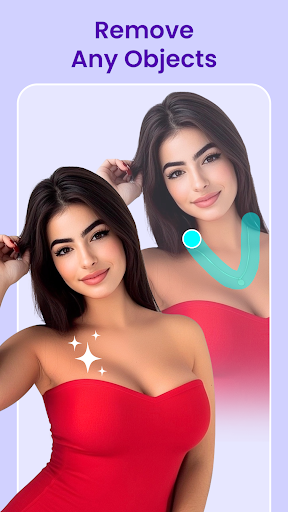
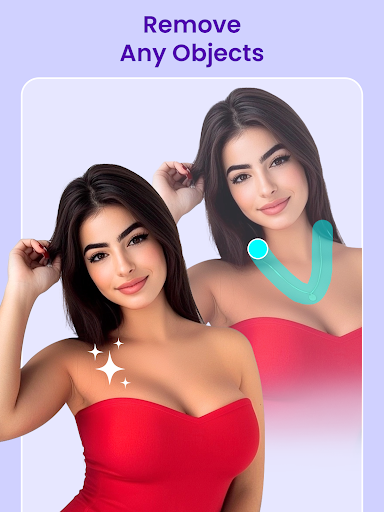
AI Object Removal makes distractions vanish. Remove unwanted objects or people in three simple steps, leaving a clean, flawless photo.
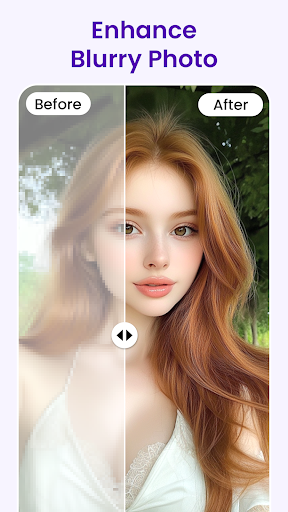
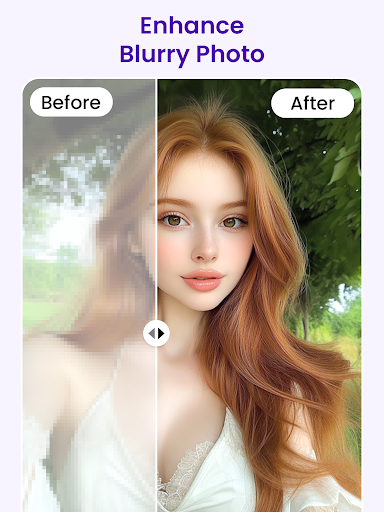
AI Image Enhancement boosts resolution and clarity. Adjust brightness, contrast, and color balance to ensure your images pop with vivid colors and sharp details.
Why Picify Stands Out
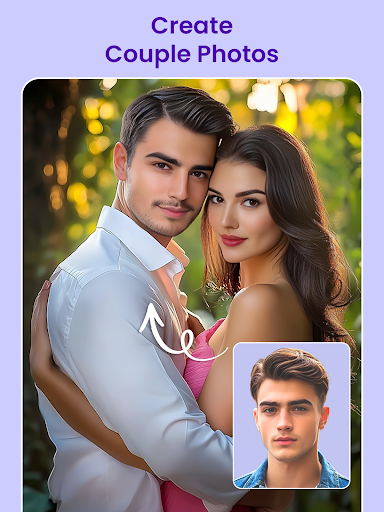
All-in-one application — A comprehensive suite of features for effortless AI art creation and editing, from style transfer to background expansion.
Advanced AI technology — Cutting-edge artificial intelligence powers you to achieve results that feel crafted by a pro.
High efficiency — Intuitive interface, quick processing, and stunning artwork in minutes, not hours.
Unleashed creativity — Explore limitless ideas and bring them to life with minimal effort, whether you’re a hobbyist or a pro.
Regular updates — Continuous improvements and new features keep you ahead in digital photo editing and AI art trends.
Getting Started
Just follow these steps: Tap on your chosen feature, upload your image, tap Generate, and download your AI-edited image. It’s as simple as that to let AI bring your artistic vision to life.
Community, Sharing, and Inspiration
Picify makes it easy to share your masterpieces on social media platforms like Instagram and Facebook, helping you grow your audience and showcase your unique style. The built-in community feature connects you with other users, offering tips, feedback, and inspiration so your creativity can flourish.
Conclusion
Picify: AI Art Editor is more than a photo editor — it’s a bridge to digital art creation. Whether you want to elevate your social media presence or explore a new hobby, this AI-powered art tool provides the tools and inspiration to turn everyday photos into captivating artwork. Unleash your inner artist and let Picify transform your images into gallery-worthy pieces.
Pros
- User-friendly interface enables straightforward navigation.
- Cutting-edge AI editing tools.
- Frequent updates enhance functionality.
- A broad selection of artistic filters.
- Effortless sharing to social networks.
Cons
- Needs a reliable internet connection.
- Some features are behind a paywall.
- May lag with large files or slow devices.
- Free plan offers limited tools.
- Ads may appear intermittently.











