

Discover the Creative World of PicCollage: Magic Photo Editor
Are you looking for a versatile and easy-to-use photo collage maker that transforms your memories into beautiful visual stories? PicCollage: Magic Photo Editor is the perfect app for you. Whether you're a beginner or a seasoned photo enthusiast, this app offers a wide range of features that make creating photo collages, video collages, greeting cards, and social media stories both fun and effortless.
Unleash Your Creativity with a User-Friendly Interface
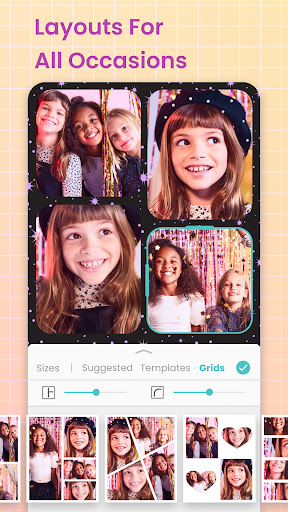
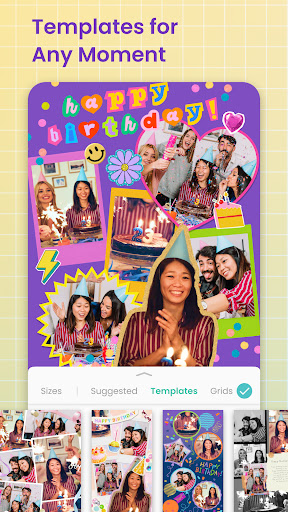
Once you open PicCollage, you'll immediately notice its intuitive interface designed to cater to all your creative needs. Start with a blank canvas or explore a rich library of template layouts suited for every occasion—birthdays, weddings, holidays, or simple everyday moments. The app’s drag-and-drop functionality allows you to easily insert photos, videos, stickers, and text, making complex designs accessible even to beginners. Whether you're aiming for a grid layout or a more freestyle collage, PicCollage offers the flexibility to let your imagination run free.
Powerful Features to Elevate Your Photos
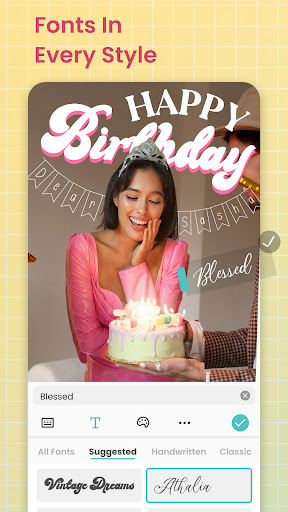
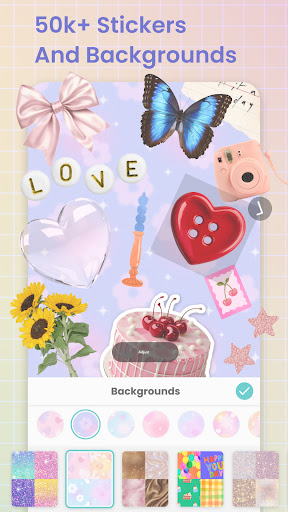
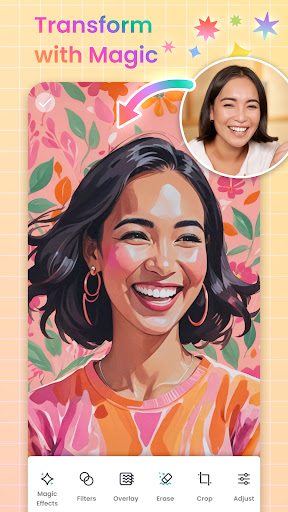
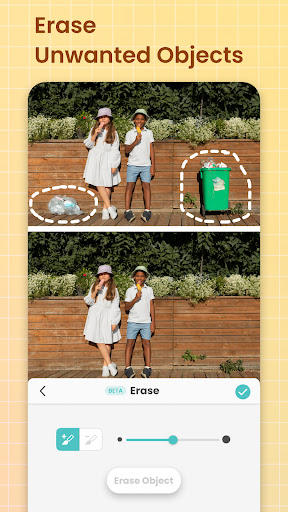
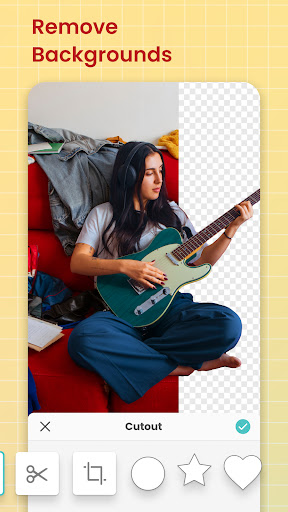
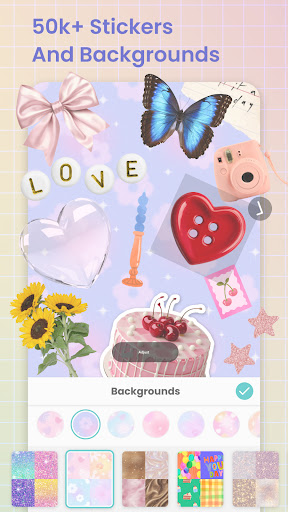
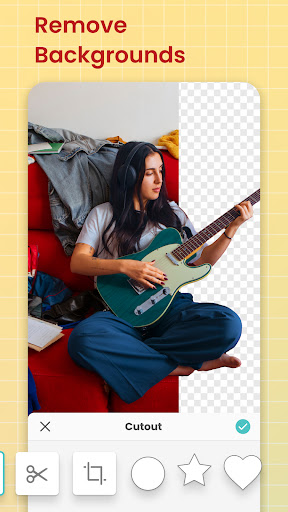
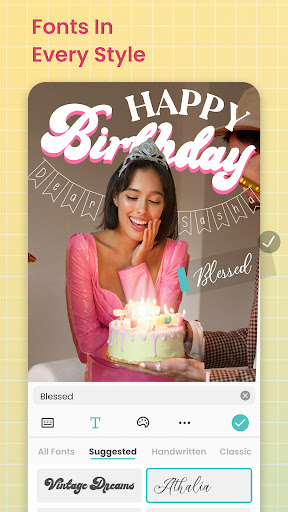
Sticker collections are one of the highlights of PicCollage. With a vast array of adorable, quirky, and themed stickers, you can add personality to every creation. The app also provides a diverse selection of fonts and backgrounds, enabling you to craft unique looks that match your style—from vintage aesthetics to modern minimalism. Want to make your photos stand out? Use the AI-powered background removal and Magic Expand tools to isolate subjects or extend backgrounds seamlessly. These features make it easy to create professional-looking collages without prior design experience.
Template Library for Every Occasion
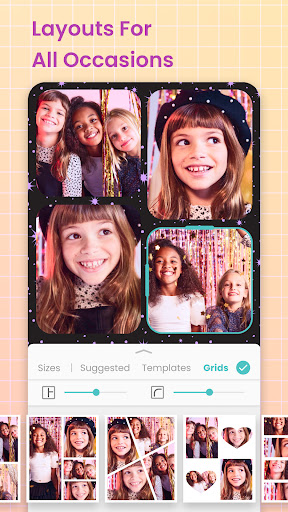
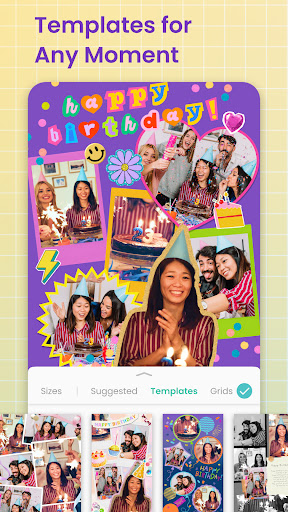
Explore PicCollage's extensive collection of template layouts designed for various themes and celebrations. From firework templates that celebrate special moments to confetti and film frame templates for a classy touch, there's something for everyone. Seasonal templates, Christmas cards, wedding invites, and party announcements are readily available, simplifying your creation process. The app’s grid templates help organize multiple photos in a clean, visually appealing arrangement, while the animated templates add lively motion effects to your collages.
Advanced Photo Editing and Cutout Capabilities
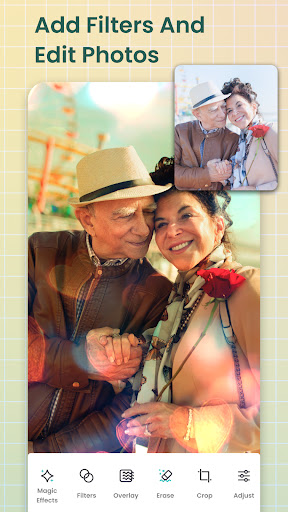
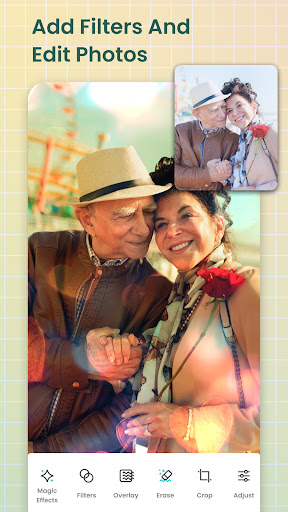
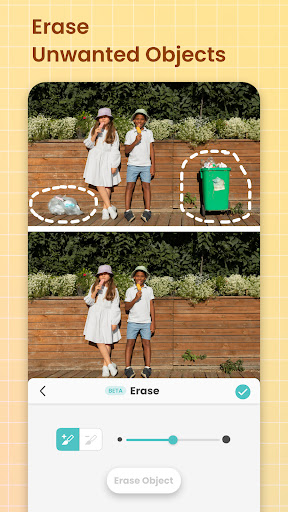
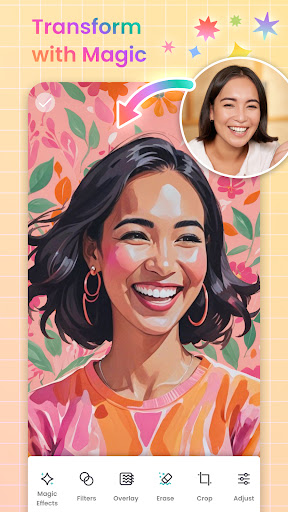
To make your collages truly standout, PicCollage offers sophisticated editing tools. Remove and replace backgrounds effortlessly using AI-driven technology. With the cutout tool, you can isolate objects, celebrities, or landscapes, and incorporate them into your designs. The app also supports adding film frames and various borders to give your photos a polished finish. Plus, the ability to update templates with new backgrounds, stickers, and effects keeps your creative options fresh and exciting.
Text, Doodles, and Personal Touches
Add meaningful messages or playful doodles to your collages with PicCollage’s font maker and doodle features. Choose from curated font templates or create custom curved text to perfectly fit your layout. Crayon borders imitate hand-drawn borders, framing your images with a charming touch. These tools allow you to personalize every detail, making each collage uniquely yours.
Bringing Your Creative Vision to Life with Animation and Video Collages
Elevate your projects by creating animated photo collages. Combine photos and videos to craft engaging visual stories for social media posts, invitations, or personal keepsakes. Use the app’s video editing features, including filters and template effects, to produce dynamic video collages and animated greeting cards. This multi-layered approach makes your memories more vibrant and captivating.
Design Custom Cards & Invitations
Looking to send personalized invitations or greeting cards? PicCollage makes it easy with dedicated card templates. Customize designs for birthdays, weddings, holidays, or any special event by adding your photos, text, and decorative elements. These templates serve as stylish photo frames, helping you craft beautiful, professional-looking cards directly from your device.
Upgrade to PicCollage VIP for Premium Features
For those wanting an even richer creative experience, PicCollage VIP offers ad-free use, no watermarks, and access to all premium templates, stickers, backgrounds, and fonts. Unlock every grid and layout option, and enjoy the ability to create unlimited designs. A 7-day free trial lets you explore all VIP features stress-free, ensuring you get the most out of this powerful photo editor.
Conclusion: Your All-in-One Photo Editing Companion
PicCollage: Magic Photo Editor is more than just a collage app—it's a comprehensive tool that empowers you to craft stunning visual stories. Whether for personal memories, social media sharing, or special occasion invitations, this versatile app caters to all your creative needs. With its blend of simplicity, advanced editing tools, and creative templates, PicCollage is the go-to app for anyone eager to turn their ordinary photos into extraordinary designs. Download it today and start creating captivating photo collages that will impress your friends and family!
Pros
- User-friendly interface allowing quick editing.
- Wide selection of templates available.
- Includes entertaining stickers and backgrounds.
- Supports creating photo and video collages.
- Ideal for sharing content on social media.
Cons
- Contains in-app purchases and advertisements.
- Free version has limited features.
- Reports of occasional app crashes.
- Some features require internet connection.
- Not suitable for professional-level editing.











