

Pic Collage Maker Photo Editor – Your All-in-One Photo Fun from Making Collages to Editing Photos
Looking to elevate your photo editing and collage creation skills? Pic Collage Maker Photo Editor offers an easy-to-use and free platform that transforms ordinary photos into stunning visual stories. Whether you're crafting a memorable collage, tweaking a single image, or adding creative touches, this app is packed with powerful features designed for users of all skill levels. With just a few taps, you can combine photos, apply filters, add stickers, frames, and texts—then share your artwork instantly on social media platforms like Instagram, Facebook, or WhatsApp.
Key Features of Pic Collage Maker Photo Editor
Versatile Collage Creation
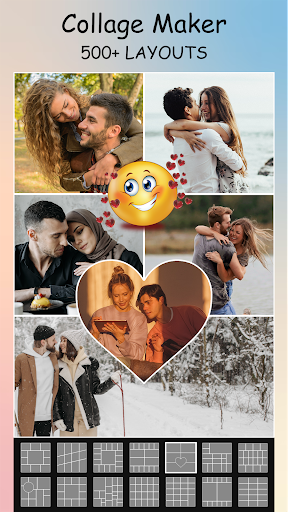
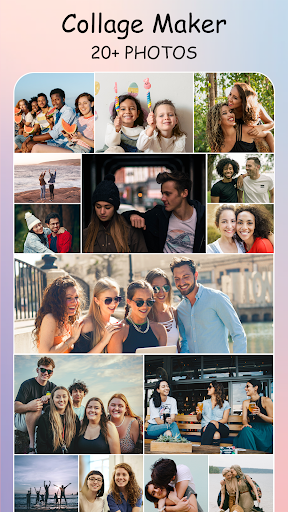
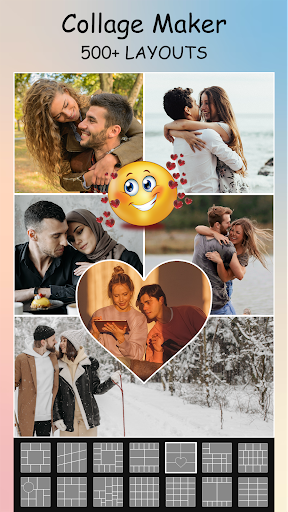
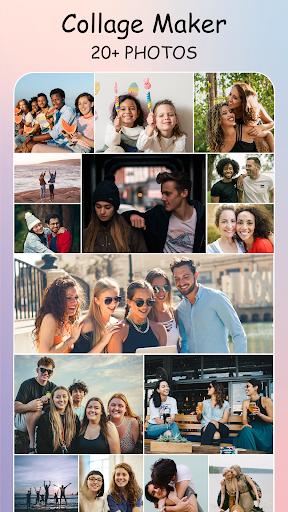
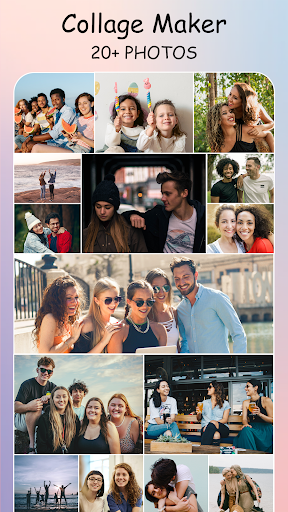
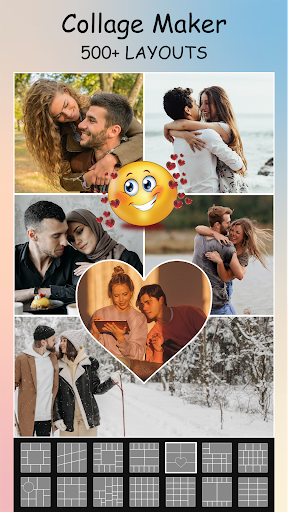
Arrange up to 12 photos in a single collage with ease. Choose from over 100+ layout options, including grid styles, freestyle designs, and picture-in-picture (PIP) templates that let you overlay images creatively. The app also enables you to customize the ratio and borders for a personalized touch.
Creative Editing Tools
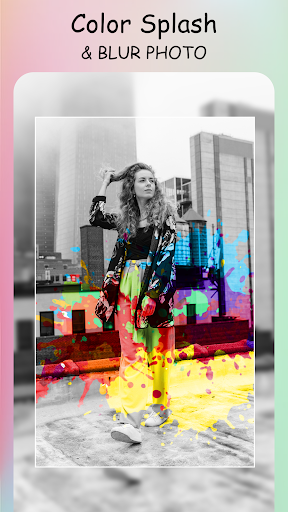
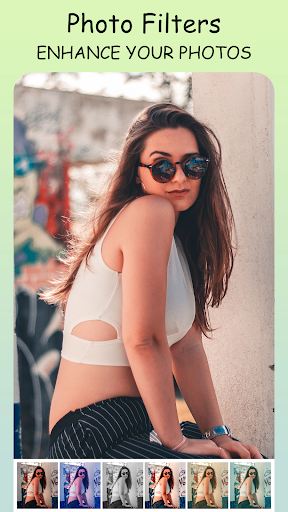
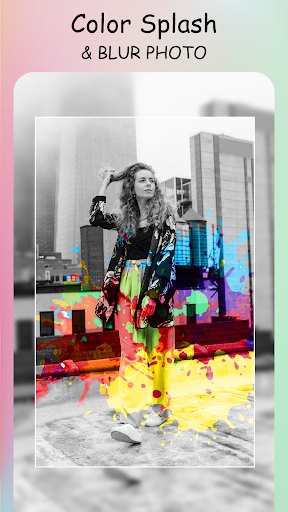
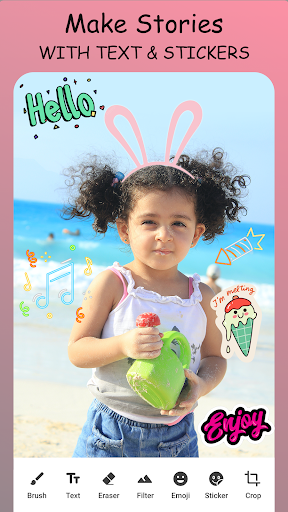
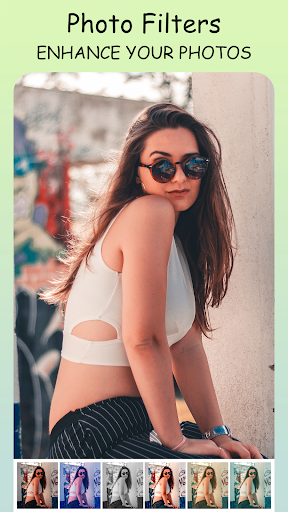
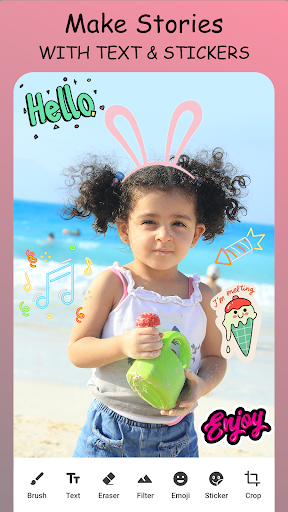
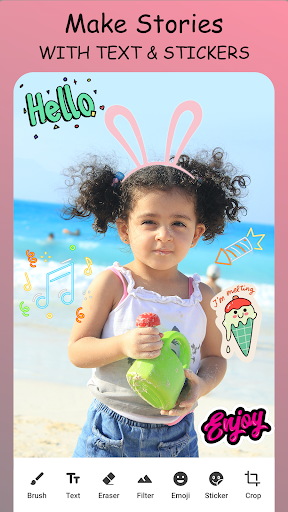
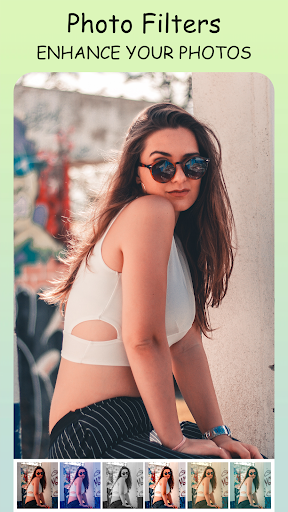
The app provides all essential photo editing tools, such as cropping, rotating, flipping, and adjusting brightness or contrast. Enhance your images using filters or sharpen their quality with the Pic Enhancer. Add stickers, text, and doodles to make each creation uniquely yours. These features make Pic Collage Maker a comprehensive all-in-one photo editor.
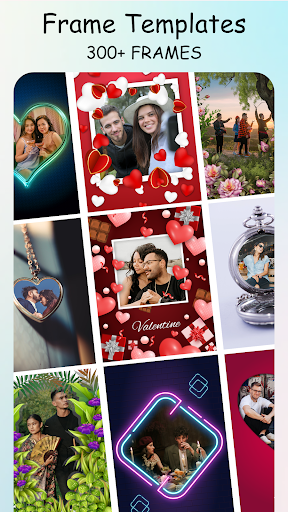
Stylish Backgrounds & Frames
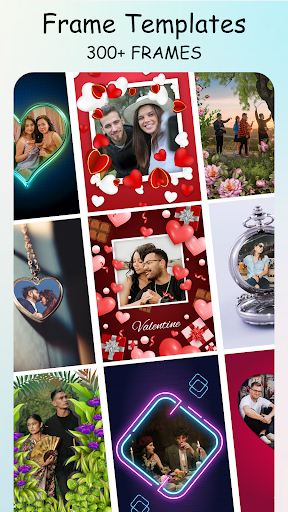
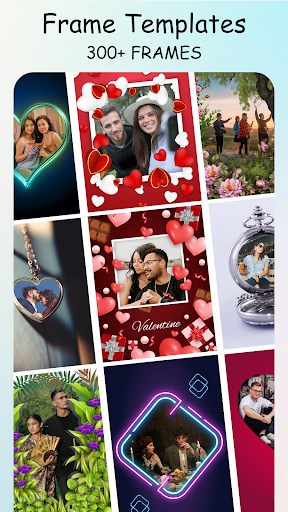
Give your collages a professional look by choosing from trendy backgrounds or framing your photos with a variety of photo frames. Whether you want love-themed, holiday, birthday, or baby frames, the app offers plenty to match any occasion and preserve your precious memories.
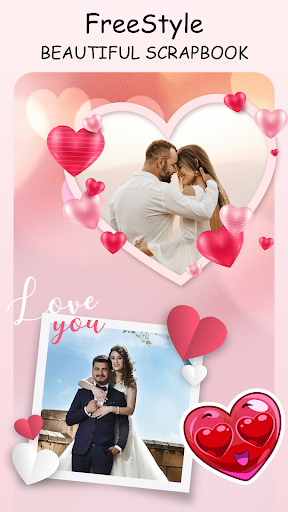
Freestyle & Scrapbook-Style Collages
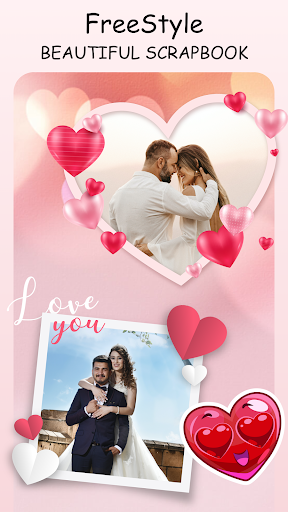
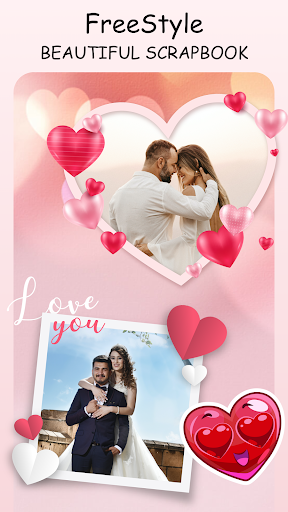
For users who want a more customized approach, the Freestyle option allows decorating your collages with backgrounds, stickers, and doodles. It's perfect for creating scrapbook-style designs that showcase your personal style and creativity.
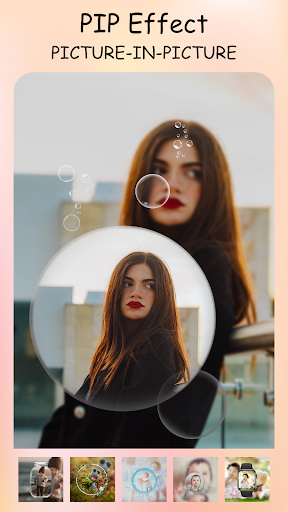
PIP (Picture-in-Picture) Templates
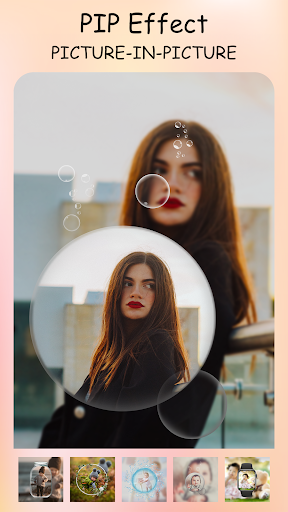
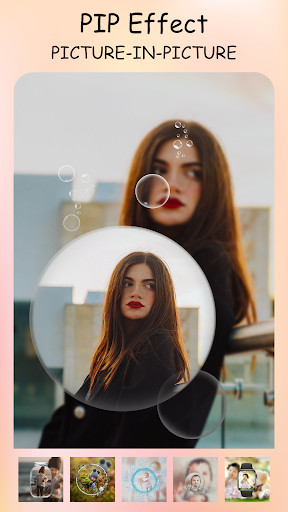
Overlay multiple images seamlessly to create engaging PIP effects. This feature enables layering photos creatively for a more dynamic and eye-catching appearance, perfect for storytelling or highlighting special moments.
Multi-fit for Social Media
Want to post full-sized photos on Instagram or other social media? The app makes it easy to create square images with white or blurred backgrounds to fit specific aspect ratios like 1:1 or 4:5, ensuring your photos look perfect without cropping.
User Experience & Personalization
From the moment you open Pic Collage Maker Photo Editor, you'll notice its intuitive and User-friendly interface. Designed for everyone, even beginners can navigate effortlessly. The app’s control panel offers quick access to features such as starting a new collage, editing individual photos, or exploring customizable templates. No need for tutorials—everything is just a tap away.
If you love experimenting, this app provides endless possibilities to express your creativity. With a rich collection of stickers, fonts, and doodles, you can personalize your images to reflect your personality and style. Whether you're designing a birthday card, holiday greeting, or just a fun collage, Pic Collage Maker Photo Editor offers the tools you need to make your visions come alive.
Final Thoughts
In today's visual-centric world, capturing and sharing memories is easier and more impactful with a versatile app like Pic Collage Maker Photo Editor. It’s not just about creating collages; it’s about sharing your stories, expressing your creativity, and engaging with your audience. Its rich feature set, combined with user-friendly controls and social media integration, makes it an ideal choice for enthusiasts and casual users alike. Download this all-in-one photo editing and collage app today and turn your photos into stunning works of art that stand out on every platform.
Pros
- User-friendly interface for quick editing
- A broad selection of collage templates
- Large collection of stickers and fonts
- Easy sharing to social media platforms
- Supports exporting high-resolution photos
Cons
- Includes in-app purchases and advertisements
- Limited features available in the free version
- Occasional crashes reported by users
- May experience lag on older devices
- Watermark appears on free version exports











