

Introduction to the PhotoSync Bundle Add-On
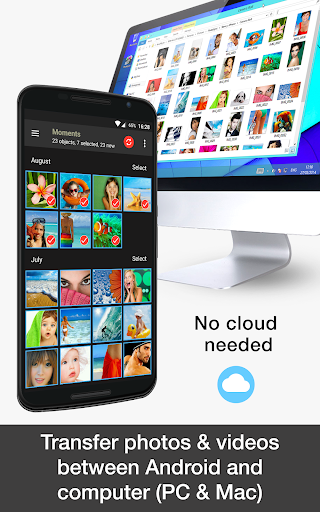
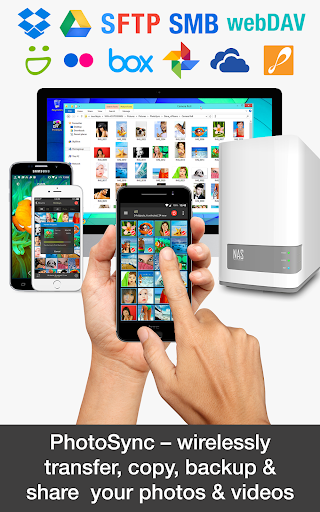
The PhotoSync Bundle Add-On is a powerful activation license designed to enhance the capabilities of the PhotoSync app. Once purchased, this add-on unlocks a suite of advanced features, turning the free version into a comprehensive solution for wirelessly transferring, backing up, and sharing your photos and videos across multiple platforms. With the PhotoSync Bundle Add-On, users gain access to all capabilities including Autotransfer, NAS, and Cloud integrations, making it an essential tool for anyone looking to streamline their media management workflow.
Cost-Effective and Future-Proof Solution
Purchasing the PhotoSync Bundle Add-On offers incredible value. It is priced less than buying each feature individually, and it includes all future add-ons at no additional cost. This means you can enjoy seamless updates and new features without constant additional expenses. Additionally, the bundle removes advertisements from the PhotoSync app, providing a cleaner and more professional user experience. With over 10,000 positive reviews, thousands of satisfied users, and millions of successful photo transfers, the bundle is proven to be a reliable and secure choice for managing your media files across platforms.
Key Features of the PhotoSync Bundle Add-On
The PhotoSync Bundle Add-On comprises three main components, each extending the app’s core functionality:
PhotoSync Autotransfer Add-On
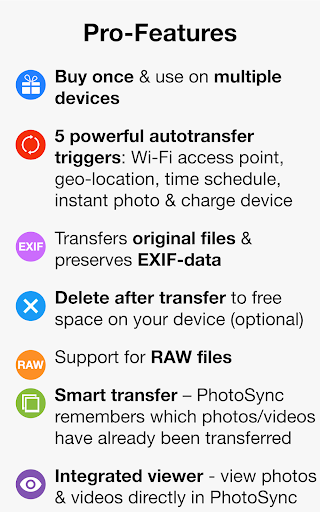
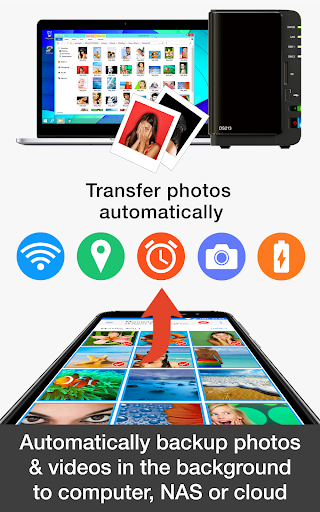
The Autotransfer feature allows you to automate the backup and sharing of photos and videos. Connect your Android device to your WiFi network and set up rules for automatic transfer whenever specific conditions are met:
- Immediately transfer when new photos or videos are taken
- Transfer upon connecting to a designated WiFi network
- Share media automatically with cloud services or NAS when you arrive at a predefined location
- Trigger transfers while charging or based on a schedule
PhotoSync NAS Add-On
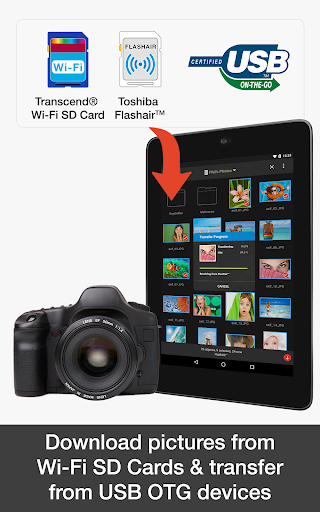
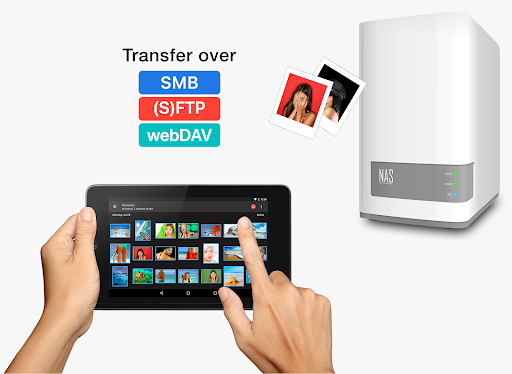
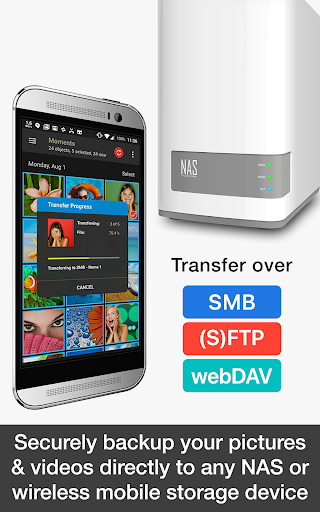
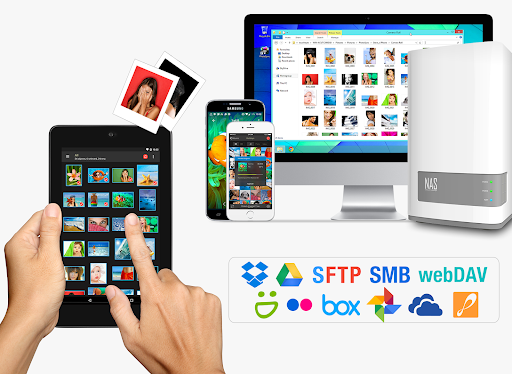
The NAS module enables secure backup and retrieval of your media to and from various NAS devices and personal cloud servers. Compatible with popular brands like Synology, QNAP, and Western Digital MyCloud, it allows effortless uploading, downloading, and management of photos and videos over SMB, FTP, and WebDAV protocols. Whether on the go or at home, you can quickly access and organize your media library stored on your NAS or personal cloud, with support for wireless portable hard drives and wireless USB sticks from brands such as Toshiba and SanDisk.
PhotoSync Cloud Add-On
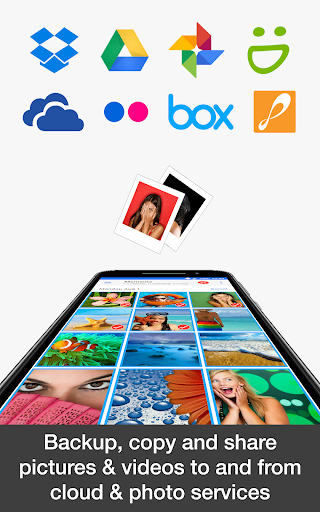
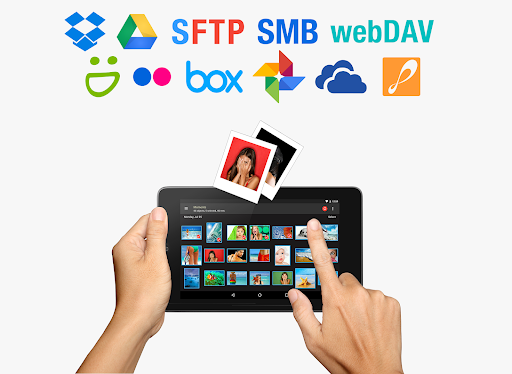
This module focuses on cloud storage integration, supporting major services like Dropbox, Google Drive, OneDrive, and more. Upload, share, and import photos & videos directly from your cloud accounts over WiFi and cellular networks (3G/LTE). It facilitates effortless synchronization with popular photo-sharing platforms such as Flickr and SmugMug, empowering users to manage their media collections across various cloud environments seamlessly.
How Does It Work?
Getting started with the PhotoSync Bundle Add-On is straightforward:
- Download and install the PhotoSync app on your device.
- Purchase and install the PhotoSync Bundle Add-On License.
- Upon installation, PhotoSync will automatically upgrade to the full bundle version, unlocking all advanced features.
Enhanced Experience and User Benefits
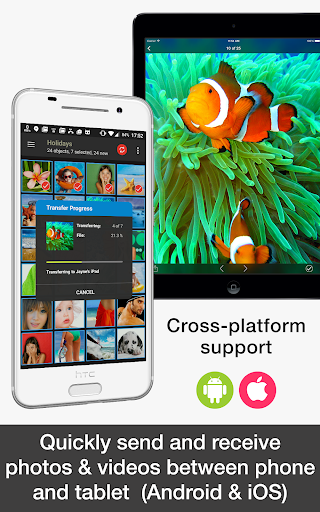
The PhotoSync Bundle Add-On transforms the way users transfer and manage media files. Its intuitive interface makes it accessible even for those who are less tech-savvy, with clear navigation and easy selection of multiple files for transfer. The app's cross-platform compatibility—covering Android, iOS, Windows, and Mac—ensures that users can seamlessly move their photos and videos across all their devices. The reliability and consistent performance of PhotoSync over a decade make it a trusted choice for personal and professional media management.
Final Thoughts
If you frequently transfer media files between smartphones, computers, NAS devices, and cloud services, the PhotoSync Bundle Add-On is a must-have solution. It simplifies complex transfer processes, offers automation for saving time, and guarantees secure backups. By investing in this bundle, users get a comprehensive, future-proof tool that enhances their photo and video management, all while saving money compared to purchasing individual add-ons. Discover the convenience of wireless, automatic, and secure media transfers today with PhotoSync.
Pros
- Seamless integration with cloud services.
- Supports file transfers to NAS and personal servers.
- User-friendly interface for easy navigation.
- Enables background transfers without interruption.
- Delivers high transfer speeds even with large files.
Cons
- Full feature access requires in-app purchases.
- Limited compatibility with some older devices.
- Initial setup process may be lengthy.
- Occasional connection drops reported by some users.
- Compatibility issues with certain cloud services.











