

Photoshop Express Photo Editor
Photoshop Express Photo Editor is a versatile and user-friendly mobile application designed to make photo editing fun and easy for everyone. Whether you're a professional photographer or someone who simply enjoys tweaking their selfies, this app offers a powerful set of features that cater to all skill levels.
Get Started with a Simple and Intuitive Interface
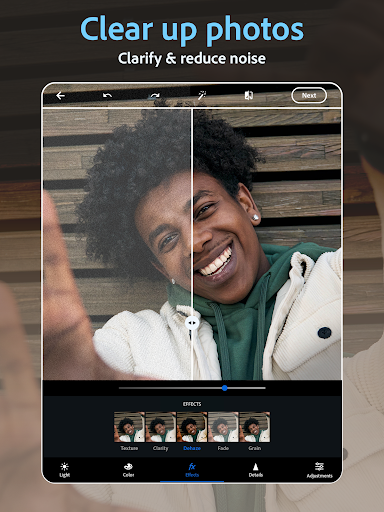
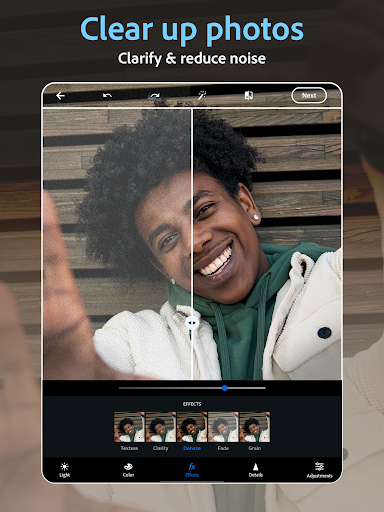
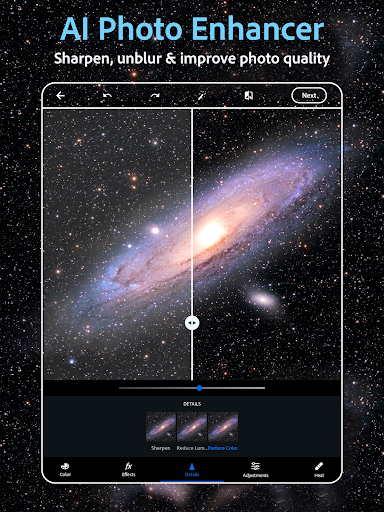
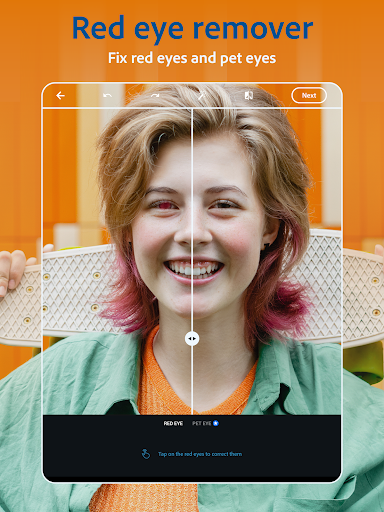
When you first launch Photoshop Express, you'll notice an intuitive interface that’s straightforward to navigate. The clean layout and organized tools ensure that even beginners can start editing right away without any hassle. This accessibility makes it a go-to app for quick edits or complex projects alike.
Powerful Features to Elevate Your Photos
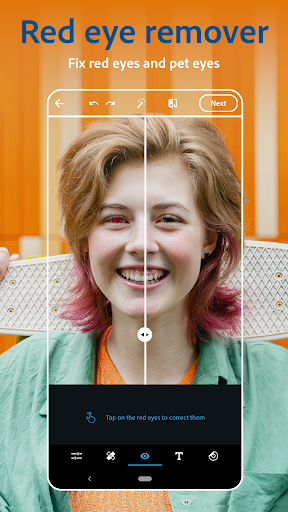
This app is packed with an array of features that streamline photo editing. Essentials like cropping, straightening, and rotation are just the beginning. The real magic lies in its advanced editing tools, including:
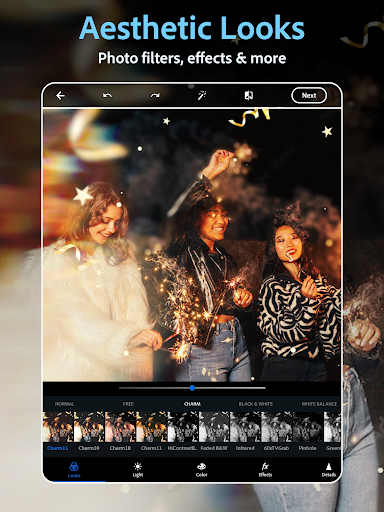
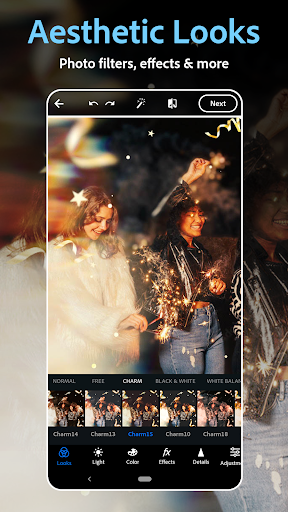
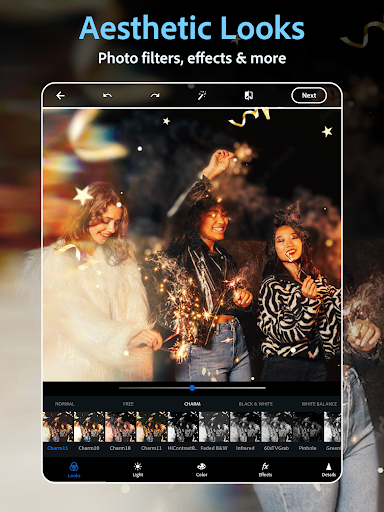
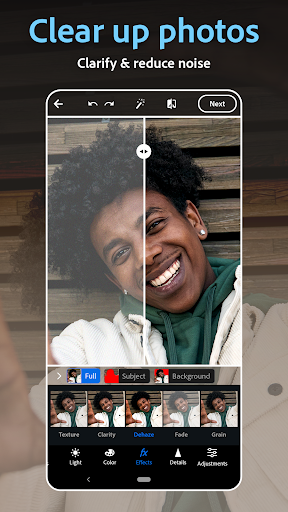
- Filters — Choose from numerous customizable filters to add mood or vintage effects to your images.
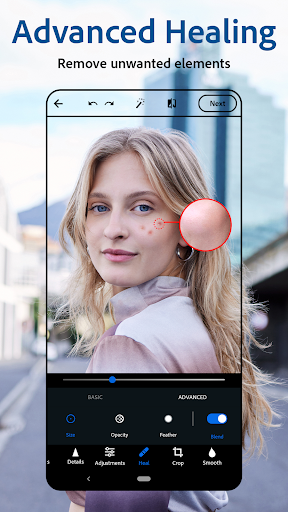
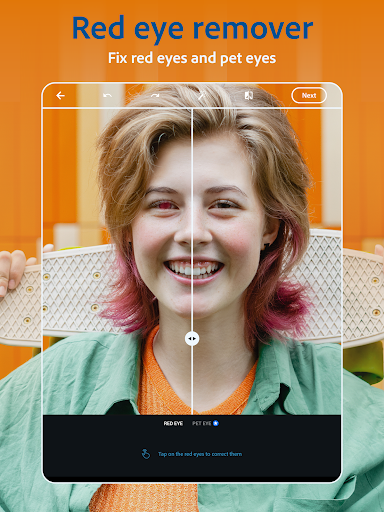
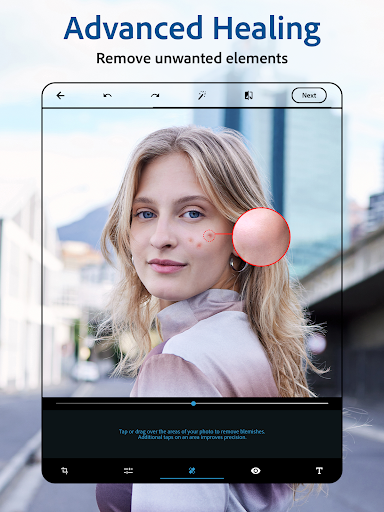
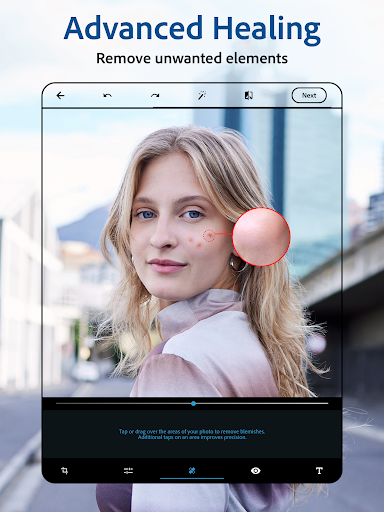
- Blemish removal — Easily retouch selfies by removing spots, blemishes, or unwanted objects with just a few taps.
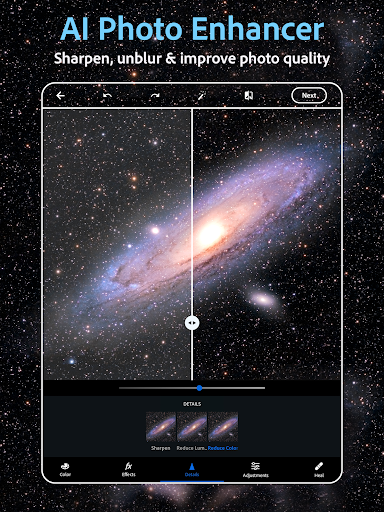
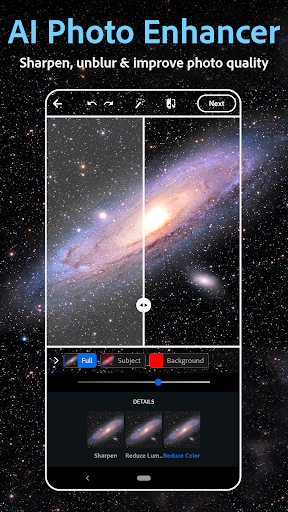
- AI-powered image enhancement — Utilize smart tools to erase objects, smooth skin, or even add makeup for perfect portraits.
- Photo overlays and filters — Apply vintage camera effects, vibrant overlays, and artistic filters for creative flair.
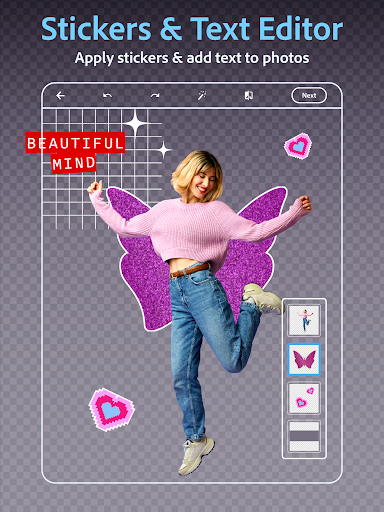
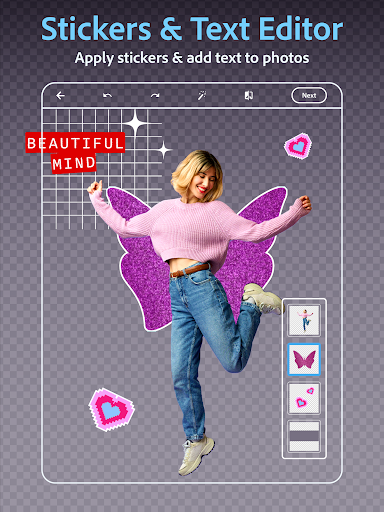
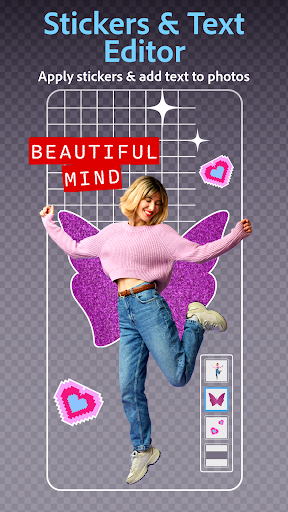
- Text addition — Elevate your images by adding captions, stickers, or watermarks using fonts of your choice.
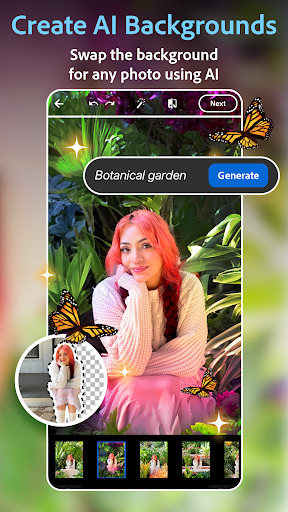
- Background editing — Use the app to replace or remove backgrounds seamlessly, making your subjects pop.
Creative Collages and Meme Creation
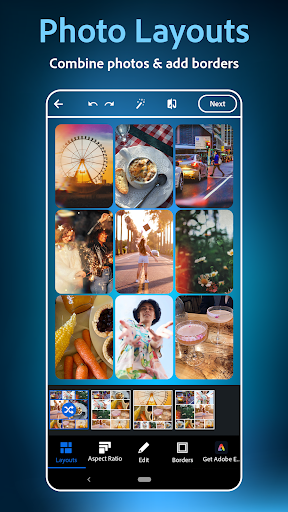
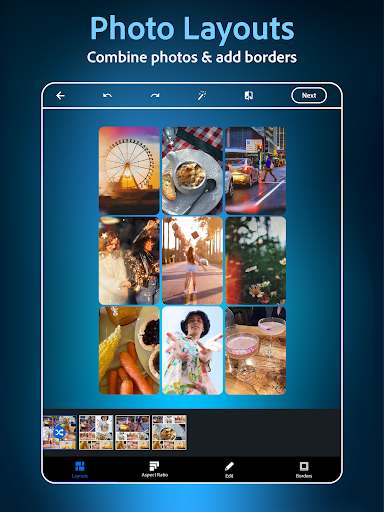
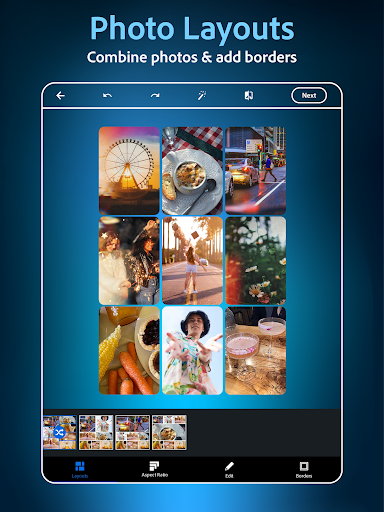
Beyond individual photo edits, Photoshop Express offers a collage maker that allows you to combine multiple images in various layouts. Easily create fun memes, greeting cards, or social media posts with pre-made grid templates. You can also add custom text, stamps, or watermarks to personalize your creations further.
Advanced AI Photo Generator and Text-to-Image Features
This app isn’t just about editing existing photos; it also boasts an impressive AI photo generator that opens up new creative possibilities. With text prompts, you can generate unique imagery, add custom stickers, or visualize concepts for moodboards. Additionally, users can upload a reference image to guide AI-generated outputs, making it a powerful tool for creative projects.
Easy Sharing and Compatibility
Once your edits are complete, sharing your photos is quick and simple. Photoshop Express supports importing images from various sources, including RAW, TIFF, and PNG formats. The app seamlessly integrates with popular social media platforms like Instagram, TikTok, Pinterest, Snapchat, and Facebook. Whether you want to showcase your artistic edits or share moments with friends, this app makes distribution effortless.
Premium Features for Enhanced Creativity
Upgrade to Photoshop Express Premium to access exclusive tools, more precise editing options, and an ad-free experience. The premium version unlocks additional filters, advanced retouching capabilities, and unlimited access to AI tools, giving you even greater control and creativity in your photo projects.
Why Choose Photoshop Express?
Overall, Photoshop Express is a comprehensive photo editing app suitable for all skill levels. Its easy-to-use interface combined with a rich set of features makes it a perfect choice for quick touch-ups or sophisticated edits. Whether you're creating stunning visuals for social media, retouching portraits, or crafting creative collages, this app empowers you to turn your ideas into stunning images effortlessly. Download Photoshop Express today and start bringing your photos to life, no matter your photography skills or editing experience!
Pros
- User-friendly interface
- Wide range of editing tools
- Quick photo fixes
- High-quality filters
- Supports RAW files
Cons
- Limited features in free version
- Occasional performance issues
- In-app purchases required
- Large app size
- Requires internet for some features











