

Introducing PhotoScan by Google Photos: Your Ultimate Digital Photo Scanner
Are you sitting on a treasure trove of nostalgic printed photographs, suddenly wondering how to preserve them for generations to come? PhotoScan by Google Photos offers a seamless solution to convert your cherished paper memories into beautiful, high-quality digital images. This innovative app combines smart technology with user-friendly features, making it effortless to scan, enhance, and organize your old photos—all from your smartphone.
Key Features of PhotoScan by Google Photos
Perfect, Glare-Free Digital Copies
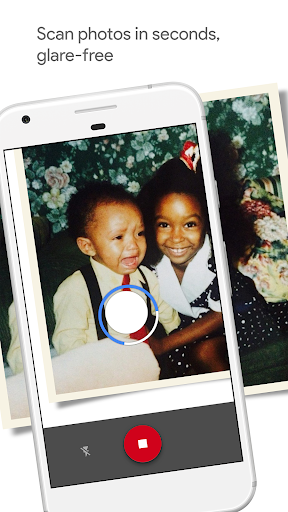
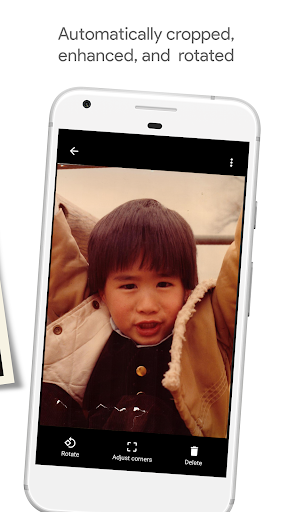
One of the standout features of PhotoScan is its ability to produce professional-quality scans. Unlike traditional photography of printed images, which often results in glare and reflections, PhotoScan employs an easy, step-by-step capture process that ensures glare-free results. It automatically detects the edges of your photo, cropping out the background, and applies perspective correction to keep every scan straight and rectangular. Additionally, smart rotation keeps your images upright, regardless of how you hold or move your phone during scanning.
Fast and Effortless Scanning
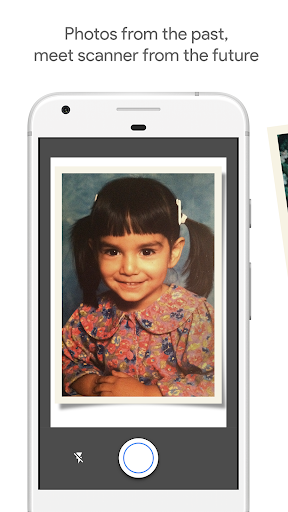
Time is precious, especially when digitizing numerous old photos. PhotoScan simplifies this process, allowing you to scan your favorite printed photos in just seconds. Simply point your phone's camera at the photo, follow on-screen cues to move around, and the app will automatically capture multiple images to create a seamless, high-quality digital replica. This efficient process not only saves time but also greatly reduces the hassle typically associated with traditional photo scanning.
Seamless Integration and Backup
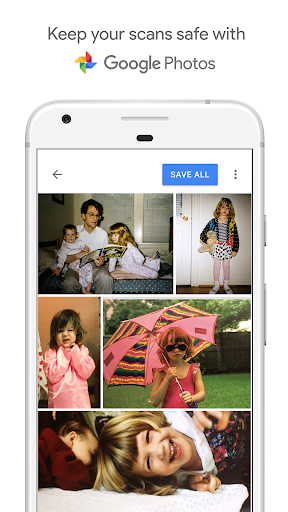
Once your photos are digitized, Google Photos integration makes organizing, searching, and sharing your images straightforward. Backing up your scans is automatic, ensuring your precious memories are safe and accessible anytime. Explore your images further with movies, filters, and advanced editing tools, or effortlessly share them with friends and family via simple links—all within the ecosystem.
Why Choose PhotoScan by Google Photos?
Preserve Memories with Exceptional Quality
PhotoScan isn’t just about digitizing photos; it’s about bringing your old memories back to life with superb clarity and detail. Whether you’re restoring faded family pictures from decades ago or capturing recent prints, the app uses cutting-edge technology to enhance images so they look vibrant and crisp—almost as if they were taken yesterday.
Convenience and Cost-Effective Solution
Forget about expensive scanners or trips to professional labs. PhotoScan is free, easy to use, and available right on your smartphone. Its intuitive interface means you don’t need technical skills to create beautiful digital copies. It’s the perfect tool for a lazy Sunday afternoon project or a quick cleanup of your photo collection.
Final Thoughts
In today’s digital age, preserving photographs digitally is essential to safeguard our histories and share memories easily. PhotoScan by Google Photos stands out as a powerful, user-friendly app that transforms how we archive and relive our precious moments. Whether you’re looking to declutter dusty boxes of photos or simply want a better way to cherish family history, this app offers an effortless and high-quality solution. Give it a try, and you’ll find yourself rediscovering your past, one scan at a time—making it an invaluable tool for memories that last forever.
Pros
- User-friendly interface
- High-quality image scans
- Seamless integration with Google Photos
- Free to download and use
- Automatically crops images for better presentation
Cons
- Limited editing capabilities
- Performance depends on good lighting conditions
- No option for batch scanning
- Exports only in JPEG format
- Some features require internet connection











