

Discover the Power of Photoroom AI Photo Editor
Are you captivated by stunning images on social media that make you wonder, "How did they do that?" If so, you're not alone. The secret behind many eye-catching photos is often a combination of professional editing tools and creative flair. Enter Photoroom AI Photo Editor, an innovative app that brings professional-quality photo editing right to your fingertips. Whether you're a social media enthusiast, a small business owner, or a casual shutterbug, this app transforms your images with ease and precision.
Transform Your Images Effortlessly with Advanced AI Technology
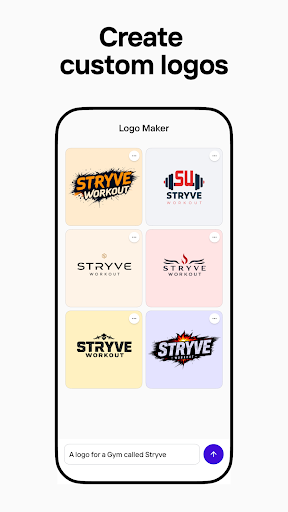
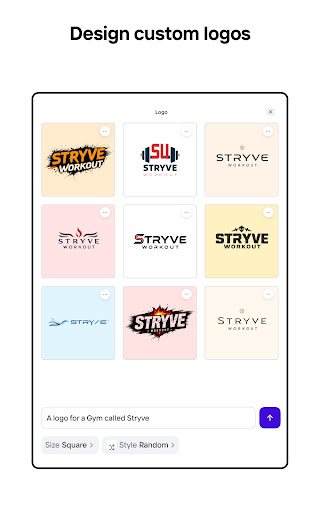
Photoroom’s AI-powered features make creating visually stunning photos easier than ever. With just a few taps, you can remove backgrounds, enhance your images, and craft engaging content—no design experience required. Imagine being able to generate professional-looking logos, create eye-catching product photos, or design personalized stickers, all in seconds. The app’s intelligent AI technology ensures quick, high-quality results, allowing you to focus on your creativity instead of complex editing processes.
Key Features that Elevate Your Content
One-Tap Background Removal and Replacement
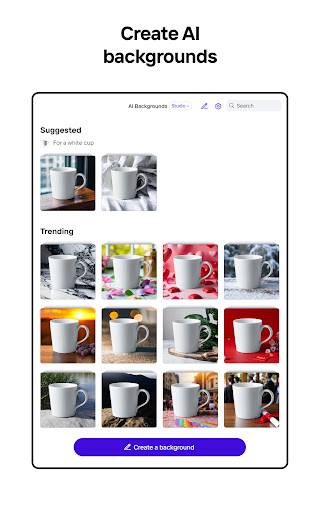
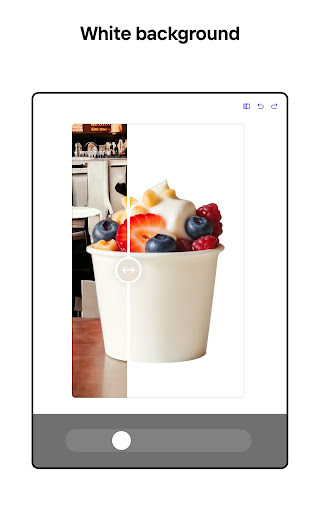
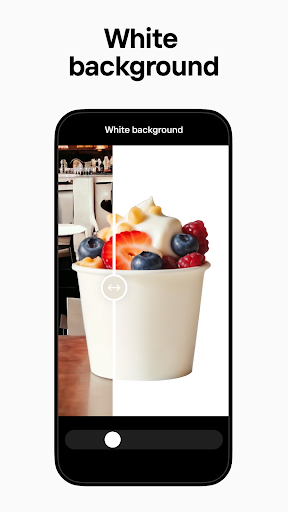
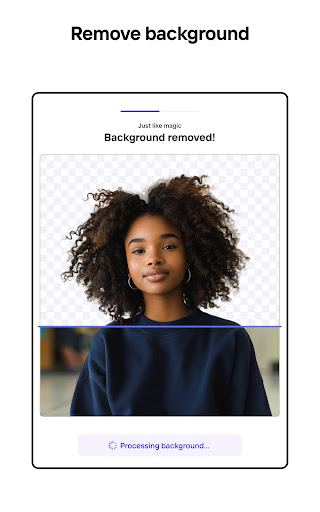
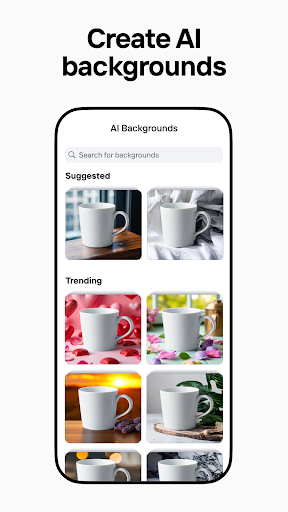
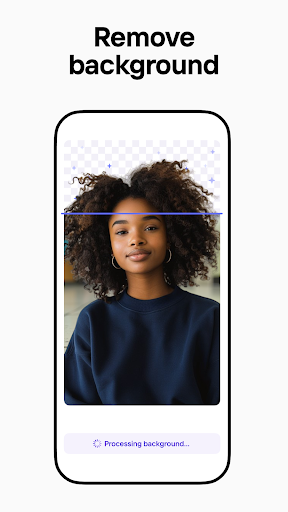
Say goodbye to tedious editing—Photoroom allows you to effortlessly remove backgrounds from your photos and replace them with AI-suggested backgrounds. This feature helps you craft polished product shots, stunning social media posts, or attention-grabbing advertisements without any hassle.
AI Photo Editor for Perfecting Your Images
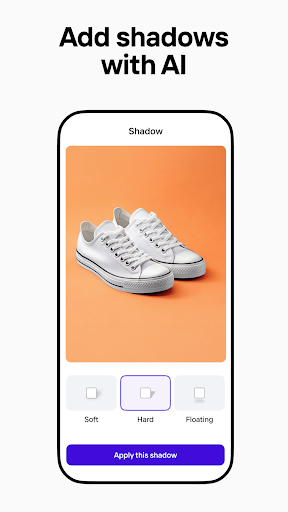
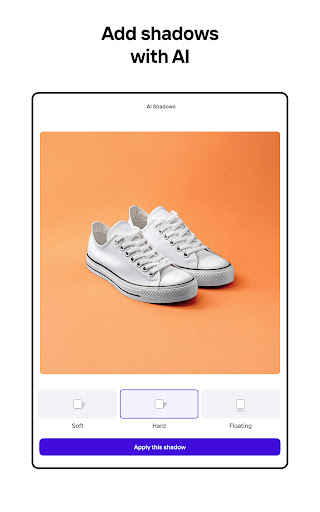
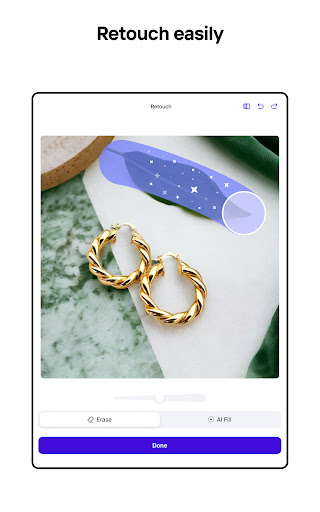
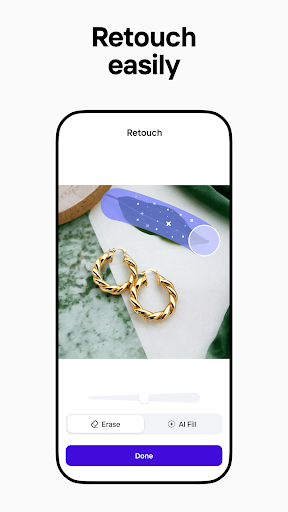
The integrated AI photo editor empowers you to enhance your pictures by adjusting lighting, shadows, and sharpness. You can also remove unwanted objects or blemishes, giving your photos a professional touch. Whether you're cleaning up a landscape or refining a product shot, this editor makes it simple to achieve pro-level results.
Build Your Brand Kit
Maintain brand consistency by storing your logos, colors, and fonts in one accessible place. This way, every design you create aligns with your brand identity, saving you time and ensuring a uniform visual style across all platforms.
Bulk Editing for Increased Productivity
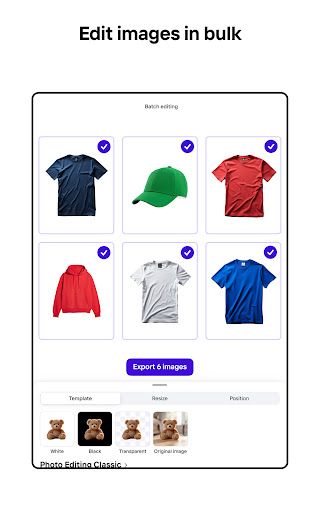
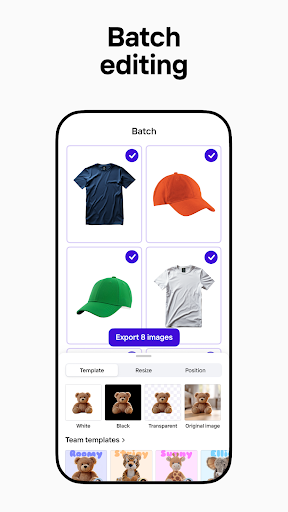
E-commerce sellers and content creators can take advantage of batch editing—editing multiple images simultaneously. Save valuable time without compromising quality, making it easier to keep up with demanding content schedules.
Optimal Resizing and Templates
Ensure your images are correctly formatted for various social media platforms like Instagram, Facebook, YouTube, Amazon, or Shopify. The app offers customizable templates for holidays, promotions, and events, allowing you to quickly generate standout content tailored to any occasion.
Seamless Collaboration and Sharing
Invite team members to collaborate on designs in real-time. With integrated commenting and editing features, maintaining brand consistency within teams has never been easier. Once your design is ready, export and share directly to social media or download for use in marketing campaigns, product listings, or personal projects.
Who Can Benefit from Photoroom?
Photoroom AI Photo Editor is versatile and caters to a wide audience:
- E-commerce sellers: Create professional product images, remove backgrounds, and batch edit photos for listings.
- Content creators: Design eye-catching visuals to grow your personal brand using pre-made templates and customization tools.
- Social media managers: Produce engaging posts tailored for various platforms with easy resizing and editing.
- Freelancers: Deliver polished projects to clients by collaborating seamlessly on design work.
- Everyone: Whether you need a logo, social media image, or product photo, Photoroom's AI tools have you covered.
Why Millions Love Photoroom
Ease of use and professional results are at the core of Photoroom’s appeal. Its intuitive interface ensures anyone can create stunning visuals without prior experience. The app’s AI-powered photo editor guarantees high-quality outputs effortlessly. Unlock additional features with Photoroom Pro, including advanced AI tools, premium templates, and unlimited exports—perfect for growing online businesses or enhancing your social media presence.
Conclusion: Elevate Your Visual Content Today
In an era where visual content is king, having a reliable and easy-to-use photo editing app like Photoroom AI Photo Editor can significantly elevate your digital presence. Its powerful yet accessible AI tools enable you to generate professional images quickly, helping you stand out across all your social platforms, e-commerce stores, or personal projects. Join over 200 million users who trust Photoroom to turn simple photos into captivating visuals—try it today and see how your photos transform into stunning works of art.
Pros
- Intuitive interface enabling quick edits
- Exceptional background removal quality
- Extensive selection of creative templates
- Rapid processing powered by AI technology
- Compatibility with multiple image formats
Cons
- Limited features available in the free version
- In-app purchases can be expensive
- Processing may occasionally experience glitches
- Internet connection required for full features
- Advertisements present in the free version











