


Photoleap: AI Photo Generator – The Ultimate Digital Art and Photo Editing App
In today’s visually-driven digital landscape, having a versatile and powerful photo editing tool can elevate your creativity to new heights. Photoleap: AI Photo Generator is more than just an ordinary photo editor—it's a comprehensive AI-powered digital art studio right in your pocket. Whether you're a professional graphic designer, a social media enthusiast, or someone who simply loves transforming their images, Photoleap offers an array of innovative features designed to make your editing seamless, fun, and highly expressive.
Simplify Photo Editing with Cutting-Edge AI Tools
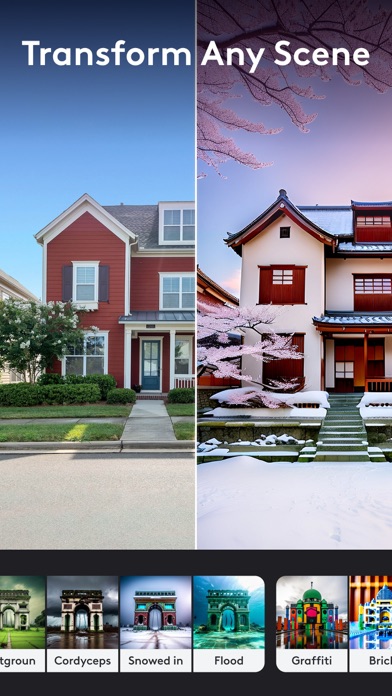
Photoleap streamlines complex editing tasks with its intuitive AI tools. The app enables you to create striking photo compositions and remarkable digital art effortlessly. Its robust AI photo editor and unique image effects allow you to turn ordinary photos into extraordinary artworks. From colorizing black-and-white images to enhancing and restoring old snapshots into HD quality, Photoleap provides everything you need for advanced photo retouching in a simple interface.
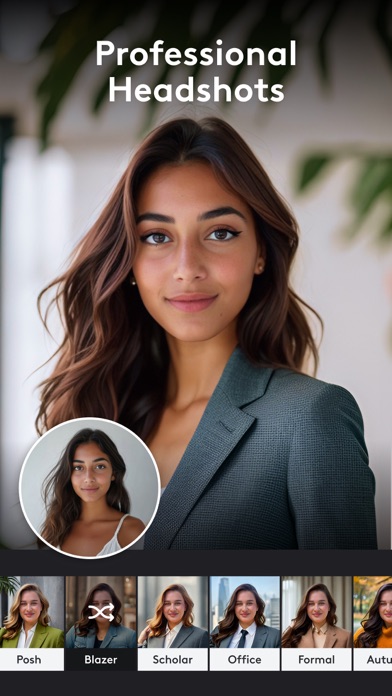
Enhance your memories by easily retouching family portraits, brightening old photos, or adding vibrant colors with just a few taps. Want to sharpen a blurry image or clean up pixelated photos? The app’s AI-based photo enhancement features make that possible in seconds, revitalizing your images with natural results. If you're seeking to create professional headshots, Photoleap's AI headshot generator offers refined, polished portraits perfect for social media profiles or professional portfolios.
Express Your Creativity with Artistic Effects and Effects Suite
Unlock an impressive suite of creative effects that enable you to produce artistic visuals with minimal effort. Want to make your photos pop with depth and motion? Use the 3D photo and animation features to animate images and create lively, engaging content. Convert your photos into paintings, sketches, or abstract art styles using the app's AI art generator. These AI-driven features allow you to turn simple selfies into masterpieces or stylized artworks that stand out on social networks.
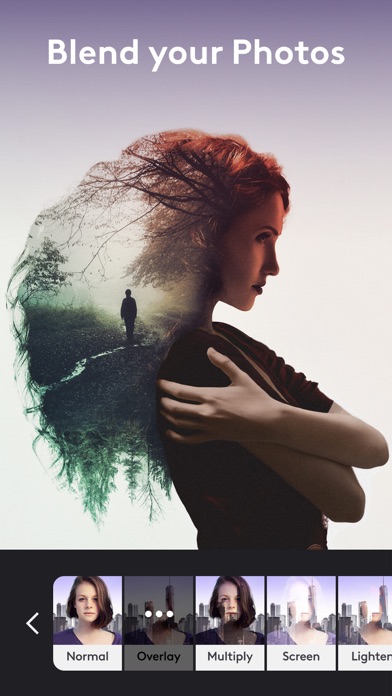
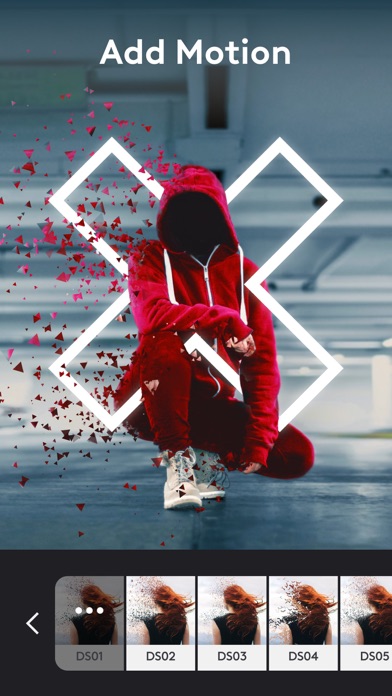
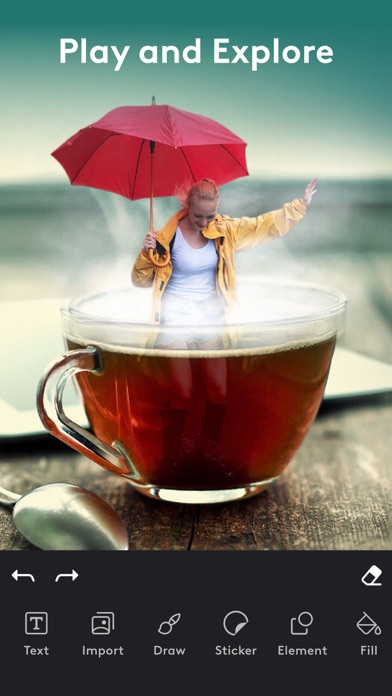
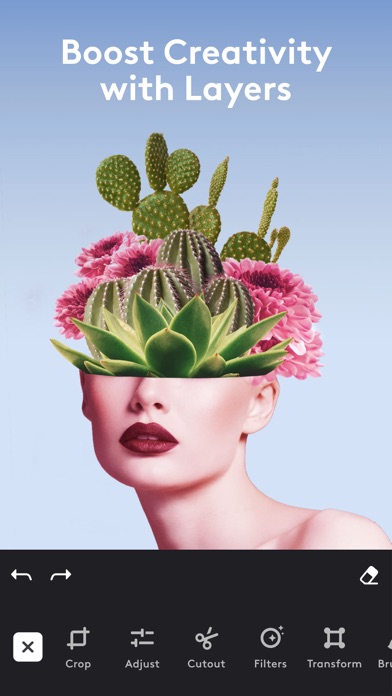
If you're interested in special effects, Photoleap offers dynamic tools to add motion, create double exposures, or incorporate surreal elements—transforming your images into vibrant pieces of digital art. The photo effects are designed to give your images a professional touch, whether you're crafting a social media post or an artistic project.
Seamless Background Editing and Replacement
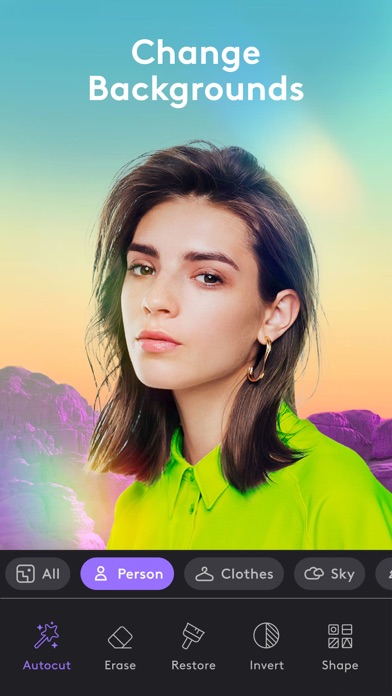
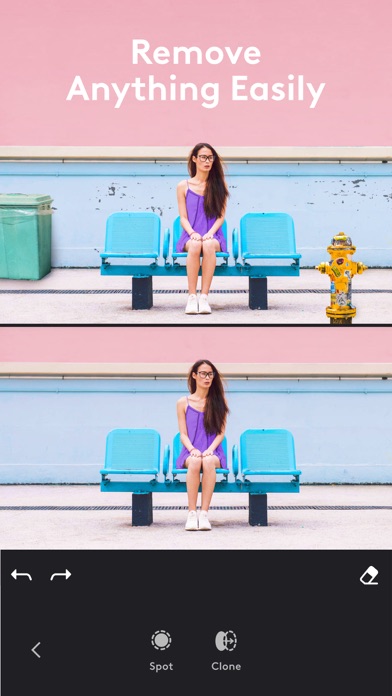
With the AI Background Generator feature, changing or removing photo backgrounds is straightforward and accessible. Use the background eraser to eliminate unwanted elements, then replace them with stunning backdrops, scenes, or creative visuals—perfect for crafting crisp headshots or eye-catching social media graphics. The app's user-friendly interface allows you to experiment with different backgrounds without any hassle, making your visual content more engaging and personalized.
Start from Scratch or Embark on Artistic Journeys
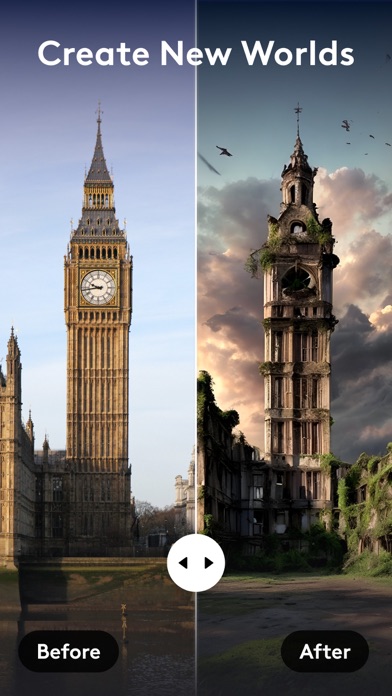
Not only does Photoleap excel at editing existing photos, but its AI photo generator invites you to create new images from your imagination. Input ideas or prompts, choose an art style, and watch as your vision comes to life instantly. Whether you want to generate abstract, dream-like AI paintings or animate yourself into your favorite characters or scenes, Photoleap bridges the gap between photography and digital art seamlessly.
This innovative feature empowers anyone—from casual users to seasoned artists—to produce stunning visuals, professional portraits, or whimsical art projects in a matter of moments. Experiment with generating new concepts or refining existing ones, and share your creations confidently.
Ultimate All-in-One Editing Experience
Photoleap combines simplicity with **state-of-the-art AI technology**, making professional-grade photo editing accessible to everyone. Its versatile suite of tools includes everything from basic retouching to complex artistic projects, ensuring endless creative possibilities. Whether enhancing family photos, designing social media content, or creating digital masterpieces from scratch, Photoleap is your go-to app for AI photo editing and AI image creation.
Part of the award-winning Lightricks suite, which includes popular apps like Videoleap, Facetune, and Motionleap, Photoleap integrates seamlessly into a comprehensive creative ecosystem. Experience the power of smart editing tools that redefine quality and creativity in photo editing, making stunning images achievable even for beginners or casual users.
Boost Your Creative Workflow and Achieve Professional Results
Thanks to its advanced AI capabilities, Photoleap simplifies complex editing procedures while maintaining user-friendly controls. Whether you're transforming selfies into professional portraits, creating animated art, or designing unique digital images, this app handles it all efficiently. Its features are perfect for content creators, marketers, designers, and anyone eager to elevate their visual storytelling.
In a digital age where visual content leads the way, adopting an all-in-one AI photo editor like Photoleap ensures your creative projects stand out with stunning precision and artistry. Explore endless creative avenues, experiment with different effects, and produce captivating images that leave a lasting impression. From elevating your social media presence to designing professional graphics, Photoleap truly unlocks the artist in everyone.
Pros
- User-friendly interface
- Advanced editing tools
- AI art generation capabilities
- Produces high-quality output
- Regular updates
Cons
- Premium features require payment
- May experience occasional crashes
- Consumes significant battery power
- Needs internet connection to function
- Limited features available for free











