

Introducing PhotoGrid: Video Collage Maker
Are you searching for the perfect app to elevate your photos and videos, making them stand out on social media platforms? Look no further than PhotoGrid: Video Collage Maker. This versatile application serves as your all-in-one tool for creating stunning photo collages, engaging video grids, and eye-catching social media content. With its rich set of features, intuitive interface, and a library of over 25,000 materials along with 20+ trending AI tools, PhotoGrid is designed to meet both casual users and content creators’ needs effortlessly.
Get Started with an Intuitive User Experience
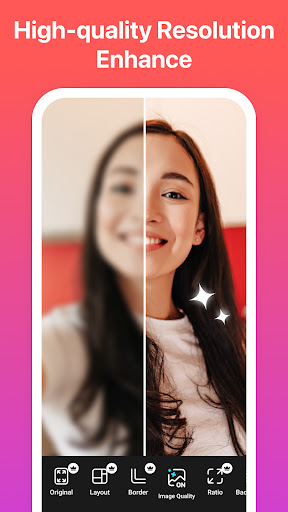
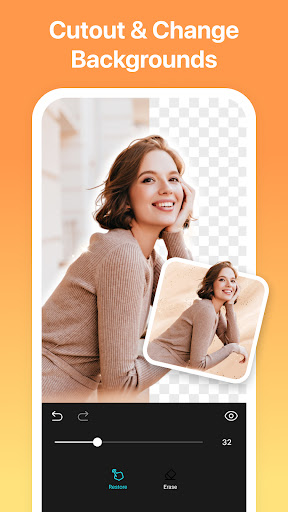
Upon launching PhotoGrid, users are welcomed with a clean, user-friendly layout that invites creativity. Whether you're a beginner or a seasoned photo editor, navigating this app is a seamless experience. The main dashboard offers quick access to a variety of options including creating vibrant collages, editing videos, and customizing backgrounds. Its straightforward design ensures that even complex editing can be accomplished with minimal effort—perfect for quick social media posts or professional marketing campaigns.
Powerful Features that Make a Difference
Create Stunning Video Collages and Grids
One of the standout features of PhotoGrid is its ability to combine photos and videos within a single collage or grid. You can create dynamic video grids by mixing multiple clips and images, ideal for showcasing travel moments, event highlights, or product launches. The app supports adding up to 4 videos simultaneously, and provides trimming tools to perfect each clip. Users can also synchronize videos to align perfectly, allowing for professional-looking compositions without needing extra software.
Enhanced Editing and Filter Options
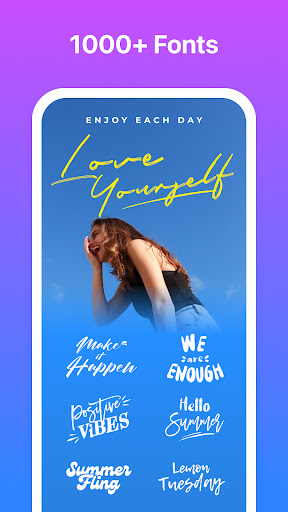
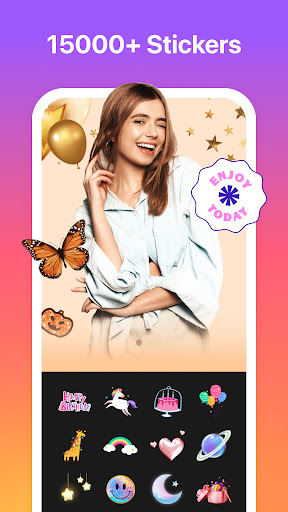
The app offers an array of editing tools, including crop, rotate, resize, and adjust brightness, contrast, and saturation. Filters that mimic popular social media presets enable you to craft polished visuals. Additionally, you can overlay text with customizable fonts and create captivating curved text effects, adding personal flair to your images. Whether you're transforming raw photos into vibrant visuals or adding artistic graffiti and stickers, PhotoGrid covers all editing bases.
Innovative AI and Removal Features
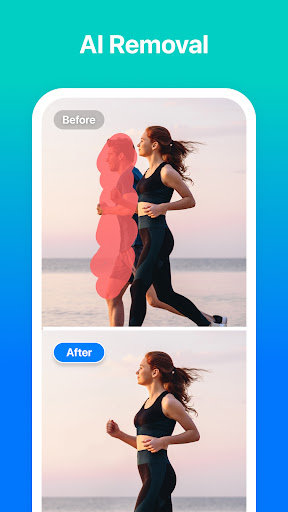
A recent update introduces AI Removal, allowing users to effortlessly eliminate unwanted objects or people from their photos with a single tap. This cutting-edge AI technology helps ensure your images look clean and professional, whether removing photobombers or distracting background elements. This feature simplifies what used to be a complex task, making photo editing accessible and quick.
Creative Collage Templates and Personalization
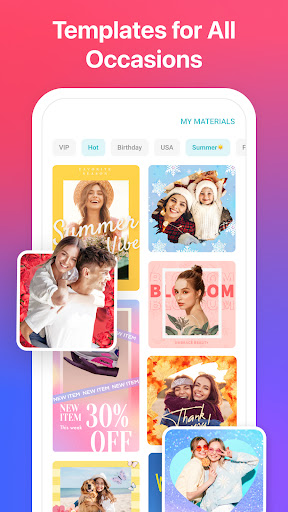
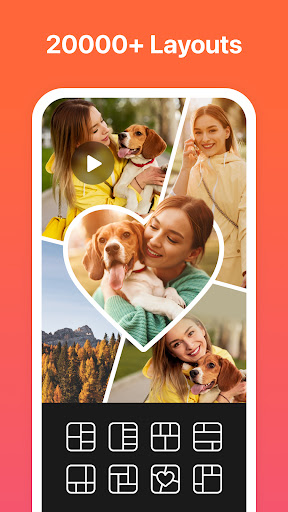
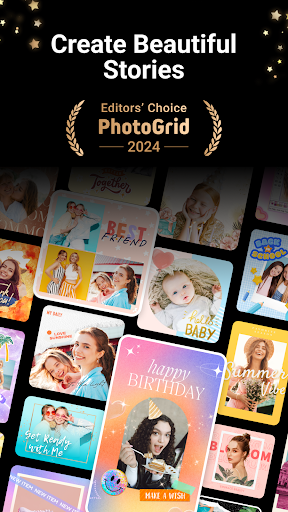
With over 20,000 templates, PhotoGrid offers endless options for creative collage designs. You can remix up to 16 photos at once or design your own layouts for scrapbooks and photo stories. Add special effects, borders, and backgrounds, or customize your own templates to craft personalized, eye-catching visuals.
Video Editing and Social Media Optimization
The video editor lets you combine multiple clips and photos into engaging reels or banners. Add blurred backgrounds to fit different aspect ratios—such as Instagram stories, Facebook covers, or A4 posters—without cropping or losing quality. It supports exporting videos up to 3 minutes long, perfect for sharing vibrant stories on social platforms.
Business & Marketing Integration
For entrepreneurs and marketers, PhotoGrid provides tools like customizable watermarks, logos, and branding elements, including icons for Instagram, Facebook, and WhatsApp. Choose from various ratio presets to fit specific platform requirements and add text with a wide selection of fonts. This makes it easier than ever to create professional marketing content that grows your audience.
Premium Experience & Plans
With the PhotoGrid Premium Plan, users gain access to exclusive features, including 20000+ elements, longer video grid creation (up to 3 minutes), ad-free browsing, and the ability to share content without watermarks. Future updates may adjust pricing, but the value provided ensures your creative toolkit remains comprehensive.
Why Choose PhotoGrid: Video Collage Maker?
Whether you're crafting eye-catching Instagram posts, TikTok videos, Facebook banners, or Pinterest collections, PhotoGrid is equipped to turn your ideas into visuals that wow. Its comprehensive feature set—ranging from creative templates to advanced AI removal—empowers users of all skill levels to produce professional-quality content quickly and easily. The seamless social media integration ensures your creations are ready to share instantly, helping you grow your presence online. If you're passionate about visual storytelling and want a reliable, all-in-one editing app, PhotoGrid is your go-to solution to unleash endless creativity.
Pros
- User-friendly interface for swift editing.
- Extensive selection of collage templates.
- Supports editing of videos and photos.
- Includes numerous filters and effects to improve media quality.
- Regular updates introducing new features.
Cons
- Contains advertisements that may interrupt usage.
- Some features are locked behind in-app purchases.
- Limited options for text editing.
- Occasional performance delays.
- Free version exports include watermarks.











