

Photobooth mini FULL: Your Mobile Photo Booth Experience
If you love capturing spontaneous moments and creating memorable photos at parties, weddings, or casual gatherings, Photobooth mini FULL is the perfect app to bring the classic photo booth experience directly to your smartphone. Designed with user convenience and fun in mind, this app transforms your device into a versatile, fully customizable photo station that promises hours of entertainment and creative expression.
Bring the Magic of a Photo Booth Anywhere
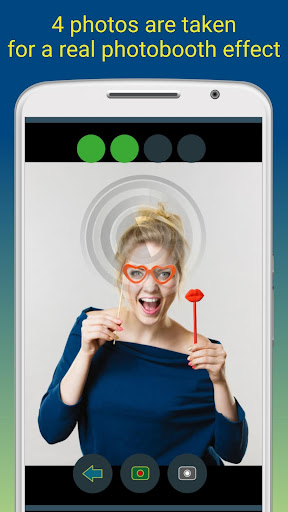
Photobooth mini FULL functions like a portable photo booth, offering an intuitive and straightforward interface that allows users of all ages to start snapping pictures in just a few taps. Whether you're at home, hosting a party, or spending time outdoors, this app enables you to set up a professional-style photo session with minimal effort. Its full-screen preview adapts to face distance, creating a more natural and fun experience, reminiscent of actual photo booths. Plus, the app keeps your selected face distance even if you zoom using volume buttons, ensuring consistent results for every shot.
Key Features That Enhance Your Photo Booth Experience
Sequential Photo Capture
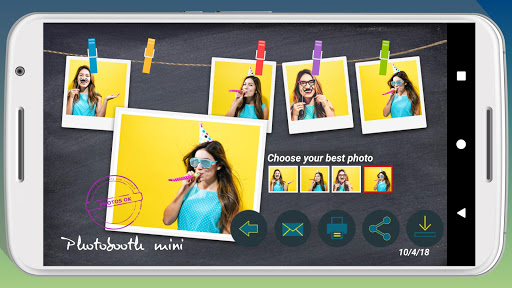
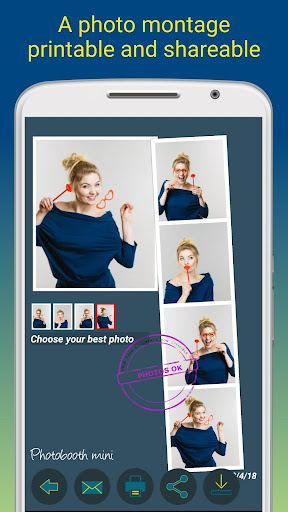
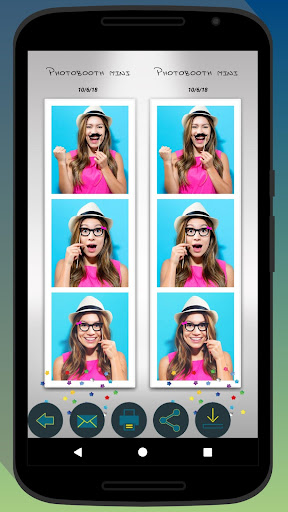
The app’s primary attraction is its ability to take a series of photos, emulating a traditional photo booth. You can choose to take four or sometimes five pictures for extra fun, perfect for creating lively photo strips. The app also offers a timer feature, giving you a few seconds to pose, ensuring everyone has ample time to get into position.
Photo Effects and Customization
Users can select between black and white or color photos, add personalized texts including dates, and customize background images to match your event theme or cabin setting. The app's adjustable configuration options make it easy to tailor the photo booth to your specific needs—whether changing backgrounds or setting up timers.
Photo Printing and Sharing
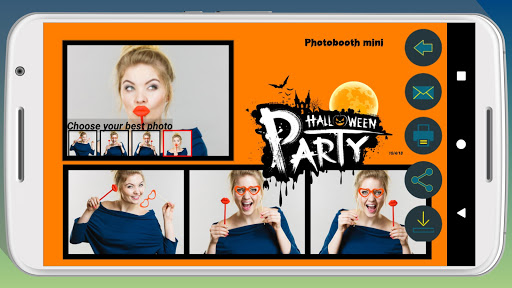
Once captured, photos can be printed immediately or shared via email or social media. Even if your event location lacks internet access, Photobooth mini FULL smartly queues email requests and sends them once a network is available, ensuring everyone’s special moments are saved and shared effortlessly.
Video Message and Sound Effects
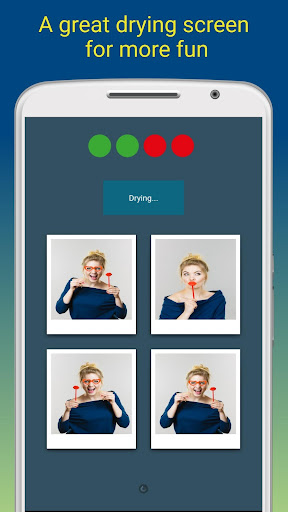
The app also includes a video message feature and a pleasant blowing sound effect for photo drying, enhancing the overall user experience and making photo sessions more interactive and entertaining.
Advanced Customization and Compatibility
The app offers extensive customization options, such as replacing background images to suit your cabin ambiance or event theme. It supports working over multiple days, saving an unlimited number of photos, providing a reliable solution for prolonged events. Additionally, Photobooth mini FULL is compatible with specific photo booth setups, perfect for creating a professional-looking booth system.
If you're interested in creating your own photo booth setup, you can find more details here: Photo booth compatibility link.
User-Friendly and Fully Supportive
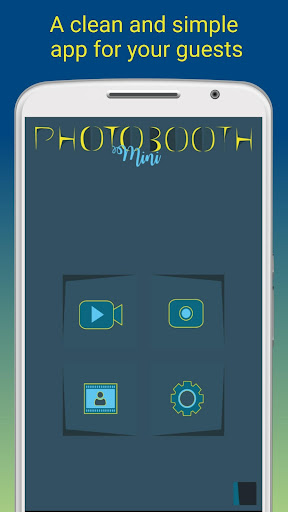
This app is designed for everyone, regardless of technical skills. Its clean design, simple controls, and quick responses make it ideal for parties or casual use. The developers offer continuous support and welcome feedback for improvements, making Photobooth mini FULL a constantly evolving tool that adapts to user needs.
Final Thoughts
In summary, Photobooth mini FULL offers a seamless, fun-filled photo booth experience right on your phone. With its customizable options, easy sharing capabilities, and impressive features like animated GIF creation and background replacement, it’s a must-have application for anyone who loves taking creative, high-quality photos at gatherings. Elevate your event photography and make memories that last with this versatile photo booth app — it’s sure to become your go-to tool for capturing moments with friends and family anytime, anywhere.
Pros
- User-friendly interface
- Easy to navigate
- High-quality photo outputs
- Multiple photo layouts and customization options
- Offline functionality available
- Affordable pricing for full features
Cons
- Limited editing tools compared to other apps
- Occasional app crashes reported
- Ads are present in the free version
- Limited sharing options
- Requires frequent updates











