
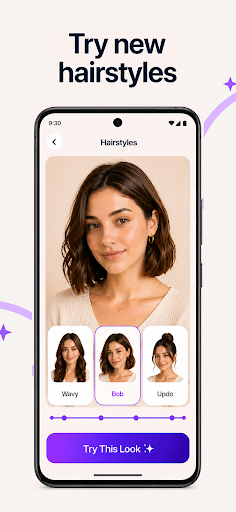
PhotoBoost - AI Photo Enhancer: Revive, Enhance, and Transform Your Memories
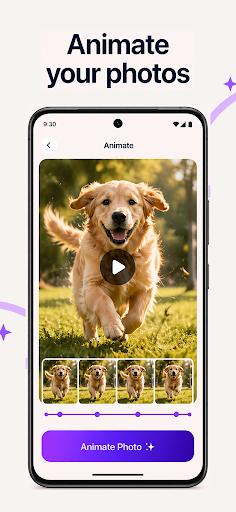
Are you looking for an effortless way to breathe new life into your photos? PhotoBoost is the ultimate AI photo enhancement application designed to help you revive, enhance, and transform your cherished memories with just a few taps. Whether it's sharpening blurry images, restoring old photographs, or creating stunning AI-generated avatars, PhotoBoost leverages cutting-edge AI technology to deliver professional-quality results rapidly.
Unleash Your Creativity with AI Avatars
PhotoBoost's newest feature, the AI Avatars, offers the most extensive selection of styles and themes available on the market. Within seconds, you can turn a simple selfie into a magical creation that fits any occasion. Whether you want to celebrate holidays with themed avatars, immerse yourself in fantasy worlds as knights or elves, or craft professional headshots for your portfolio, PhotoBoost makes it quick and easy.
Endless Possibilities with AI Avatars
With PhotoBoost's AI Avatar feature, you can:
- Celebrate Holidays: Festive themes for Christmas, New Year, and beyond.
- Dive Into Fantasy: Transform into mythical characters like knights, elves, or heroines.
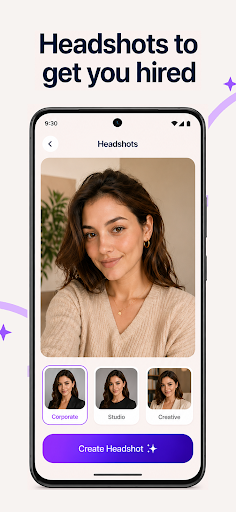
- Create Professional Portraits: Generate sleek headshots suitable for resumes or social profiles.
- Experiment with Art Styles: Recreate masterpieces inspired by Van Gogh, Cubism, or other AI art styles.
- Pop Culture Fun: Step into iconic or futuristic looks for unique visual statements.
PhotoBoost consistently updates its repository with new themes and styles, ensuring your avatars stay fresh and exciting. The quality, speed, and variety offered surpass many competitors, making it the perfect tool for both casual and professional uses.
Core Features of PhotoBoost
Sharpen Photos Instantly
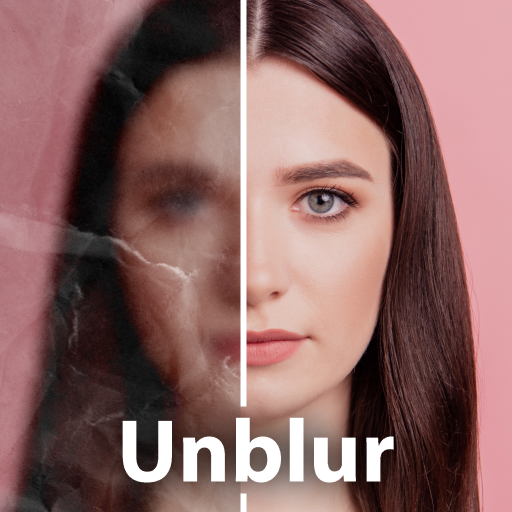
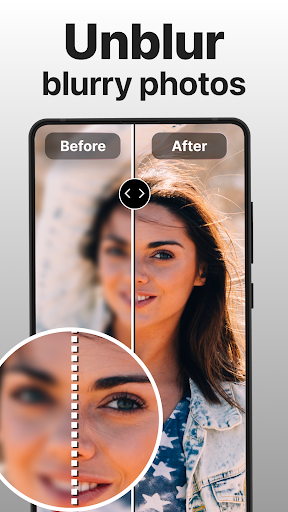
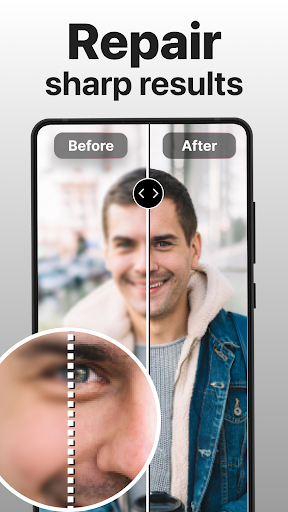
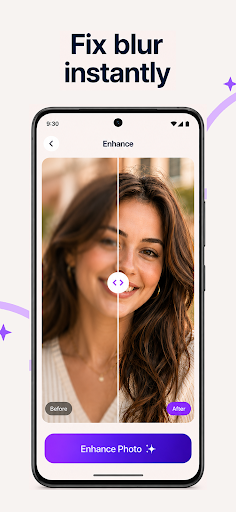
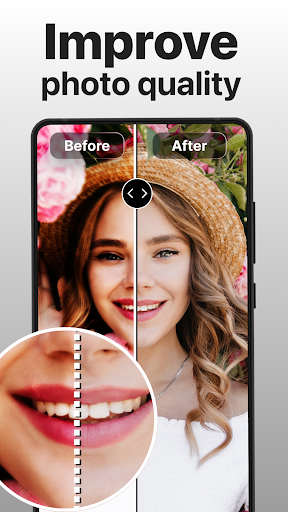
Turn blurry, pixelated, or low-resolution images into crisp, high-definition visual masterpieces. Ideal for enhancing social media posts or preserving treasured moments with clarity.
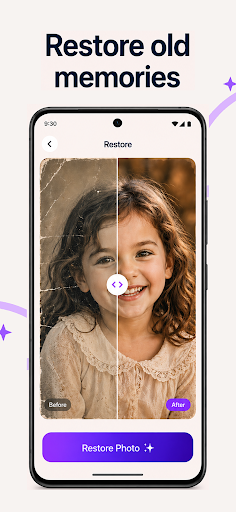
Restore Old Memories
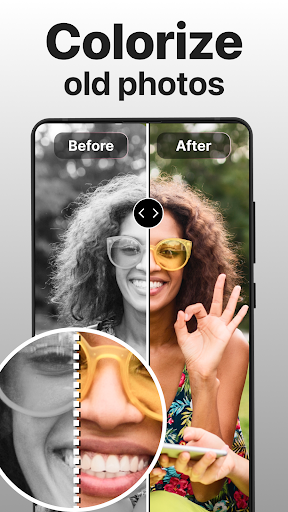
Effortlessly repair scratched, damaged, or faded photos. Bring old black-and-white images back to life with vibrant colorization. Digitize vintage albums and share high-quality memories with loved ones.
Advanced AI Upscaling
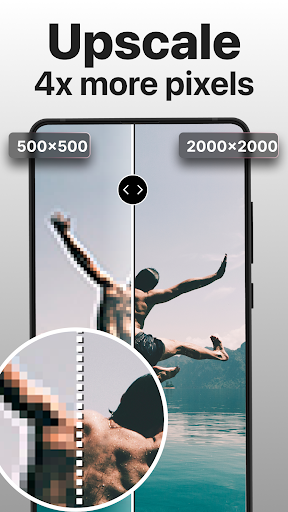
Enlarge your favorite pictures without losing quality, perfect for printing or framing. The AI upscaling technology ensures your photos retain detail and clarity at larger sizes.
Create Side-by-Side Comparisons
Highlight the magic of your enhancements by creating stunning before-and-after illustrations. Show off your improved photos in a visually compelling way.
Why Choose PhotoBoost?
Largest Avatar Library
Access more themes and styles than any other app, with frequent updates so you’re always exploring new creative options.
Incredible Speed & Quality
Generate stunning avatars and photo enhancements in under 3 seconds, without sacrificing quality. Flawless results are guaranteed using state-of-the-art AI technology.
Versatility for Every Purpose
Whether restoring treasured family photo albums, creating professional profile pictures, or having fun with playful avatars, PhotoBoost adapts perfectly to your needs.
Perfect for Social Media
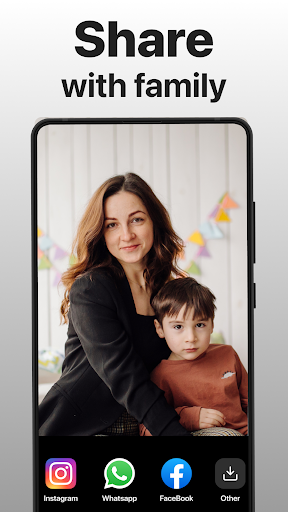
Create unique, high-quality visuals that will impress your followers and make each post stand out with minimal effort.
Subscription and Privacy
Enjoy a free trial period, after which the subscription will auto-renew at your selected package price unless canceled. Your privacy is protected under our privacy policy, and our terms of service ensure clear usage guidelines.
Conclusion
If you’re eager to enhance your photos effortlessly with pioneering AI technology, PhotoBoost - AI Photo Enhancer is the perfect companion. From restoring old memories to creating fun avatars for social media, this app delivers quality results quickly and reliably. Download PhotoBoost today and experience the remarkable transformation of your images—your best photos are just a tap away!
Pros
- Improves photo quality with artificial intelligence accuracy.
- User-friendly design for simple navigation.
- Fast processing for quick results.
- Supports various image formats.
- Regularly updated with new features.
Cons
- Requires a reliable internet connection.
- Limited features in the free version.
- Occasional delays when handling high-resolution images.
- In-app purchases needed for premium features.
- Not compatible with all devices.











