

Introduction to the Photo Frame & Collage Maker App
Are you looking to transform your cherished memories into stunning visual stories? The Photo Frame & Collage Maker app is your ultimate creative companion for elevating your photo editing experience. Designed with user-friendliness and a rich set of features, this app empowers you to craft beautiful photo collages and decorate images with exquisite frames, stickers, and effects. Whether you're celebrating a special occasion or simply want to add a personal touch to your daily photos, this versatile tool offers everything you need in one place.
From selecting multiple photos from your gallery to applying creative edits, the Photo Frame & Collage Maker combines simplicity with powerful functionalities. Its intuitive interface makes it accessible for users of all skill levels, ensuring that anyone can create professional-looking collages and stunning photo frames effortlessly. So, dive into a world of endless possibilities and start turning your memories into works of art today.
Main Features of the Photo Frame & Collage Maker
Extensive Collection of Layouts and Frames
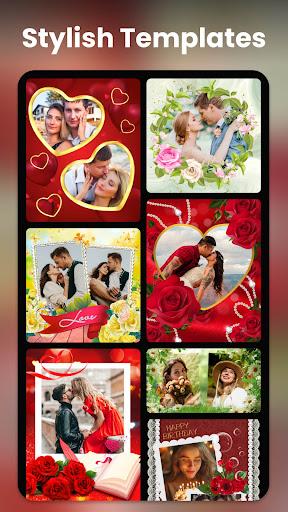
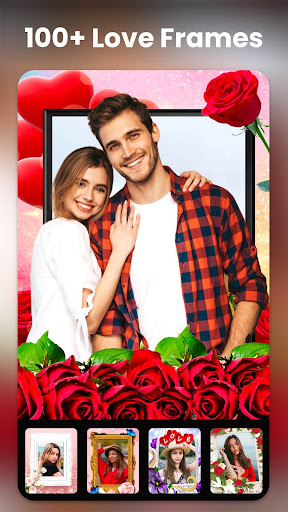
This app boasts over 250 layouts and a variety of photo frames to adorn your images. Whether you're crafting a love collage for a special occasion or creating a photobook to preserve your favorite memories, there are options suited for every need. The photo frames range from romantic wedding styles to fun, themed frames for holidays like Valentine’s Day.
Creative Photo Collage & Editing Tools
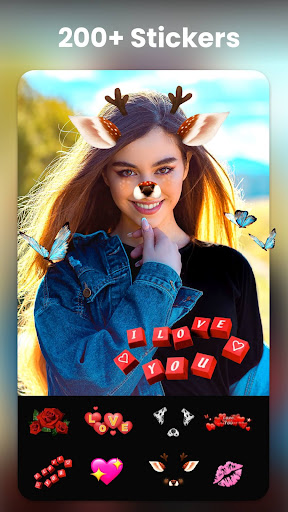
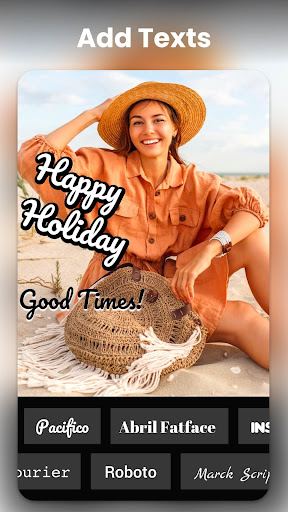
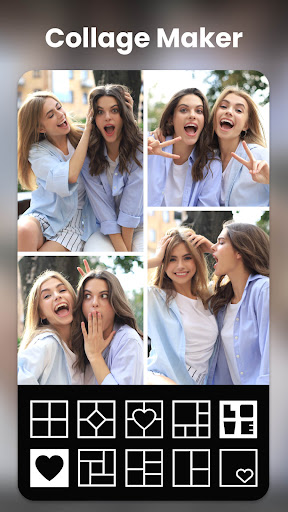
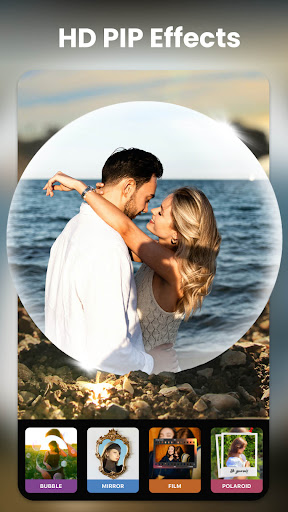
Design your perfect photo collage with up to 15 photos using various templates and layouts. The app also supports dual photo frames, allowing you to edit two images simultaneously for a more dynamic presentation. The PIP (Picture-in-Picture) feature offers a multitude of styles and effects, letting you overlay images in creative ways. Customizable options like text overlays, stickers, filters, and effects help you personalize each collage to reflect your mood and style.
Unique Photo Effects and AI-Powered Features
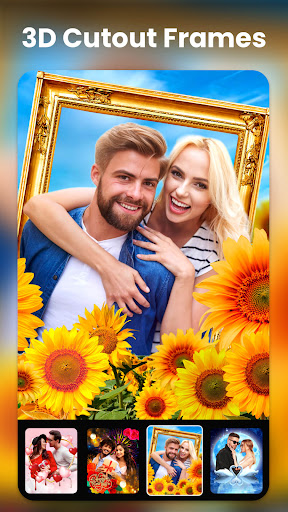
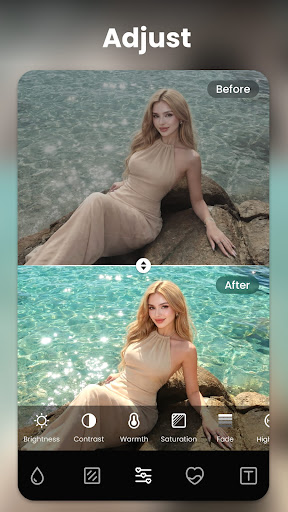
Enhance your photos with tons of effects and filters, or leverage the magic of AI for 3D cutout frames, such as hearts, nature scenes, or festive themes like New Year. With just a single tap, you can change the background of any photo to match your chosen frame, creating a seamless and professional look. Perfect for printing on items like T-shirts, mugs, or keychains, the app ensures your creative projects are optimized for various formats and ratios.
High-Resolution Sharing and Printing
Share your masterpieces directly to social media platforms like Instagram, Facebook, and WhatsApp in high resolution. The app supports popular aspect ratios such as 1:1 and 9:16, making it ideal for Instagram posts, stories, or printing purposes. Whether for personal keepsakes or gift items, your edited photos will retain their quality and vibrant details.
Specialized Features for Celebrating Love & Special Occasions
True Love Frames & Photobooks
This app offers a dedicated collection of true love frames perfect for weddings, anniversaries, or simply expressing your affection. These frames are thoughtfully designed to showcase your love stories and heartfelt moments. Creating a photobook filled with romantic images has never been easier, making it a wonderful tool for memorable keepsakes.
Making Unique Love Collages
With the love collage maker, you can craft freestyle collections, combining photos and frames in a way that best captures your story. Add love-themed stickers—like hearts, flowers, or kisses—and overlay heartfelt texts to truly personalize your collage. This feature ensures your digital memories are as special as the moments they represent.
PIP Effects and Creative Overlays
The PIP feature enhances your photos with various creative effects, such as placing images inside objects like glasses, bubbles, or balloons. These fun overlays make your photos lively and engaging, perfect for sharing joyful moments or creating playful gifts.
Ease of Use and Sharing Capabilities
The Photo Frame & Collage Maker is designed with user experience in mind. Its drag-and-drop interface makes editing and arranging photos a seamless process, eliminating the need for complex tutorials. Once your masterpiece is ready, effortless sharing options let you upload your creations directly to social media or save them in high resolution for printing or safekeeping.
In summary, whether you're a casual user looking to add fun effects and frames or a photography enthusiast wanting to create professional-looking collages, this app offers a comprehensive suite of tools. Its rich collection of templates, customization options, and AI-powered enhancements make it a top choice for celebrating love, special moments, and everyday memories alike.
Pros
- User-friendly interface for easy navigation.
- Wide selection of frames and templates.
- Fast sharing options to social media platforms.
- High-resolution output suitable for printing.
- Supports multiple photo formats.
Cons
- Advertisements can be disruptive and frequent.
- Limited features available for free.
- Occasional app crashes reported.
- Performance may be slow on older devices.
- In-app purchases necessary for full features.











