
Discover the Powerful Features of Photo Editor - Retouch Photos
Are you looking to transform your dull and ordinary photos into stunning visuals? Photo Editor - Retouch Photos is an exceptional mobile application that offers a comprehensive suite of editing tools to elevate your photography skills. Whether you want to add dramatic light effects, retouch portraits, or creatively enhance your images, this app is designed to cater to both beginners and professional photographers alike.
Enhance Your Photos with Dynamic Light Effects
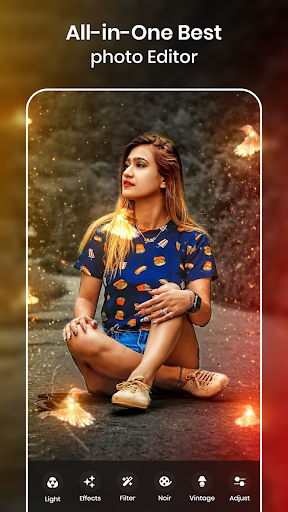
One of the standout features of Photo Editor - Retouch Photos is its impressive collection of •light effects. You can instantly apply •lights effects such as light crowns, rainbows, and cool lighting to give your photos a mesmerizing and stylish appearance. Want to look like a princess? Simply add a delicate light crown or a radiant rainbow to your portrait for a fairy-tale effect. The app offers hundreds of •light crown options, including light body crowns and angle crowns, making it easy to create a magical look.
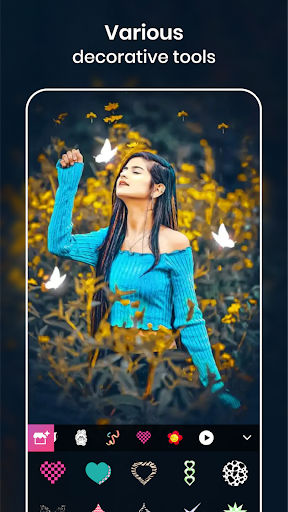
Besides crowns, you can adorn your photos with an assortment of cute stickers such as cat faces, dog faces, heart cameras, flower crowns, and vibrant rainbow cameras. Adding these fun elements takes just a few seconds: select a photo, pick your favorite •light effect or sticker, position it where you want, and voila—your photo is instantly more attractive and stylish.
Furthermore, the app allows you to combine multiple lighting effects and stickers to create unique styles. Whether you want a neon glowing crown or an enchanting rainbow burst, this extensive library ensures endless creative possibilities. Share your transformed images effortlessly with friends and family via social media platforms like WhatsApp, Instagram, Facebook, and Twitter.
How it Works:
- Select a photo from your gallery or take a new picture using the camera.
- Choose from a vast range of •lights effects and apply your favorite styles.
- Decorate with stickers—add multiple for a more fun and vibrant look.
- Save and share your stunning creation easily.
Key features include over 100+ lights effects, the ability to add text, apply stylish photo frames, and customize effects for a personalized touch. This app truly helps you make your photos more engaging and eye-catching with minimal effort.
Unleash Creativity with Advanced Editing Tools
Beyond light effects, Photo Editor - Retouch Photos is packed with advanced editing functionalities that enable you to craft professional-quality images. Its user interface is incredibly intuitive; you don’t need prior experience to navigate its features. As soon as you open the app, you’re greeted with a clean dashboard that guides you through editing seamlessly.
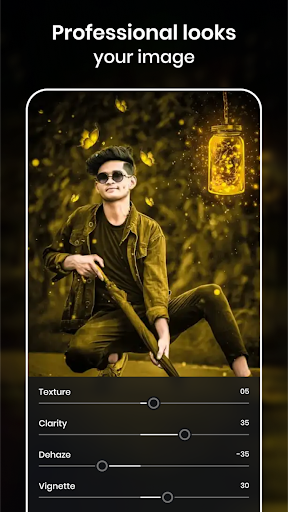
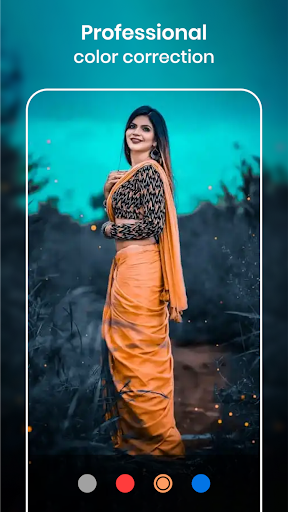
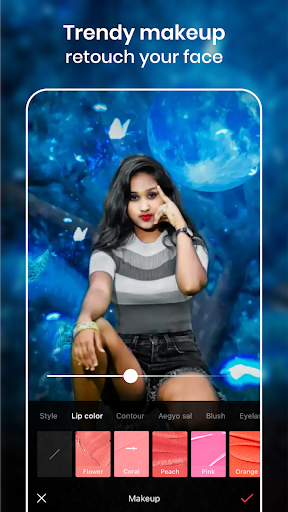
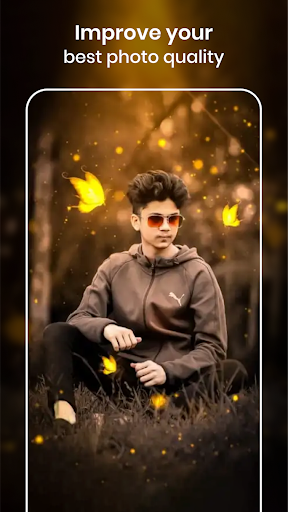
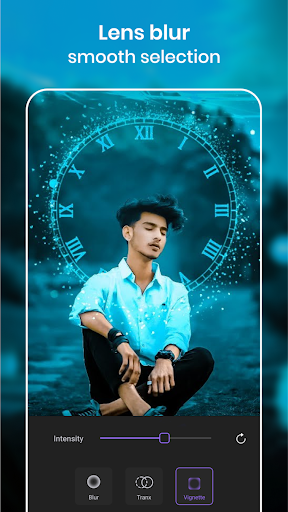
With tools like brightness, contrast, skin retouching, and background blur, you can easily refine your photos. The app also leverages AI-powered technology to automatically fix skin blemishes, enhance colors, and optimize overall image quality—making your edits look polished and professional with just one tap.
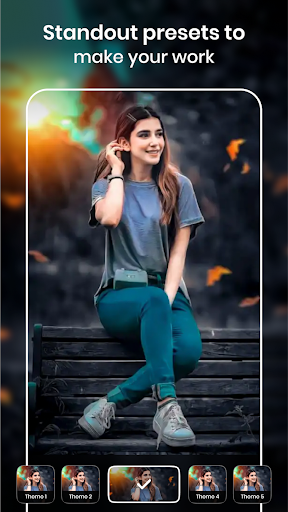
The diversity of filters is another highlight, offering a wide array of options to set the perfect mood for your images. Whether you want a dreamy sunset effect, a cool vintage vibe, or a modern artistic look, you’ll find the perfect filter in seconds. The app supports various formats including JPEG, PNG, and even RAW files, offering flexibility for all types of photography projects.
Performance-wise, the app runs smoothly even on older devices, ensuring a lag-free editing experience. Saving high-resolution images is quick, and sharing your artwork on social media platforms is straightforward, helping your creativity reach a wider audience.
Why Choose Photo Editor - Retouch Photos?
If you’re passionate about photography or social media content creation, this app is a must-have. It combines the power of professional editing tools with the convenience of mobile use, all wrapped in an easy-to-use interface. Whether you’re a beginner looking to enhance your images or a seasoned editor wanting quick retouches, Photo Editor - Retouch Photos provides all the tools you need in one place.
With its focus on creative expression through light effects and stunning overlays, you can elevate your photos to new heights. Make your social media posts more appealing, create memorable keepsakes, or simply have fun experimenting with different styles. Once you start exploring the features of this app, you’ll wonder how you ever edited photos without it.
In conclusion, Photo Editor - Retouch Photos is an all-in-one solution that brings the studio-quality editing experience to your fingertips. Its extensive library of lights effects, creative stickers, and powerful editing tools make it a standout choice for photo enthusiasts. Download it today and unleash your inner photographer!
Pros
- User-friendly interface with an intuitive design.
- Offers a wide variety of filters and effects.
- Supports editing of high-resolution images.
- Processes edits quickly, even complex ones.
- Receives regular updates introducing new features.
Cons
- Contains ads that may interrupt the editing process.
- Some features are only available through in-app purchases.
- Free version has limited functionalities.
- Occasional bugs appear in the latest updates.
- Full features require an internet connection.











