


Photo Editor: Retouch, Enhance – Unlock Your Photo Potential
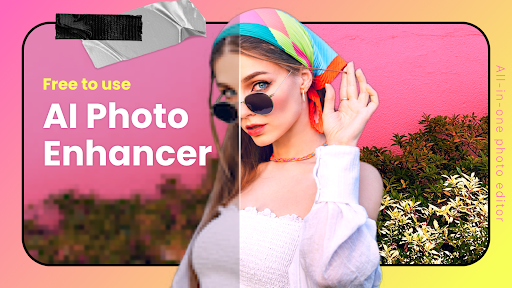
Ever looked at a photo and thought, "This could use a little magic"? With Photo Editor: Retouch, Enhance, you're equipped with a powerful yet user-friendly tool that feels like having a mini Photoshop right on your device. Whether you're a casual selfie taker or a dedicated photo enthusiast, this app transforms your images with ease and creativity, making every shot Instagram-worthy. It's the perfect solution for enhancing, retouching, and elevating your photos effortlessly.
Designed with a sleek, easy-to-navigate interface, Photo Editor: Retouch, Enhance ensures that both beginners and professionals can produce stunning images without the hassle of complex editing workflows. The layout is intuitive, with features thoughtfully arranged to allow quick access to tools like blemish removal, skin smoothing, and vibrant filters. This app truly democratizes high-quality photo editing, making professional-level enhancements accessible to everyone.
Key Features That Make It Stand Out
Powerful Retouch & Face Enhancements
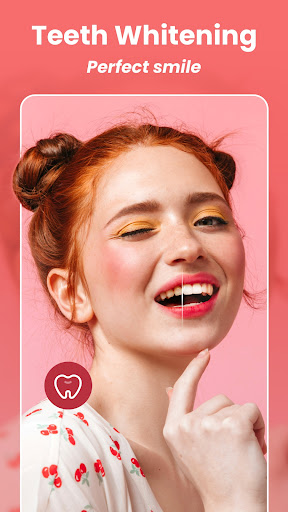
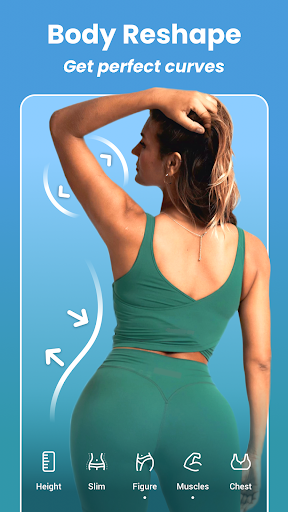
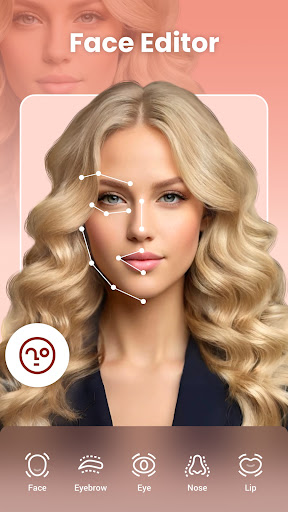
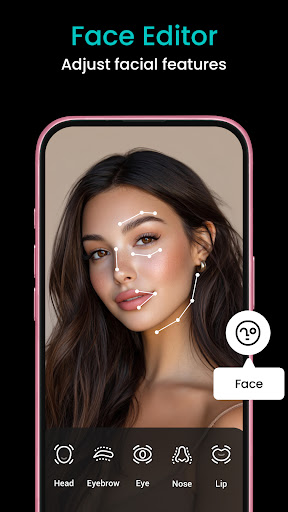
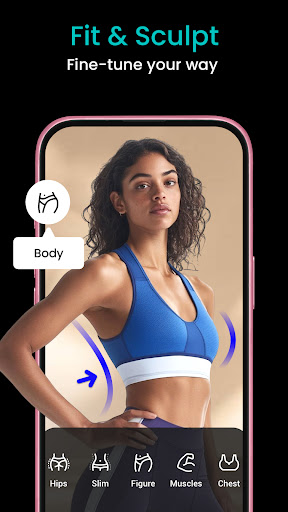
The app excels in face retouching capabilities. Need to hide skin blemishes or camouflaging wrinkles? No problem. With precise adjustments, you can refine facial features, enhance eyes and eyebrows, or even change face shapes with ease. The multi-face editing feature allows you to work on up to 20 faces simultaneously—perfect for group photos or family portraits. Auto retouch tools automatically remove imperfections, whiten teeth, and smooth skin, giving your selfies a flawless finish without much effort.
Creative Aesthetic Filters & AI Effects
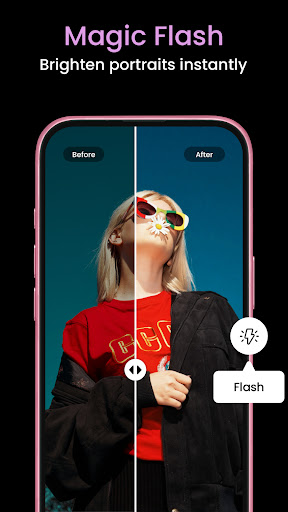
Looking to add a creative flair? The app offers a rich selection of filters such as Indie, IG, Dark, LOMO, Retro, and more, suitable for various aesthetic styles. Fine-tune the strength of each filter to match your vision. It also provides AI Photo Effects presets, enabling you to create eye-catching images with effects like background blur, glitch effects, or clone backgrounds—helping your photos stand out across social networks.
Advanced Photo Adjustment Tools
For those who love detailed editing, the app provides adjustments like brightness, contrast, highlights, warmth, shadows, sharpness, and exposure—all available free of charge. Additionally, innovative tools such as HSL (Hue, Saturation, Luminance) and Curves offer advanced color control to perfect your images. You can easily manipulate individual color channels or adjust tones with pixel-level precision, resulting in highly professional edits.
Background & Object Editing
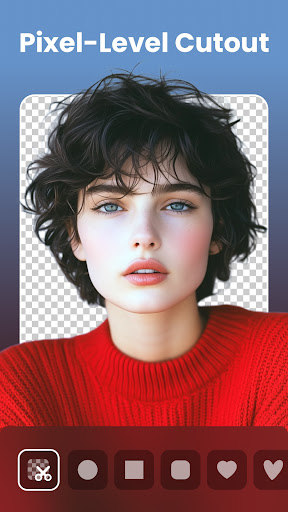
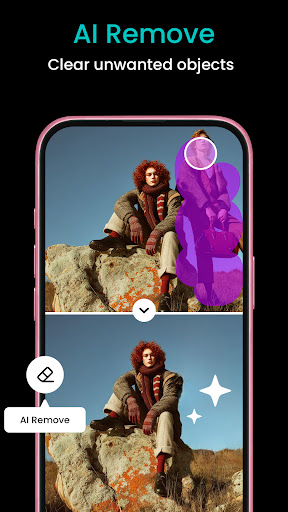
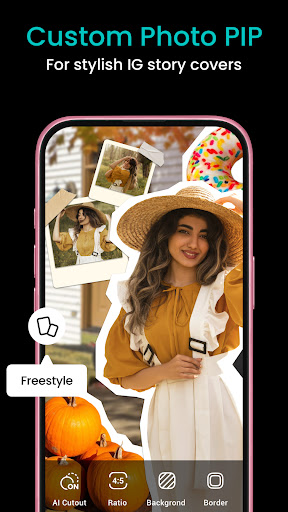
Remove unwanted objects or backgrounds effortlessly with AI Cutout. The app allows you to replace or blur backgrounds with a single tap, creating polished compositions. You can overlay photos to produce dramatic double exposures or add creative elements using the photo on photo feature. The BG Blur tool further enhances your images by stylistically isolating subjects or achieving a dreamy effect.
Creative Touches & Sharing
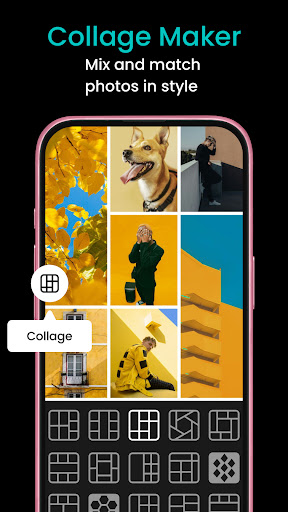
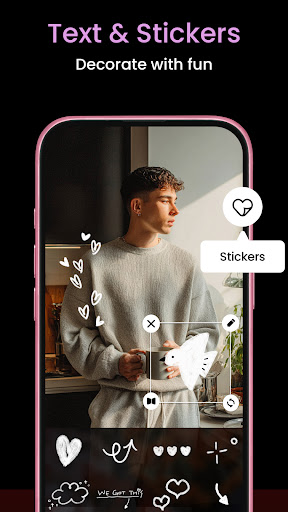
Finalize your masterpieces with stylish photo frames or add personalized text and stickers. A wide selection of fonts and fun emoji stickers allow for customized designs. The pic collage maker feature supports over 200 layouts, letting you craft beautiful photo grids with up to 20 images. When your edits are complete, effortlessly share your artwork directly to Instagram, WhatsApp, or Snapchat.
Why Choose Photo Editor: Retouch, Enhance?
This app isn't just about basic editing; it's a comprehensive photo editing studio packed with AI-powered tools that streamline complex tasks. Thanks to its smart algorithms, removing background, retouching portraits, or adding artistic effects happens quickly and seamlessly. Whether you want to perfect a selfie or craft a professional-looking image, this app delivers unlimited creativity at your fingertips.
Plus, it's free, making high-quality photo editing accessible to everyone. The combination of user-friendly features, powerful AI tools, and versatile editing options positions Photo Editor: Retouch, Enhance as one of the best choices in the mobile photo editing landscape.
Conclusion
If you're searching for an all-in-one photo editor that simplifies the editing process while providing professional-grade results, this app is your ideal companion. Whether boosting image quality, retouching portraits, or adding creative effects, Photo Editor: Retouch, Enhance empowers you to produce stunning photos effortlessly. Suitable for beginners and experts alike, it's a powerful photo editing app that makes every picture a masterpiece. Give it a try and discover your full photo editing potential!
Pros
- User-friendly interface suitable for beginners
- Extensive selection of editing tools available
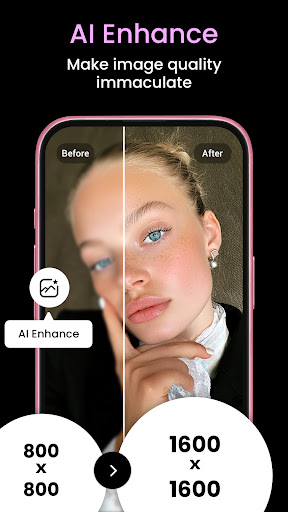
- Supports high-resolution image outputs
- Fast processing with minimal latency
- Regular updates introducing new features
Cons
- Includes in-app purchases
- Occasional advertisements may be disruptive
- Limited features in the free version
- Requires internet connection for complete functionality
- Some tools require enhancements











