
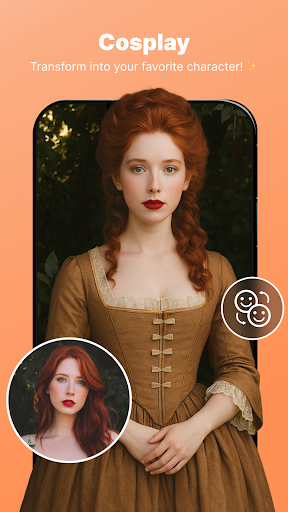
Discover the Ultimate Photo Editor App for Stunning Images
Enhance your photos effortlessly with our all-in-one photo editor app! Whether you're aiming to sculpt your body, craft eye-catching collages, or blur backgrounds for a professional finish, this versatile application has everything you need. Designed with a comprehensive suite of editing tools—including Body Shape editing, Collage Maker, Background Changer, Object Remover, Aging Effects, and Background Blur—it empowers both beginners and experienced users to create flawless images that stand out on social media and beyond.
Key Features of the Photo Editor App
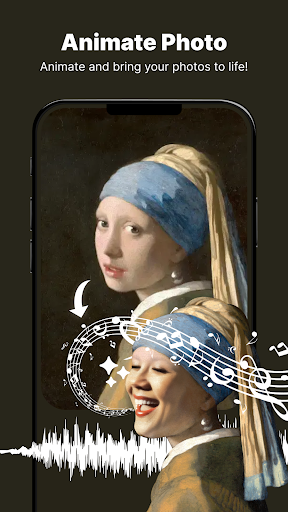
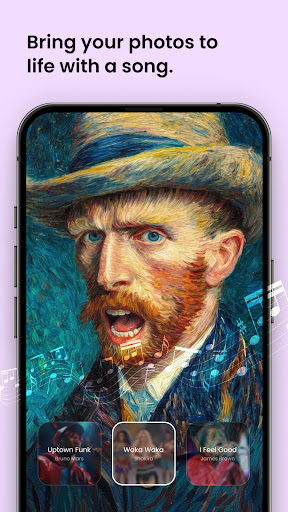
Animate Photo: Bring Your Memories to Life
One of the most exciting innovations is the Animate Photo feature. With just a few taps, you can transform static images into vibrant, animated visuals. Whether you want to add motion to your favorite moment or create captivating animations, this tool adds an engaging dimension to your photos. Turn your still pictures into dynamic stories that capture attention instantly—perfect for social sharing and digital storytelling.
Body Shaper: Perfect Your Look Effortlessly
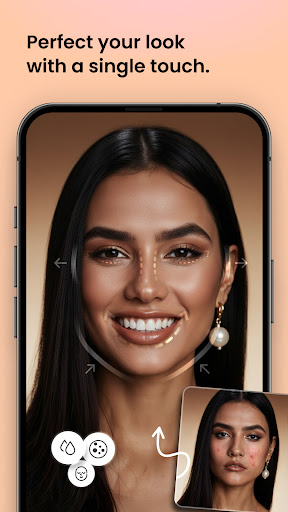
Achieve your ideal physique with the Body Shape editing tool. This feature allows you to fine-tune your figure, reshape specific body parts, and enhance your photos with medical-level precision. Whether you're looking to slim down, add curves, or simply perfect the proportions, the Body Shaper lets you do it smoothly, boosting confidence with flawless results.
Collage Maker: Create Beautiful Memories
Gather your favorite moments and craft stunning collages with the Collage Maker. Choose from various customizable layouts, add personal touches, and make your design stand out. Whether for sharing on social media or preserving your memories, this feature makes it easy to create visually appealing and share-worthy compositions.
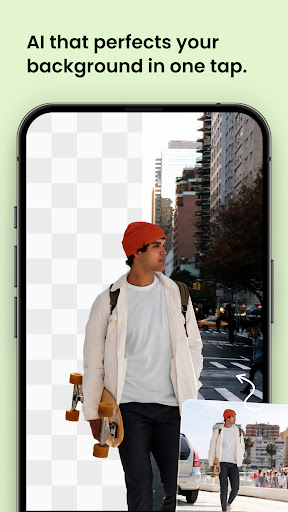
Background Changer & Eraser: Swap Scenery with Precision
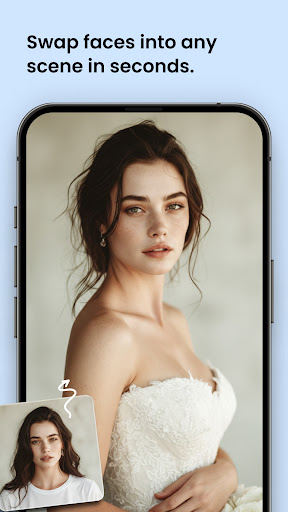
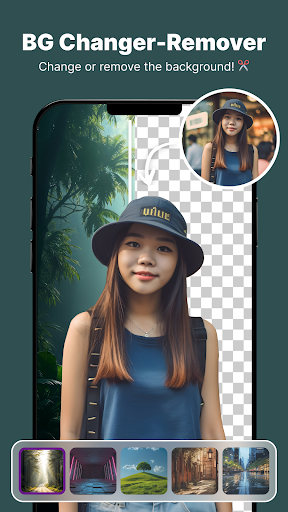
Looking to give your photos a fresh new background? The Background Changer and Background Eraser tools let you remove and replace backdrops effortlessly. Whether you're inserting a stunning landscape, a trendy scene, or an artistic effect, these tools offer precise background modifications, ensuring your subject remains perfectly isolated and natural-looking.
Object Remover: Clean Up Your Images
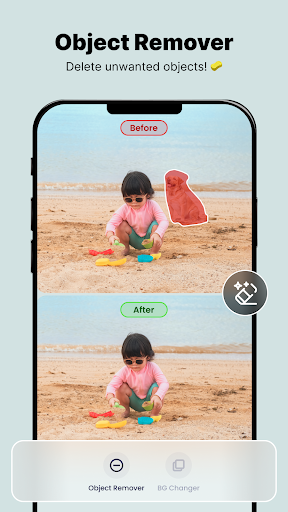
Remove unwanted elements from your photos quickly and seamlessly with the Object Remover. Whether it's distracting objects, background distractions, or accidental marks, this feature helps you achieve a clean, professional look in seconds—making your photos look polished and distraction-free.
Aging Effects & Portrait Blur: Add a Artistic Touch
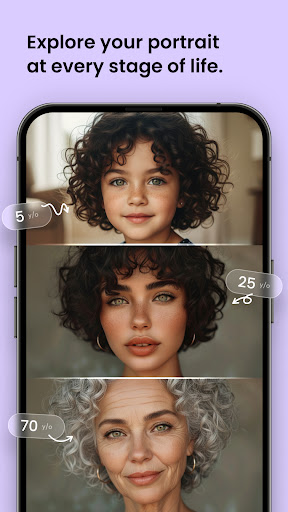
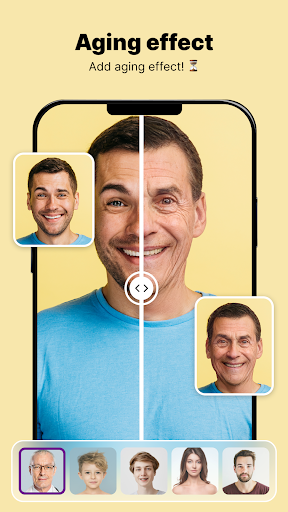
Curious how you'll look many years from now? The Aging Effects and Old Face features provide a fun and creative way to simulate aging or add vintage effects to your photos. Meanwhile, Background Blur and Photo Blur Editor elevate your portraits by softening backgrounds or adding depth, resulting in stunning, professional-grade images that emphasize your subject.
Why Choose This Photo Editing App?
Navigating the vast ocean of mobile photography tools can be overwhelming, but this photo editor stands out thanks to its user-friendly interface and powerful features. Designed for ease of use, it organizes tools in a way that even beginners can dive right into editing without frustration. At the same time, advanced features like support for layers, blemish correction, and double exposure make it a treasure trove for seasoned editing enthusiasts.
Seamless Sharing and Storage Efficiency
Once your masterpiece is ready, sharing it is just a tap away—whether you want to showcase your work on Instagram, Facebook, or send it to friends. The app saves your edits in a compressed format, optimizing storage space and ensuring smooth performance. Plus, its ad-free experience allows you to focus on creativity without interruptions, providing a seamless user experience from start to finish.
Final Thoughts: Your Go-To Photo Editing Companion
In summary, this photo editor is a fantastic tool suitable for all skill levels—offering a perfect blend of simplicity, power, and versatility. With features like Body Shape editing, Collage Maker, Background Changer, Object Remover, Aging Effects, and background blurring, you have everything needed to enhance and elevate your photos in seconds. Download now and unlock a world of endless creativity, transforming your ordinary snapshots into extraordinary visual stories that impress and inspire.
Pros
- User-friendly interface
- Wide range of editing tools
- High-quality filters
- Supports RAW image files
- Quick sharing options
Cons
- Contains ads
- In-app purchases required
- Large app size
- Occasional crashes
- Limited free features











