

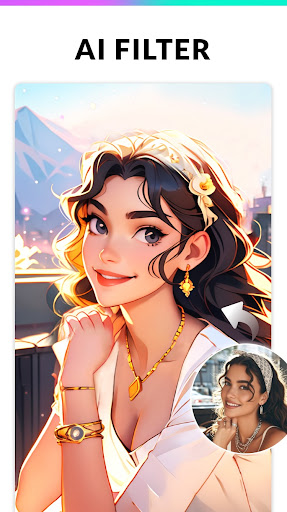

Photo Editor - Collage Maker: The Ultimate Guide to Creative Photo Editing
Discover the versatile world of Photo Editor - Collage Maker, a comprehensive application designed to transform your photos with ease. Whether you're looking to craft stunning collages, enhance image quality, or create eye-catching memes, this app offers a wealth of features suited for both casual users and professional photographers.
Feature-Rich Photo Collage and Editing Capabilities
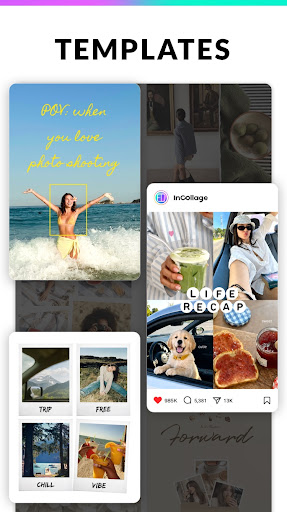
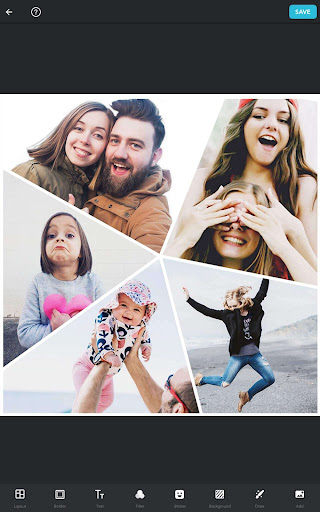
InCollage stands out as a full-featured Photo Collage Maker & Photo Editor equipped with over 500+ picture collage layouts, frames, backgrounds, templates, stickers, and text fonts. This extensive toolkit allows you to createcool photo collages tailored for every occasion—be it holidays, weddings, babies, or Before & After transformations.
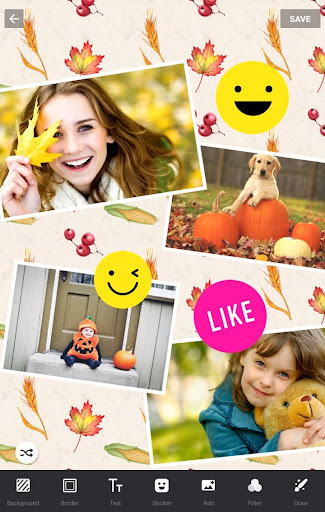
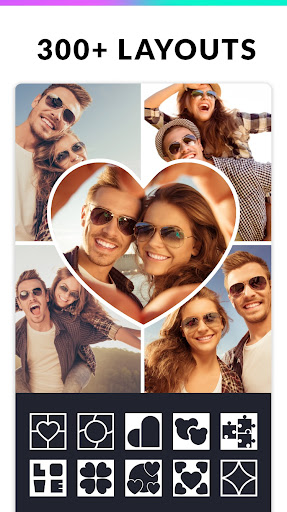
The app supports assembling up to 25 photos in a single collage, offering a variety of 300+ layouts of photo frames and grids. Pick a photo, add personalized text, and instantly share your creation as a meme with friends. The customizable features include changing the collage ratio, editing borders, and applying stylish filters or frames to elevate your images.
Personalization and Creative Tools
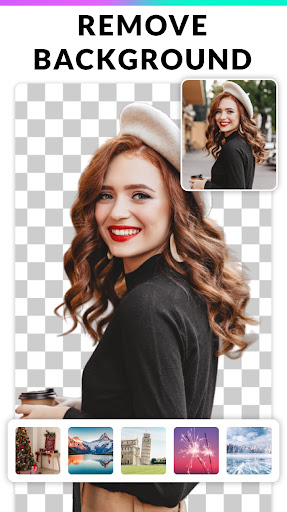
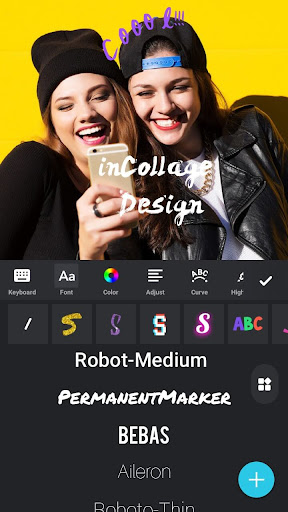
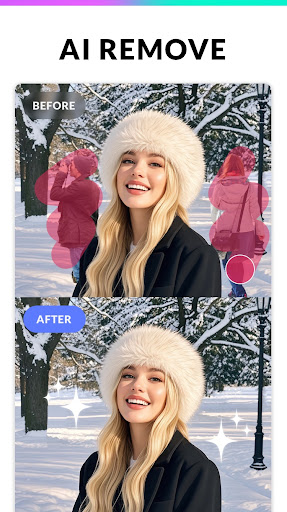
Express your creativity with a large selection of backgrounds, stickers, fonts, and doodles. The AI-powered background remover allows for seamlessremoval and replacement of backgrounds, giving your images a professional touch. Support for importing your own art fonts enables unique design styles. Whether using free style or grid layouts, you can crop and edit photos easily, making your collages truly stand out.
Additionally, the app transforms your images into perfectInstagram square photos with a blur background, ideal for social media sharing. Save your projects in high resolution and upload them directly to platforms like Instagram, Facebook, WhatsApp, and Line with ease.
Photo Editing and Enhancement Tools
The Photo Editor PRO integrates powerful editing tools—crop, apply filters, add stickers & text, draw, flip, and rotate—offering a complete editing suite. This makes InCollage an intuitive choice for enhancing images for Instagram and other social networks.
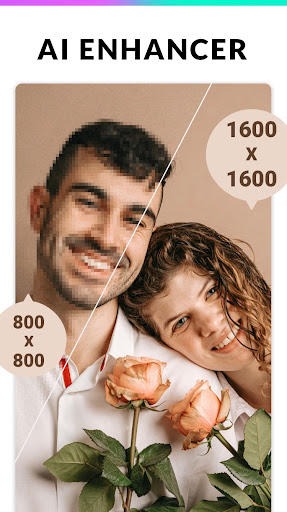
With the integratedAI photo enhancer, even blurry or low-quality photos can be transformed into HD masterpieces. The enhancer restores details, sharpens images, and reduces noise, ensuring your portraits, group shots, or landscapes look professional and polished.
Meme Creator and Social Media Friendly Features
Looking to create humorous memes? This app doubles as a meme generator, enabling you to craft funny images and share them across popular messaging platforms. The Pic Collage Maker supports multiple aspect ratios—1:1, 3:4, 5:4, 9:16—optimized for Instagram stories, posts, or other social media formats.
Ease of Use and Reliability
One of the standout qualities of Photo Editor - Collage Maker is its user-friendly design. Its intuitive interface allows users of all skill levels to navigate effortlessly without the need for tutorials. The app runs smoothly on various devices and handles high-resolution images without lag or crashes, making it a dependable editing companion.
Conclusion: Your Pocket-Sized Creative Studio
If you're seeking a robust photo editing app that combines collage creation, professional editing tools, and social media-ready features, Photo Editor - Collage Maker is an excellent choice. Its extensive customization options, AI enhancement capabilities, and ease of use make it suitable for beginners and seasoned photographers alike. Whether you want to craft beautiful photo collages for special occasions or produce engaging content for your online audience, this app provides all the tools you need in a compact, efficient design.
Pros
- Intuitive user interface
- Wide variety of editing tools
- High-quality filters available
- Supports multiple file formats
- Fast processing speed
Cons
- Contains in-app purchases
- Occasional ads can be intrusive
- Limited free version features
- Some tools require a learning curve
- File size can be large











