

Discover the Magic of Photo Collage - Pic Grid Maker
In the world of photo editing applications, Photo Collage - Pic Grid Maker stands out as a versatile and user-friendly tool designed to elevate your visual content. Whether you're a social media enthusiast, a professional influencer, or someone who simply loves creating memorable collages, this app offers a wide range of features to help you craft stunning photo grids and collages effortlessly.
Unleash Your Creativity with Ease
The app boasts an intuitive and seamless user interface that makes creating beautiful collages accessible for everyone. Even beginners will find it easy to navigate through the various editing tools and options. With just a few taps, you can combine photos, adjust layouts, and add personalized touches. The simple drag-and-drop functionality streamlines the editing process, allowing you to focus on your creative ideas without frustration or complication.
Extensive Collection of Layouts and Design Templates
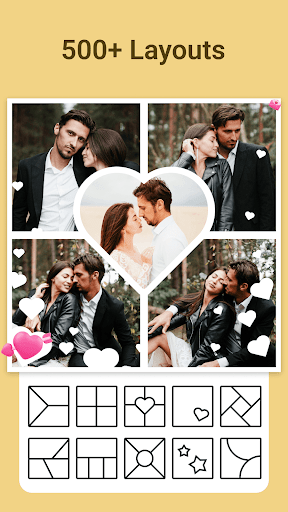
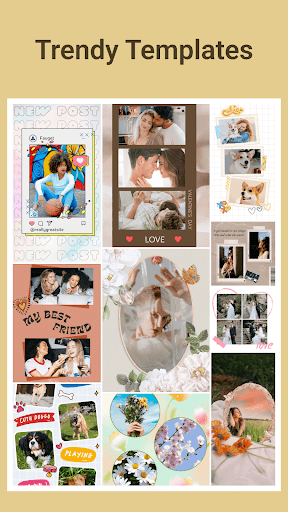
Photo Collage - Pic Grid Maker offers an impressive library of over 500 layouts and more than 600 design templates to choose from. Whether you prefer a classic grid, a dynamic mosaic, or a themed collage, you'll find the perfect fit. Popular categories include Holiday, Family, Love, and Magazine cover styles, ideal for sharing on platforms like Instagram, Snapchat, or WhatsApp. These templates are constantly updated, ensuring your creations stay fresh and trendy.
Personalize Your Collages with Stickers, Text, and Doodles
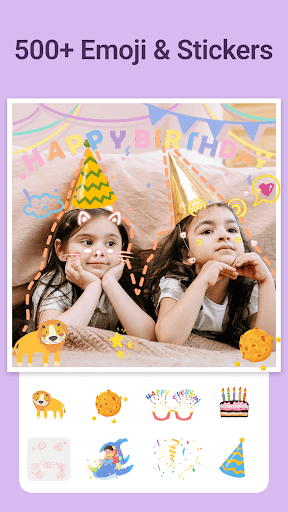
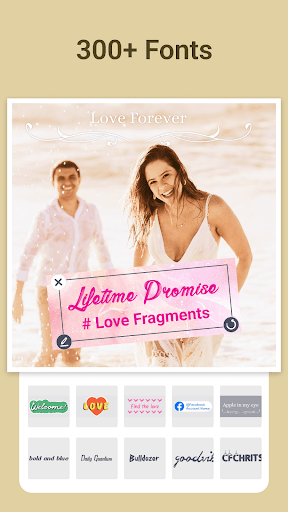
Enhance your photos with a vast collection of over 500 stickers. Themes range from romantic love, pets, flowers, to festive holiday symbols. The app allows you to add custom text in various fonts and styles or even draw your own doodles. Add hearts, stars, or fun shapes to make your collages truly unique and lively.
Stunning Backgrounds and Filter Effects
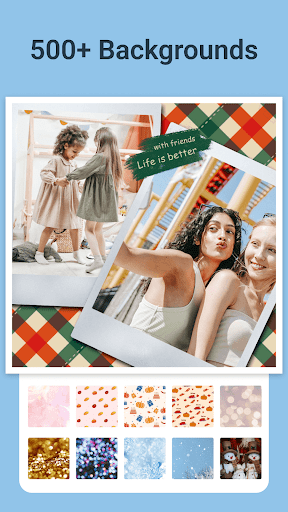
Choose from a variety of background options, including solid colors, gradients, and blur effects. These options help you set the perfect mood for your collage. Additionally, the app offers a wide selection of filter effects that can be customized to improve the overall look and feel, making your images more realistic, vibrant, or artistic.
Create High-Resolution, Share-Worthy Images
Once your masterpiece is complete, you can export your collage in high-definition quality. The app supports multiple aspect ratios, including 1:1, 3:4, 5:4, and 9:16, making it perfect for sharing on social media platforms like Facebook, Instagram, TikTok, and Twitter. Your creations will look professional and crisp whether viewed on a phone or printed as a keepsake.
Maximum Flexibility for Your Creative Projects
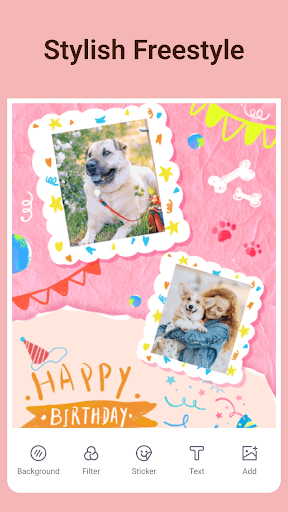
For those who like complete creative freedom, the app features a freestyle mode, allowing you to combine any layout or element freely. Whether you want to make a playful collage or an elegant photo arrangement, Photo Collage - Pic Grid Maker provides the tools to bring your ideas to life without restrictions.
Why Choose Photo Collage - Pic Grid Maker
If you're searching for a photo collage maker that balances simplicity with powerful features, this app is the ideal choice. Its easy-to-use interface, extensive template library, and customizable options allow you to create unique photo grids effortlessly. Whether you want to craft a holiday memory, celebrate a special event, or just inject fun into your social media posts, Photo Collage - Pic Grid Maker encourages you to think outside the box and express yourself creatively.
Start creating beautiful, high-quality collages today and turn your favorite memories into stunning visual stories with Photo Collage - Pic Grid Maker.
Pros
- User-friendly interface
- Wide selection of templates
- Exports with high quality
- Quick processing speed
- Enables social media sharing
Cons
- Limited features in the free version
- Advertisements appear in the free edition
- Requires in-app purchases for additional templates
- Experiences occasional crashes
- Application has a large size











