

Introduction to Photo Collage Maker, Pic Editor
Are you looking for a versatile and user-friendly app to transform your photos into stunning collages and edits? Photo Collage Maker, Pic Editor is designed to be your ultimate companion in photo creation. Whether you're a beginner or an experienced editor, this all-in-one app offers a plethora of features to help you craft beautiful visual stories effortlessly.
Key Features of Photo Collage Maker, Pic Editor
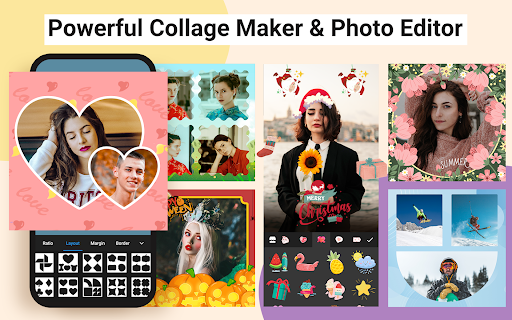
Professional Collage Creation & Photo Grid
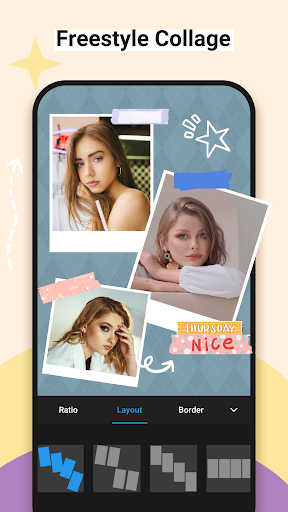
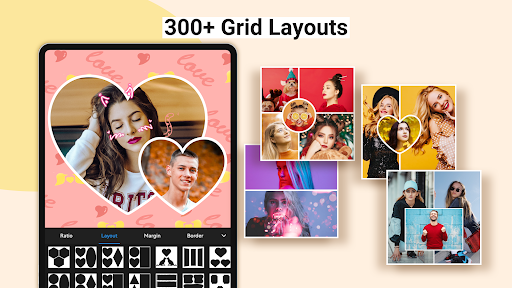
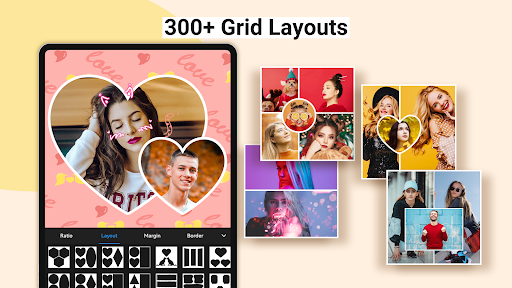
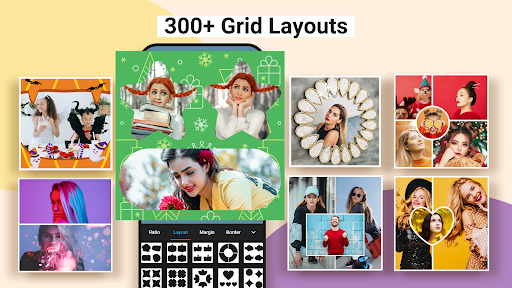
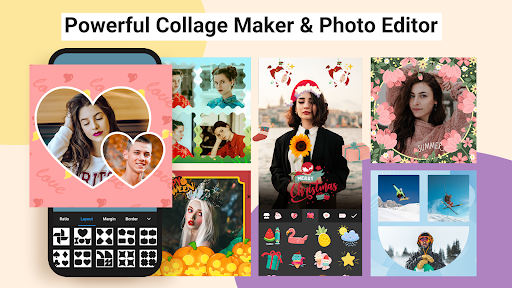
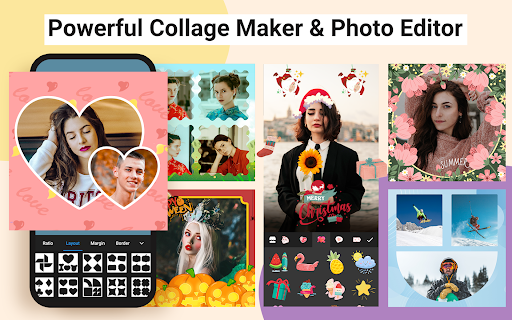
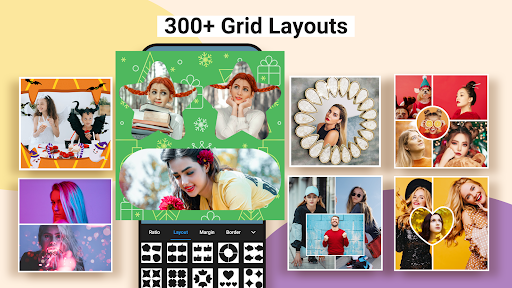
This app allows you to combine up to 18 photos into exciting layouts and pic collages. With over 200+ photo effects and more than 1000 layouts, backgrounds, frames, fonts & filters, you have endless customization options. You can easily adjust the ratio of your collage, modify borders, and create both Free style and Grid style collages. Once done, you can save your high-resolution images and share them directly on social media platforms like Instagram, Snapchat, WhatsApp, Facebook, and TikTok.
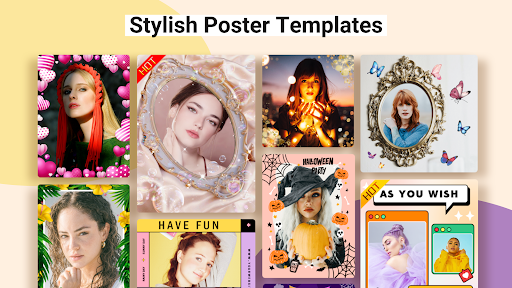
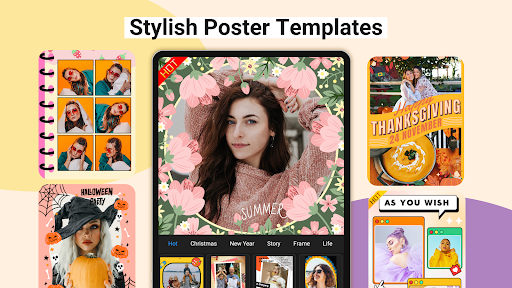
Creative Templates & Poster Designer
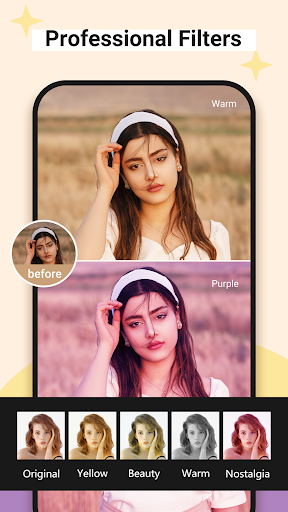
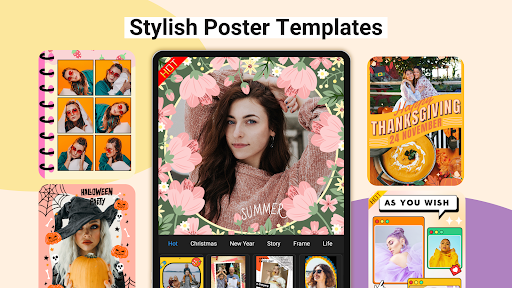
With over 700 templates covering themes such as festivals, seasons, regions, and crowds, you can create eye-catching photo posters and collages effortlessly. The templates are fully editable—you can swap images, rotate, zoom, or change text to match any occasion. Create shaped collages, like hearts or diamonds, and set the perfect atmosphere with customizable filters and effects.
Powerful Photo Editing Tools
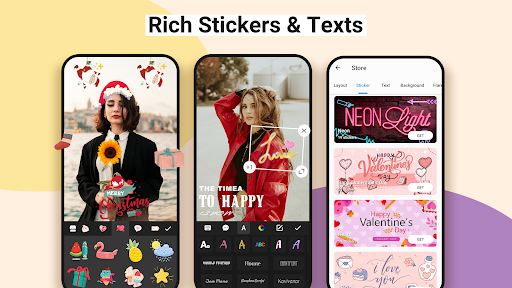
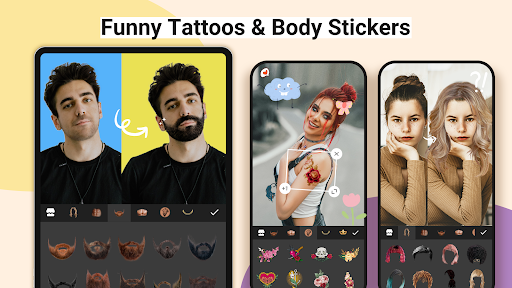
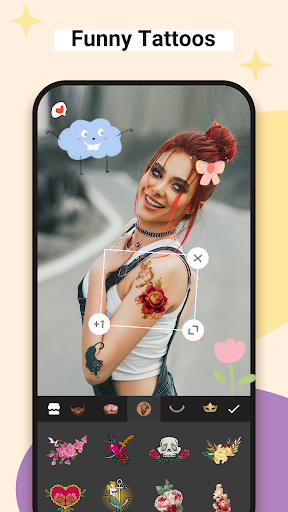
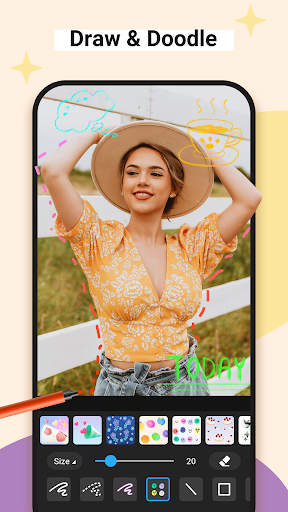
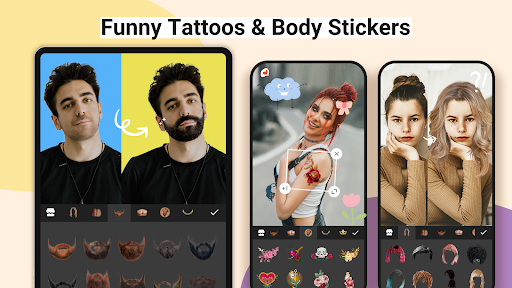
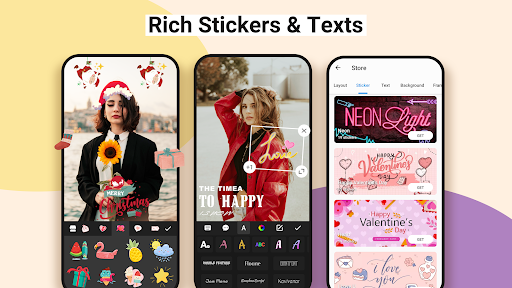
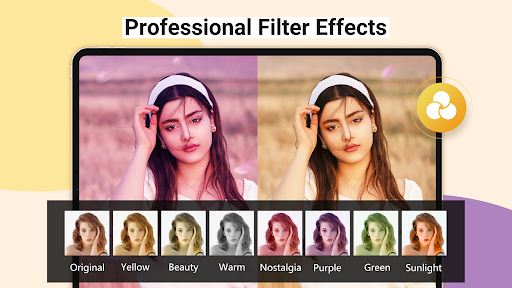
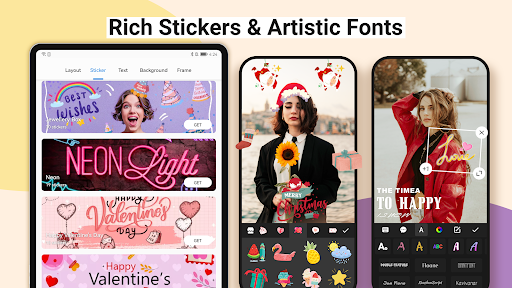
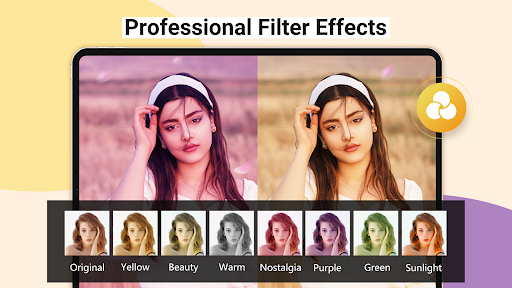
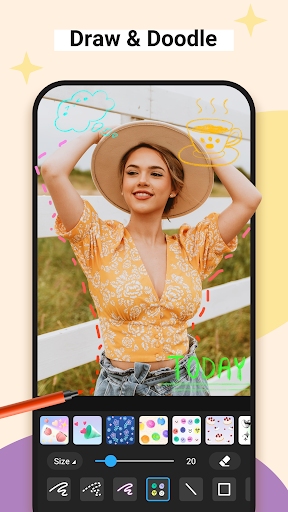
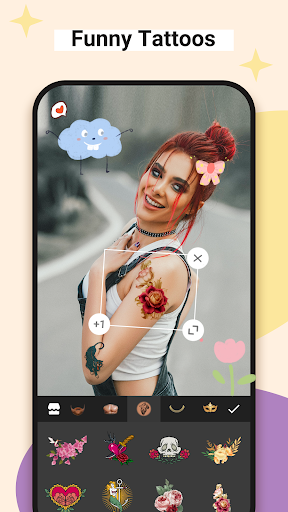
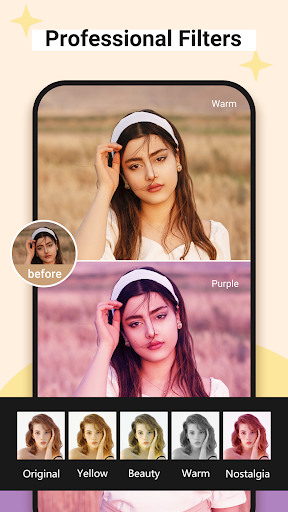
This app offers a comprehensive suite of editing features such as cropping, rotating, resizing, mirroring, blurring, and cutout tools. Adjust properties like brightness, contrast, highlights, warmth, shadows, sharpness, and exposure with ease. The available stickers, emojis, text options, and graffiti enable you to personalize your images. The innovative AI Background Eraser allows you to change photo backgrounds with a single tap, turning ordinary photos into artistic creations with stylish filters, effects, and enhancements.
Additional Creative Features
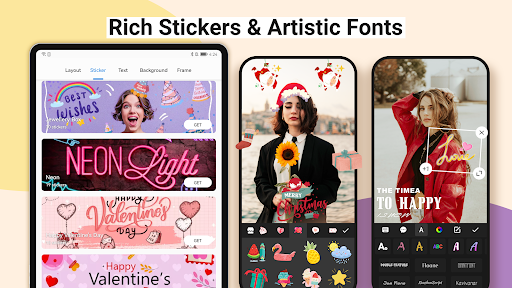
Explore flexible options like Freestyle mode, giving you a blank canvas to create freely, and Pic-Sew to combine multiple images into a story. The app supports handling multiple ratios such as 1:1, 3:4, 4:5, and 9:16, enabling you to post entire photos without cropping. You can also trace and cutout photos by shapes, change background colors, apply beautiful patterns, and select from over 100+ frame or grid layouts. Text addition is enhanced with more than 100 art fonts and options to customize border widths and corner styles.
Why Choose Photo Collage Maker, Pic Editor?
If you want an intuitive app that blends powerful editing capabilities with creative freedom, this app is the perfect choice. It caters to all your imagination, whether you're assembling a quick collage, designing a detailed poster, or editing photos with advanced tools. The interface is designed for simplicity, making it accessible for everyone—no registration or accounts needed.
Beyond its extensive features, the app ensures your final images are crisp and vibrant, ideal for sharing online or printing. Its variety of filters, stickers, text fonts, and editing tools help you craft personalized memories that truly stand out. From documenting special occasions to creating artistic projects, this application empowers you to tell your story visually.
In summary, Photo Collage Maker, Pic Editor is more than just a photo editing app; it’s a mini studio that enables you to unleash your creativity. Whether you're celebrating a holiday, a travel adventure, or simply capturing everyday moments, this app makes it easy and fun to turn your photos into captivating collages and artworks. Download now and start telling your story through beautiful images—without any hassle!
Pros
- User-friendly interface for easy navigation.
- Wide selection of collage templates available.
- High-quality output with clear images.
- Includes fun stickers and text options.
- Quick sharing to social media platforms.
Cons
- Contains advertisements that may disrupt usage.
- Limited features in the free version.
- Some templates require in-app purchases.
- May experience lag on older devices.
- Photo editing tools are basic.











