
Pencil Sketch Photo Editor
✏️ Pencil Sketch Photo Editor: Unleash Your Creativity with Stunning Sketch Effects
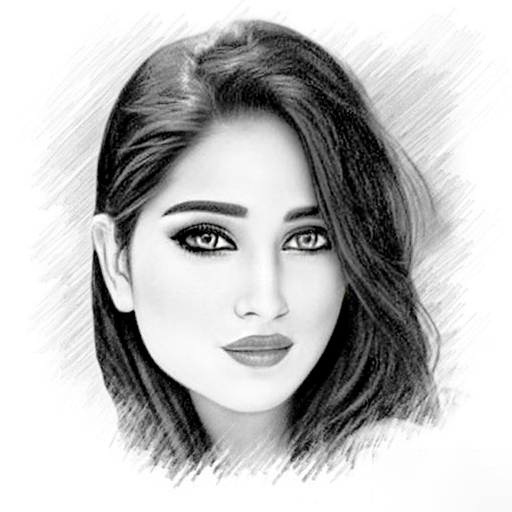
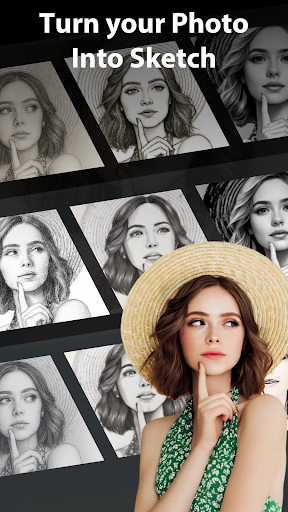
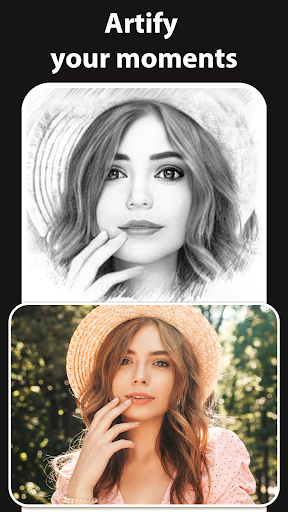
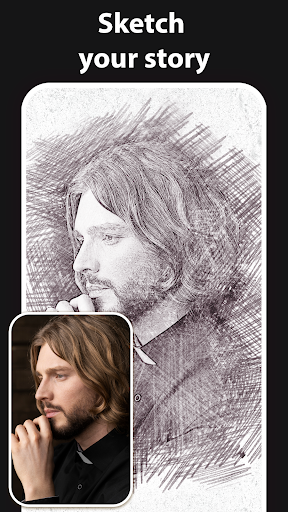
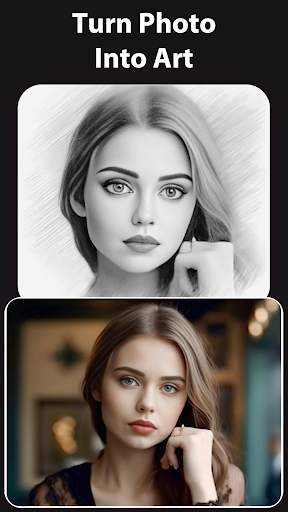
Welcome to Pencil Sketch Photo Editor, the ultimate tool for transforming your photos into captivating works of art. With a wide array of innovative features and artistic effects, this app offers endless possibilities for turning ordinary images into extraordinary masterpieces.
Experience the mesmerizing 3D Sketch Photo Maker with the 'Pencil vs Camera' effect, perfect for landscapes and portrait photos. Dive into artistic photography with our 'Photography in Drawing' feature, adding depth and dimension like never before.
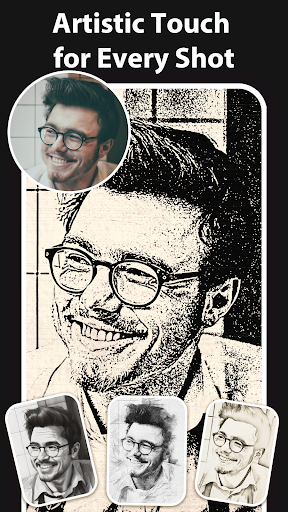
Explore the versatile 2D Sketch Photo Maker which offers three distinct styles: "Sketch", "Doodle", and "Hatch". Whether working with human portraits, objects, or nature views, these styles ensure stunning results. You can also enhance your sketches further by applying customizable photo frames for a professional finish.
With our Sketch to Cartoon feature, effortlessly transform any photo into a charming cartoon drawing. Whether creating caricatures, fun illustrations, or playful images, this feature invites you to unleash your imagination in endless ways.
Additionally, the app presents various camera effects to refine your photos:
- Crop Photos: Easily crop to perfect your composition.
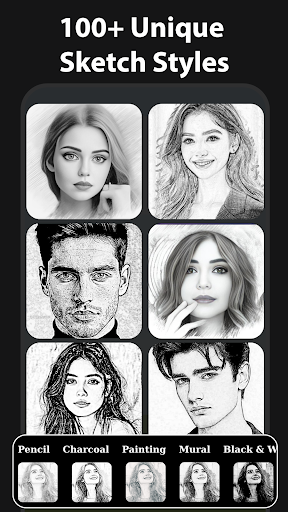
- Effects: Choose from black strokes, white strokes, pastels, pencil sketches, color sketches, cartoons, stamps, halftones, hatching, and more.
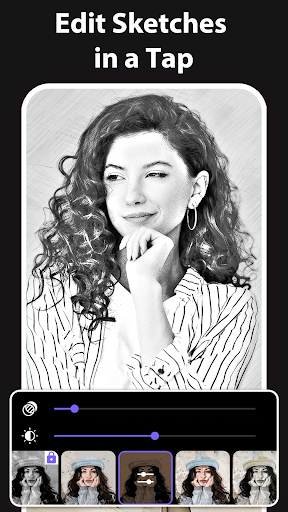
- Adjustable Parameters: Fine-tune edge strength, opacity, contrast, brightness, and saturation for customized results.
- Multiple Sketch Types: From classic pencil sketches to vibrant watercolor effects, explore different artistic styles.
- Create 3D Sketches: Seamlessly blend drawing with photography for dynamic visual effects.
- Capture with Sketch Camera: Take photos directly within the app, utilizing pinch-to-zoom and tap-to-autofocus features.
Once you craft your masterpiece, you can save it to your gallery or easily share on social media platforms to showcase your artistic talents to the world. Whether you're a seasoned artist or a beginner, Pencil Sketch Photo Editor empowers you to unleash your creativity and produce stunning visual art in just a few taps.
Getting Started with Pencil Sketch Photo Editor
- Select a photo from your gallery or capture a new one using the built-in camera.
- Crop and adjust your image to your liking.
- Easily choose between 2D or 3D sketching options.
- Apply your preferred sketch style and fine-tune effects according to your taste.
- Save your artwork or share it directly on social media for instant feedback and admiration.
Why Choose This App?
This pencil sketch photo editor stands out due to its user-friendly interface and extensive features. It caters to all levels of artists—from casual users wanting quick creative edits to more serious digital artists aiming for detailed sketches. The variety of styles and effects allows for endless experimentation, making every photo uniquely yours.
Beyond enhancing personal photos, this app is perfect for creating personalized gifts, such as hand-drawn style portraits, or for adding artistic flair to social media content. Plus, with no intrusive ads and straightforward sharing options, it provides a smooth and enjoyable creative experience.
Final Thoughts
In a digital age filled with countless photo editing apps, Pencil Sketch Photo Editor offers a delightful blend of simplicity and artistic variety. Whether you’re looking to spice up your social media, create memorable gifts, or simply explore your artistic side, this app is a must-try. Download today and start transforming your photos into timeless art pieces—your inner artist awaits!
Pros
- Intuitive user interface
- Wide range of sketch effects
- High-quality output images
- Fast processing speed
- Works offline
Cons
- Contains ads
- Limited free features
- Occasional crashes
- Requires in-app purchases
- Large file size











