
Discover the Powerful Features of the PDF Scanner App - TapScanner
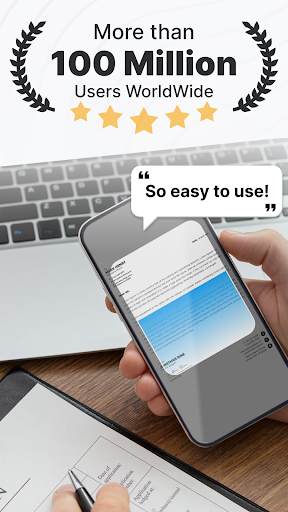
Are you tired of juggling physical documents or spending hours scanning and organizing paperwork? Look no further than the PDF Scanner app - TapScanner. This innovative mobile application transforms your device into a professional-grade document scanner, making digitizing, editing, and managing PDFs effortless and efficient. Trusted by millions worldwide, TapScanner is the ultimate tool for students, professionals, and anyone seeking a reliable solution for their document needs.
High-Quality Scanning for Perfect Results
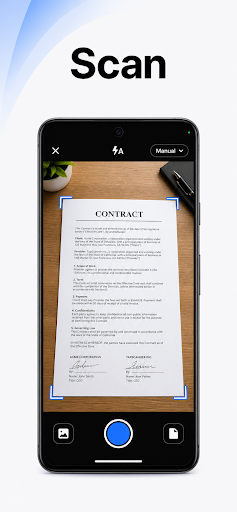
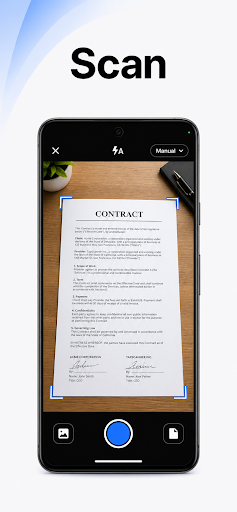
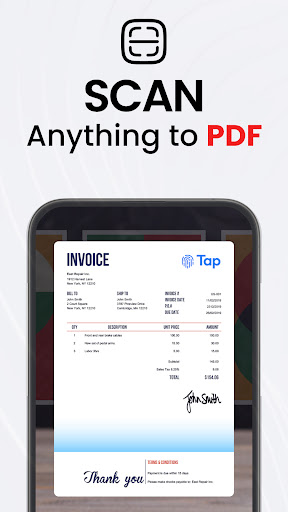
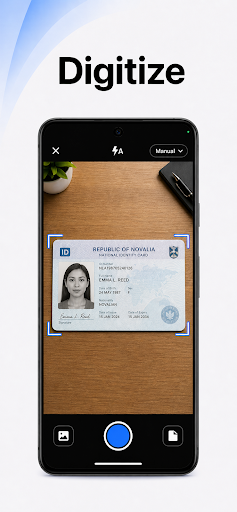
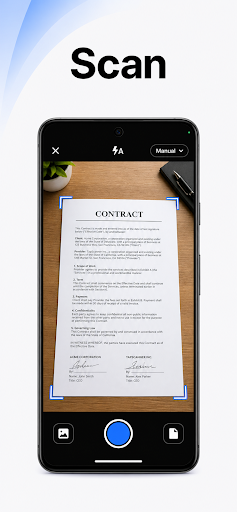
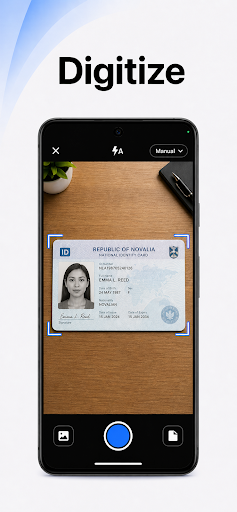
One of the standout features of TapScanner is its ability to produce high-quality scans. Equipped with automatic edge detection and smart image correction, the app ensures each scan — whether it's a receipt, business card, or multi-page contract — is crisp and clear. The app's advanced algorithms automatically recognize document edges and adjust perspective, eliminating skewed images and shadows. This results in professional-grade PDFs that are perfect for printing, sharing, or archiving.
Powerful PDF Management and Editing Capabilities
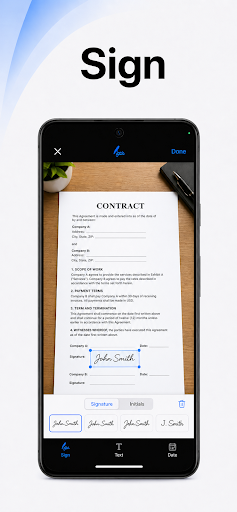
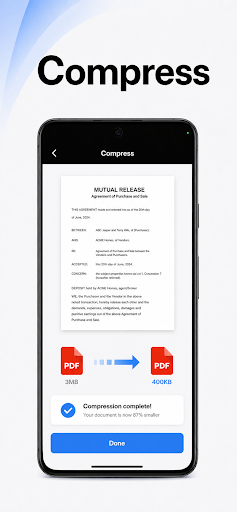
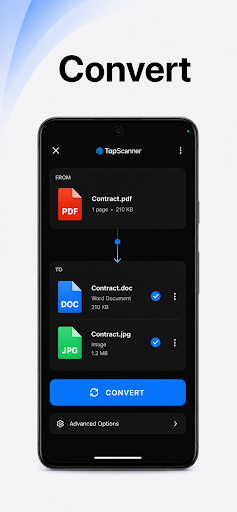
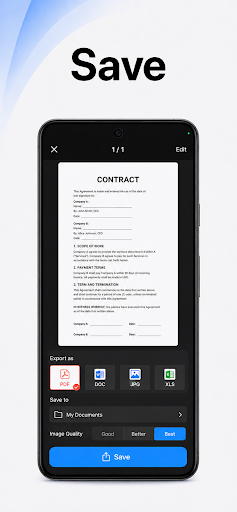
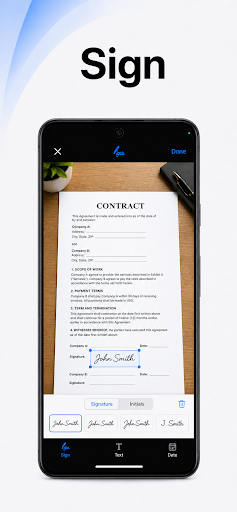
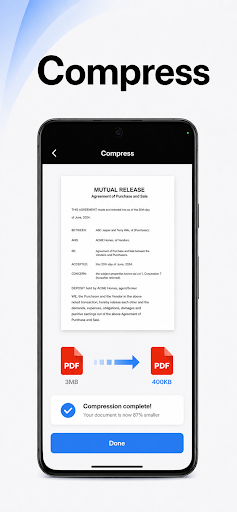
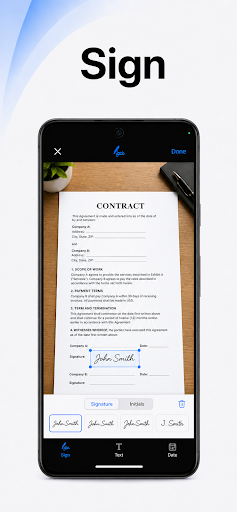
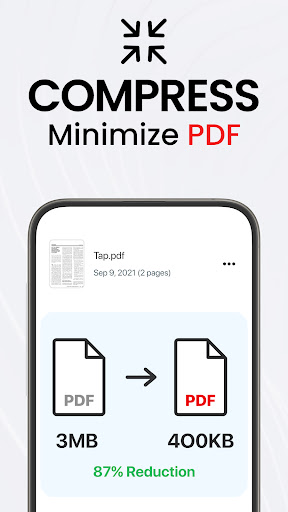
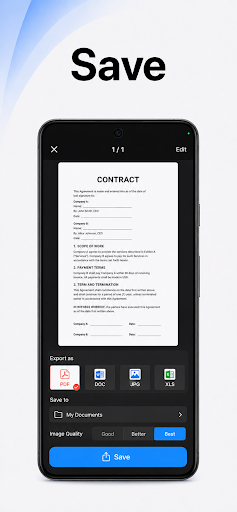
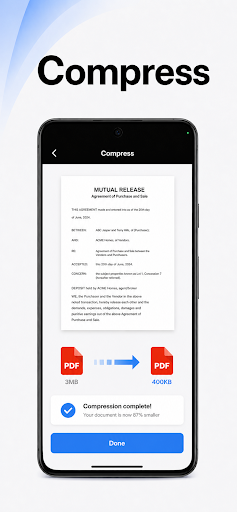
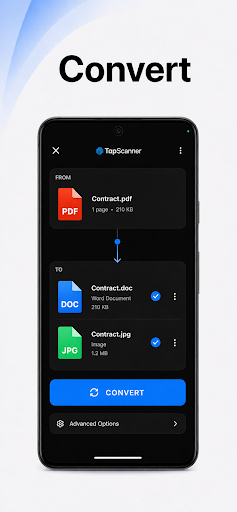
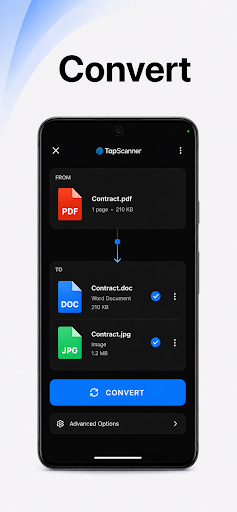
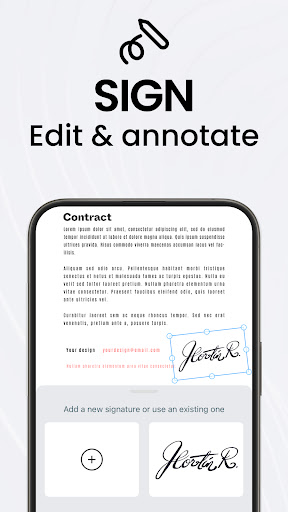
Beyond basic scanning, TapScanner offers a comprehensive PDF workspace where users can merge, split, reorder, and annotate pages directly within the app. Need to add your signature or highlight specific sections? No problem. The app supports digital signing and annotations, making revisions simple and convenient. Export your edited PDFs in standard formats without any loss of quality, enabling seamless integration with your workflow.
Advanced OCR for Searchable and Editable Text
Extractting text from images is made easy with TapScanner's OCR (Optical Character Recognition) feature. Recognizing over 110 languages, this tool converts your scans into searchable, editable text, saving you time and effort. Whether you're referencing data or copying important information, the OCR capability ensures your documents are more functional and versatile.
Enhanced Productivity with Smart Features
TapScanner incorporates several features designed to boost your productivity:
- Batch scanning allows you to digitize multiple documents quickly.
- One-tap renaming streamlines file organization.
- Automated file organization helps keep your documents tidy and accessible.
Multiple Image Enhancements and Sharing Options
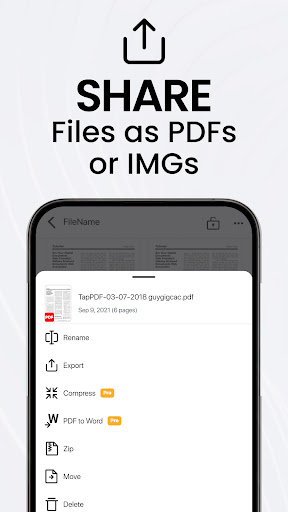
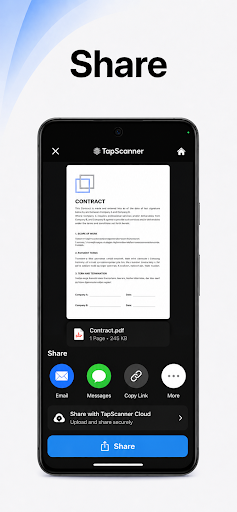
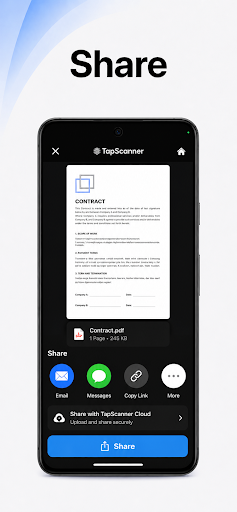
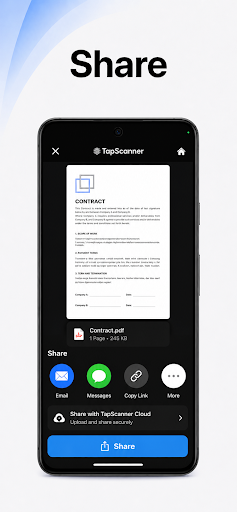
Optimizing your scans is straightforward with TapScanner's various image adjustment tools. You can fine-tune brightness and contrast, remove shadows, and apply filters to enhance readability. When your documents are ready, sharing is just a click away. Send scans via email, messaging apps, or even print directly to any Wi-Fi-enabled printer, making it simple to distribute your documents anytime, anywhere.
User-Friendly Interface Leading to a Hassle-Free Experience
Designed with simplicity in mind, TapScanner features a clean, intuitive interface that caters to all users—from tech novices to seasoned professionals. Its straightforward layout requires no tutorials, allowing you to start scanning and managing PDFs immediately. The app’s accessibility makes it a preferred choice for students, busy professionals, and everyday users seeking an efficient document solution.
Subscription Details and Privacy Considerations
While TapScanner offers a free trial with limited features and ads, subscribing unlocks the full suite of tools and an ad-free experience. The app's subscription can be managed easily through the Google Play store, with options to cancel anytime. It’s important to note that ongoing subscription charges apply seamlessly unless canceled before the trial ends. For further information, privacy policies and terms of service are available online to ensure your data remains protected.
Conclusion: Your Ultimate Digital Document Companion
In summary, TapScanner is a versatile, reliable, and user-friendly app that simplifies PDF management and document scanning. Its high-quality image processing, robust editing features, OCR capabilities, and seamless sharing options make it an essential tool for anyone dealing with digital paperwork. Whether you're organizing personal files or managing professional documents, TapScanner saves time, improves productivity, and helps you stay organized. Download this powerful app today and experience the future of mobile document scanning!
Pros
- Rapid and effective scanning performance.
- Produces high-quality results with clear text visibility.
- Simplifies document organization and management.
- Compatible with various file formats for exporting.
- Intuitive user interface with easy navigation.
Cons
- Includes advertisements in the free version.
- Offers limited options for cloud storage.
- Some features require additional purchases within the app.
- Might occasionally produce scanning inaccuracies.
- OCR functionality is unavailable in the free version.











