
Introduction to PDF Reader: Edit & Convert PDF
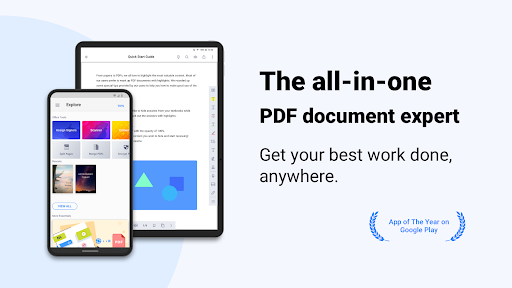
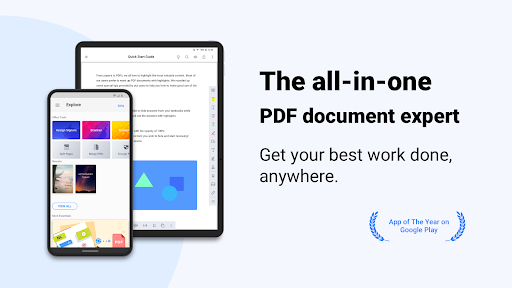
Discover the PDF Reader: Edit & Convert PDF app, a powerful tool designed to enhance your document management experience. Whether you are a student, professional, or casual user, this versatile application offers a comprehensive suite of features to view, annotate, scan, sign, and convert PDFs seamlessly across smartphones, tablets, and PCs.
Key Features and Functionalities
Create & Access Files
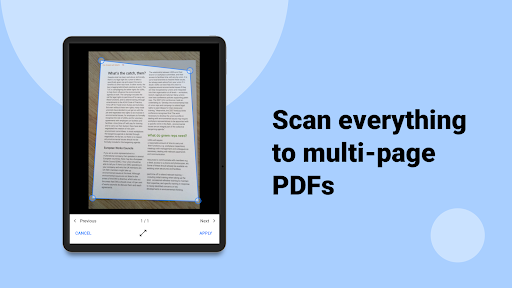
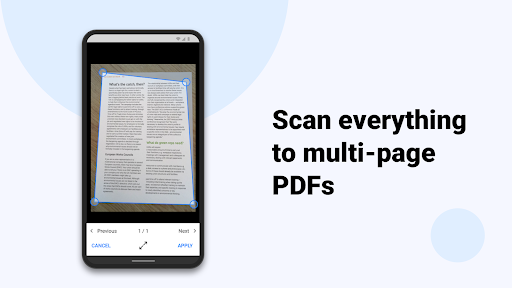
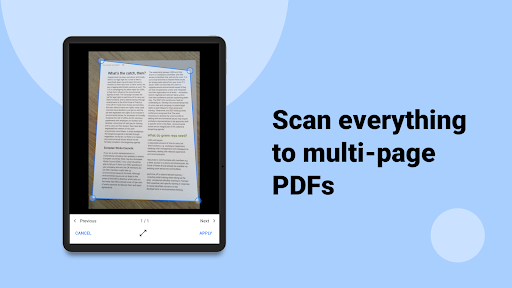
With PDF Reader: Edit & Convert PDF, creating and accessing your files is effortless. You can create and combine scans into multi-page PDFs or import files directly from your computer, cloud storage, or other apps. The app allows you to store files from the web or email attachments, providing quick access to all your documents from a dedicated local folder. This flexibility ensures you stay organized and productive, whether you're working on your desktop or on the go.
Annotate & Review PDFs
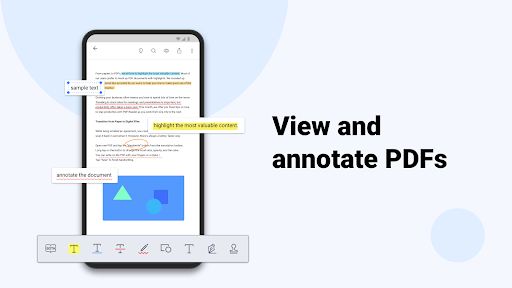
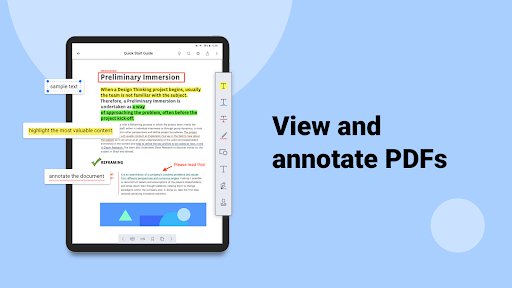
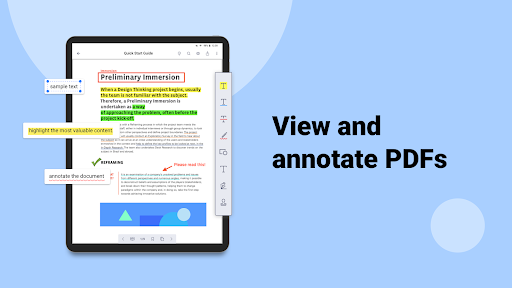
Enhance your review process by highlighting, underlining, or striking through text. The app also offers predesigned stamps like Approved, Sign Here, and Confidential to facilitate professional annotations. Additionally, users can insert shapes and text boxes into PDFs, making it easy to emphasize key points or add supplemental information. The convert text into speech feature (available in Text Reflow mode) adds another layer of convenience, especially for reviewing lengthy documents audibly.
Signatures and Security
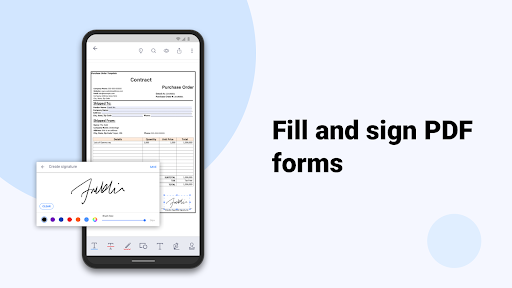
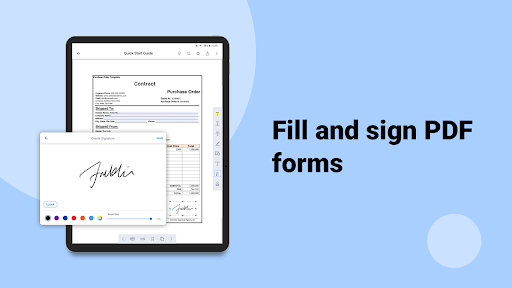
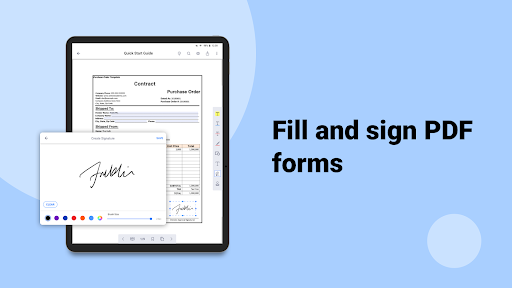
Sign contracts or agreements directly on your screen using your finger or a stylus. The app allows you to store and manage multiple signatures within its library, streamlining the signing process for various documents. Enhanced security options and controls help protect your sensitive data, making it a trusted choice for professional use.
Edit Text and Content
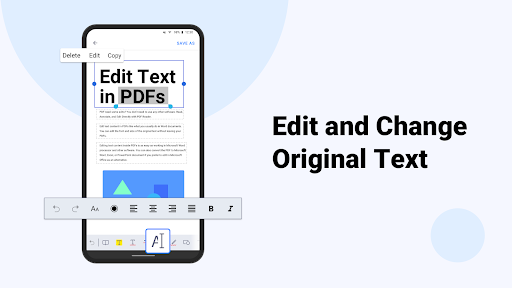
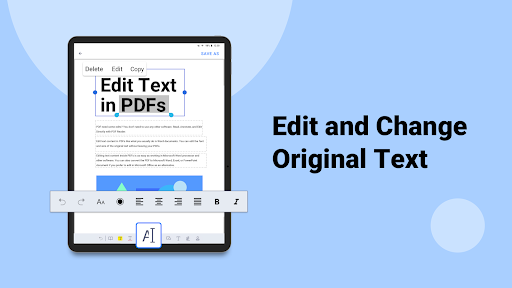
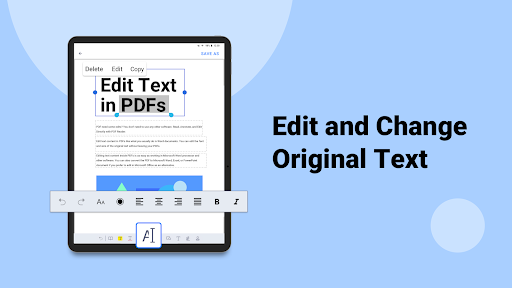
Easily correct typographical errors or update existing text within your PDFs. The intuitive editing tools enable instant modifications to ensure your documents are accurate and up-to-date, saving you time and effort in document revision tasks.
Viewing and Navigating Files
The app supports various formats including PDF, text, ePub, and images. Features like Text Reflow, horizontal/vertical scrolling modes, page jump, and text search enhance the viewing experience. Bookmarking, outlining, and thumbnail lists help you navigate lengthy documents efficiently, making information retrieval fast and simple.
File Management and Sharing
Manage your files effortlessly with options to zip and unzip archives, rename files, and organize folders. Sharing is streamlined through email or popular Cloud services, and you can generate sharable links directly from the app. The integrated file management tools keep your workflow smooth and organized.
Additional Power with Document 365
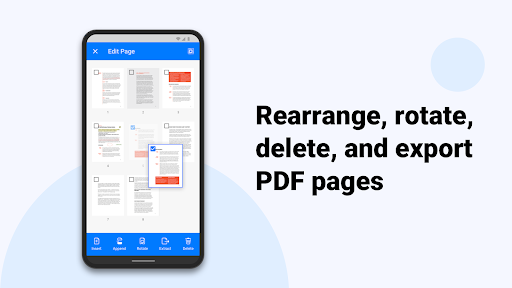
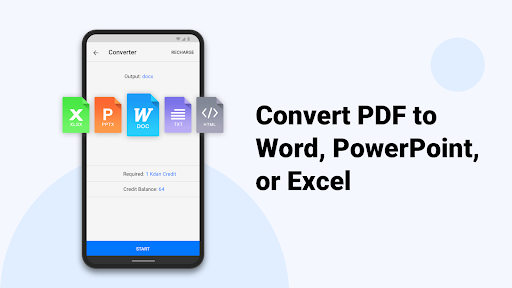
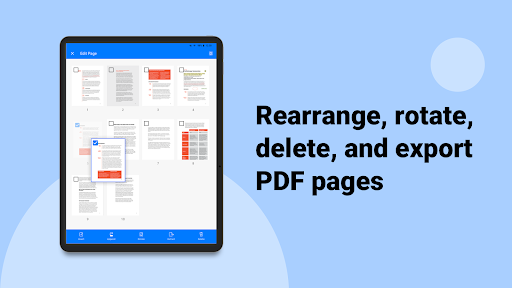
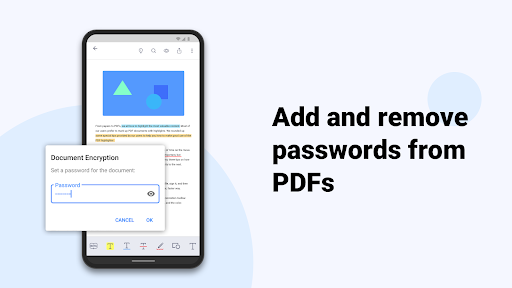
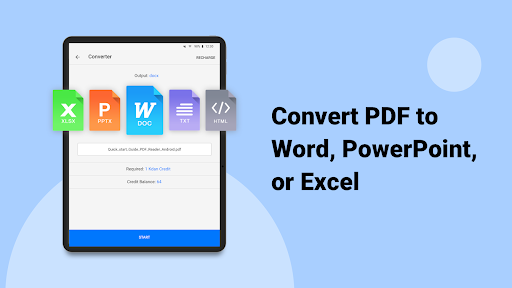
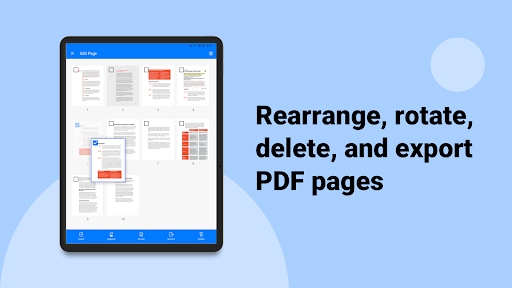
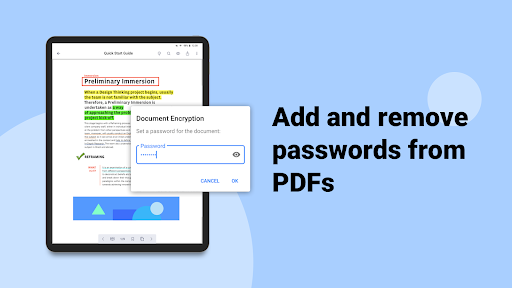
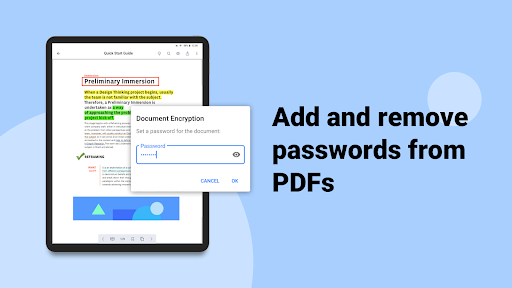
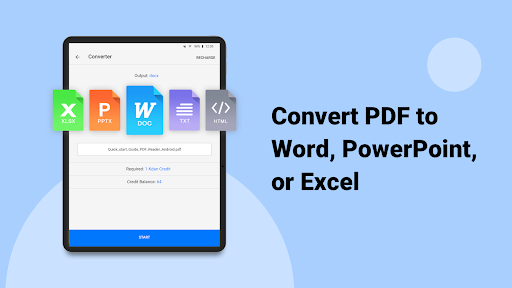
Upgrade with Document 365, a comprehensive cross-device document solution. It unlocks all features across Android, iOS, Windows, and Mac. This subscription allows you to control access with passwords, hide PDF margins, toggle night mode, and customize your viewing experience. Moreover, you can rotate, rearrange, add or delete pages, extract pages, and convert files with ease. Send faxes directly from your device and enjoy a generous 1 TB of storage on Kdan Cloud. Sharing files via links makes collaboration effortless.
Supported Languages and Legal Information
The PDF Reader: Edit & Convert PDF app supports 11 languages including English, Traditional Chinese, Simplified Chinese, Japanese, Italian, German, Spanish, French, Portuguese, Russian, and Korean. For detailed terms of service and privacy policies, visit the official documentation links provided by the developers.
Customer Support and Resources
Need assistance? Explore the tutorials and FAQ at support.kdanmobile.com. Customer support is available at helpdesk@kdanmobile.com for any queries or feedback. Stay connected with the community through their Facebook page.
Conclusion
In summary, PDF Reader: Edit & Convert PDF stands out as a comprehensive, user-friendly, and efficient document management app. Its extensive set of features—from creating and annotating to signing and converting—makes it an invaluable tool for anyone who regularly works with digital documents. Whether you're managing academic papers, business contracts, or personal files, this app simplifies your workflow and boosts productivity. Try it today and experience the difference it can make in your daily document handling tasks.
Pros
- Intuitive interface makes navigation simple.
- Supports a variety of file formats.
- Quick and effective PDF conversion.
- Provides comprehensive editing tools.
- Facilitates easy file sharing and teamwork.
Cons
- Features are limited in the free version.
- Occasional advertisements can disrupt usage.
- Requires a subscription for access to premium features.
- Some functions depend on internet connectivity.
- May encounter compatibility problems on older devices.











