

Introducing Paylocity: The All-in-One HR and Payroll Management App
Are you searching for a reliable and efficient HR and payroll management application? Look no further than Paylocity. This innovative app is transforming the way businesses handle employee information, payroll processing, and internal communication. Designed to be intuitive and user-friendly, Paylocity offers a comprehensive suite of features tailored for both employees and supervisors, ensuring seamless HR operations right from your mobile device.
Features for Employees
Easy Access to HR and Payroll Information
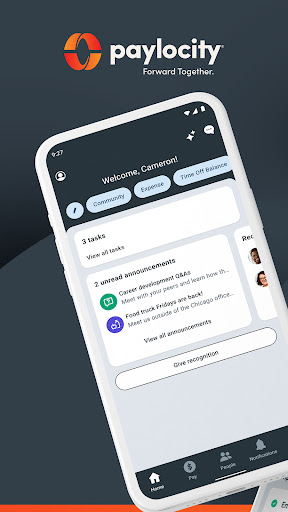
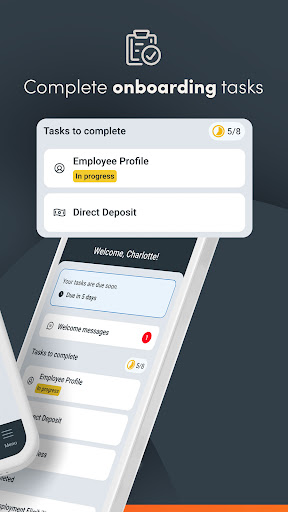
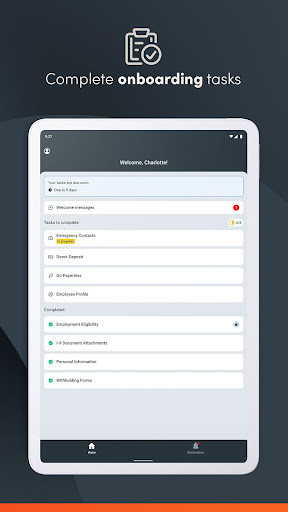
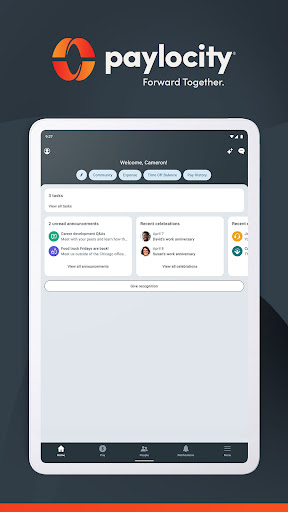
With the Paylocity app, employees can quickly access and update their personal details, view current and historical paycheck data, and manage various HR tasks—all from the convenience of their smartphones. The home screen provides instant visibility of important features like paychecks, scheduling, messages, and more, allowing users to customize their navigation to prioritize their most-used options.
Communication and Notifications
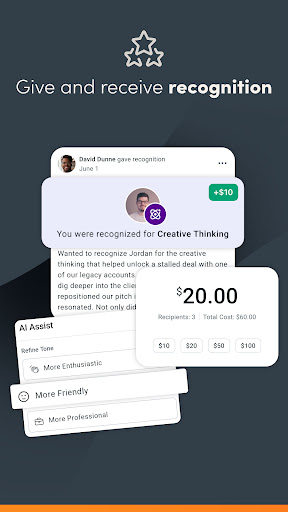
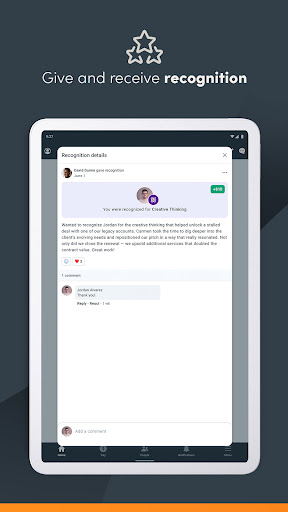
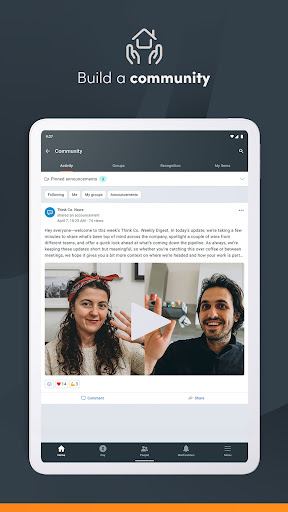
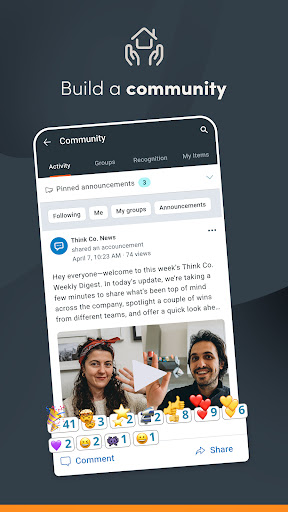
Stay informed with push notifications about time-off requests, checks becoming available, chat messages, and other vital updates. Paylocity also includes a social collaboration hub called Community, where employees can connect, view company updates, and engage with leadership and peers.
Time Management and Scheduling
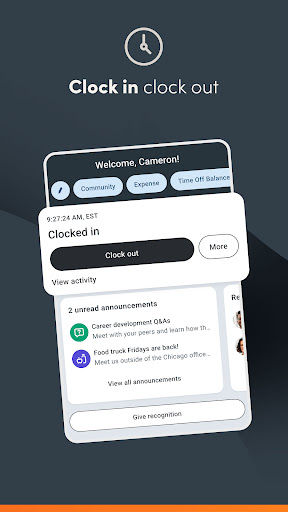
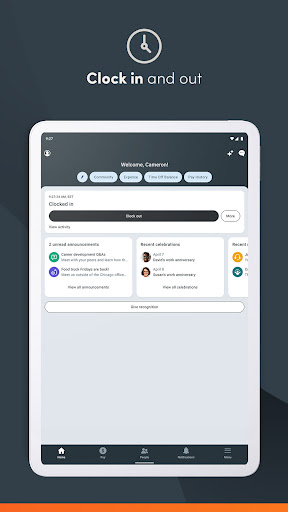
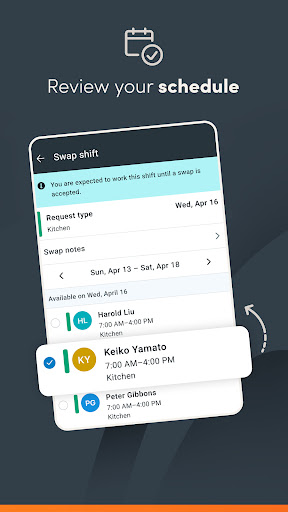
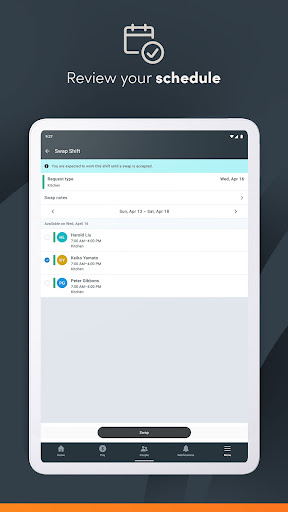
Employees can clock in and out, review their work schedules, access timesheets, and view an interactive org chart to understand the organizational structure and reach colleagues directly. An innovative feature allows users to request access to earned wages before their scheduled payday, providing financial flexibility when needed.
Features for Supervisors and Managers
Employee Management and Approvals
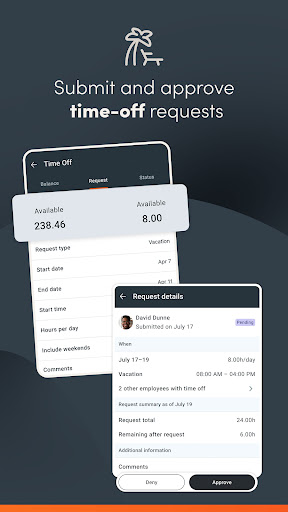
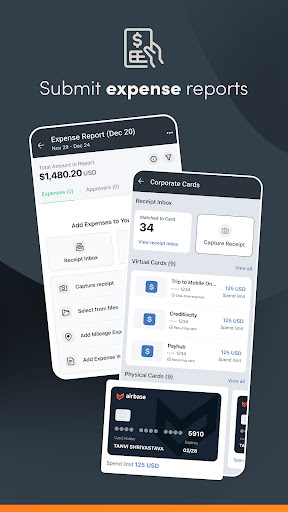
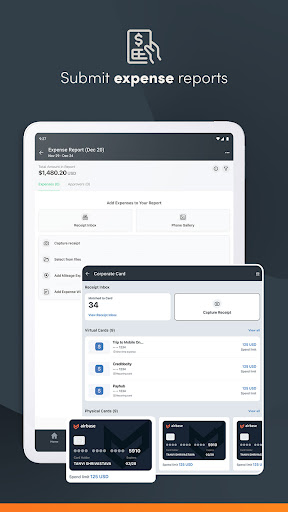
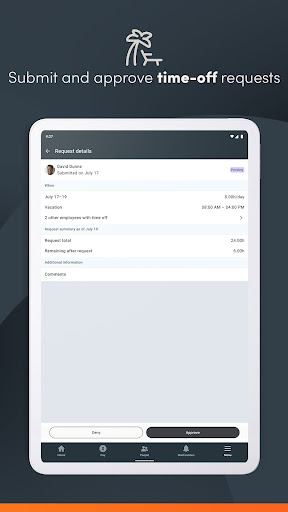
Supervisors can efficiently submit, review, and approve time-off requests in real-time, thanks to instant push notifications. They can also review and sign off on timecards and expense reports, streamlining administrative workflows significantly.
Schedule and Shift Management
Management of work schedules and shifts is straightforward with the app’s editing capabilities. Managers can create, modify, and assign shifts on the fly, ensuring staffing needs are met without hassle.
Direct Report Oversight
With the Journal entries feature, supervisors can manage and monitor their team’s activities directly through the app, facilitating better oversight and communication.
Security and Privacy
Security is a top priority for Paylocity. The app incorporates biometric functions such as fingerprint or facial recognition for quick and secure logins. All activities are encrypted and transmitted securely to Paylocity’s servers, ensuring data remains protected. Additionally, sessions are timed out after periods of inactivity to prevent unauthorized access.
Getting Started with Paylocity
To begin using the Paylocity mobile app, your employer must be a Paylocity client, and you should have authorized login credentials. Available on Android and iOS platforms, the app can be downloaded easily through your preferred app store. Its clean, straightforward design ensures even first-time users can navigate effortlessly, making HR and payroll management simpler than ever.
Conclusion
Overall, Paylocity is more than just an HR app—it’s a comprehensive platform that empowers employees and streamlines managerial tasks. From accessing pay stubs and managing schedules to approving leave requests and ensuring compliance, the app covers all essential HR functions. Its focus on security and user-centric design make it a top choice for organizations looking to enhance their HR operations. If you're seeking a robust payroll and HR solution that offers flexibility, security, and ease of use, Paylocity stands out as a leading contender in the realm of mobile HR management applications.
Pros
- User-friendly interface design.
- Comprehensive payroll management features.
- Mobile app for on-the-go access.
- Excellent customer support.
- Regular updates with new features.
Cons
- Limited customization options.
- Occasional synchronization issues with bank accounts.
- Some features require additional fees.
- Complex setup process for beginners.
- Limited third-party integrations.











