
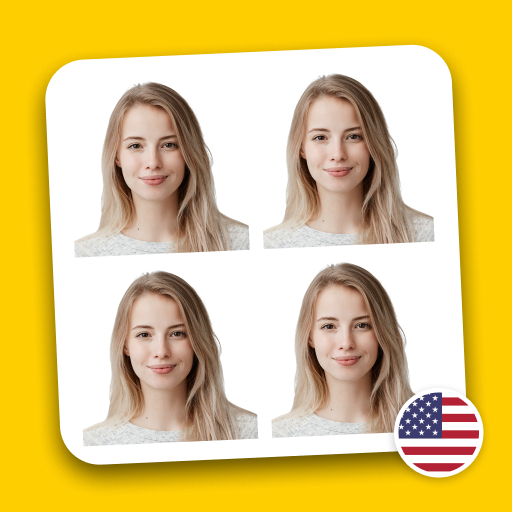
Passport Photo Maker & Editor
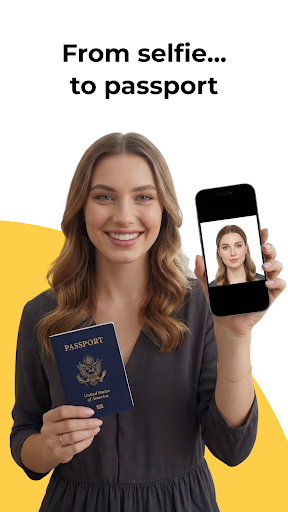
Planning for international travel often comes with the crucial task of updating your passport photograph. Instead of rushing to professional studios or spending lots of money, there’s a smarter way — using the Passport Photo Maker & Editor app. This innovative mobile application is designed to make creating compliant, professional-quality passport photos quick, easy, and affordable, right from your smartphone.
Create Perfect Passport Photos with Ease
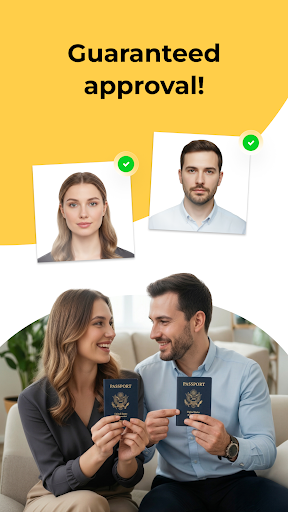
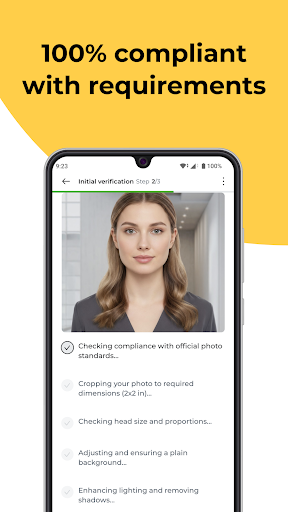
Are you looking for a fast, reliable, and cost-effective solution to generate your passport photo? With our Passport Photo Maker, you can effortlessly produce biometric passport size photos that adhere to all official standards. The app guarantees 100% compliance with the latest biometric passport photo requirements, covering correct sizing, background color, face alignment, and expression, ensuring your photo passes all border control tests.
Key Features for the Perfect Passport Photo
Designed with user convenience and professional standards in mind, this app offers a suite of features to simplify the passport photo creation process:
- Precise Face Alignment: Using advanced AI technology, the app automatically aligns your face according to official requirements for lighting, expression, and positioning, guaranteeing a compliant and flattering result.
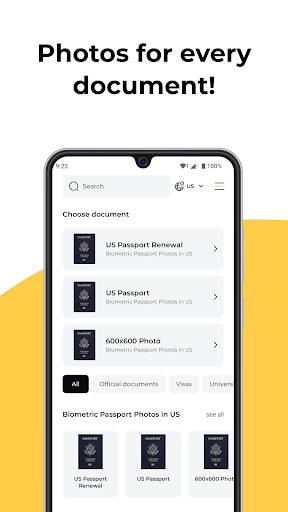
- Templates for All Countries: Whether you're applying for a U.S. passport, a European visa, or other international documents, the app includes country-specific templates to meet varied official standards.
- High-Resolution Output: Receive crisp, clear passport photos in high resolution, suitable for both online applications and physical submissions.
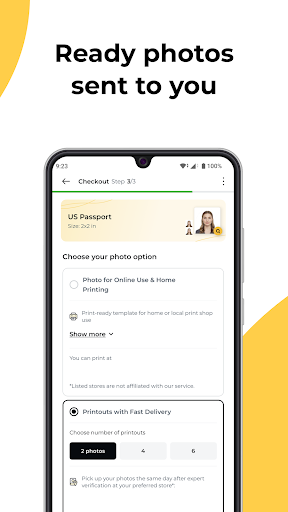
- JPG File or Printable Formats: Download your photos as high-quality JPG files or printable sheets—sizes like 2x2 inches (US standard) or 35x45 mm (international standard), ensuring versatility for any use.
- Instant Preview: Review your passport photo before downloading to confirm it looks perfect and meets biometric rules, saving time and avoiding re-submissions.
How It Works
- Take a selfie or upload an existing photo using your smartphone.
- Allow the AI-powered processing to automatically adjust and align your image to meet official passport standards.
- Download your professionally formatted passport photo instantly, ready for printing or digital submission.
More Than Just Passport Photos
Besides passport pictures, this versatile app helps you create photos for:
- ID cards
- Visa applications
- Driver’s licenses
With built-in tools for various photo types, the Passport Photo Maker & Editor ensures you always have professional photos at your fingertips for any official document.
Getting Started with Ease
Available on both Android and iOS platforms, setting up this app is straightforward. Its intuitive interface welcomes users with simple navigation, so no advanced technical skills are needed — perfect for those in a hurry. The app’s smart cropping editing tools automatically adjust your photo to the appropriate size, eliminating guesswork and saving valuable time.
Additionally, the background removal feature automatically erases distracting or unsuitable backgrounds, replacing them with a neutral, passport-appropriate backdrop. Whether your original photo was snapped outdoors, in a crowded place, or with an unideal background, this feature ensures a clean, professional look every time.
Why Choose This App?
Passport Photo Maker & Editor stands out as a top choice owing to its ability to deliver professional-grade results without the expense of a photography studio. It’s ideal for frequent travelers, professionals needing official ID photos, or students applying for visas. The app allows you to save, share, and print your images directly, providing ultimate convenience for modern travelers who need quick solutions.
In essence, it’s like having a personal photo studio right in your pocket, making the process of acquiring compliant, high-quality passport photos both simple and stress-free. Whether for the initial passport application, renewal, or other official documentation, this app streamlines the entire process, ensuring your photos meet all biometric standards every time.
Conclusion
If you’re preparing for your next adventure and need a reliable way to create official passport photos from your mobile device, Passport Photo Maker & Editor is the perfect tool. With its user-friendly interface, automatic background removal, template support for various countries, and high-resolution outputs, it transforms a typically tedious task into a quick, hassle-free experience. Download now and start producing passport photos that are biometrically compliant and ready for submission—no studio visits required.
Pros
- User-friendly interface for easy navigation.
- Wide range of photo editing tools.
- Supports various passport photo sizes.
- Quick photo processing time.
- Offline functionality available.
Cons
- Limited free features in the app.
- Occasional ads can be intrusive.
- Requires in-app purchases for premium features.
- Limited customer support options.
- Some tools may have a learning curve.











