

Introduction to Passport Photo: ID Photo Print
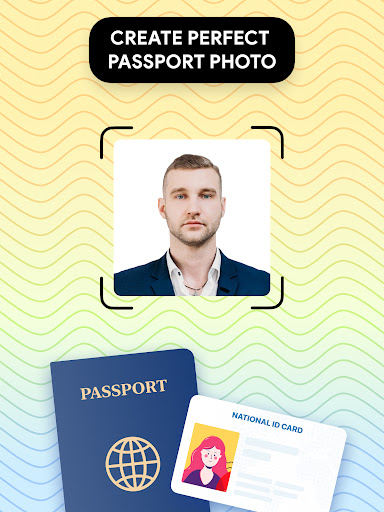
Are you tired of the hassle and expense of visiting a professional studio to get your passport or visa photos? Passport Photo: ID Photo Print is a powerful and user-friendly passport photo editor designed to make your life easier. Whether you're preparing for an upcoming trip or need a quick ID photo update, this app offers a seamless way to create high-quality passport images right from the comfort of your home. With its comprehensive features, it caters to various country-specific requirements, ensuring your photos meet all official standards. Plus, the app supports instant editing, background removal, and direct printing options, saving you time and money. Let’s explore what makes Passport Photo: ID Photo Print the ideal solution for hassle-free passport and visa photo creation.
Key Features of Passport Photo: ID Photo Print
Effortless Photo Capture and Adjustment
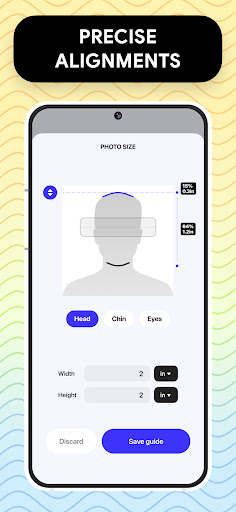
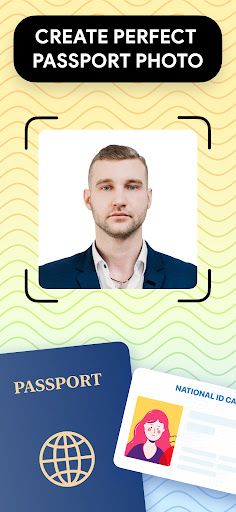
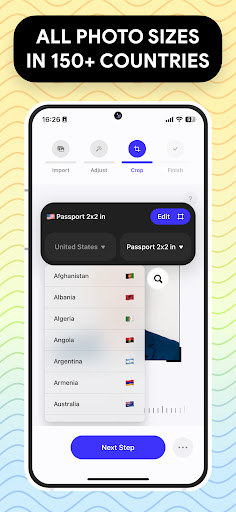
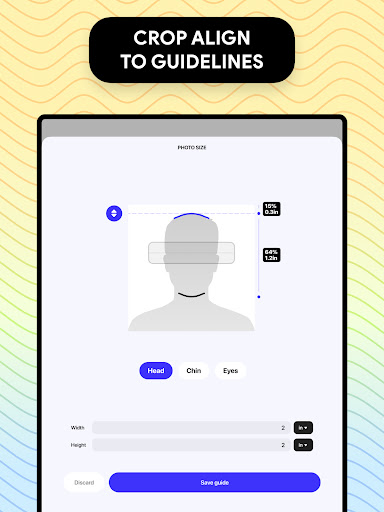
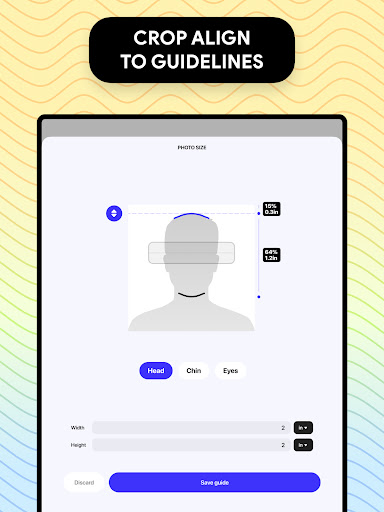
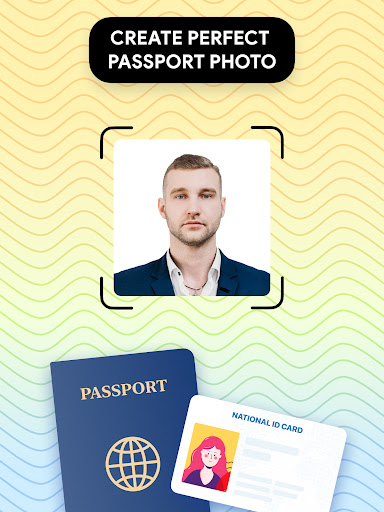
You can easily take your passport photo at home using your smartphone. The intuitive interface guides you through the process, ensuring the perfect shot every time. Once captured, you can quickly adjust your photo to fit standard sizes such as 3x4, 4x6, 5x7, 2x2, or other specific dimensions depending on your country's requirements.
Customizable Editing Tools
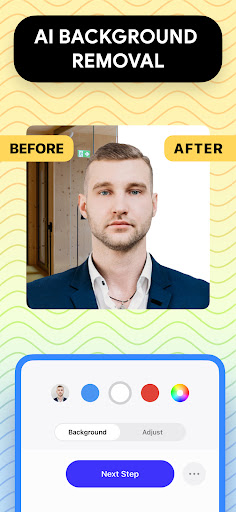
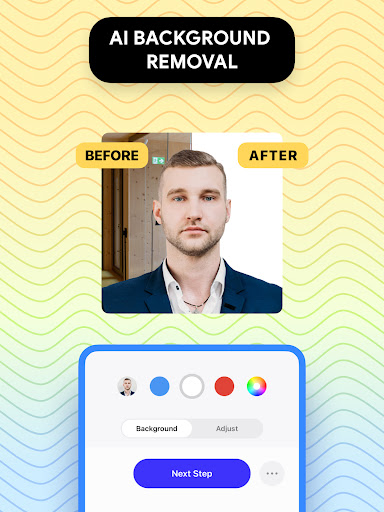
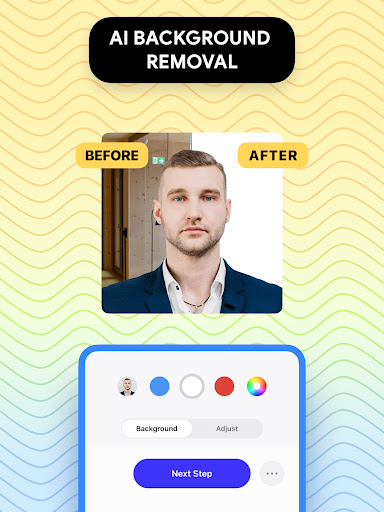
The app offers a suite of professional editing tools to enhance your passport or visa photos. You can modify brightness, temperature, sharpness, and more to make sure your image looks crisp and clear. If needed, there’s even a background remover feature that allows you to replace the background with a white or any colored background, fulfilling most official photo specifications.
Comprehensive Database for Regulations
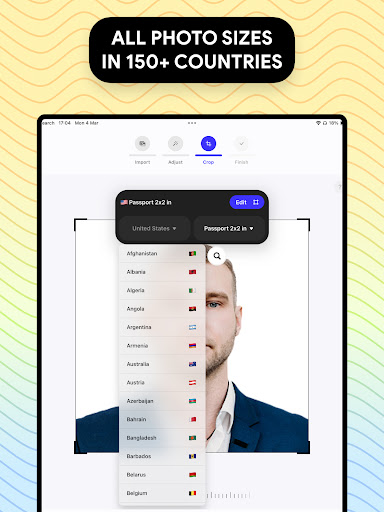
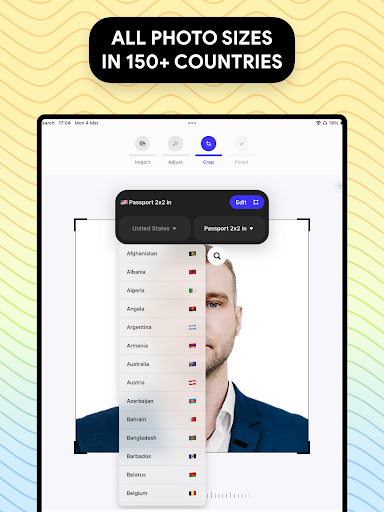
To simplify compliance, Passport Photo: ID Photo Print provides access to a vast database of passport and visa photo requirements from around the world. Whether you are preparing a US passport photo or a visa for any other country, this feature helps ensure your images meet the exact guidelines, reducing the risk of rejection.
Quick Export and Printing
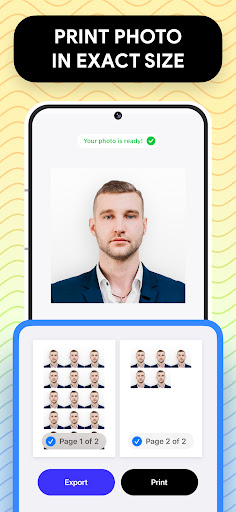
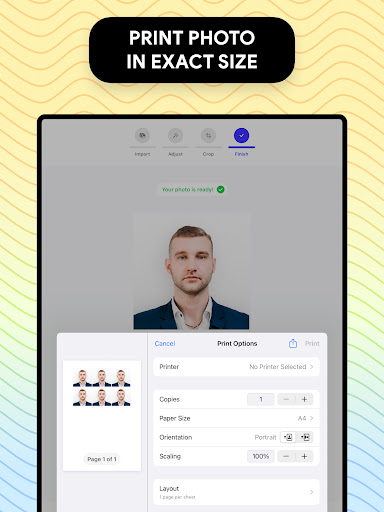
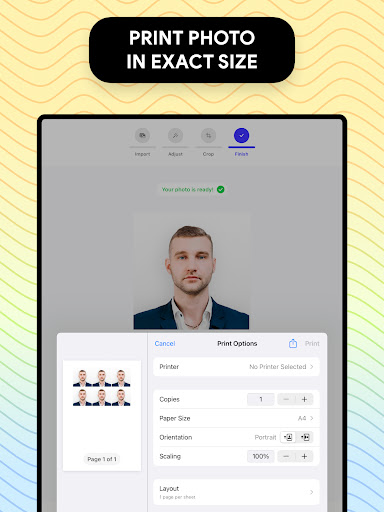
Once your photo is perfect, you can export and print it directly from your phone in seconds. The app supports wireless printing connections and also allows you to save your images for printing at local stores. This flexibility makes it incredibly convenient to obtain your official passport or visa photos without visiting a photography studio.
Why Choose Passport Photo: ID Photo Print?
Save Time and Money
Skip the long queues and expensive studio fees. With this app, you can produce professional-grade passport photos at a fraction of the cost and in a matter of minutes. The unlimited retake feature ensures you get the perfect shot without any pressure or frustration.
Designed for Flexibility and Accuracy
Different countries have varying photo size and specification requirements. Passport Photo: ID Photo Print makes it simple to crop your images to the exact dimensions needed, whether it’s for a US passport, European visa, or any other official document.
User-Friendly Experience
Whether you’re tech-savvy or a beginner, this app is designed with an intuitive interface and step-by-step guidance. This ease of use ensures that anyone can create a compliant passport or visa photo on their own, anytime and anywhere.
Final Verdict: Your Perfect Passport Photo Companion
In today’s fast-paced world, Passport Photo: ID Photo Print stands out as the perfect app for anyone needing a quick, reliable, and cost-effective way to update their passport or visa photos. Its extensive editing tools, compliance database, and seamless printing options empower users to create official images without the need for professional studio visits. Whether you're preparing for international travel or updating your ID, this app offers a stress-free experience with professional results. Say goodbye to studio appointments, and say hello to hassle-free passport photos right from your mobile device!
Pros
- Intuitive and user-friendly interface
- Supports a variety of ID photo sizes
- Produces high-quality photos
- Compatible with multiple formats
- Fast photo processing times
Cons
- Limited features available for free
- Displays occasional advertisements that may interrupt user experience
- Requires in-app purchases for additional features
- Lacks offline mode functionality
- Offers limited editing tools











