

Overview of Papercopy - Tracer
Papercopy is a versatile and user-friendly app designed to make the process of copying or tracing images from your screen onto paper simple and efficient. Whether you're a professional designer or a child exploring their artistic side, this app provides a handy digital toolset to facilitate creative work. With features like zooming, rotating, adjusting, and overlaying paper, Papercopy can help you effortlessly transfer images from your device to paper, perfect for artistic projects, learning, or quick sketches.
Key Features of Papercopy - Tracer
Easy to Use Interface
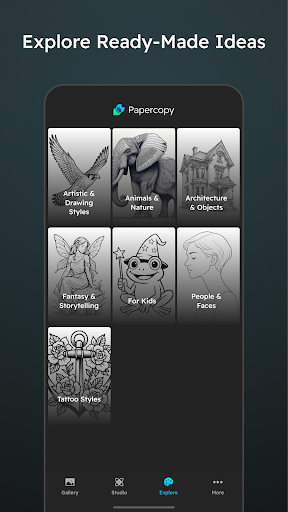
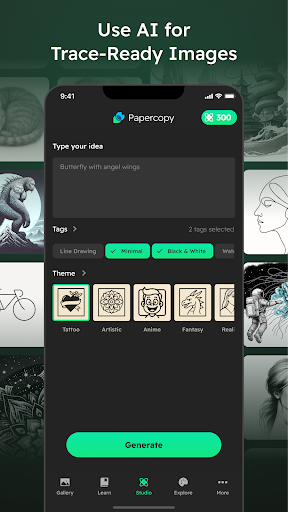
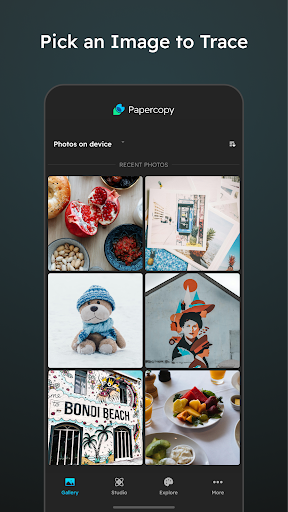
Getting started with Papercopy - Tracer is straightforward. Simply download and open the app, and you'll be greeted with a clean, intuitive interface designed for ease of use. The process is streamlined so you can quickly select an image from your gallery, adjust its size, orientation, and transparency, and begin tracing without unnecessary complexity.
Powerful Image Adjustment Tools
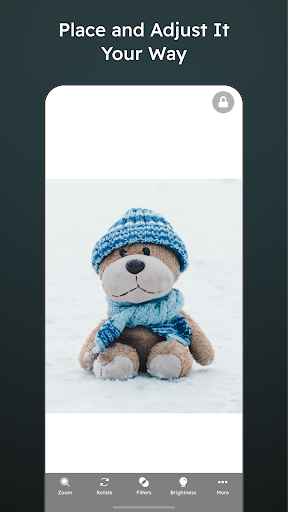
The app provides tools to zoom, rotate, and move images with ease. These features enable you to position your images precisely for optimal tracing. Plus, the adjustable transparency tool allows you to control the opacity of the image, making it easier to see your drawing underneath while maintaining visibility of your reference.
Overlay and Tracing Assistance
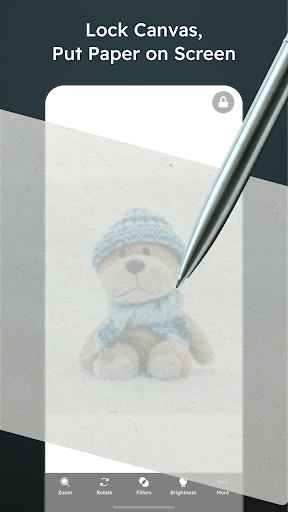
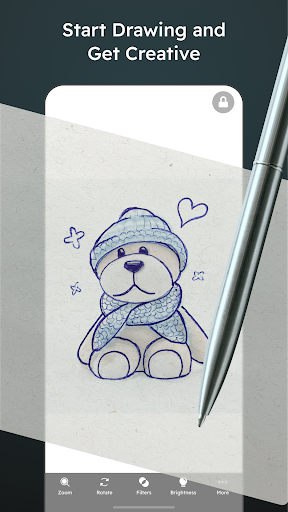
One of the most helpful features is the ability to put a paper overlay over your display. You can freeze the screen, preventing the image from moving while you draw, which is especially useful for detailed work. Additionally, the app supports multi-touch gestures, including pinch-to-zoom, to help you focus on specific areas of your image with ease.
Grid Overlay for Precision
Designed with accuracy in mind, Papercopy includes a grid overlay feature. This helps artists and learners maintain correct proportions and symmetry in their sketches, making their work look more professional and polished. Whether you're copying complex illustrations or practicing digitized comic panels, this feature adds a layer of precision to your project.
Additional Benefits
Unlike many other similar apps, Papercopy keeps advertising minimal, providing a smooth and distraction-free experience. Its lightweight design ensures it doesn't drain your device's battery, making it suitable for quick sketches or longer creative sessions. Whether you're at home or on the go, this app can be a reliable digital sketchbook.
Why Use Papercopy - Tracer for Your Artistic Needs?
Papercopy - Tracer is an excellent digital tool for artists, hobbyists, students, and children alike. It simplifies the act of copying images, whether for learning anatomy, copying favorite characters, or creating original artwork based on reference images. Its approachable interface and robust features serve both beginners and experienced artists, making it a versatile addition to any creative toolkit.
In addition to its core function as a tracing app, Papercopy facilitates practice, skill development, and rapid idea sketching. Its grid overlay and adjustable transparency help users improve their accuracy and proportions over time. This makes it an ideal app for educational purposes or casual doodling, enabling users to enjoy artistic creation without the need for physical tracing paper or professional software.
Ultimately, if you're searching for a dependable, easy-to-use tracing app that fits comfortably into your mobile device, Papercopy - Tracer might just be the perfect choice. It sparks creativity, enhances drawing precision, and simplifies the process of transferring images from screen to paper, making it a must-have for anyone passionate about art and design. Happy tracing and creating!
Pros
- User-friendly interface for easy navigation.
- Highly accurate in tracing and sketching.
- Supports various file formats.
- Regular updates introducing new features.
- Functionality available offline without internet connection.
Cons
- Limited features in the free version.
- May experience lagging on older devices.
- Contains advertisements in the free version.
- Steep learning curve for beginners.
- Lacks cloud synchronization across devices.











