
Introduction to the Paint App
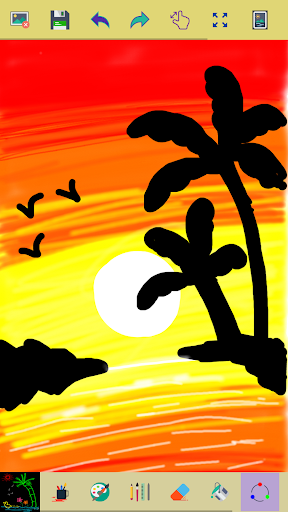
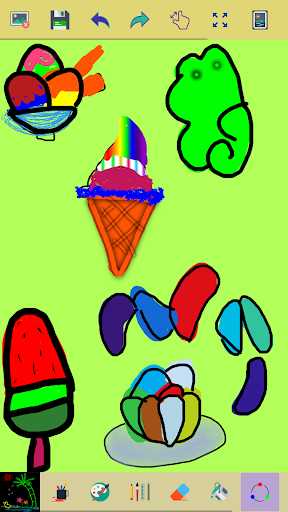
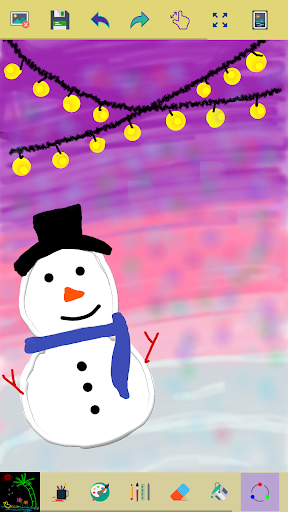
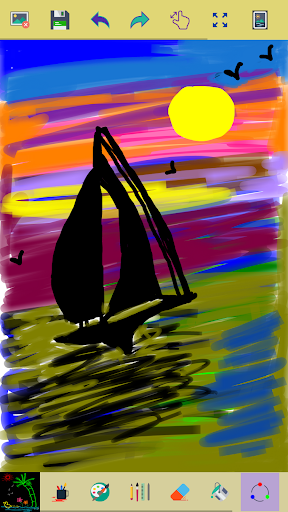
Discover Paint, a versatile and user-friendly app designed to turn your mobile device into a vibrant art studio. Whether you're a creative professional or a casual doodler, this app provides a wide array of tools to help capture your ideas and artistic visions in beautiful digital illustrations. Its intuitive interface and powerful features make it an ideal choice for artists of all levels who want to express themselves freely and effortlessly.
Main Features of the Paint Application
Start a New Drawing or Continue Existing Projects
Begin your artistic journey by clicking the clear button to start with a fresh canvas. All your completed works can be easily accessed in the My Art Gallery, serving as a digital portfolio of your creativity.
Extensive Drawing Tools and Customizations
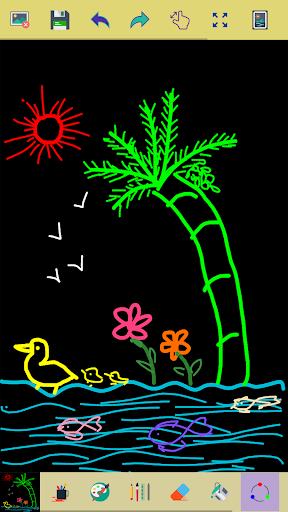
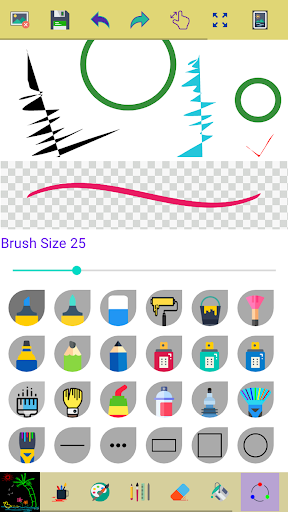
Enjoy a rich selection of brushes, pens, and pencils that simulate real-life art techniques. Adjust the width of your brush or eraser using the handy slider bar for precision. With options to draw using either your finger or a stylus, you can create intricate details or broad strokes with ease.
Intuitive Editing and Correction Tools
When corrections are needed, use the erase tool to remove parts of your drawing. The zoom in and zoom out features allow you to focus on fine details or view your entire artwork at once. Resetting the view to fit the canvas to your screen is simple with a dedicated reset zoom button.
Color Management and Creativity Boosters
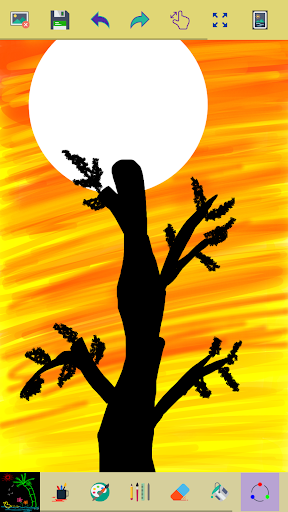
Activate the random brush color mode to make each stroke and shape display a different, lively color—perfect for adding vibrancy and diversity to your artwork. Choose from a color picker tool to set specific background colors and brush colors. The app also supports filling regions with a selected color and allows customization of colors for a personalized creative experience.
Additional Features for Enhanced Creativity
You can edit images/photos directly within the app, apply various effects, and save your finished pieces directly into your device's photo gallery. For sharing your art with friends and family, the app offers seamless sharing options to popular social media platforms.
Undo, Redo, and Color Filling
Facilitate your creative process with undo and redo functions to correct mistakes or experiment freely without consequences. Tap on specific areas of your canvas to fill with a chosen background color, enhancing your artwork's depth and flair.
User Experience and Permissions
The app is designed for ease of use, featuring smooth drawing experiences, even when working with finger or stylus. It requires storage permission to save your artworks and access your device's photo gallery. Your privacy and data are important; thus, no contact information or feedback mechanisms are included in this description to protect your privacy. The developers encourage sharing the app with others to grow the creative community.
Creative Inspiration and Final Thoughts
Paint transforms your device into a colorful canvas where your imagination can flourish. Whether you're creating detailed illustrations or spontaneous doodles during a coffee break, this app provides the tools and features to make every artistic idea come to life. Its combination of powerful capabilities and user-friendly design makes it suitable not only for beginners but also for seasoned artists exploring digital art.
Let your creativity blossom with a splash of color, unique brushes, and limitless possibilities. Download Paint today and start turning your visions into vibrant masterpieces. Remember, every great artist began with a single stroke, so why not start your artistic journey now?
Pros
- User-friendly interface suitable for users of all ages.
- Includes a wide selection of drawing tools.
- Compatible with multiple file formats.
- Does not require an internet connection to function.
- Lightweight with fast performance.
Cons
- Lacks advanced features necessary for professional use.
- Does not support layers or complex editing capabilities.
- Offers only basic color palette options.
- No features for collaboration with others.
- Limited options for exporting high-quality prints.











