
Outlined Watch Face App: A Perfect Blend of Style and Functionality for Wear OS 4+
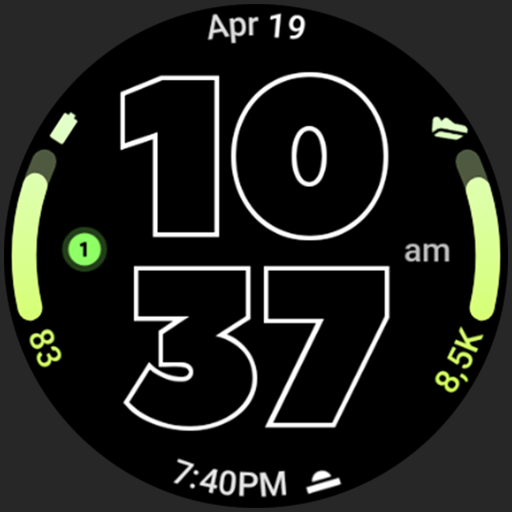
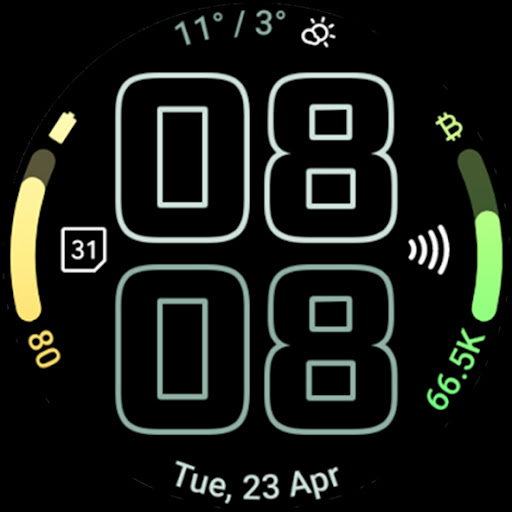
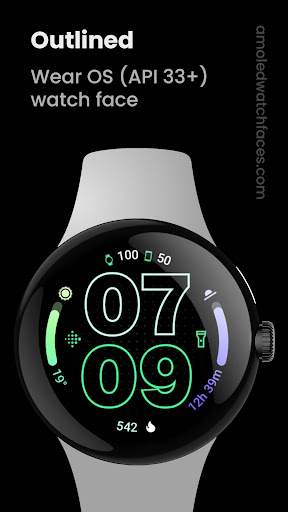
If you're passionate about customizing your smartwatch to match your personal style and needs, the Outlined Watch Face app is a game-changer. Designed exclusively for Wear OS 4+ devices, this app offers a sleek and intuitive interface filled with powerful features to elevate your watch experience. Please note, it's not compatible with rectangular watches, focusing instead on circular watch designs. With a comprehensive set of customization options, the Outline Watch Face lets you craft a unique, high-res digital display tailored to your preferences, all while ensuring optimal battery efficiency. Whether you're a tech enthusiast or a casual user, this app transforms your wrist into a personalized digital canvas.
Key Features of Outlined Watch Face
The Outlined Watch Face boasts a variety of innovative features that make it stand out in the smartwatch customization landscape:
- Watch Face Format optimized for AMOLED screens, providing vibrant visuals with true black backgrounds that save battery life.
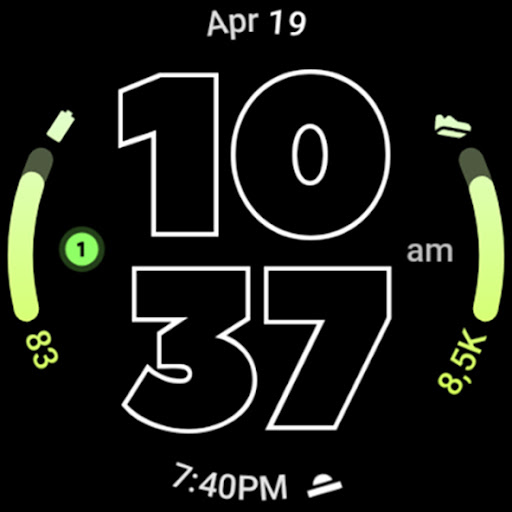
- Gradient Arc Complication Slots—two customizable slots that allow you to display different complications with gradient designs.
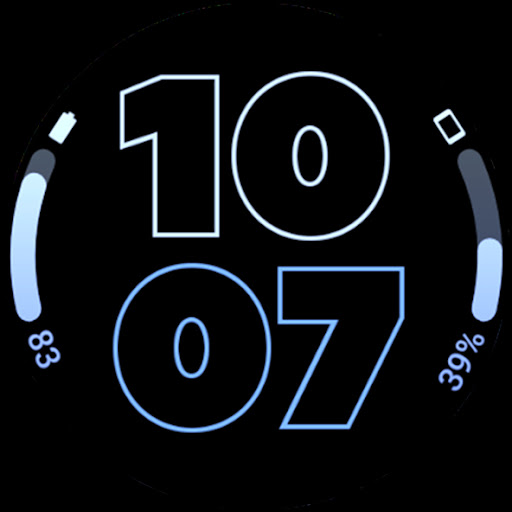
- Combined Watch / Phone Batteries Complication Support for real-time battery monitoring of both devices.
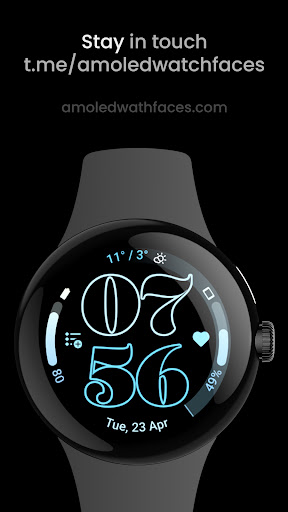
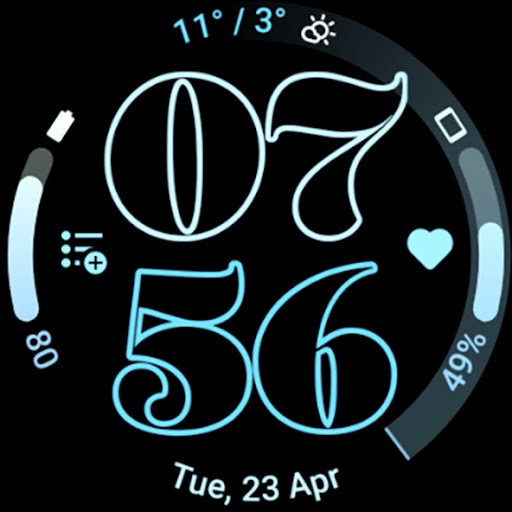
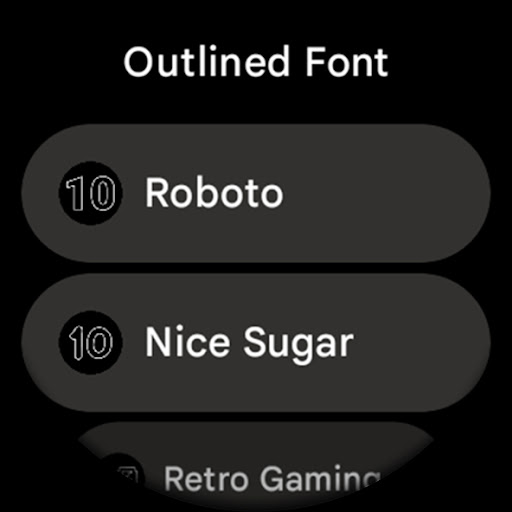
- Unique / Selectable Outlined Digital Clock Fonts—a range of fonts to suit your style.
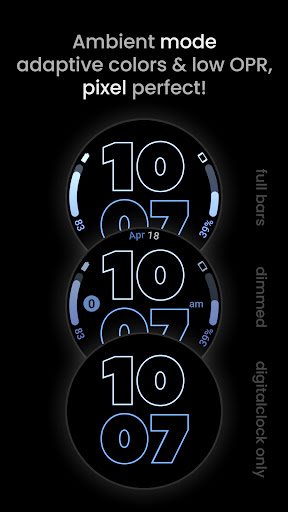
- Battery-Friendly Design with burn-in protection and minimal resource consumption.
- High-Resolution Design ensuring crisp visuals on modern displays.
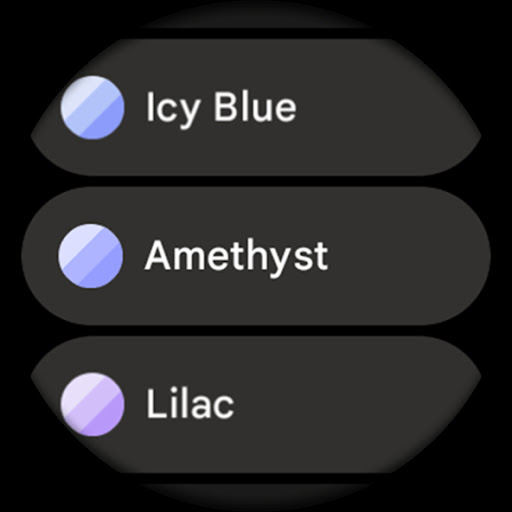
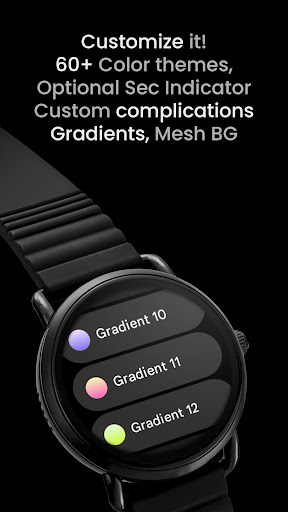
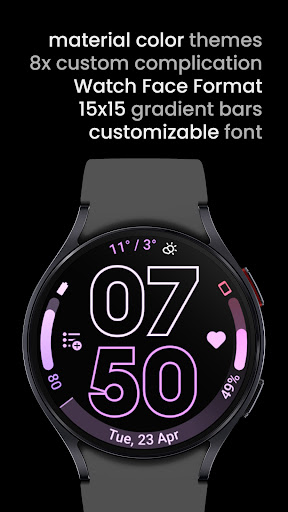
- Material You Color Themes—fully customizable with over 60 material themes to match your mood or outfit.
- Compatibility with popular models like Pixel Watch 2 and Galaxy Watch6.
- Individual customization of gradient progress bars when using ranged value complications.
- Optional wave-styled seconds indicator, adding dynamic flair to your watch face.
- Multiple AOD styles (Always-On Display) with options to use only the digital clock, ensuring minimal power drain.
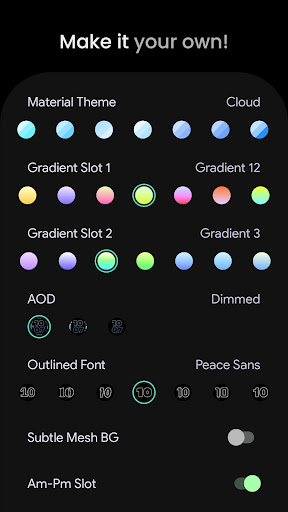
Personalize Your Experience with User Configurations
The Outlined Watch Face app allows extensive user configurations to create a truly personalized smartwatch display:
- Material Themes—choose from over 60 themes to match your aesthetic.
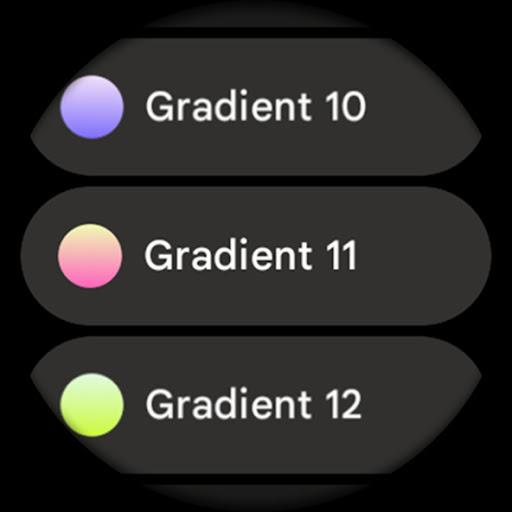
- Gradient Slot Customization—select from 19 different gradients, with options for white and tint effects.
- Outlined Font Options—a set of 10 distinct fonts to enhance readability and style.
- AOD Styles—three different styles with an offload option to the MCU for improved battery life.
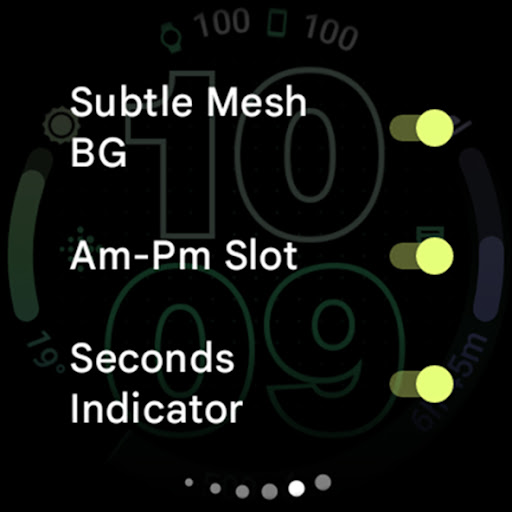
- Subtle Mesh Background—toggle to add depth without distraction.
- Am-Pm Indicator—enable or disable to convert complications into AM/PM indicators for 12-hour formats.
- Seconds Indicator—wave style seconds counter for a lively watch face.
- Tint Icons—monochromatic tinting for icon complications for a sleek look.
- Custom Complications—add up to 8 custom app shortcuts, giving quick access to your favorite apps directly from your watch face.
Easy Installation and Support
Getting started with the Outlined Watch Face app is straightforward. A comprehensive installation and troubleshooting guide is available to help you set up seamlessly. Should you encounter any issues or need personalized assistance, the support team is reachable via support@amoledwatchfaces.com. Additionally, join the lively community on Telegram at t.me/amoledwatchfaces for live support, tips, and discussions. Stay updated with the latest features and offers by subscribing to the newsletter.
Why Choose Outlined Watch Face?
Beyond its extensive customization features, the Outlined Watch Face app emphasizes energy efficiency, making it suitable for everyday use. Its high-resolution AMOLED-compatible graphics deliver stunning visuals while maintaining a low power draw, thanks to features like true black backgrounds and optimized AOD modes. The app's compatibility with major smartwatches such as the Pixel Watch 2 and Galaxy Watch6 ensures broad usability. Whether you’re creating a minimalist digital clock or a colorful, feature-rich watch face, Outlined Watch Face offers the tools and flexibility to bring your vision to life. Plus, the ongoing updates and active support community make it a reliable choice for any smartwatch enthusiast.
Conclusion
If you’re looking to enhance your smartwatch with a personalized, stylish, and functional watch face, the Outlined Watch Face app is an excellent choice. Offering a comprehensive set of features—from customizable gradients and fonts to battery-efficient designs—it helps you craft a watch face that is uniquely yours. Perfect for users who want a blend of aesthetics and utility on their Wear OS 4+ devices, this app transforms your wrist into a dynamic, personalized digital display. Dive into the world of smartwatch customization today and make your device truly your own!
Pros
- Customizable color themes for personalization
- Supports multiple time zones
- Minimalistic design enhances readability
- Battery-efficient with optimized performance
- Compatible with always-on display
Cons
- Limited widget options available
- No weather integration feature
- Font size cannot be adjusted
- Lacks fitness tracking integration
- Premium subscription needed for full features











