OpenDocument Reader Pro icon

OpenDocument Reader Pro

759.00
4.4
Installs
5.00K
Version
Varies with device
Advertisement
OpenDocument Reader Pro screenshot
Advertisement

Overview of OpenDocument Reader Pro

OpenDocument Reader Pro is a versatile and powerful app designed to make handling various document formats easy and efficient on your mobile device. Whether you need to view, search, or modify documents, this app offers a seamless experience tailored to both casual users and professionals alike. Its main feature is supporting Open Document Format (ODF), used by popular office suites like LibreOffice and OpenOffice, allowing you to access your documents anytime, anywhere. One of the standout benefits is its extensive compatibility with multiple formats, including PDFs, Microsoft Office files, images, audio, video, and even archive formats. This broad support minimizes the need for multiple apps, consolidating document management into a single, intuitive platform. Whether you're reviewing a complex spreadsheet, editing a text document, or viewing images and PDFs, OpenDocument Reader Pro delivers a fast, reliable, and user-friendly experience. Designed with security and convenience in mind, the app allows users to open password-protected documents and supports offline access, ensuring your work remains private and accessible without internet connection. Enhanced features like keyword search with highlights, full-screen reading mode, text selection, and Text-to-Speech functionality make it a comprehensive tool for managing your files effectively. Built with open-source principles and made in Austria, OpenDocument Reader Pro is committed to continuous improvement and user feedback, supported through unobtrusive ads that can be temporarily removed. Its compatibility with a wide array of formats and integration with popular cloud storage platforms like Google Drive, iCloud, Dropbox, and OneDrive make it convenient for users to access and work on their documents from any device. Whether you’re a student, professional, or casual user, OpenDocument Reader Pro aims to streamline your document workflows effortlessly.

Key Features of OpenDocument Reader Pro

Multiple Format Support

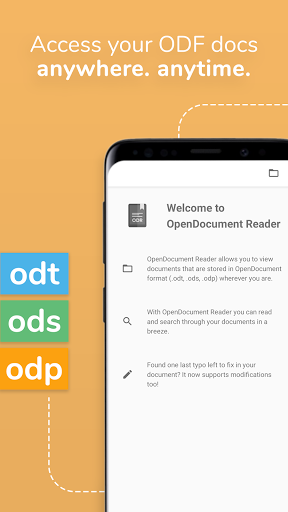
This app is not limited to ODF documents; it also supports a diverse range of formats including PDF, ZIP archives, popular image formats such as JPG, PNG, GIF, audio files like MP3, OGG, video formats MP4, WEBM, and various text files such as CSV, HTML, RTF. Additionally, it provides compatibility with Microsoft Office formats (DOC, DOCX, XLS, XLSX, PPT, PPTX) and Apple’s iWork files (Pages, Numbers, Keynote), making it a comprehensive file viewer and editor.

Document Viewing & Editing

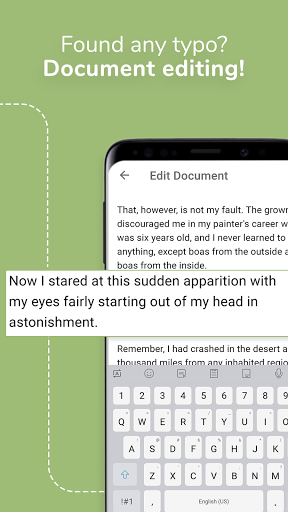
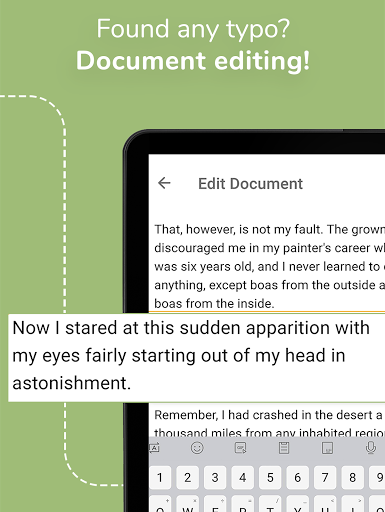
View your documents in fullscreen mode to eliminate distractions and easily search for keywords within your files. The app enables quick editing — fixing typos, adding sentences, or making adjustments directly from within the app. Password-protected docs are also accessible, ensuring your sensitive information remains secure.

Advanced Search & Printing

Search for specific content within your documents, and highlight occurrences to enhance editing or review processes. If needed, print your documents directly from your device if a printer is connected, facilitating quick hard copies without hassle.

Offline Capabilities & Accessibility

Enjoy full offline access, ensuring you can work on your documents anytime without internet connectivity. The app also includes accessibility features such as voice commands and visual options to support users with impairments, demonstrating its commitment to usability for everyone.

Additional Functionalities

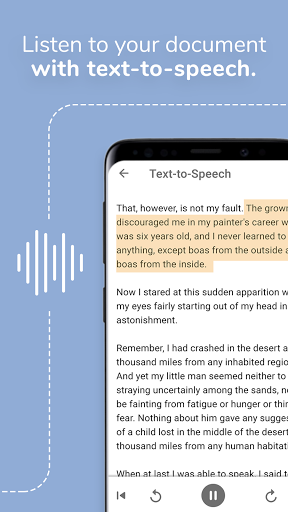
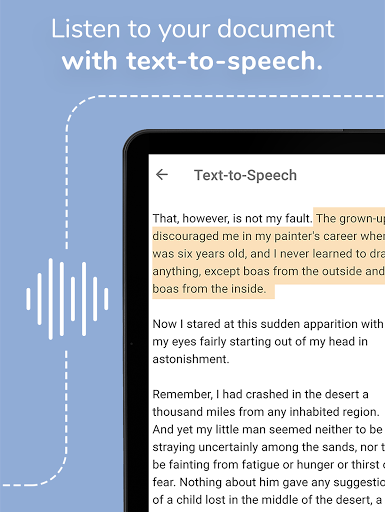
Open, read, and manage PDFs, images, and multimedia files effortlessly. The built-in file explorer allows you to navigate your device storage conveniently. The app also supports Text-to-Speech to read your documents aloud, which is especially useful during multitasking or for visually impaired users.

Cloud Integration & Customization

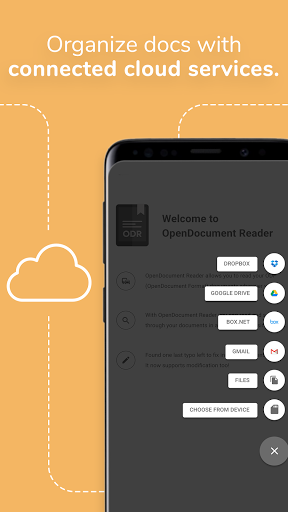
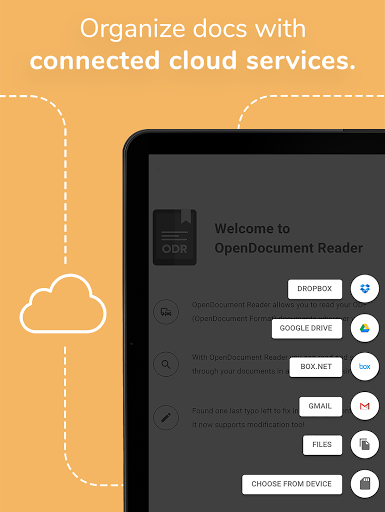
Sync your files seamlessly across devices using popular cloud services like Google Drive, iCloud, Dropbox, and others. Customize your viewing experience with theme options and adjustable font sizes, making it tailored to your preferences.

Open Source & Support

This app is open source, ensuring transparency and ongoing development through community feedback. Supported with unobtrusive advertisements, users can opt to remove ads temporarily via the in-app menu. The app is built in Austria with a focus on privacy and efficiency, making it a reliable tool for managing diverse documents on the go.

Why Choose OpenDocument Reader Pro?

If you're frequently dealing with a multitude of document formats and need a single app to view, edit, and manage your files efficiently, OpenDocument Reader Pro is an excellent choice. Its intuitive interface, extensive format support, and rich feature set make it ideal for students, professionals, and casual users alike. Enjoy smooth performance, robust security features, and seamless cloud integrations, all within a reliable open-source package. Elevate your mobile document management experience with OpenDocument Reader Pro — the all-in-one solution for your document needs.

Pros

  • Supports multiple file formats.
  • Intuitive and user-friendly interface.
  • Fast file opening times.
  • Offline access available.
  • Regular updates enhance stability.

Cons

  • Occasional advertisements pop up.
  • Limited features in the free version.
  • Some files may load slowly.
  • Advanced features require a premium subscription.
  • May experience crashes on older devices.

Download From Google Play Download From App Store
Advertisement

Frequently Asked Questions

What is OpenDocument Reader Pro?

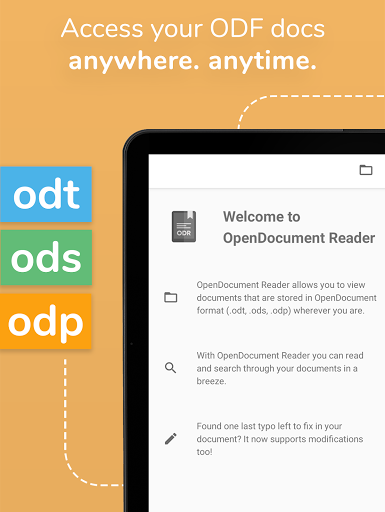
OpenDocument Reader Pro is an advanced mobile app designed to view, edit, and manage OpenDocument files effortlessly on Android and iOS devices. It supports formats like .odt, .ods, and .odp, making it a versatile tool for users working with OpenDocument files.

Is OpenDocument Reader Pro compatible with all types of OpenDocument files?

Yes, it supports a wide range of OpenDocument formats, including text documents (.odt), spreadsheets (.ods), and presentations (.odp). This ensures users can open and edit files created with OpenOffice, LibreOffice, and other compatible software.

What are the key features of OpenDocument Reader Pro?

Key features include file viewing, editing, sharing, document search, text formatting, and annotation capabilities. The app has a user-friendly interface that makes navigating and managing documents on mobile devices straightforward.

Can I edit documents using OpenDocument Reader Pro?

Yes, users can not only view but also edit documents. The app allows modification of text, adjustment of formatting, and updates to spreadsheets and presentations directly within the application, offering an all-in-one solution for managing OpenDocument files on the go.

Is OpenDocument Reader Pro free to use or does it require a purchase?

OpenDocument Reader Pro is a premium app that requires a purchase for full access. While a limited free version may be available, the Pro version offers an ad-free experience with additional features, making it a valuable investment for regular users of OpenDocument files.

You May Like