



OfficeSuite Pro + PDF: The Ultimate Mobile Office Solution
If you're searching for a powerful, full-featured office application that fits right into your mobile lifestyle, OfficeSuite Pro + PDF is an excellent choice. As the full-feature PRO version of the award-winning OfficeSuite app, it offers a comprehensive suite of tools that enable users to view, edit, and create documents such as Word, Excel, and PowerPoint files with ease. Designed for both Android and iOS platforms, this app has become a go-to solution for millions worldwide, thanks to its versatility, advanced features, and intuitive interface.The app has earned numerous accolades, including being the most downloaded office app on Google Play, as well as recognition from prominent tech publications like PCMag, InfoWorld, Lifehacker, and the Google Play Editors’ Choice. Installed on over 200 million devices in 195 countries, and preloaded by top manufacturers such as Sony, Amazon, and Toshiba, OfficeSuite Pro + PDF is truly a global office solution.
Key Features that Set OfficeSuite Apart
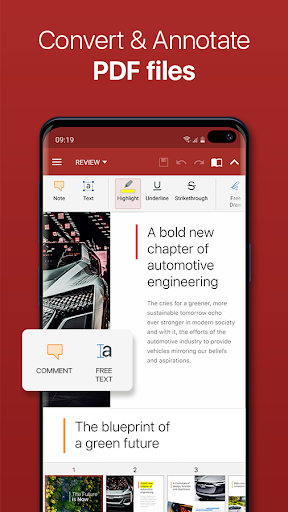
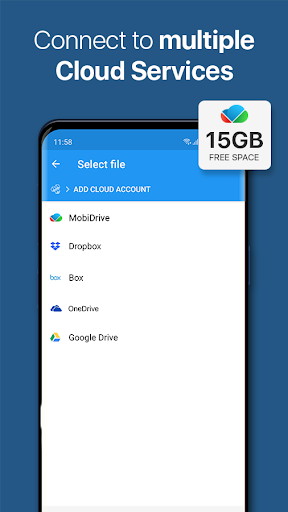
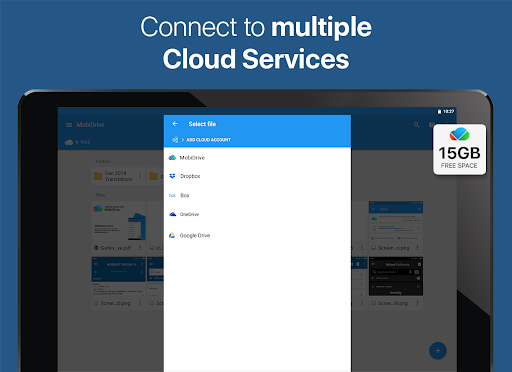
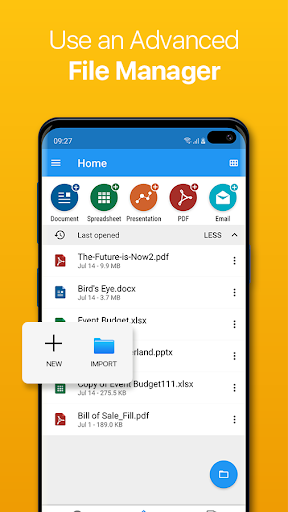
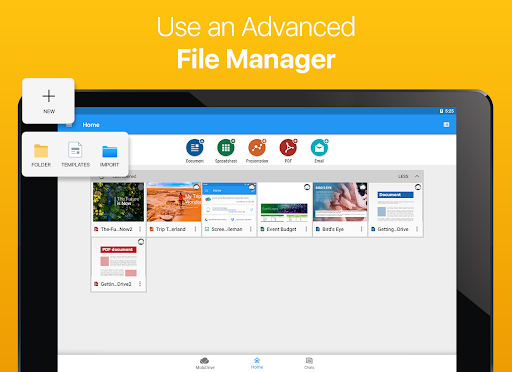
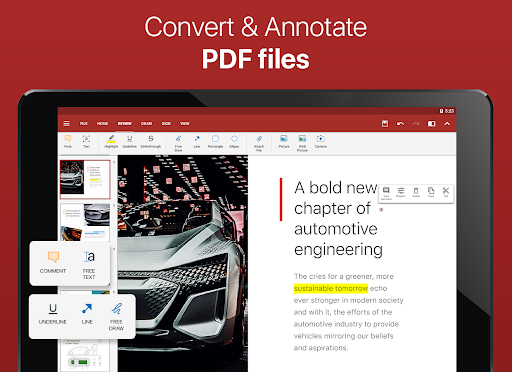
One of the standout qualities of OfficeSuite Pro + PDF is its ability to handle a wide array of file formats. It seamlessly supports Microsoft formats like DOC, DOCX, XLS, XLSX, PPT, PPTX, and many others, ensuring compatibility with your existing files. Additionally, it offers robust PDF support, allowing users to view, annotate, and convert PDFs effortlessly. Whether you’re scanning documents with your device’s camera, exporting files to PDF, or filling out interactive forms, this app caters to all your PDF needs.For users dealing with text files, OfficeSuite supports formats such as RTF, TXT, LOG, CSV, and EML. In-app purchases expand its capabilities to support Open Office formats (.ODT, .ODS, .ODP), providing even greater flexibility.Integration is a key strength as well; OfficeSuite Pro + PDF comes preloaded with File Commander, enabling advanced file synchronization and quick access to both local and remote files. Plus, with the MobiSystems Drive, users can store up to 15 GB of documents in the cloud, facilitating seamless access across devices.
Collaboration and Security Features
New collaboration tools such as OfficeSuite Chats allow you to chat and share documents instantly with colleagues or friends, making teamwork on mobile devices more effective. The app also includes an integrated spell checker available in over 40 languages, guaranteeing your documents, slides, and spreadsheets are polished and professional.For enhanced document security, OfficeSuite Pro + PDF offers features such as digital signatures, permissions management, and password protection, especially useful when working with sensitive files. You can also add your digital signature effortlessly with the Quick Sign feature.
Innovative Tools for Enhanced Productivity
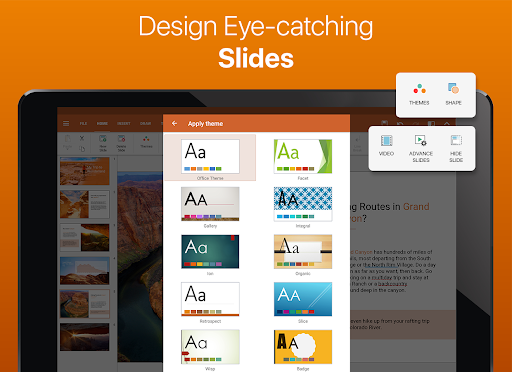
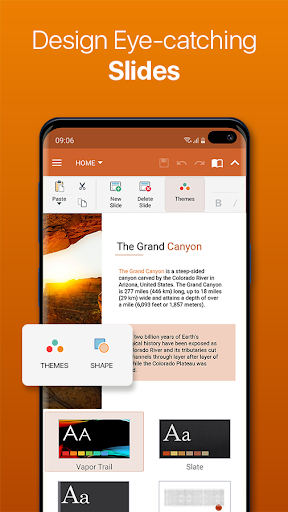
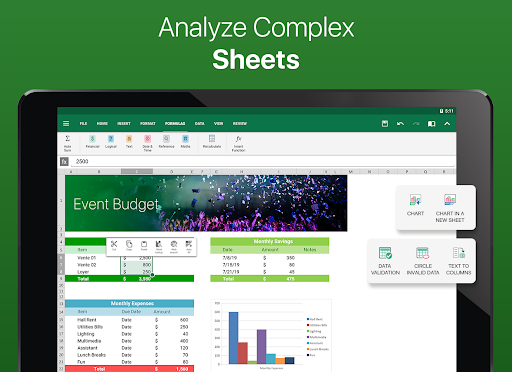
The latest version introduces several new functionalities optimized for Android Q and beyond. Users can now open multiple documents simultaneously using split-screen mode with drag-and-drop support, enhancing multitasking capabilities. The new Quick Access notification drawer streamlines opening and creating files, saving valuable time.Enhanced mouse support on Chromebooks allows for more comfortable and faster document editing, while beautiful new themes empower users to create eye-catching presentations. Additionally, you can now protect individual sheets and cells within spreadsheets for an extra layer of security, and with Share Cast, you can project your presentations across multiple devices on the same network.The new Convert and open files created with Apple Pages, Numbers, or Keynote expands your workflow options, making OfficeSuite a truly versatile office suite for mobile professionals.
Why Choose OfficeSuite Pro + PDF Over the Free Version?
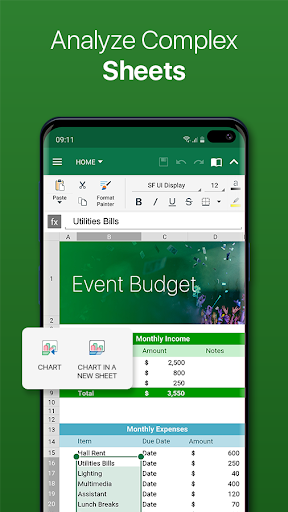
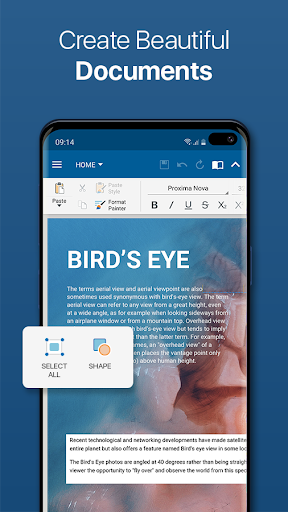
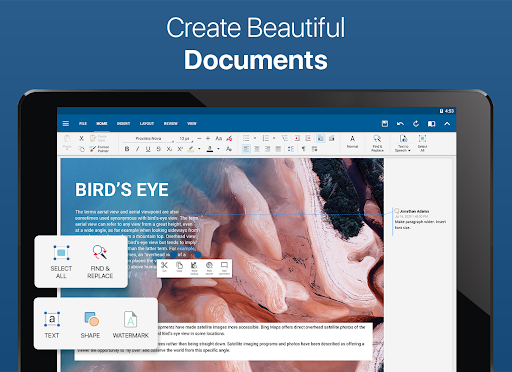
Compared to the free edition, OfficeSuite Pro + PDF offers a suite of advanced security features like work with password-protected files, a more comprehensive set of formatting tools, and support for legacy Microsoft formats, including .DOC, .XLS, .PPT. It also includes features such as Format Painter, track changes with multiple author support, and extensive options for inserting images and charts in spreadsheets. The PDF editing capabilities are also more robust, supporting checkboxes, radio buttons, and text fields for interactive forms.In essence, OfficeSuite Pro + PDF is tailored for users who need more than basic document processing. Its professional-grade security, collaboration features, and compatibility make it the ideal choice for business users, students, and anyone who demands reliability and efficiency on the go.
Pros
- Comprehensive tools for editing documents
- Smooth integration with cloud services
- Intuitive interface and design
- Supports numerous file formats
- Offers PDF editing features
Cons
- Full features require a subscription
- Large app size uses significant device storage
- Sometimes experiences delays when loading documents
- Free version has limited functionalities
- Interface may appear cluttered to some users











