
Discover the Power of OBD Fusion: The Ultimate Car Diagnostics App
Seamless Vehicle Connection and Easy Setup
Comprehensive Features to Diagnose and Monitor Your Car
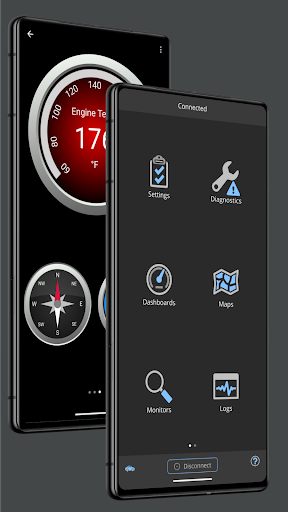
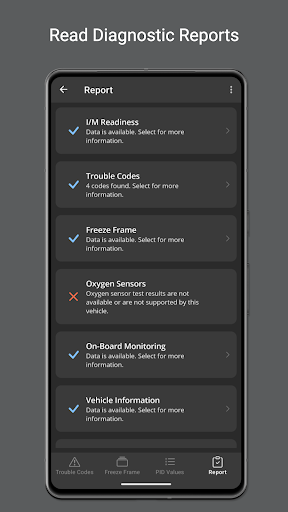
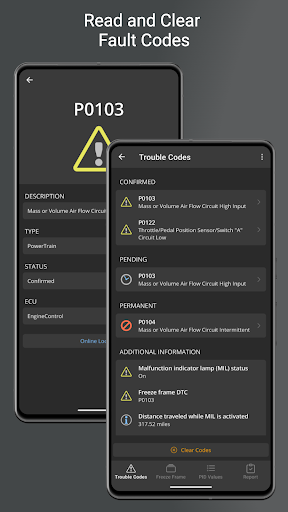
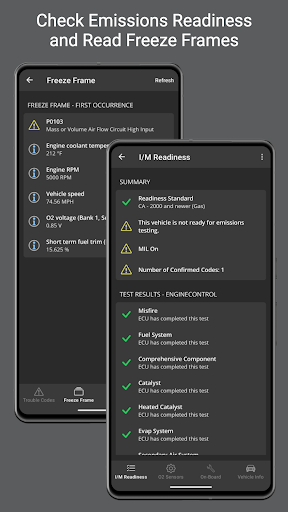
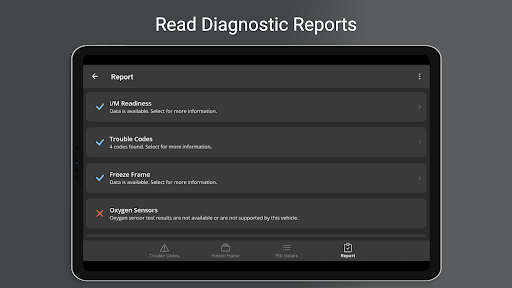
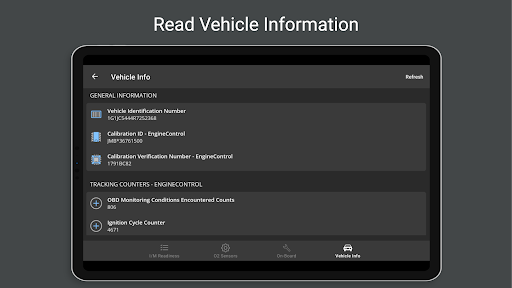
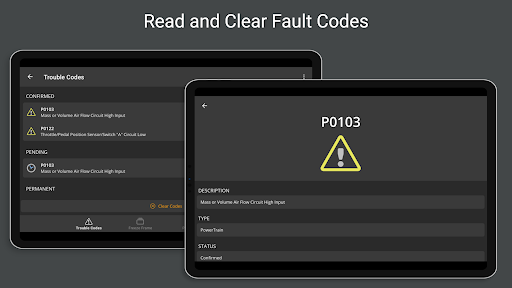
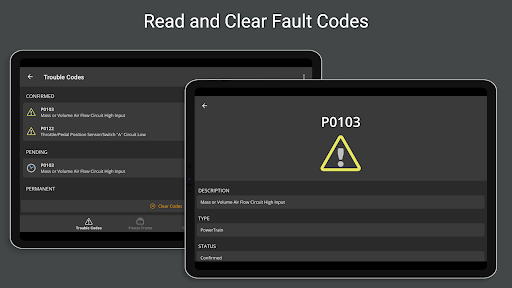
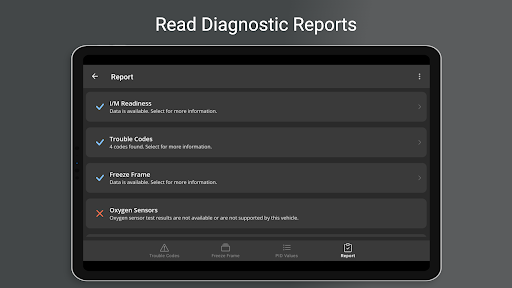
Once connected, OBD Fusion reveals an impressive suite of features that empower you with detailed insights about your car. At its core, it allows you to read and clear diagnostic trouble codes, helping you identify issues such as a lit check engine light or emissions problems. The app’s full diagnostic report provides descriptions, potential solutions, and the ability to export data for further analysis. It’s like having a professional mechanic right in your pocket.
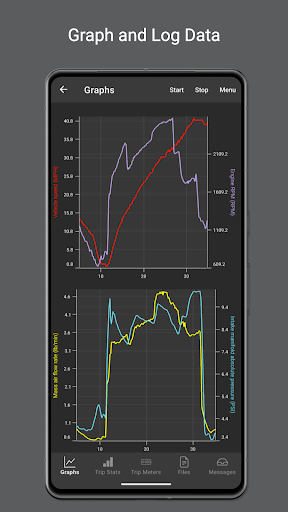
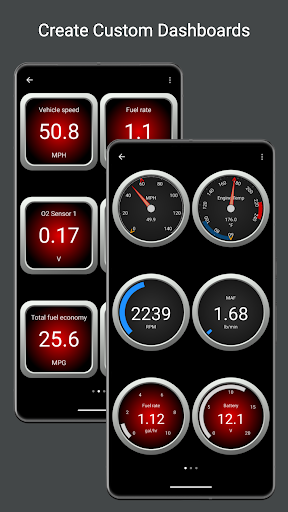
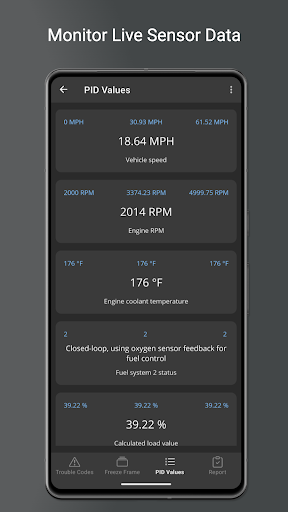
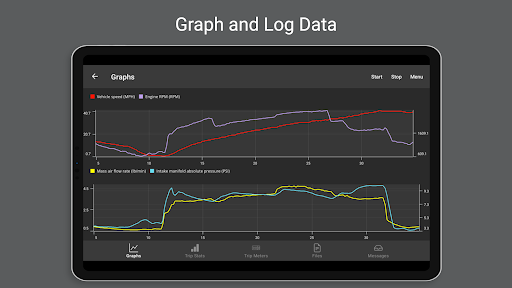
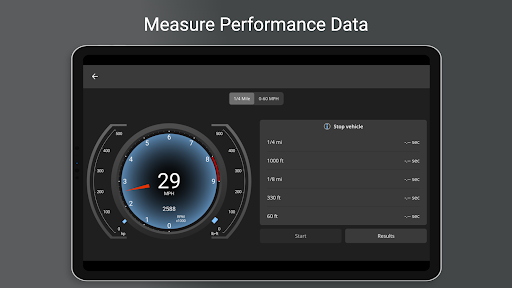
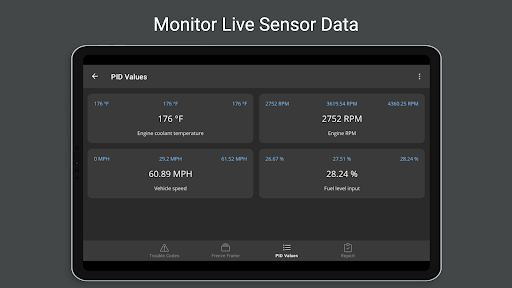
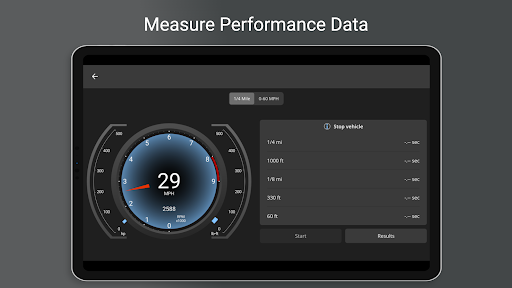
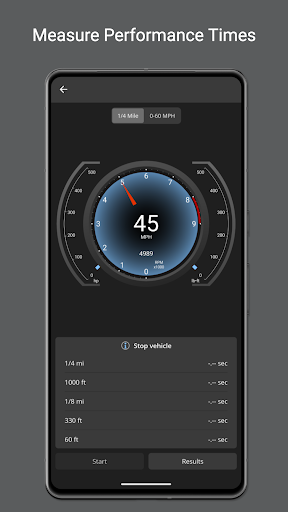
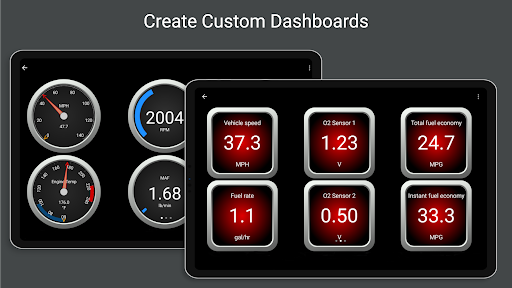
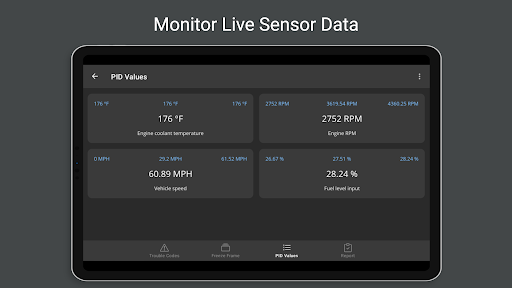
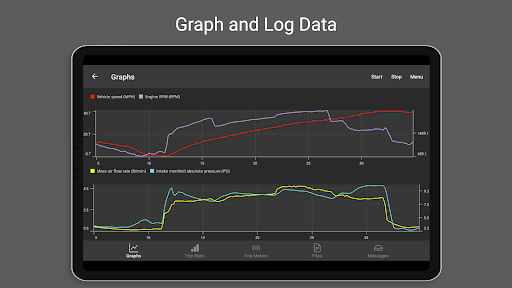
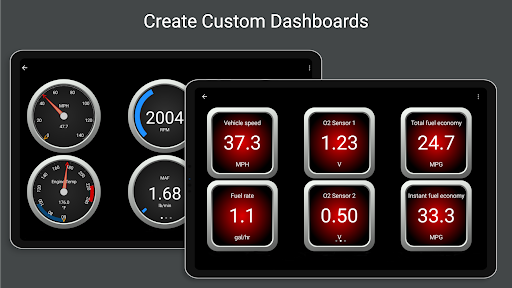
Beyond fault codes, OBD Fusion excels at providing real-time data through customizable dashboards and gauges. Visualize your vehicle’s engine RPM, fuel economy, turbo boost, and air-to-fuel ratio with appealing, easy-to-read displays. For those interested in tracking performance over time, the app supports multiple trip meters, data logging, and exporting information in CSV format for detailed review.
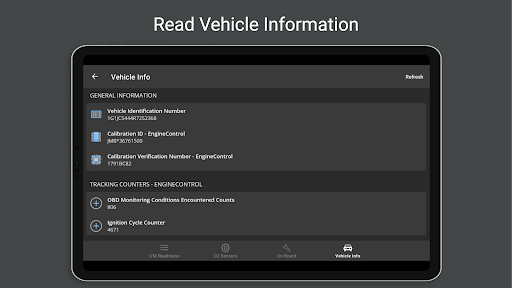
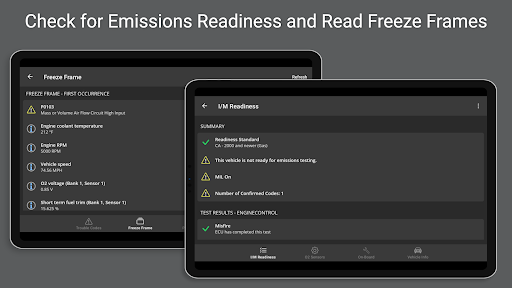
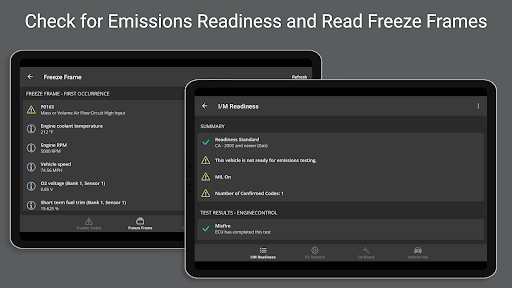
Key functionalities include assessing emissions readiness for different US states, conducting oxygen sensor tests, and monitoring various systems with built-in enhanced PIDs for brands like Ford and GM. The app supports over 150 supported PIDs, ensuring broad compatibility across a range of vehicles.
Customization is a major highlight—users can create their own dashboards, choose preferred units (English, Metric, Imperial), and select specific data points to display. Whether you want to monitor vehicle battery voltage, engine torque, or transmission temperature, OBD Fusion adapts to your needs.
Enhanced User Experience with Compatibility and Connectivity
Designed with versatility in mind, OBD Fusion supports various connection types including Bluetooth, Bluetooth LE, Wi-Fi, and USB (compatible FTDI devices). Compatibility with Android devices requires Android 4.3 or newer if using Bluetooth LE. For USB connections, only tablets with USB host support are suitable. Additionally, the app offers language options like Spanish, French, German, Chinese, and more, making it accessible worldwide.
Despite its extensive features, OBD Fusion maintains a user-friendly interface that enables both beginners and experienced users to navigate effortlessly. The real-time data refresh rates are fast, and the app is stable with minimal bugs or crashes reported. For additional assistance or troubleshooting, community forums and support resources are available, making the overall experience stress-free.
Why Choose OBD Fusion?
Imagine having a • stethoscope for your vehicle. That’s what OBD Fusion offers—a window into your car’s condition that once only professional mechanics could access. If you’re eager to monitor fuel economy, diagnose engine issues, or keep track of vehicle health, this app is a valuable tool. Its ability to give detailed insights, customize displays, and support a wide array of vehicle models makes it an essential companion for everyday drivers and car enthusiasts alike.
Priced reasonably and packed with features, OBD Fusion can help you save money by diagnosing problems early, optimizing driving habits, and avoiding costly repairs. With the capacity to create detailed reports, monitor various systems, and understand fault codes, you gain a valuable understanding of your vehicle’s inner workings. Whether you’re looking to improve efficiency, troubleshoot problems, or just satisfy your inner car geek, OBD Fusion delivers on its promise to be a comprehensive automotive diagnostic solution.
Pros
- User-friendly interface.
- Extensive diagnostic capabilities.
- Customizable dashboards.
- Real-time monitoring of data.
- Works with a wide variety of vehicles.
Cons
- Needs an additional OBD-II adapter.
- Some features are limited in the free version.
- In-app purchases can be expensive.
- Requires a smartphone to operate.
- May not be compatible with older vehicles.











