

Introduction to the NotanIzer App
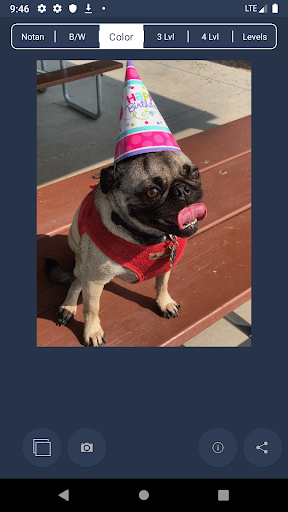
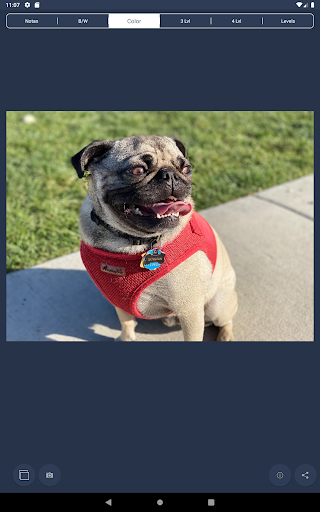
In today’s fast-paced world, staying organized and creatively inspired is essential. The NotanIzer application is designed to seamlessly blend the principles of Japanese artistic design with modern digital productivity. Inspired by the traditional Nōtan concept—a Japanese design philosophy focused on the strategic placement of light and dark elements—NotanIzer offers unique tools to help artists and creative thinkers explore the balance of light and dark in their work.
Understanding the Core Concept: Nōtan
Nōtan is a Japanese aesthetic approach that emphasizes the interplay between light and dark within a composition. The Yin Yang symbol is a classic example exemplifying this philosophy. When applied to art, Nōtan enables artists to identify, analyze, and manipulate the light and dark portions of their imagery, which can significantly enhance the overall visual impact. The NotanIzer app operationalizes this concept through innovative features that help creators analyze and experiment with their images by breaking down their tonal values into different levels, aiding in a more balanced and compelling design.
Key Features of NotanIzer
1. Simple Bright/Dark Division
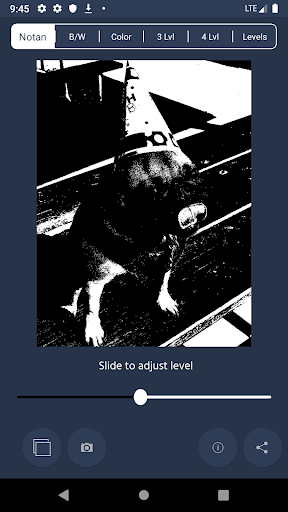
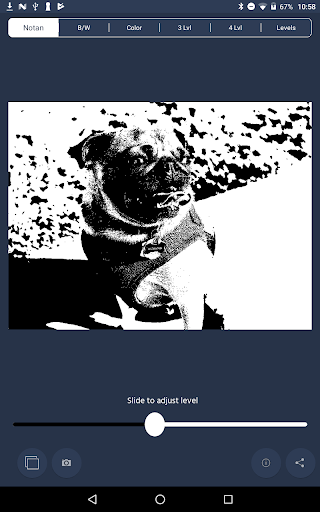
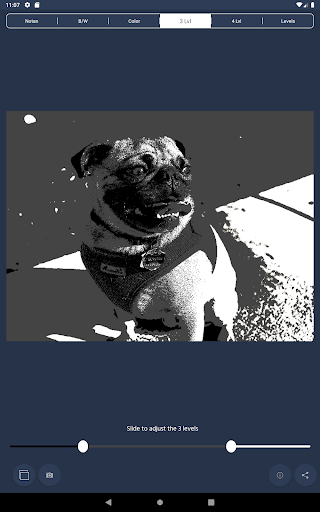
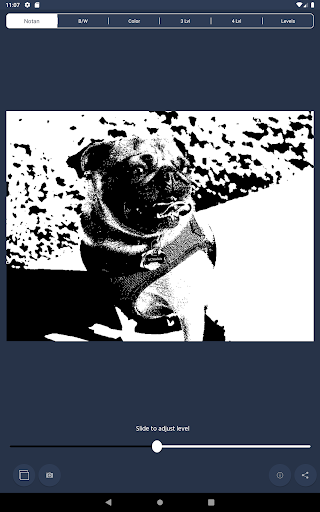
The initial feature divides your image at the 50% mark of bright and dark. Using an intuitive slider, you can adjust the dividing line to emphasize specific details, revealing nuances that might otherwise be hidden. This is particularly useful for artists aiming to fine-tune their compositions or enhance contrast within their images.
2. Grayscale Mode
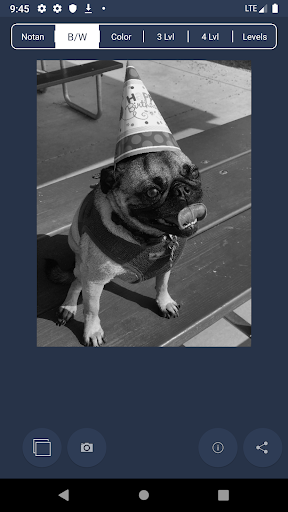
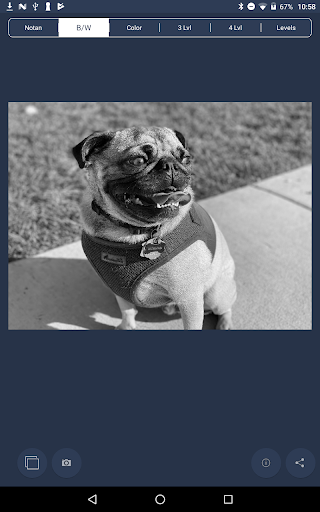
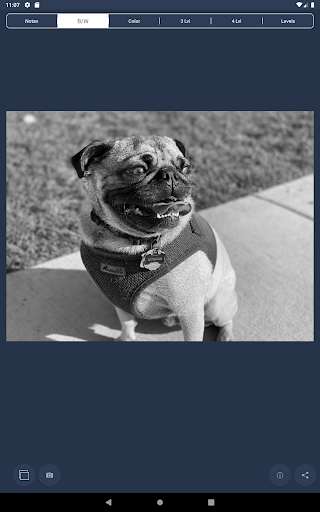
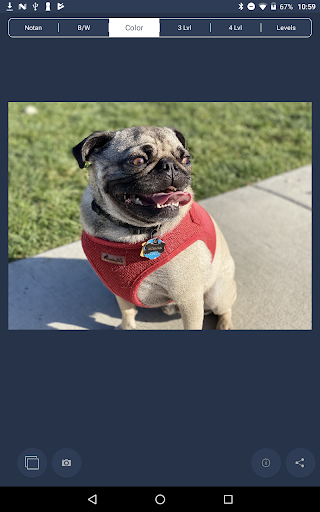
Switching to the grayscale display allows users to focus on structure, form, and design without the distraction of color. This monochrome palette helps in analyzing the composition's tonal relationships, fostering better artistic decisions.
3. Multi-Level Brightness Breakdown
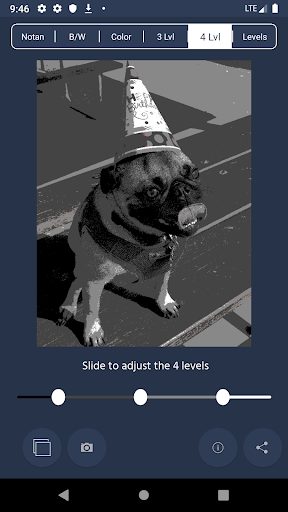
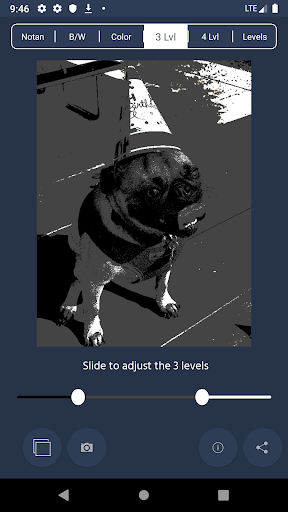
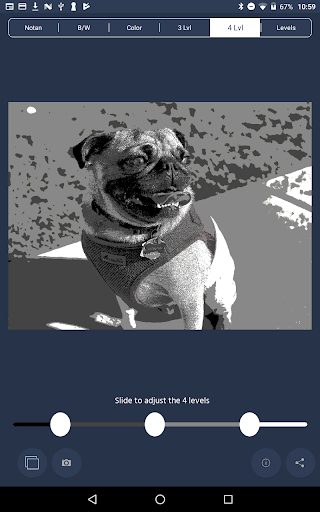
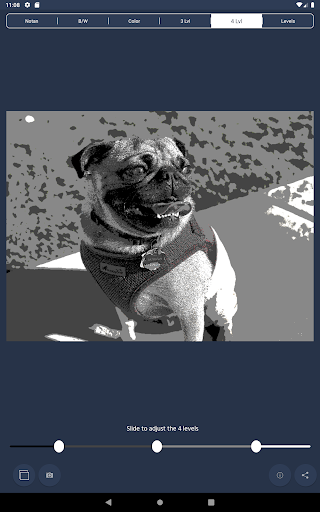
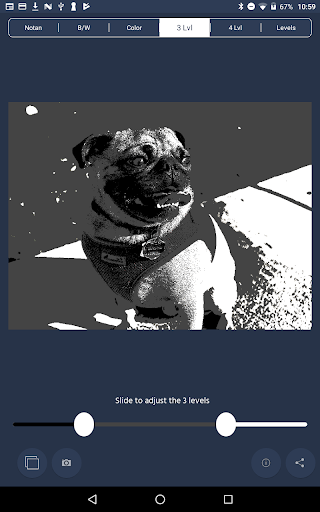
NotanIzer offers a 3-level and 4-level brightness segmentation, simplifying complex images into manageable tonal zones. This breakdown helps in understanding and controlling the distribution of light and shadow, leading to more dynamic and balanced artwork.
4. Advanced Levels
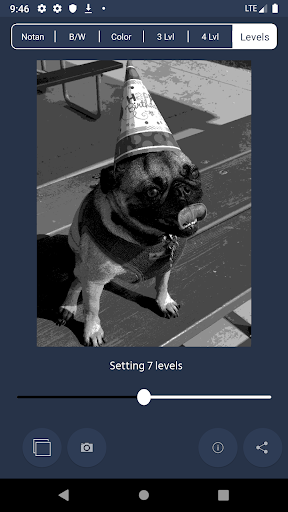
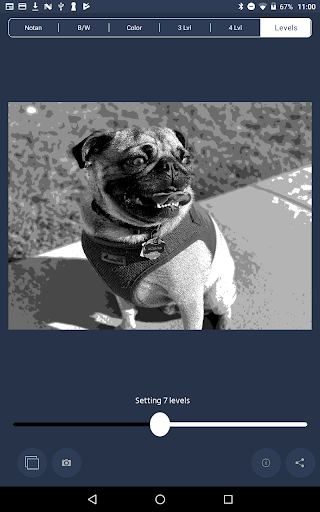
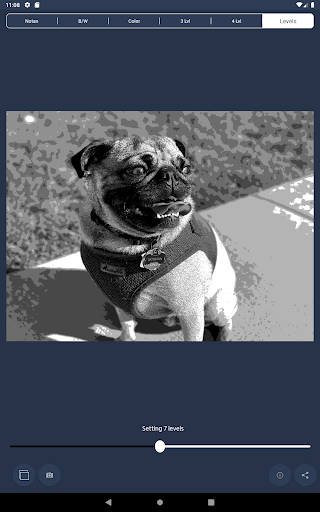
The latest iteration, the Levels feature, divides images into between 3 to 10 levels of brightness. This granular control enables artists to analyze their work with remarkable precision, making subtle tonal adjustments that elevate the overall design.
5. Share and Export
Once satisfied with their analysis, users can share their images in various formats. Creative professionals and hobbyists alike will appreciate the ability to showcase their work in new perspectives with ease and flexibility.
Application for Artists and Creatives
NotanIzer is an invaluable tool for artists, illustrators, and designers looking to enhance their understanding of tonal harmony and composition. By visualizing their images through different tonal breakdowns, users can better recognize areas for improvement, create more compelling visual narratives, and develop a keen eye for balance and contrast. The app serves as a modern digital extension of the traditional Japanese Nōtan philosophy, bridging cultural artistry with technological innovation to inspire new levels of creativity.
Beyond art, the app is also useful for photographers, graphic designers, and anyone interested in visual storytelling. Its customizable levels and easy-to-use interface make it accessible for all skill levels, providing a pathway toward mastering visual balance and tonal harmony.
Note: users should ensure at least 20MB of available device memory, as the process of analyzing and adjusting images can be resource-intensive, especially with high-resolution files.
Why Choose NotanIzer?
In a world where visual clarity and artistic insight are paramount, NotanIzer stands out as a creative and functional app that enhances your work. Its innovative features rooted in the Japanese Nōtan philosophy allow artists to see their images in a new light—literally and figuratively. Whether you are refining a digital painting, preparing a photograph for print, or simply exploring the balance of light and dark, this app offers the tools to elevate your craft.
With reliable performance, a clean aesthetic, and versatile sharing options, NotanIzer is more than just an analysis tool—it’s a creative companion dedicated to helping you achieve harmony and depth in your visual projects. Dive into the world of light and dark with confidence, and let NotanIzer be your guide to more compelling, balanced, and expressive artwork.
Pros
- Intuitive interface simplifies note-taking
- Effortless synchronization across multiple devices
- Supports multimedia notes, including images and audio
- Customizable organization with tags and folders
- Access notes offline without an internet connection
Cons
- Limited free storage for multimedia content
- No handwriting recognition feature available
- No collaboration tools for team use
- Occasional delays during synchronization
- Ads in the free version can be disruptive











