
NDI HX Camera: Easy Streaming
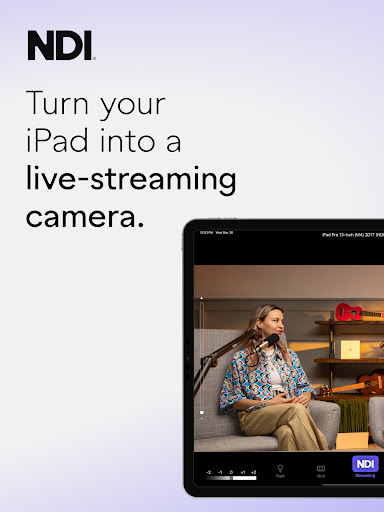
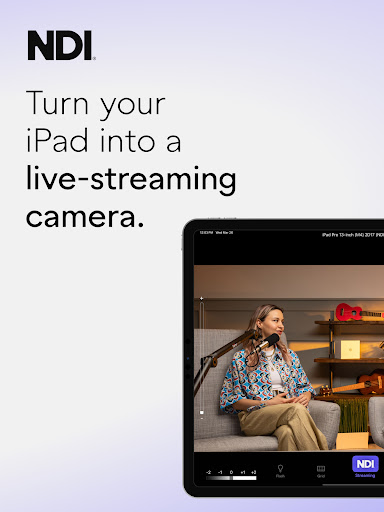
Discover the easiest live-streaming solution with the NDI HX Camera app—designed specifically to transform your smartphone into a professional-grade streaming tool. Whether you're a content creator, a live event producer, or a business professional, this app offers seamless integration with popular video conferencing platforms and live broadcasting systems.
Enhanced Features with the Latest Update
The latest version, V1.7, introduces several modernized enhancements to improve your streaming experience. The user interface has been redesigned for a more intuitive and user-friendly operation, allowing even beginners to get started quickly. The fixed viewfinder now displays full video height, providing better framing, while the new tally light offers multiple modes to indicate your preview and on-air status. These updates make managing live streams more professional and hassle-free.
Transform Your Phone into a Streaming Powerhouse
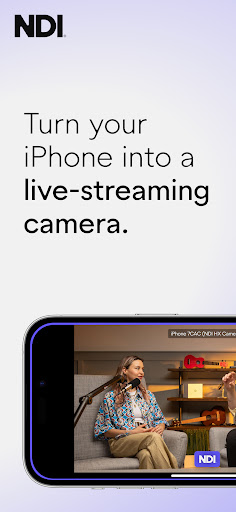
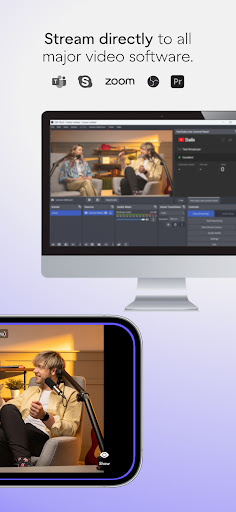
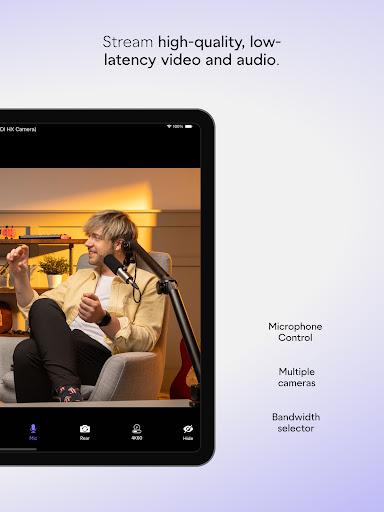
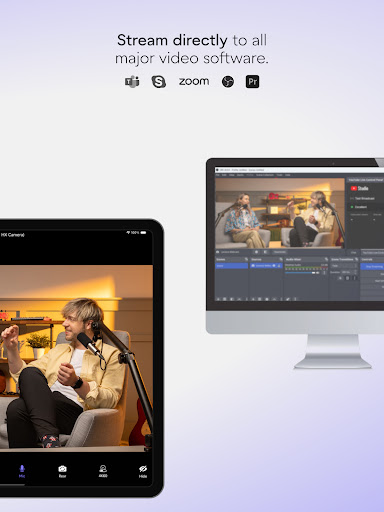
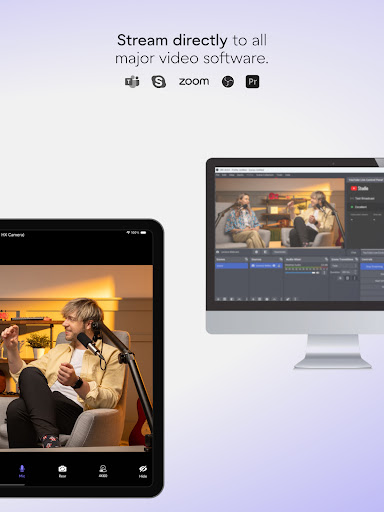
With NDI HX Camera, turning your smartphone into a low-latency video source is effortless. Just a simple setup, and your device can send high-quality video and audio directly to your live production workflows. The app supports connection to well-known platforms like MS Teams, Skype, Zoom, and many others, making it a versatile choice for remote events, webcasts, or virtual meetings.
For professionals, this app unlocks flexibility by adding varied camera angles and vantage points to your coverage. This diversity of perspectives can dramatically elevate your live broadcasts, webcasts, or presentations, providing a professional touch from a device you already own.
Note: To fully utilize these features, your system must support NDI 4 or newer.
Professional Settings at Your Fingertips
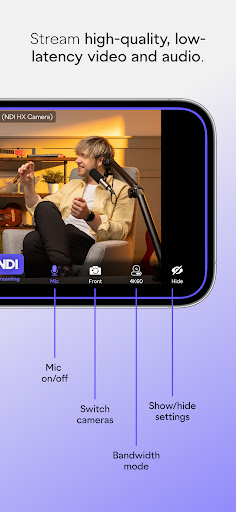
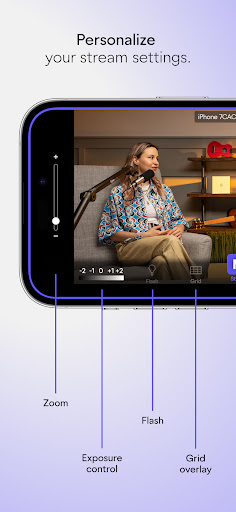
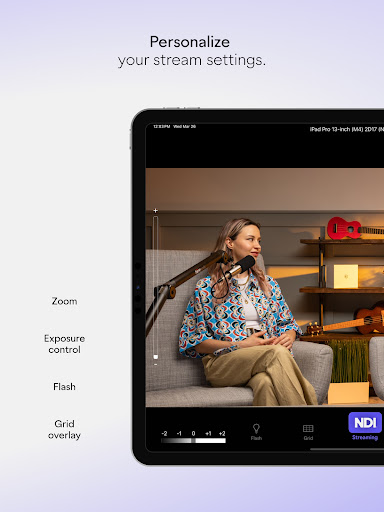
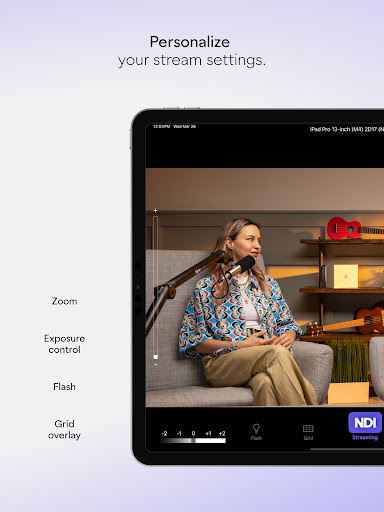
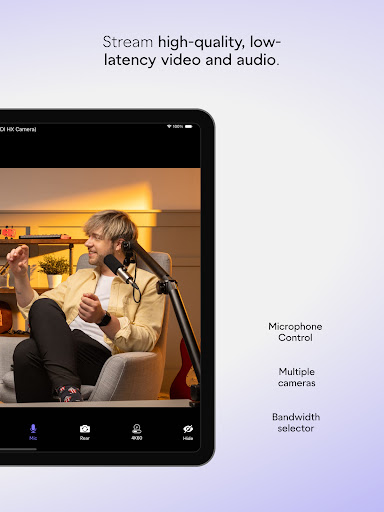
Take control of your streaming quality with customizable options. Choose between high, medium, and low bandwidth modes based on your network capabilities to ensure smooth, lag-free streaming. Additional settings such as grid overlay facilitate precise framing, while features like autofocus, pinchable zoom, and camera selection—front or rear—provide creative flexibility.
An on-screen connection meter helps monitor your link quality, and the tally display keeps track of your preview and on-air status, making professional live control accessible without expensive equipment.
Unmatched Versatility for Content Creators
This app is a dream for creators who frequently go live. Its portability combined with high-quality video output makes it ideal for vlogging, hosting webinars, streaming gaming, or producing webcasts. The app's battery optimization ensures longer streaming sessions without constantly worrying about power drain.
And for those who like to get creative, the ability to fine-tune settings such as exposure, focus, and white balance offers creative control. This customization elevates your content, giving you the ability to craft visuals tailored to your audience and style.
Conclusion
In summary, NDI HX Camera is a must-have application for anyone seeking to enhance their live streaming setup using an iOS device. Combining ease of use with professional features, it provides a versatile solution suitable for both beginners and seasoned experts. If you're looking to add mobile-powered video capabilities to your workflow, this app might just be the missing piece to take your streams to the next level.
Pros
- Simple to set up and beginner-friendly.
- Excellent video streaming quality.
- Compatible with multiple streaming platforms.
- Minimal latency for real-time interactions.
- Works seamlessly on both Android and iOS devices.
Cons
- May drain battery quickly.
- Performance depends on a stable internet connection.
- Most features require a paid subscription; free version is limited.
- Some users experience occasional connectivity problems.
- User interface could be more user-friendly for newcomers.











