


Introduction to the MyWalmart App
Introducing MyWalmart, the comprehensive app designed specifically for Walmart associates and valued customers alike. Built with feedback from Walmart team members, this app serves as a central platform to learn about Walmart's rich history, core cultural values, and the numerous benefits offered to employees. Moreover, MyWalmart provides a streamlined way for users to explore career opportunities within Walmart, making it easier than ever to apply and get started. Whether you’re an associate or someone interested in joining the Walmart family, this app offers a user-friendly experience tailored to your needs.
Internal Features for Walmart Associates
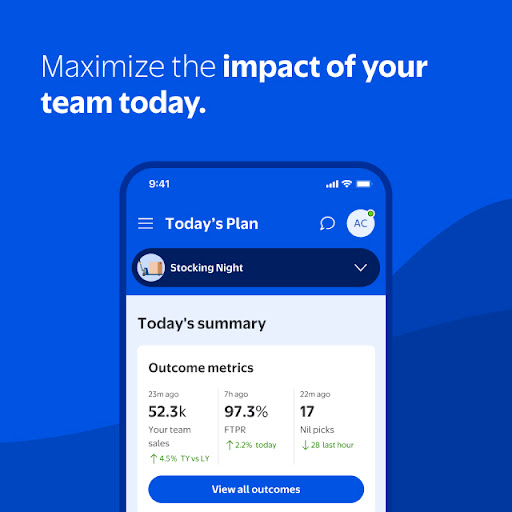
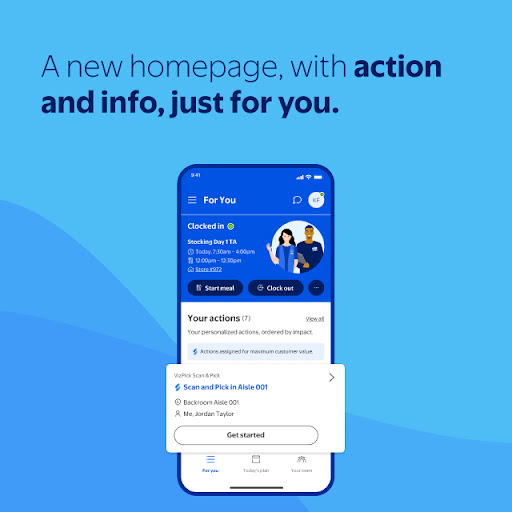
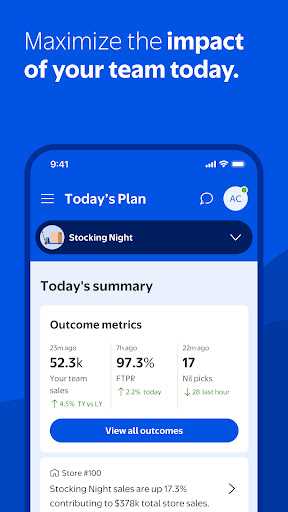
Walmart associates who are enrolled in 2 step verification can access a variety of internal features through MyWalmart. These tools are designed to help manage daily work activities efficiently. Key features include:
- Schedule: Easily view your work schedule, manage all time-off requests, and even swap or pick up unfilled shifts to suit your availability.
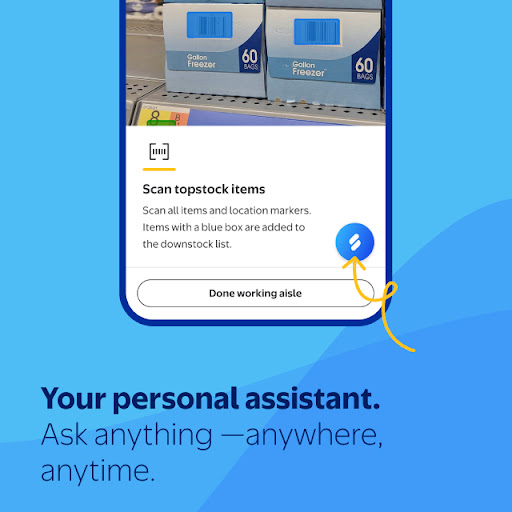
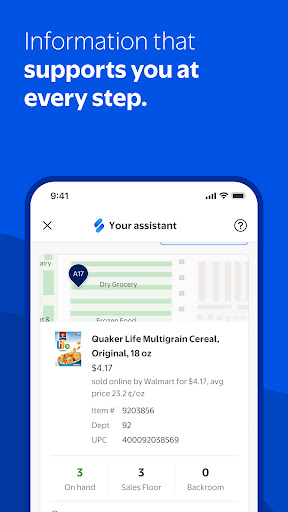
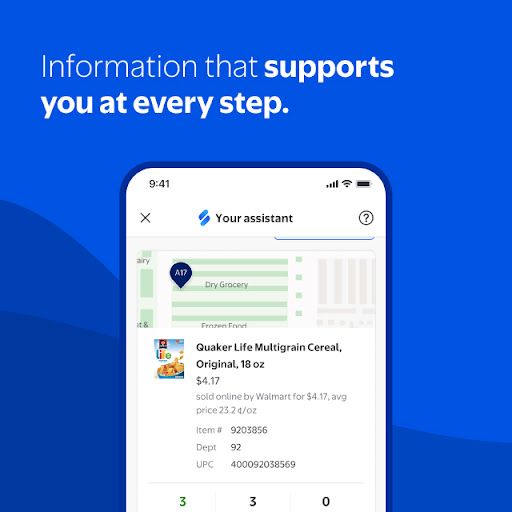
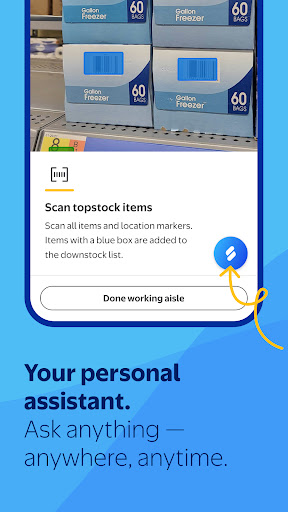
- Ask Sam: Your AI-powered search and voice assistant that helps answer questions related to products, metrics, and other work-related inquiries. The more questions you ask, the smarter Ask Sam becomes.
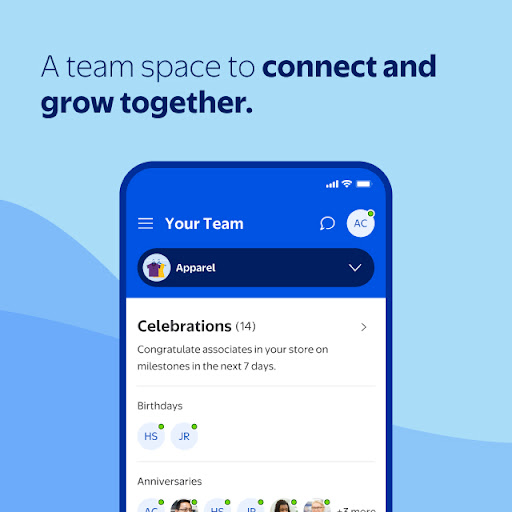
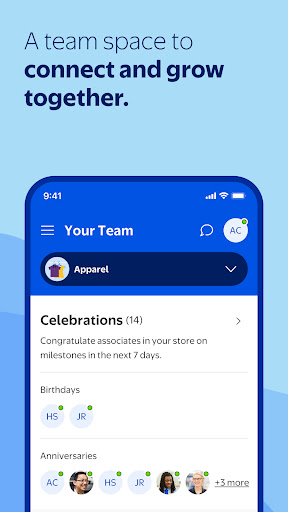
- My Team: View a roster of your team members and stay connected via an in-app walkie-talkie feature, facilitating seamless communication with colleagues.
- Inbox: Notifications and actionable updates concerning scheduling, time-off, and other important messages—although some features may vary by location.
Discovering Me@Walmart
Have you ever wondered how to manage your work and personal life with just one app? Me@Walmart is that solution—an intuitive app designed specifically for Walmart associates that consolidates essential work features into a single, easy-to-use platform. Think of it as your virtual desk, always accessible and ready to simplify your daily routine.
Unpacking the Features of Me@Walmart
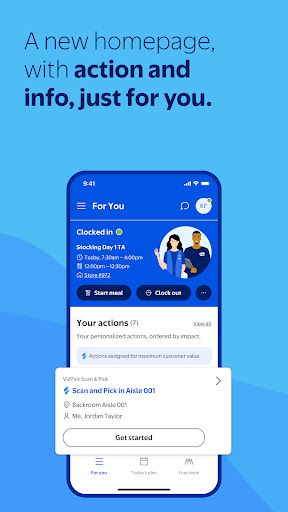
The first thing you'll notice about Me@Walmart is its clean, user-friendly interface that feels tailored to your needs. It offers quick access to vital functions like scheduling, paystubs, and communication tools. No more calling your manager or checking multiple systems for updates—everything is updated in real-time, right at your fingertips, making your work life more convenient.
Stay in the Loop with Scheduling
A standout feature is the scheduling tool. You can view your shifts, request scheduling changes, and directly swap shifts with colleagues—eliminating the need for sticky notes or manual reminders. Notifications alert you to shift updates or available slots, ensuring you’re always informed. This feature acts as your personal planner that updates itself, making shift management seamless and efficient.
Access Your Paystubs Anytime
Waiting for paper paystubs is a thing of the past. With Me@Walmart, you can instantly access your pay information whenever needed. Whether verifying earnings, viewing deductions, or tracking your income, it’s just a few taps away. This transparent and instant access provides peace of mind and better control over your financial details.
Connect with Coworkers Effortlessly
The app also facilitates easy communication among team members. Whether discussing shift swaps, sharing ideas, or simply catching up, Me@Walmart helps create a mini social network within your workplace. You can even contact HR directly if necessary, streamlining the communication process and making collaboration smoother than ever.
Conclusion
To sum up, MyWalmart and Me@Walmart are powerful digital tools crafted to enhance your work experience and integrate work-life balance seamlessly. They are designed to make your job easier, reduce stress, and keep you connected with your team and company updates. Whether you're tech-savvy or prefer simplicity, these apps adapt to your needs, ensuring you stay organized and informed. If you're part of the Walmart team, exploring these apps will undoubtedly elevate your daily routine—once you start using them, you’ll wonder how you ever managed without these digital helpers.
Pros
- User-friendly interface
- Real-time updates on schedules
- Feature to swap shifts
- Access to employee discounts
- Notifications about company news
Cons
- Limited offline capabilities
- Occasional login problems
- Slow customer support responses
- Lack of direct messaging feature
- Needs frequent updates











