

Introduction to the My Verizon For Business App
If you're a business owner seeking a convenient way to manage your Verizon services, the My Verizon For Business app is the perfect solution. Designed to streamline your mobile service management, this app puts control right at your fingertips, allowing you to handle everything from device upgrades to billing with ease. Whether you're in the office or on the go, the app offers a user-friendly interface that simplifies complex tasks, making business mobile management more efficient and less stressful.
Key Features of the My Verizon For Business App
Device and Accessory Management
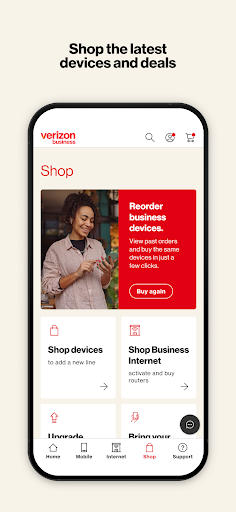
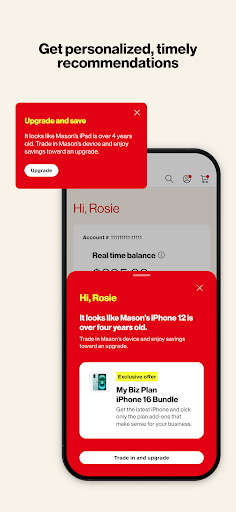
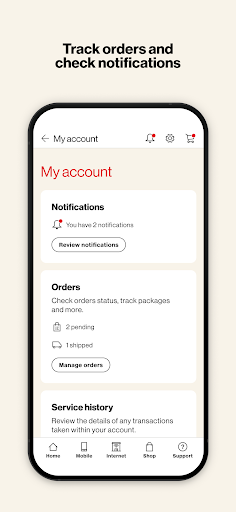
Stay updated with the latest devices and accessories for your business needs. The app allows you to browse new products, upgrade existing devices, and track order status effortlessly. This ensures that your team always has the most current technology to keep operations running smoothly.
Account and Number Control
Manage multiple wireless numbers and accounts seamlessly. Whether you're handling several lines for different employees or departments, the app makes switching between accounts quick and intuitive. This feature is especially beneficial for businesses that require tight control over device settings and usage across their organization.
Data Usage Monitoring
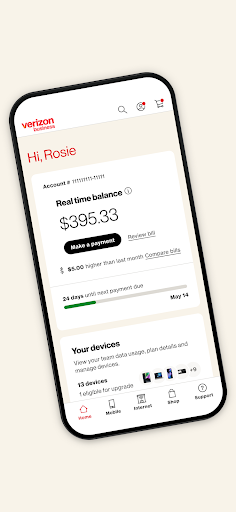
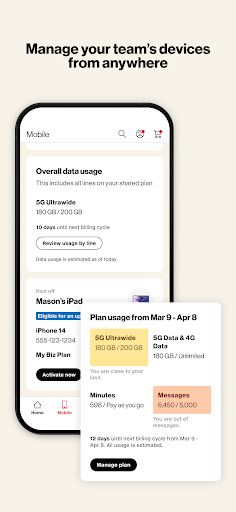
Keep a close eye on your data usage to avoid overages and manage costs effectively. The app provides real-time data tracking, so you can make informed decisions about your wireless plans and optimize your data consumption.
Billing and Payment Convenience
Review your bills and make payments in just a few taps. The app’s straightforward interface ensures that managing your finances is quick and stress-free, helping you stay on top of your billing without hassle.
Plan and Feature Customization
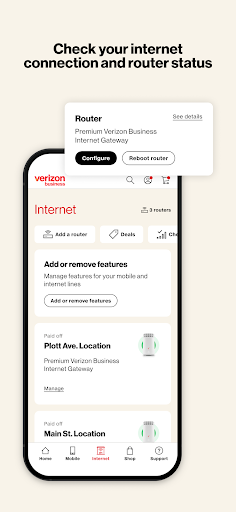
Want to change your features or plans? The app enables you to modify your service options anytime, giving you the flexibility to adapt your mobile services as your business evolves.
Advantages of Using the My Verizon For Business App
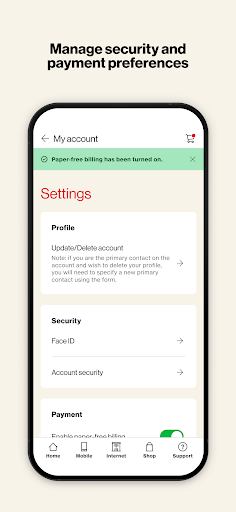
Using My Verizon For Business transforms the way you manage your mobile services. Its intuitive design and comprehensive toolkit simplify routine tasks like bill payment, device management, and usage monitoring. Furthermore, the app prioritizes security, employing encryption and secure login options to protect your sensitive business information. Its reliable performance ensures you can depend on the app whenever you need it most, minimizing disruptions and keeping your business operations running smoothly.
Getting Started and Downloading
Getting started with My Verizon For Business is easy. Simply download the app from your device’s app store and log in with your business account credentials. Once set up, you'll be greeted with a clean and user-friendly dashboard that consolidates all your wireless management needs in one place. For complete details, you can review the Terms and Conditions.
Designed with the busy business professional in mind, this app is an essential tool for simplifying mobile management, enhancing security, and ensuring operational efficiency. So, go ahead—download My Verizon For Business today and experience the convenience of managing your Verizon services anytime, anywhere.
Pros
- Easy account management
- Real-time data insights
- Seamless billing process
- User-friendly interface
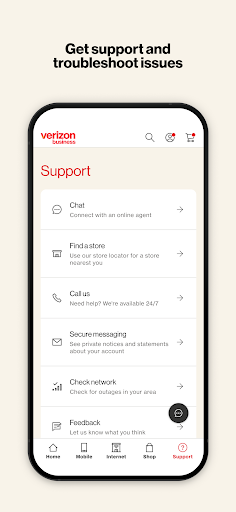
- Strong customer support
Cons
- Limited customization options
- Occasional app crashes
- Requires strong internet connection
- Complex initial setup process
- Limited international features











