
Overview of My crochet designer App
My crochet designer is an innovative mobile application designed for crochet enthusiasts of all skill levels. It provides a comprehensive and intuitive platform for creating, customizing, and managing crochet patterns. Whether you're a beginner exploring your first designs or a seasoned crocheter refining complex projects, this app offers a rich set of features to enhance your crafting experience.
Intuitive User Interface and Pattern Creation Tools
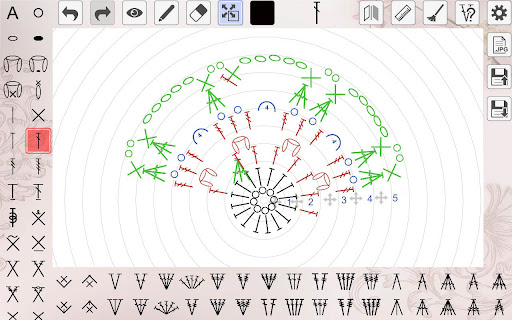
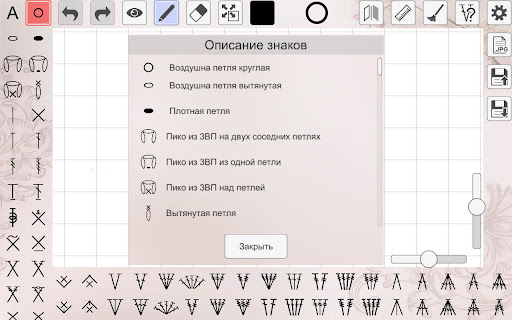
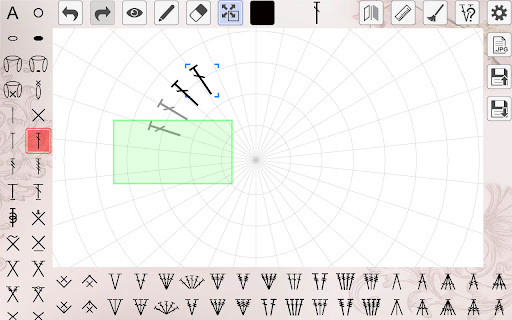
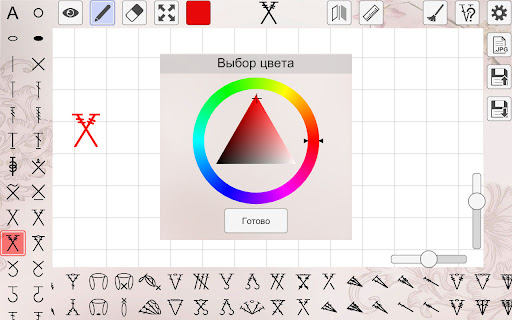
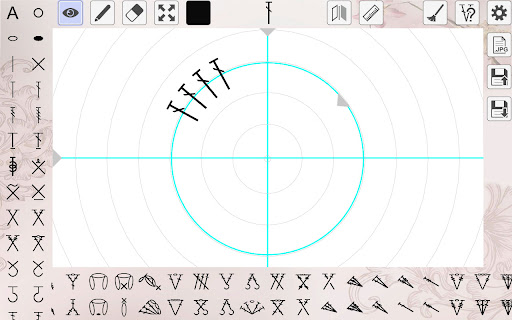
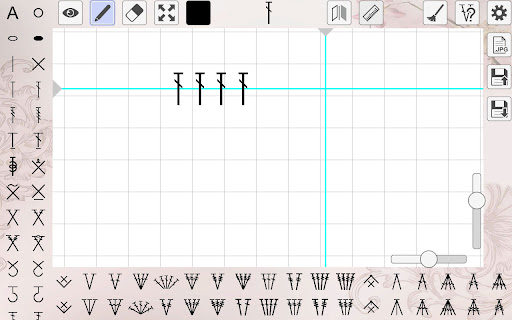
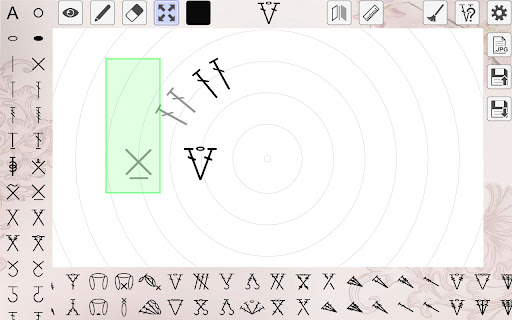
The interface of My crochet designer is sleek, user-friendly, and designed with ease of use in mind. When you open the app, you'll immediately notice its organized layout that simplifies navigation. The main feature is the pattern creation tool, which allows you to design patterns for direct, circular, and combined crochet. You can access a large selection of basic and complex elements, including unique tools for working with loin crochet.
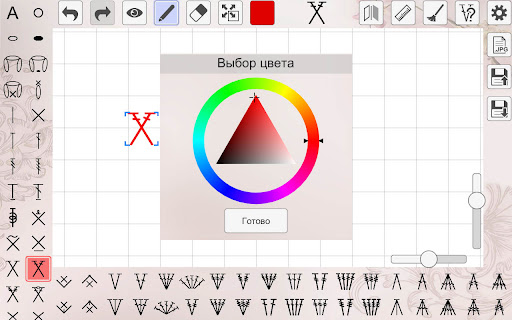
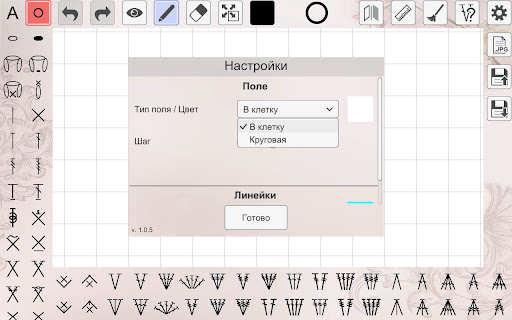
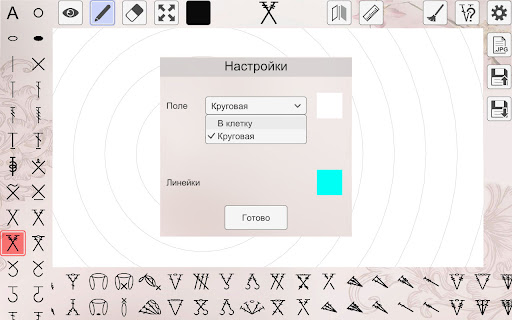
Each crochet element can be individually rotated, mirrored, recolored, and resized, giving you complete creative control to bring your ideas to life. The field in the pattern editor supports the creation of extensive schemes, perfect for large projects. Additionally, users can save their designs and load them later, ensuring seamless workflow. The app also offers functions to change the background and tweak the pitch of the cells in the working area, making pattern visualization more precise.
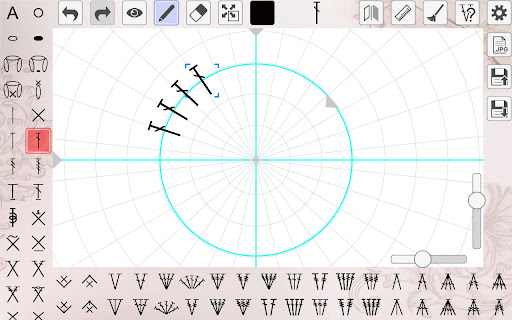
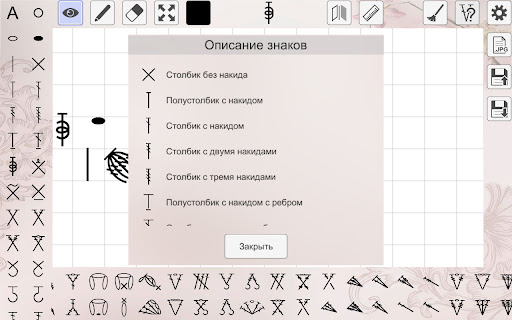
Other helpful features include the ability to add text notes and number the rows for better pattern organization. With straight and circular rulers, you can accurately align rows and elements, ensuring your pattern is perfectly structured. A comprehensive help section provides descriptions for each knitting element, making it easier to learn and experiment with new techniques.
Enhancing Creativity and Planning Your Crochet Projects
Exploring crochet with My crochet designer opens up a world of creative possibilities. The app’s features facilitate both improvisation and precise planning. The pattern creation capability allows you to develop original designs or adapt existing patterns to match your style and needs. The extensive stitch library enables you to experiment with new stitching techniques, making your projects more diverse and interesting.
Another valuable aspect is the project tracking feature, which helps you monitor your progress across multiple projects. This tool ensures you stay organized and motivated as you see your crochet creations evolve step by step. Whether you're working on a new blanket, an amigurumi, or an intricate accessory, the app provides a satisfying visual representation of your work in progress.
Community, Sharing, and Continuous Inspiration
Beyond pattern design, My crochet designer fosters a sense of community among crochet lovers. The app includes built-in social features that allow users to share their finished projects, exchange tips, and collaborate with others worldwide. This connectivity makes the app more than just a solo tool; it becomes a vibrant hub for inspiration and knowledge sharing.
The platform is regularly updated with new patterns, tutorials, and features, ensuring users always have fresh ideas and learning resources at their fingertips. Think of it as a personal crochet tutor that’s available 24/7, ready to inspire you whenever you need a creative boost.
Final Thoughts: A Must-Have for Crochet Enthusiasts
In summary, My crochet designer is more than a pattern creator—it's an all-in-one crochet companion that empowers users to experiment, organize, and connect. Its versatile tools cater to various skill levels and project types, from simple projects to elaborate schemes. Integrated social features and ongoing updates make it a dynamic resource for both hobbyists and serious crafters.
If you're looking to elevate your crochet skills or find an inspiring platform to bring your ideas to fruition, My crochet designer is the perfect app to explore. With its intuitive interface and rich feature set, you'll be designing beautiful crochet patterns in no time and engaging with a passionate community of fellow crafters.
Pros
- Easy-to-use interface suitable for beginners
- Extensive selection of crochet patterns
- Options for customizing designs
- Frequent updates introducing new features
- Available tutorials and instructional guides
Cons
- Limited features available for free
- Full access requires in-app purchases
- Occasional reports of app crashes
- Advertisements can sometimes be disruptive
- Some patterns may be too simple for advanced users











