
Introducing MoshUp: The Ultimate Live Datamoshing and Face-Mashup App
In today’s digital age, creativity and fun often go hand in hand. Enter MoshUp, an innovative mobile application that allows users to explore the fascinating world of live datamoshing on their smartphones. Whether you're an aspiring videographer or just looking to add some quirky effects to your videos, MoshUp opens a world of possibilities right at your fingertips.
Unleash Your Creativity with Live Datamoshing
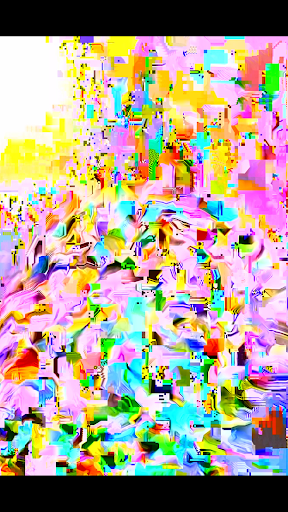
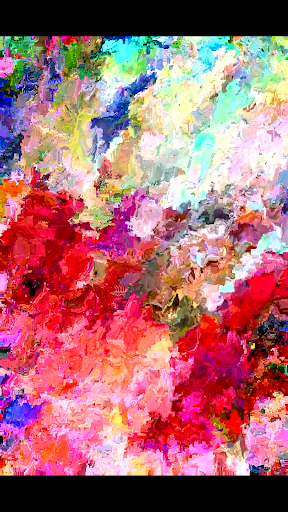
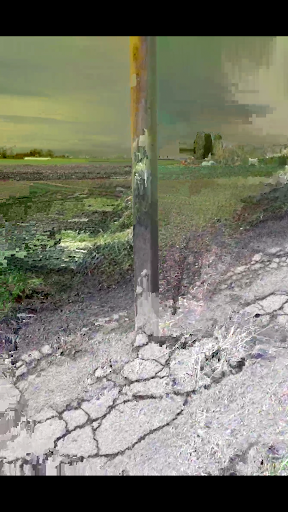
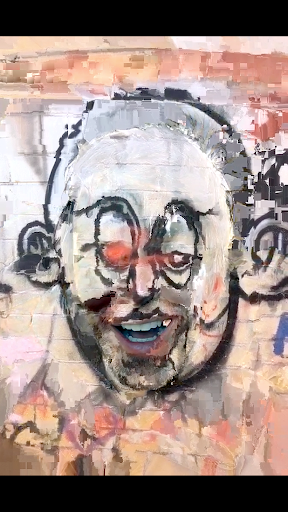
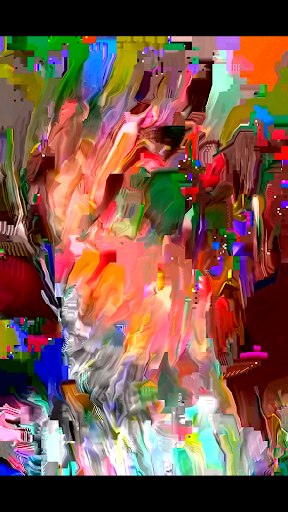
With MoshUp, you can perform live datamoshing directly on your phone, creating mesmerizing visual effects. The app enables you to film one scene, then switch to a different subject, with the first recording being transformed by the motion from the second. This technique generates captivating mapping effects that are both artistic and surreal. One of the coolest features is the ability to hold down the screen to repeat the last frame, resulting in glitchy, looping visuals that are perfect for creating unique social media content.
Recent updates have expanded MoshUp's capabilities—users can now import videos directly from their gallery, allowing for even more creative flexibility. Whether you're looking to craft abstract videos or experiment with visual distortions, MoshUp makes it simple and fun. Keep in mind that since the app is still in development, it might not run flawlessly on all devices. Nonetheless, the development team is dedicated to improving compatibility and performance.
Fun Face-Mashup Features for Entertaining Creations
Beyond datamoshing, MoshUp offers playful face-mashup features that turn your phone into a digital costume party. Ever wondered what it’s like to blend your face with a friend's— or even a celebrity's? This app makes it possible in just a few taps. The process is delightfully straightforward: select a photo or record a video, then use the app's face-morphing algorithms to create hilarious, bizarre, or even eerily realistic face mashups.
Imagine seeing your face seamlessly merged with your pet or a famous star—these comical results are perfect for sharing and generating reactions online. The interface is user-friendly, enabling quick editing and easy sharing to social media platforms like Instagram and Facebook. The app also boasts a variety of filters and effects, ensuring each mashup is truly one-of-a-kind. It’s a great way to entertain friends, spice up your social feeds, or simply have fun experimenting with digital illusions.
Performance, Usability, and Premium Options
Performance-wise, MoshUp runs smoothly across many devices—both new and old—thanks to optimized coding and efficient design. Its intuitive interface allows even first-time users to navigate seamlessly and start creating immediately. The editing tools strike a good balance between power and simplicity, making the app accessible to everyone from tech novices to seasoned content creators.
Some advanced features and effects are subscription-based, providing options for users seeking high-resolution exports and additional creative tools. While the free version is packed with fun, upgrading ensures access to a broader set of effects and better quality outputs. As the app continues to develop, expect more enhancements and new features to enrich your creative experience.
Final Thoughts: Why MoshUp Is a Must-Have Creative App
If you are looking for an entertaining, versatile, and easy-to-use app to experiment with visual effects, MoshUp should be at the top of your list. Its unique ability to perform live datamoshing and create hilarious face-mashups makes it ideal for parties, social media content creation, or simply killing time in an amusing way. The app nurtures your inner artist and comic, encouraging endless creative adventures right from your smartphone.
Despite being still in development, MoshUp offers plenty of features that are both fun and impressive. Whether you're aiming to craft abstract visuals with live datamoshing or share a laugh with your friends through quirky face swaps, this app promises hours of entertainment. Download MoshUp today and start transforming your videos into captivating, glitchy masterpieces—your digital playground awaits!
Pros
- Innovative video morphing effects
- User-friendly interface
- Fast processing speed
- Wide range of filters
- Regular updates
Cons
- Limited features in the free version
- Occasional application crashes
- Requires a high-performance device
- Lack of landscape mode support
- Internet connection needed for full functionality











