

Discover MobiOffice: Word, Sheets, PDF – Your All-in-One Mobile Office Solution
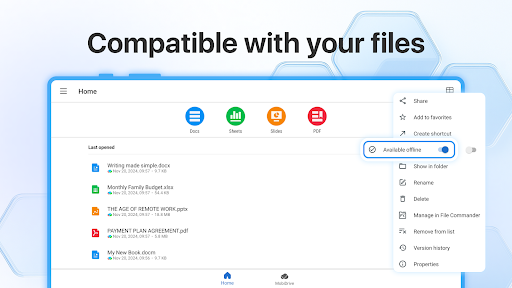
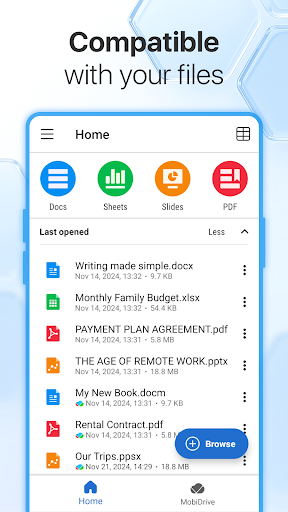
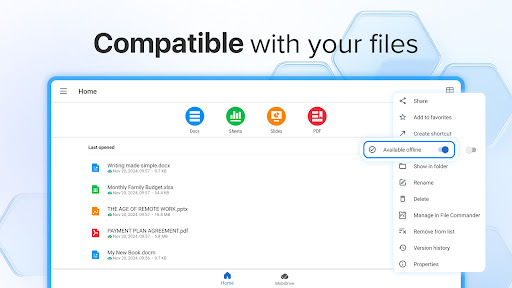
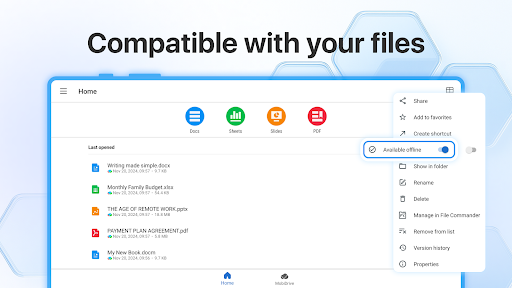
MobiOffice is a versatile, powerful office suite designed to boost your productivity anytime, anywhere. Whether you're creating a document, analyzing data, or managing PDF files, this app serves as your comprehensive mobile office companion. Compatible with popular platforms such as Microsoft Office (Word, Excel, PowerPoint), Google Docs, Google Sheets, Google Slides, OpenOffice, LibreOffice, WPS Office, Polaris Office, Adobe PDF, and many more, MobiOffice ensures seamless file management and editing across various formats. Its intelligent integration with cloud services like Google Drive, OneDrive for Business, Box, and Dropbox makes access to your files effortless, whether you're at home, commuting, or on business trips.
Key Features for Complete Office Productivity
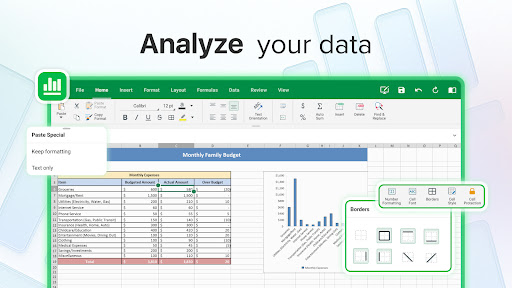
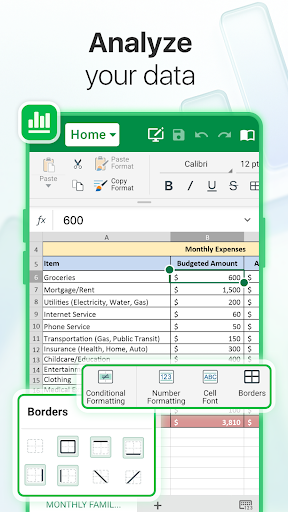
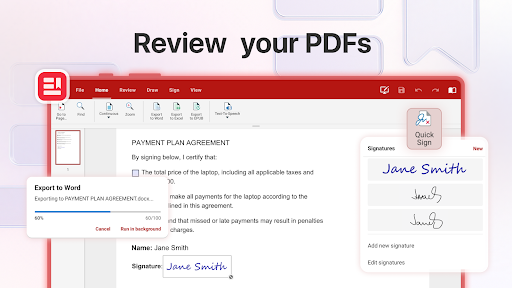
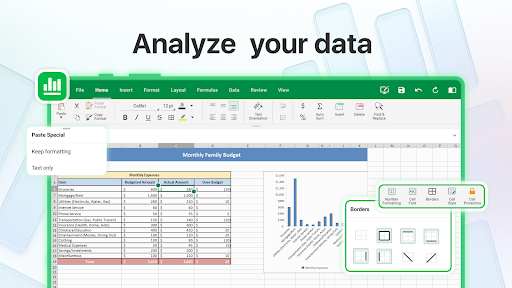
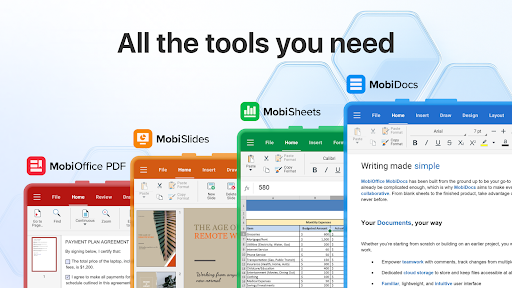
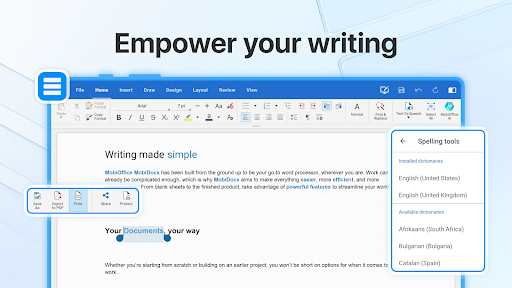
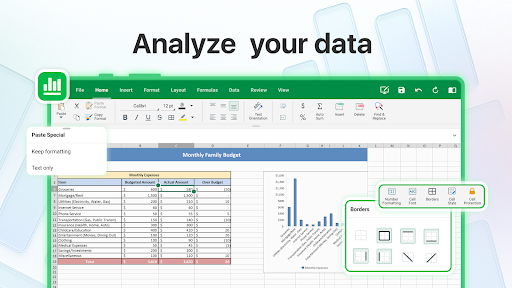
MobiOffice packs a suite of essential tools aimed at handling **any office task** efficiently. From creating new documents to converting files into PDFs, the app offers powerful applications equipped with helpful functionalities. You can apply advanced formatting, use features like format painter, track changes, and conditional formatting to refine your work. The built-in PDF converter allows you to export Documents, Sheets, and Presentations to PDF format easily. Secure your files with advanced security options and manage permissions to keep sensitive info protected. Additionally, the app supports editing, viewing, and signing PDF documents, making it an ideal choice for handling digital contracts, forms, and reports.
Advanced PDF Management
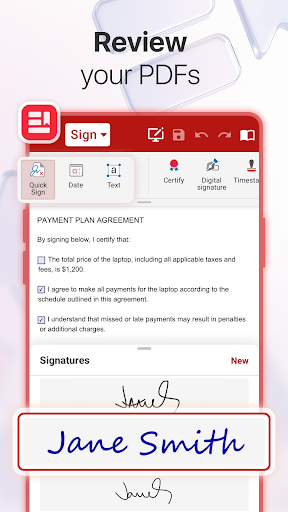
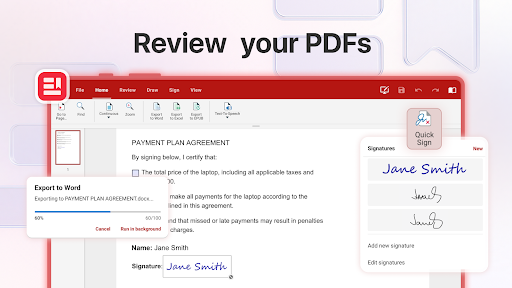
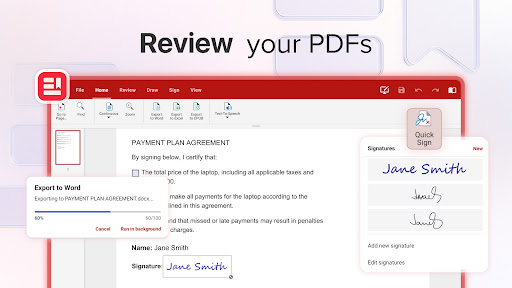
One of MobiOffice's standout features is **comprehensive PDF management**. You can effortlessly view, edit, and fill PDF forms on your mobile device. Need to digitally sign a PDF? MobiOffice simplifies this process with easy-to-use signing tools. Its PDF converter can transform PDFs into Word, Excel, or ePub formats, enabling further editing or distribution. Enhanced security features help manage permissions and keep your documents safe, whether you’re working on sensitive files or sharing confidential information securely.
Work On-the-Go with Cloud and Cross-Platform Compatibility
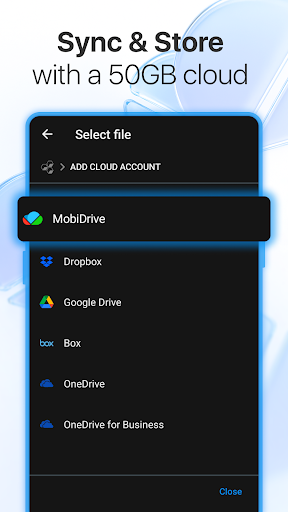
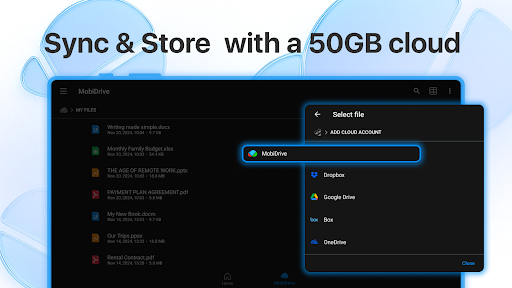
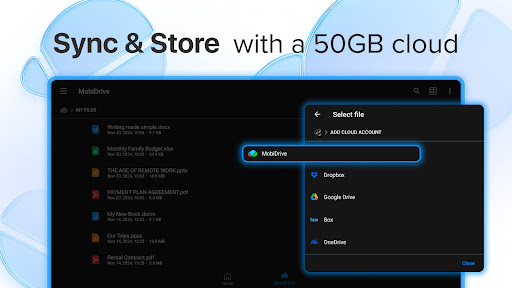
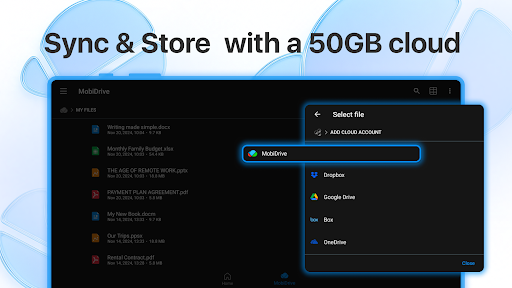
Designed for mobile productivity, MobiOffice allows you to link your cloud storage accounts—Google Drive, OneDrive for Business, Box, Dropbox, and MobiDrive's 5GB free storage—making your files accessible across all devices. The app seamlessly connects your Windows PC with Android and iOS smartphones and tablets, ensuring you can work consistently across platforms. Its user-friendly interface, optimized for the latest Android version, provides a practical experience whether you're editing a document during a commute or preparing a presentation on a tablet. Compatibility extends to many file formats, including Microsoft Office, Google Docs, OpenOffice, Apple’s iWork, and more, to ensure smooth workflow transitions.
Create and Edit Files with Ease
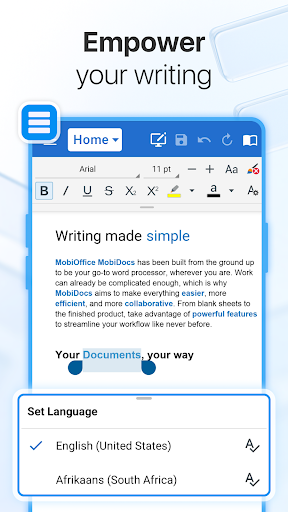
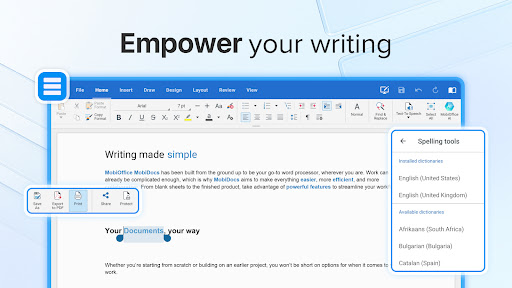
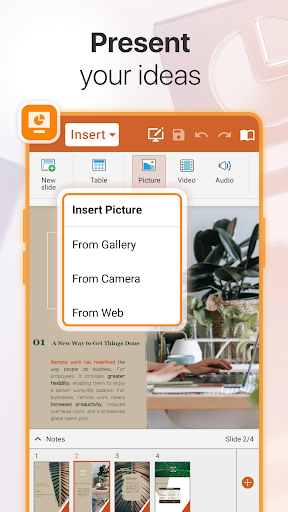
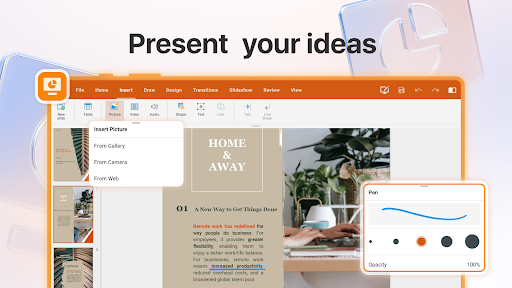
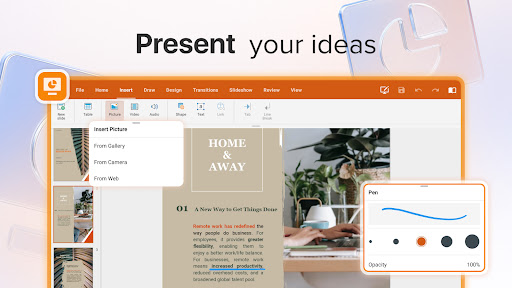
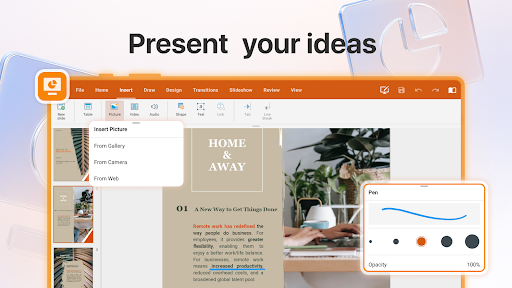
With MobiOffice, editing Word documents, Excel spreadsheets, PowerPoint presentations, and PDFs is straightforward. The app equips you with all the essential tools for formatting, inserting images, and making real-time edits. Its collaboration features enable you to comment and track changes instantly, facilitating teamwork even when members are remote. Convert your files into PDFs effortlessly and manage multiple document types from one unified app, keeping your productivity on track regardless of your location.
Experience the Power with a Free Trial and Flexible Plans
Try out MobiOffice risk-free with a 7-day free trial that grants access to premium features like advanced document editing, PDF management, and more. After the trial, choose from flexible pricing options—monthly or annual—to suit your specific needs. Whether you're a student, a professional, or someone who needs a reliable mobile Office suite, MobiOffice provides a powerful set of tools including a robust document editor, spreadsheet functionalities, and seamless cloud integration. Its premium benefits include 5GB cloud storage, unlimited PDF conversions, access on multiple devices, and an ad-free experience with priority support.
Why MobiOffice Is Your Ultimate Document Companion
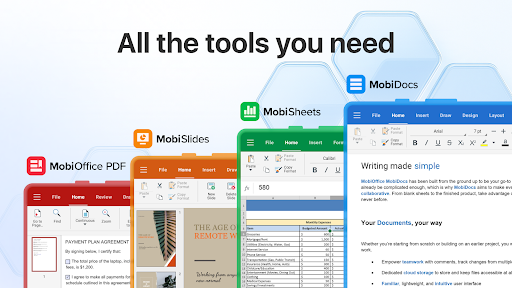
Ever found yourself needing to work on a document but lacking access to your desktop? MobiOffice: Word, Sheets, PDF turns your mobile device into a full-featured office workstation. The app's sleek and intuitive interface makes navigating between word processing, spreadsheets, and PDF management straightforward—even for non-tech-savvy users. You can draft, edit, review, and sign documents with ease, making it ideal for busy professionals, students, and anyone who needs to stay productive on the go.
The All-in-One Solution for Modern Work Life
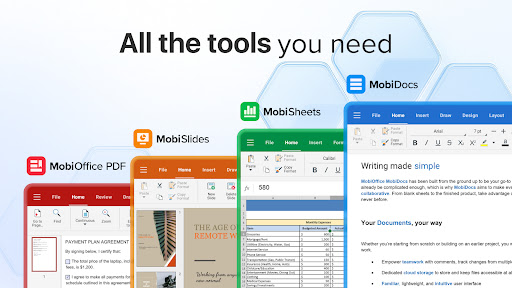
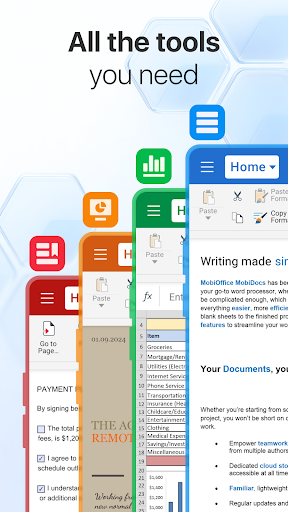
No matter the task, MobiOffice excels at handling diverse document types smoothly. Its robust editing tools for Word, Excel, and PowerPoint files ensure you can work efficiently on the move. The integrated PDF features—viewing, editing, signing, and converting—save you from juggling multiple apps. Plus, the ability to link cloud accounts guarantees your files are always accessible and synchronized across devices. This comprehensive mobile office app enhances collaboration, streamlines workflows, and keeps you productive, whether you're in the office, at home, or traveling.
Pros
- User-friendly interface that makes navigation easy
- Supports various file formats effortlessly
- Allows offline access to documents
- Offers integrated cloud storage options
- Regularly updated with new features
Cons
- Some features require a paid subscription
- Occasional lag when handling large files
- Limited availability of advanced editing tools
- Ads can be distracting in the free version
- Compatibility issues with certain file types











