


Discover the Power of Microsoft Power BI
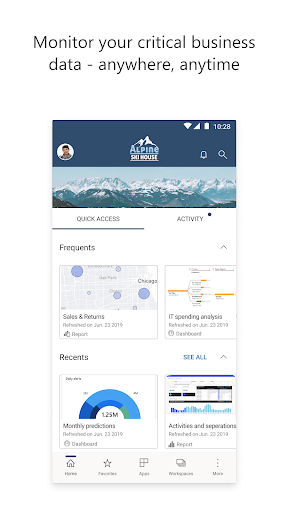
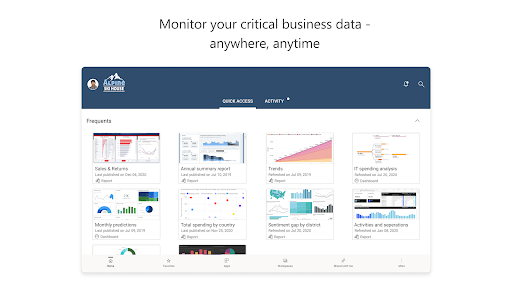
Microsoft Power BI is an industry-leading business intelligence and data visualization tool designed to transform complex data into insightful reports and interactive dashboards. Whether you're a small business owner, data analyst, or enterprise professional, Power BI helps you make informed decisions with ease. Available on both Android and iOS devices, the Power BI mobile app enables users to access and analyze their data anytime, anywhere, making it an indispensable tool for on-the-go data-driven decision-making.
Main Features and Benefits of Power BI Mobile App
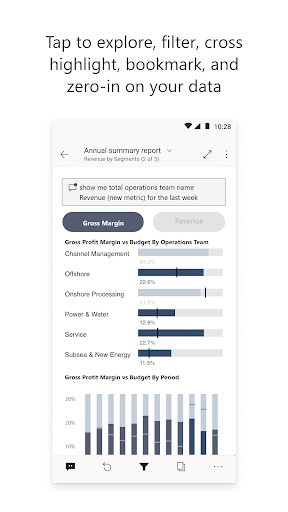
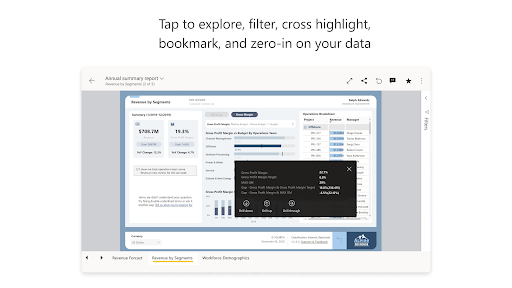
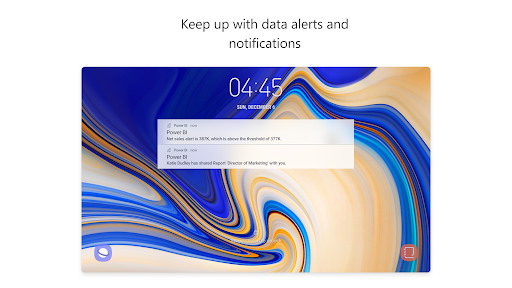
With the Power BI app, you can effortlessly connect to a wide range of data sources, including spreadsheets, cloud services, and on-premises databases. The app’s intuitive interface allows you to explore your data through features like filtering, focusing on key metrics, and easily navigating dashboards. One of the standout capabilities is real-time data alerts, which notify you instantly when important metrics change, ensuring you stay updated without constantly checking your reports.
Seamless Data Access and Sharing
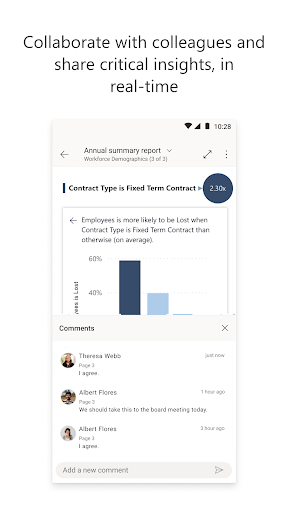
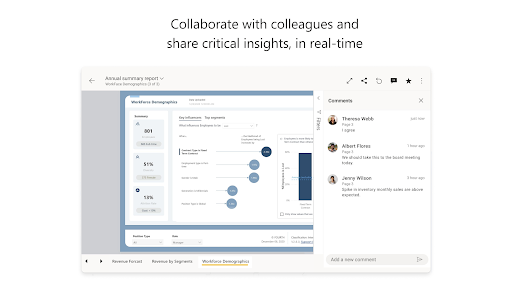
Power BI's mobile app allows you to securely access your data from any location, ensuring your insights are always at your fingertips. You can annotate reports, add comments, and share visualizations effortlessly, fostering collaborative decision-making across teams. Using QR code scanning, users can quickly pull real-world data into the app context, bridging digital and physical data sources seamlessly.
Powerful Data Visualization and Analytics
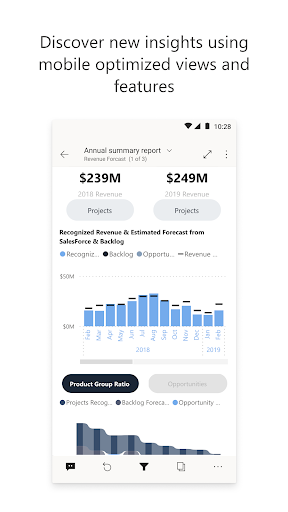
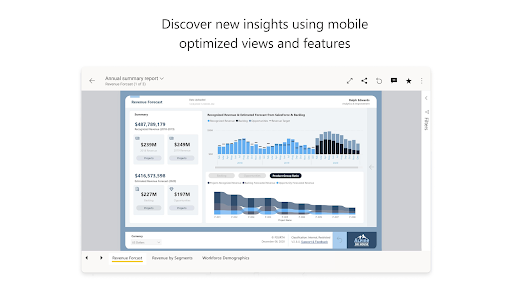
Transform your raw data into compelling visual stories with Power BI's industry-leading data visualization tools. The app supports creating dynamic dashboards that update automatically, providing real-time insights into your business metrics. Its AI-powered features help uncover hidden trends and patterns, acting like a virtual data scientist in your pocket. This combination of visuals, alerts, and AI insights empowers users to make smarter, quicker decisions.
Ease of Setup and User Experience
Getting started with Power BI is quick and straightforward. Once you've downloaded the app and logged in, you can connect to multiple data sources without extensive configuration. The drag-and-drop report creation makes it accessible even for users with limited technical expertise. Whether you’re reviewing sales data, website analytics, or operational metrics, Power BI provides a smooth and user-friendly experience.
Enhanced Data Security and Privacy
Security is a top priority in Power BI. The app includes robust measures to keep your data protected, whether it’s stored locally or in the cloud. You can set data alerts, control sharing permissions, and access on-premises data securely, ensuring compliance and data privacy are maintained at all times.
Why Choose Microsoft Power BI?
Choosing Power BI means equipping yourself with a comprehensive business intelligence suite that includes Power BI Desktop, the web service, and mobile applications. This integrated approach ensures you can start analyzing your data instantly, with minimal setup, and stay connected to your data ecosystem wherever you are. Its powerful features, ease of use, and security make it a perfect solution for anyone seeking to harness the full potential of their data.
Conclusion
If you're looking to turn raw data into actionable insights quickly and effortlessly, the Microsoft Power BI mobile app is your ideal companion. It combines flexible data access, real-time alerts, interactive visualizations, and collaboration capabilities—all in a secure environment. With Power BI, you can make confident decisions on the go, stay ahead of your competition, and unlock the true value of your data anytime, anywhere.
Pros
- User-friendly interface
- Reliable data connectivity
- Customizable dashboards
- Access to data in real-time
- Extensive analytics tools
Cons
- Steep learning curve
- Limited free features available
- Occasional performance problems
- Complex data modeling process
- Internet access is required











